Animal Auctions v 1.0


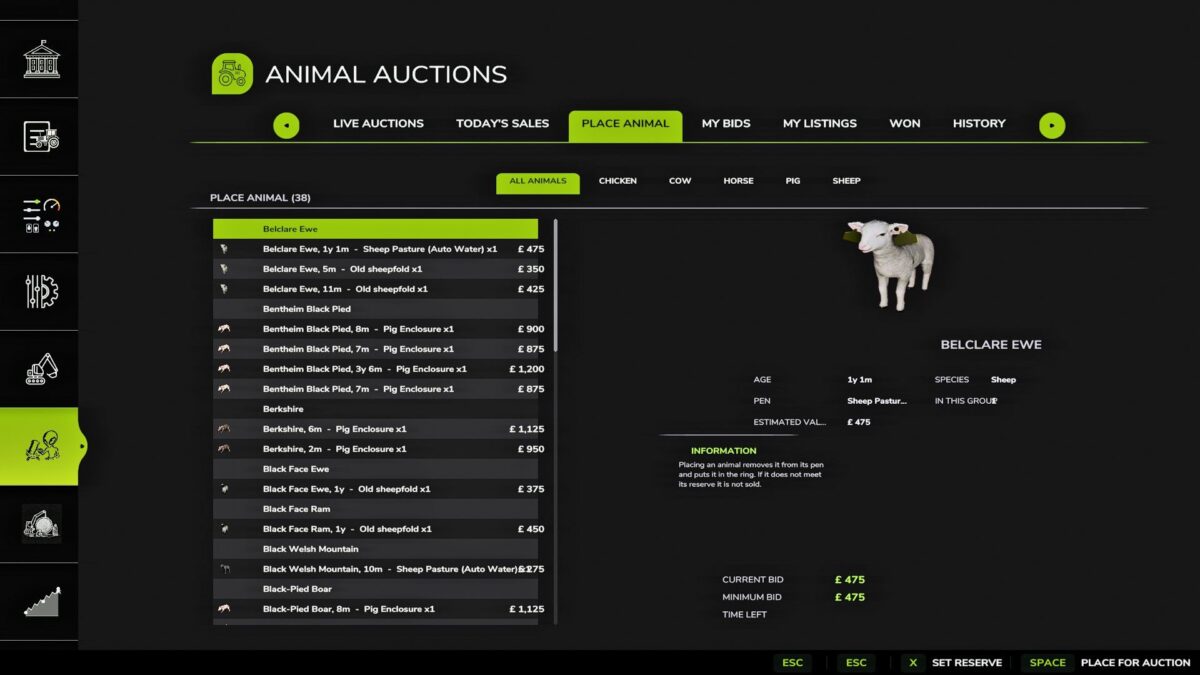
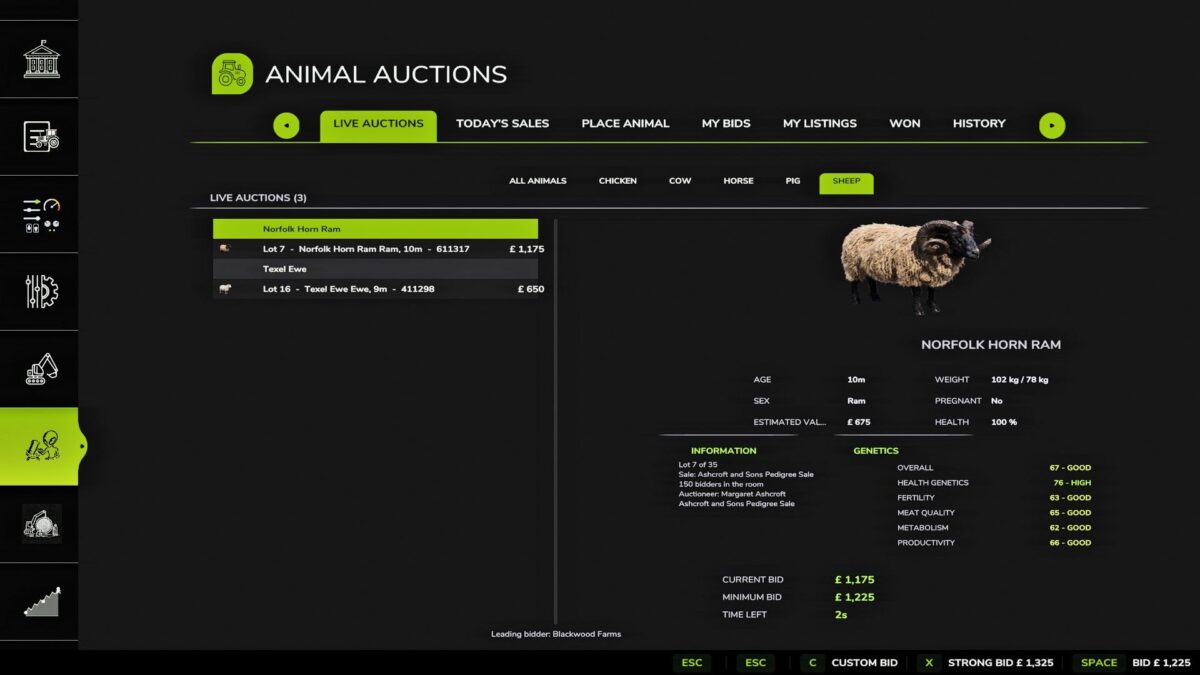
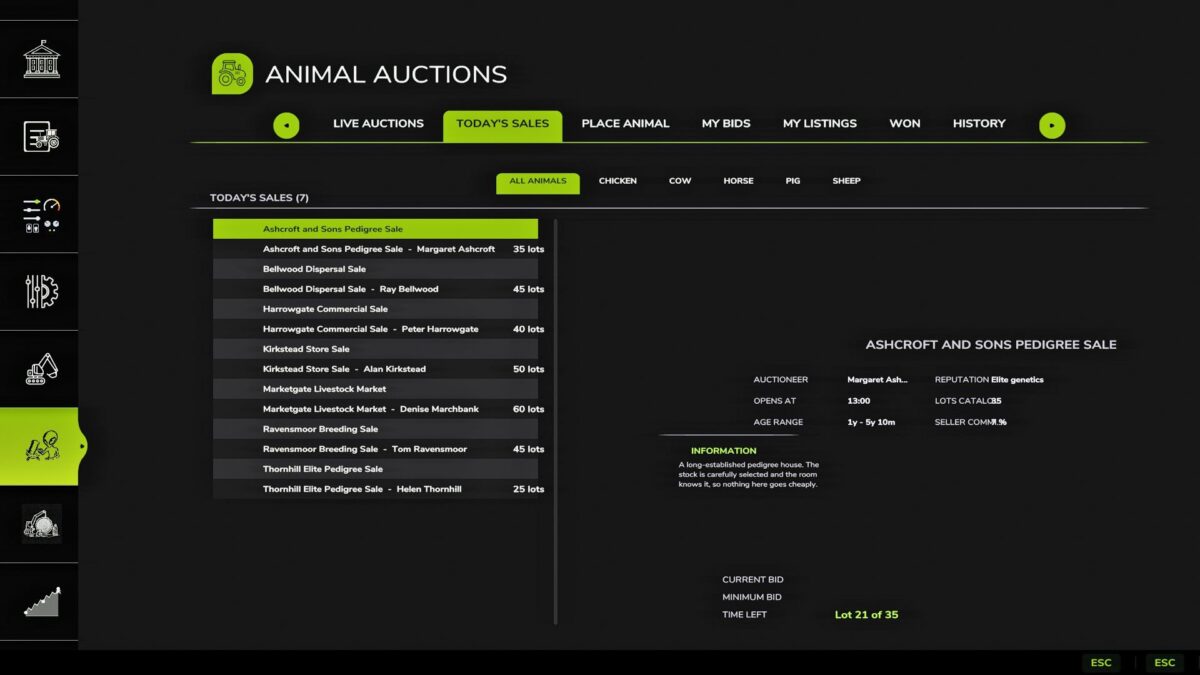
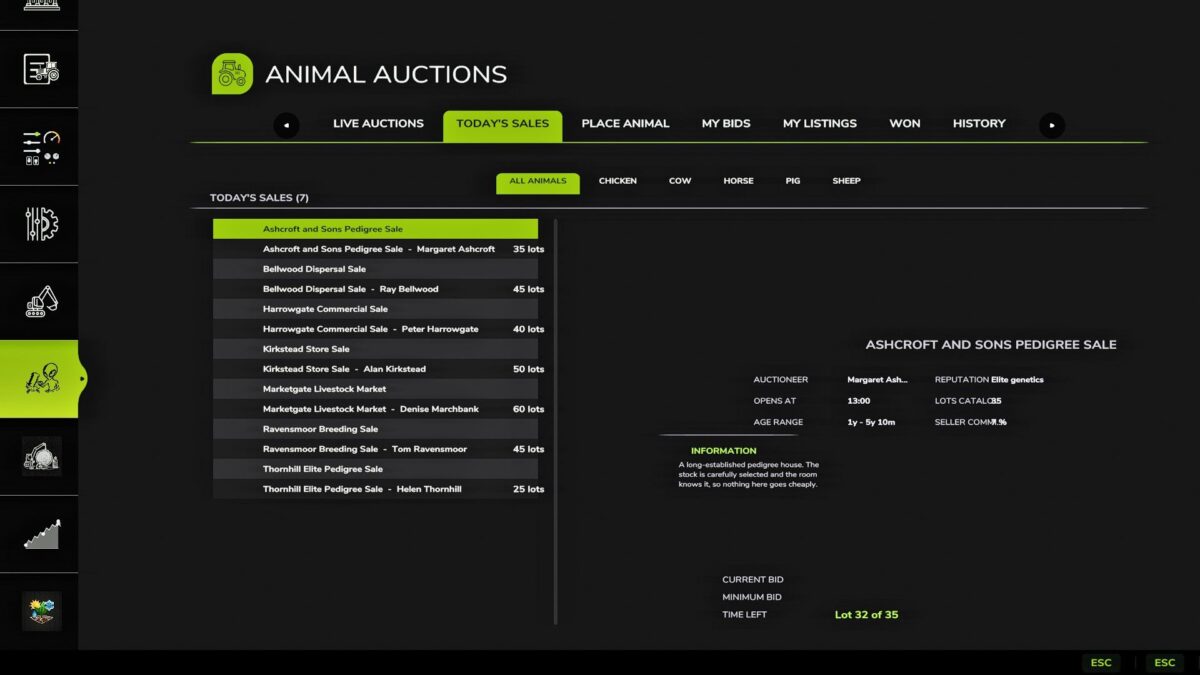
Animal Auctions is designed to bring a more realistic and immersive auction system into Farming Simulator.
The system is also integrated with Real Calendar, meaning auctions can take place on specific days of the week rather than simply being available whenever you want them.
This gives your farm more of a weekly routine.
You might know that Monday is cattle auction day, another day could be for different livestock, and perhaps Saturday becomes the day you take your animals to market. The idea is to make the world feel like it has its own schedule rather than everything being available 24/7.
Current Features & Integrations
Real Calendar integration
Auctions can be scheduled around specific days of the week.
Gives auctions a proper place within your farming schedule.
Works alongside the Real Calendar system to add more immersion.
Realistic Livestock integration
Animal Auctions has been developed with compatibility for Realistic Livestock.
A massive shout-out to Ritter for the inspiration and work that went into Realistic Livestock.
Ritter was one of the people who inspired me to start modding after the fall of Arrow, and I wanted to acknowledge that influence.
Animal Pack compatibility
Animal Auctions is also designed to work with the animal packs made for Realistic Livestock.
This means the foundation is there to expand the auction system beyond the standard livestock available in the base game.
The Roadmap
This is only the foundation.
Now that the core auction system is in place, the next stage is building on top of it and expanding what the system can actually do.
Phase 1 — Foundation
Core auction system
Real Calendar integration
Realistic Livestock compatibility
Compatibility with supported animal packs
Bug fixing and stability
Testing and feedback
Phase 2 — More Auction Types
The next stage will be looking at introducing more individual in-game auction systems.
The aim is to create different types of auctions rather than having one basic system for everything.
This could include livestock auctions, specialist auctions and other auction-based systems that fit naturally into Farming Simulator.
Phase 3 — Expansion
Once the individual auction systems are established, I’ll be looking at expanding the features further.
More livestock.
More auction types.
More ways of buying and selling.
More integration with other systems.
More realistic scheduling.
And more reasons to actually plan your farming week around auction days.
The goal is to make auctions feel like an actual part of the farming world rather than simply another feature sitting inside a menu.
Final Stage — The All-In-One Auction System
The final stage of this roadmap is something I’ve wanted to build towards from the beginning:
One complete, all-in-one auction system.
The idea is to eventually bring the different auction systems together into one larger experience, with hopefully fully 3D-modelled assets to go alongside the system.
That could mean dedicated auction environments, buildings, equipment, props and other assets that make the auction experience feel like an actual location within your farming world.
Credits:
Ali3nn