

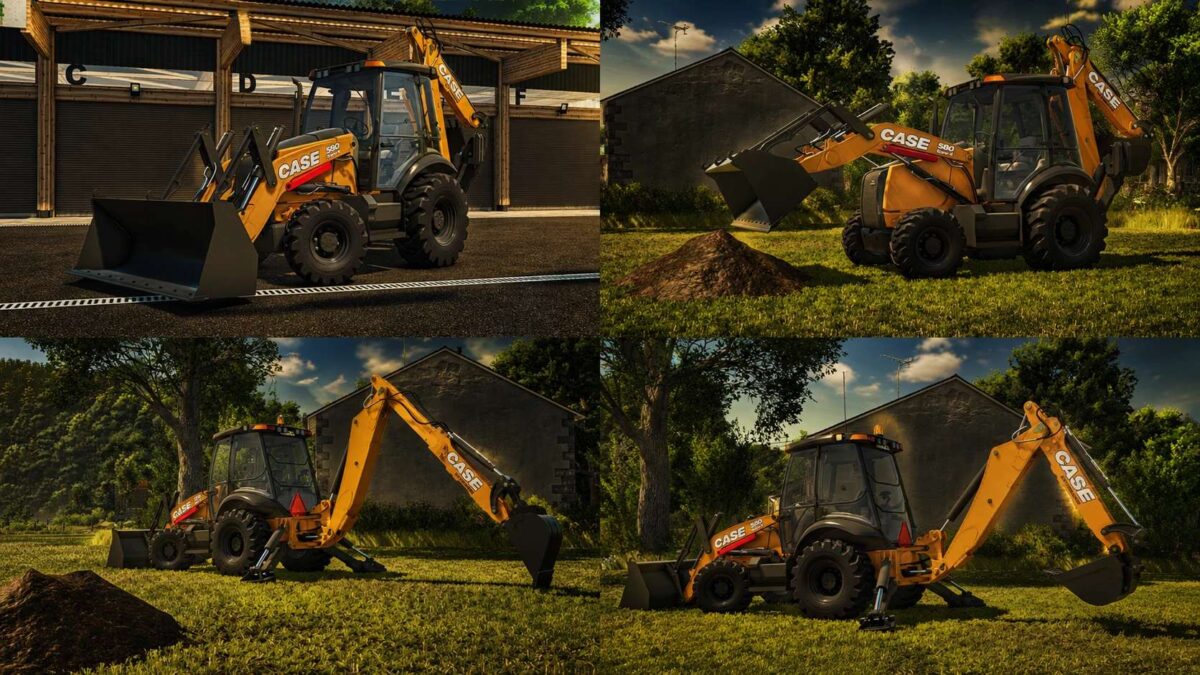
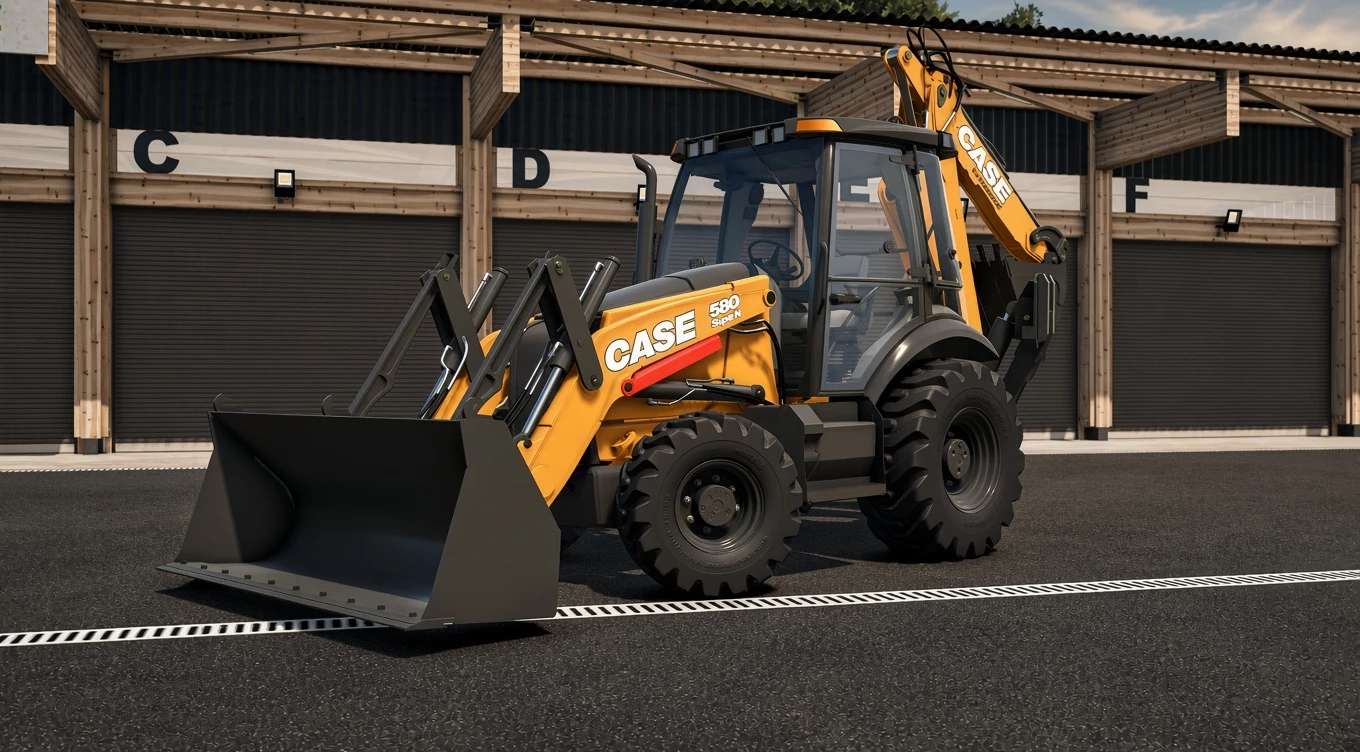
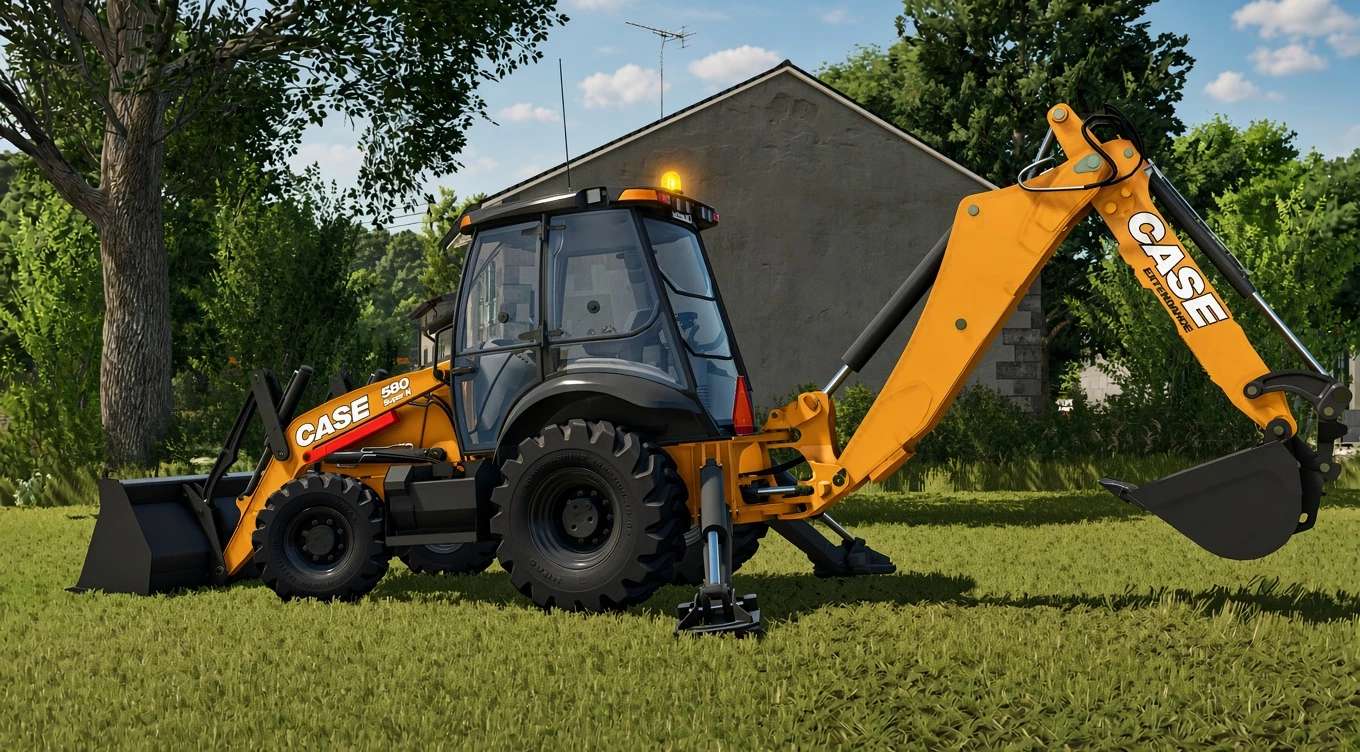
Case 580 SN Deluxe v 1.0


New improved version of the Case 580 Super N, evolved from our previous versions to offer a much more complete and realistic experience in Farming Simulator 25.
In this edition, we have focused especially on the quality and detail of the 3D model, improving different elements of the machine and adding new working possibilities, such as the extendable boom, which allows for greater reach and more precise work.
Main Features
Completely improved 3D model with a higher level of detail.
Extendable boom for increased working reach.
Improved and more detailed cab interior.
Improved textures and materials.
Animations and controls designed for a more immersive experience.
More realistic proportions and components compared to previous versions.
A Case 580 Super N renewed from the ground up in many aspects, keeping the essence of our previous versions while taking a major step forward in quality, detail, and functionality.
Credits:
SeviModding


