

Lohner and Agricultural Trade Tool v 1.0


Compact Tool Perfect for RP Players Working with a Contractor and Agricultural Trading Company
Digital Order Management for Modern Contracting Businesses
PHÖNIX Contracting V3 connects customers and contractors in a clear and easy-to-use system.
Orders can be entered digitally, automatically transmitted to the contractor, and tracked at any time – all without phone lists or paper forms.
Phoenix Contracting V3 connects customers and contractors in a clear and easy-to-use system.
Features at a Glance
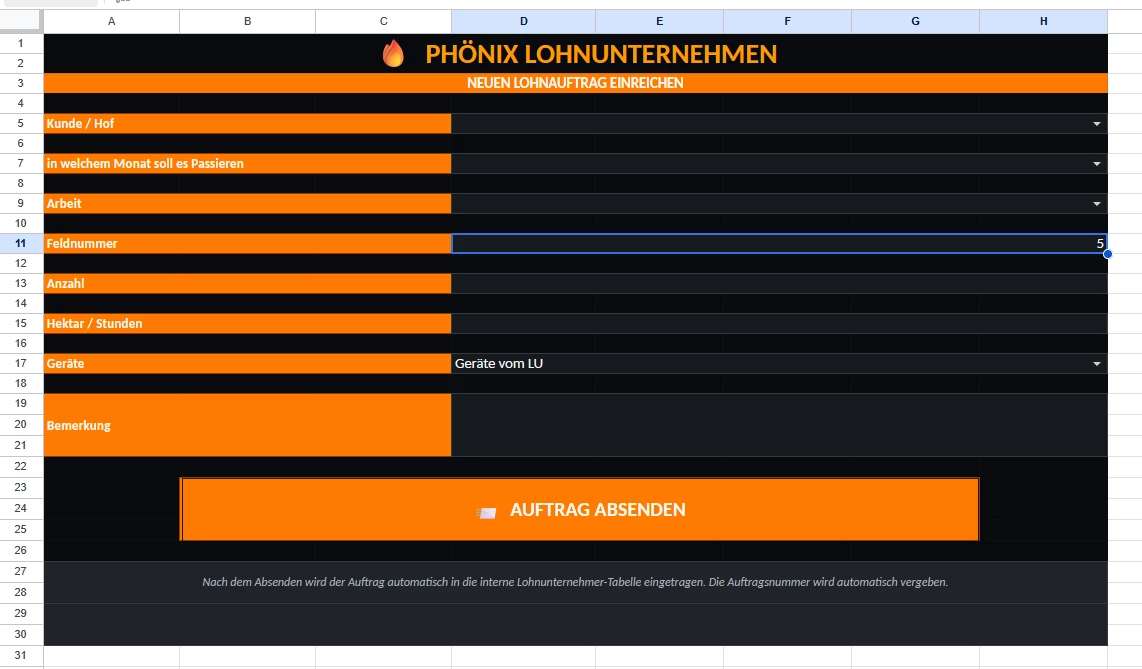
Digital order entry directly by the customer
Automatic transfer of all orders to the agricultural contractor
Centralized order management with unique order numbers
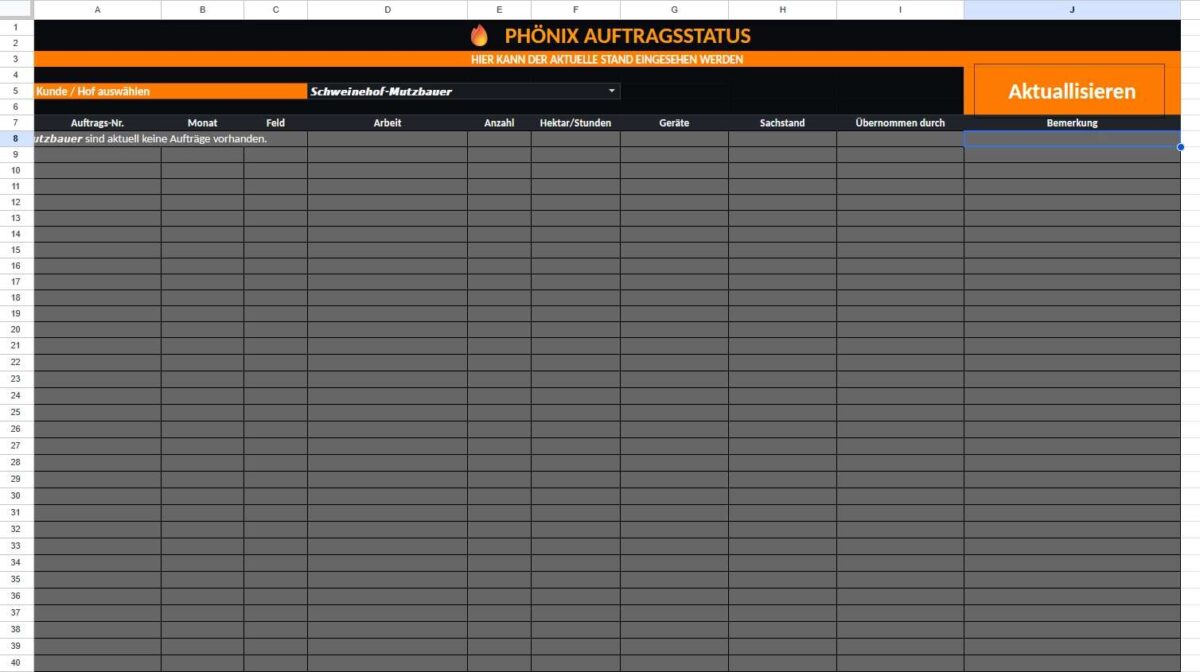
Live order status for the customer
Assignment of an employee to each order
Automatic price and cost calculation
Sales management including archive
Automatic archiving of completed and paid orders
Secure data transfer via a protected web interface
Completely cloud-based with Google Sheets – no additional software required
Benefits
Time savings during order entry
Fewer phone calls and inquiries
Transparent communication between customer and agricultural contractor
Every order is traceable at any time
Easy to use without prior knowledge
Flexible expandability for future features
Who is PHÖNIX suitable for?
PHÖNIX was developed specifically for agricultural contractors, farms, and farm cooperatives
that want to digitize their order management while simultaneously reducing administrative overhead.
Our goal
With PHÖNIX, we are creating a simple, modern, and reliable solution for the daily collaboration between customers and agricultural contractors.
From order creation to archiving, all processes are digital, transparent, and efficient – leaving more time for what matters most.
Credits:
Phoenix112


