
FS25 Misc

Helpers on Credit v 1.0.1.0

Helpers on Credit v 1.0.1.0

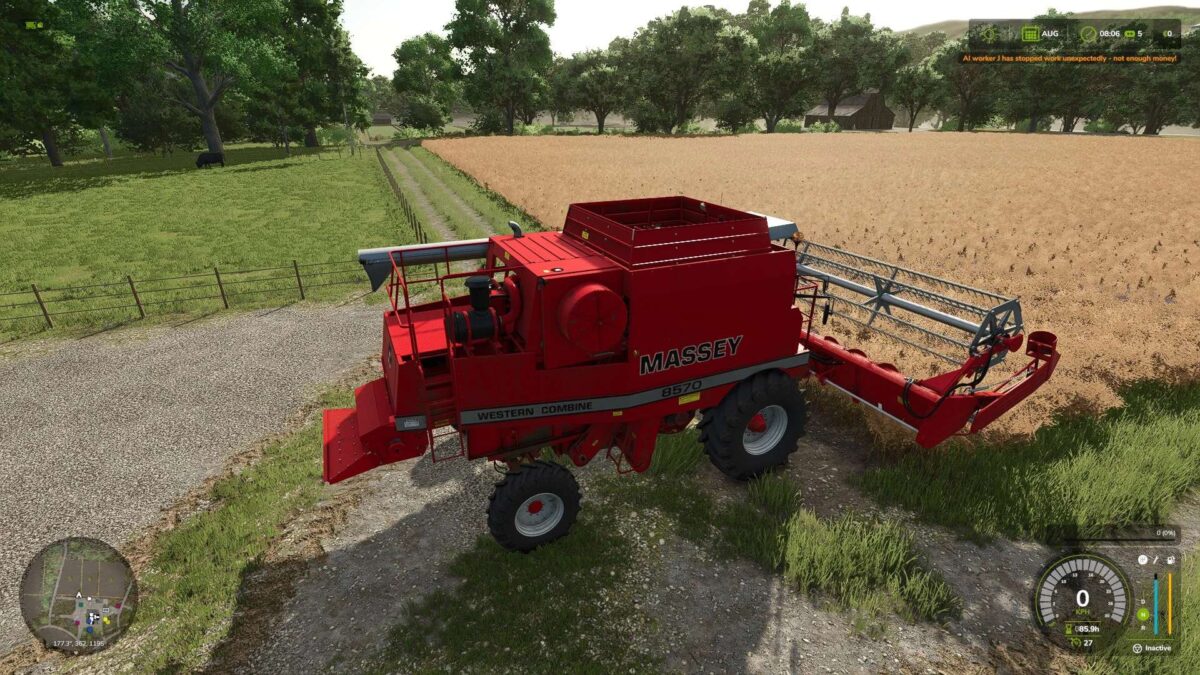
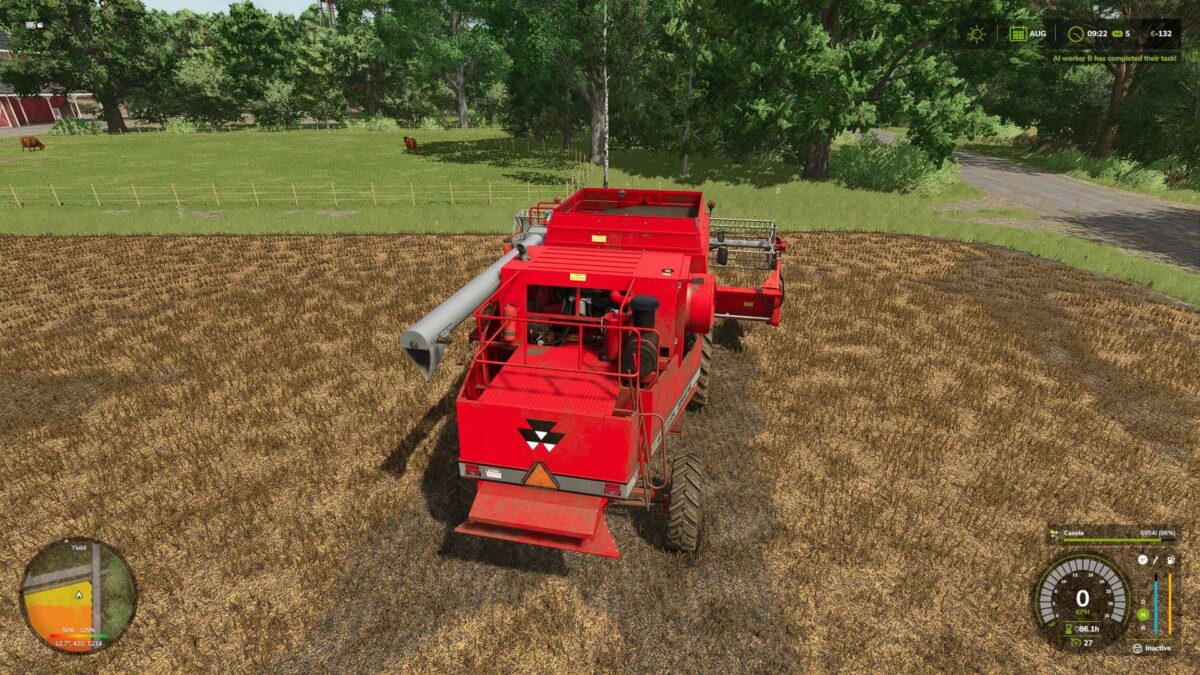
Are you tired of your AI helper quitting just because your account isn’t exactly overflowing?
This mod solves the problem: Helpers (field work and more) will now continue working even if your balance is negative or no longer covers the ongoing costs
In the base game, a helper job is immediately stopped with the message “No more money” as soon as the balance is insufficient
With this mod, costs continue to be deducted as normal, and your account can go into the negative instead of the helper quitting immediately.

Version 1.0.1.0:
* Now also works with AI job types from other mods like Courseplay, not just the helper jobs in the base game

Credits:

Nalathan

How to install FS25 Misc?
Firstly find a mod which you like and want to download. Then download a mod to your PC. Mods are usually in .zip format file. But sometimes it can be in .rar. If a mod file is a .zip format no needed additional actions. If a file is in .rar, then you must unarchive mod with software like WinRar or Zip7. Windows 10 users no need to use software for archives, Win10 itself has a feature to unarchive files.
The next step is to find mods folder in your PC. Usually, it is in Documents/My Games/Farming Simulator 25/2025. Open the "mods" folder and put downloaded .zip archive or unarchived .rar file to this folder.
Last step. Enjoy of FS25 mods!

Leave a Reply

Your email address will not be published. Required fields are marked *