

Combine XPerience v 1.0.2.0


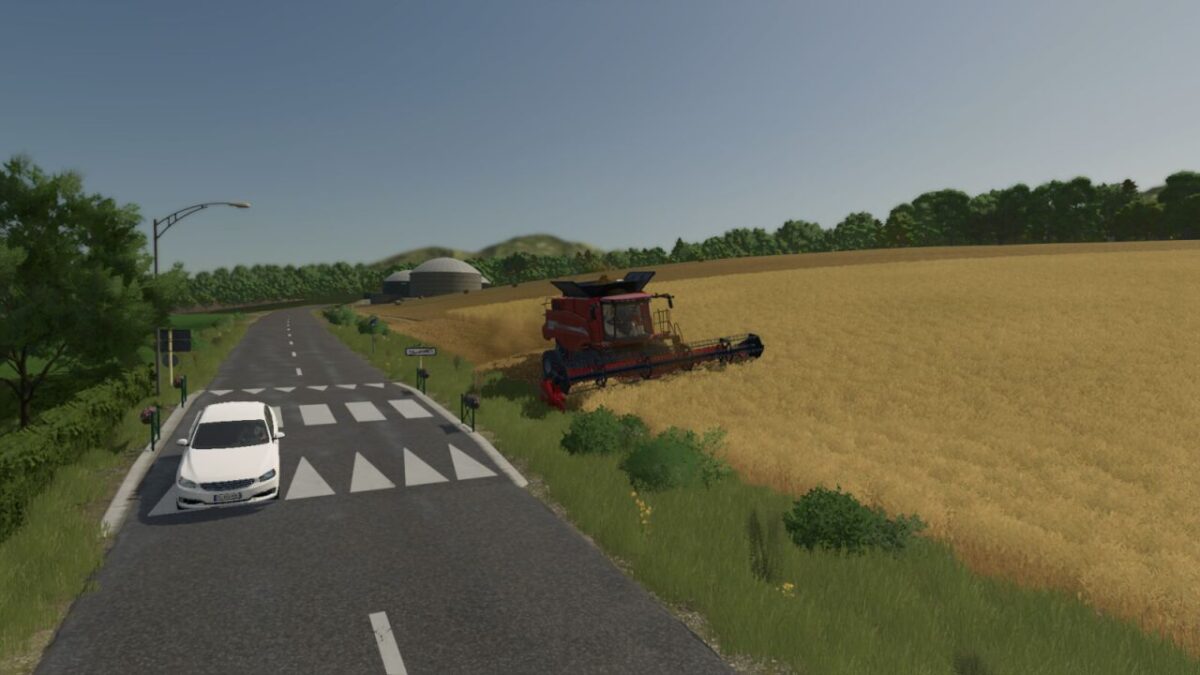
If you’re tired of harvesting any crops with any combine at 10 kph, this mod is for you.
The goal of this mod is to provide a new experience when using combine harvesters in the game to be closer to real life harvesting.
New features:
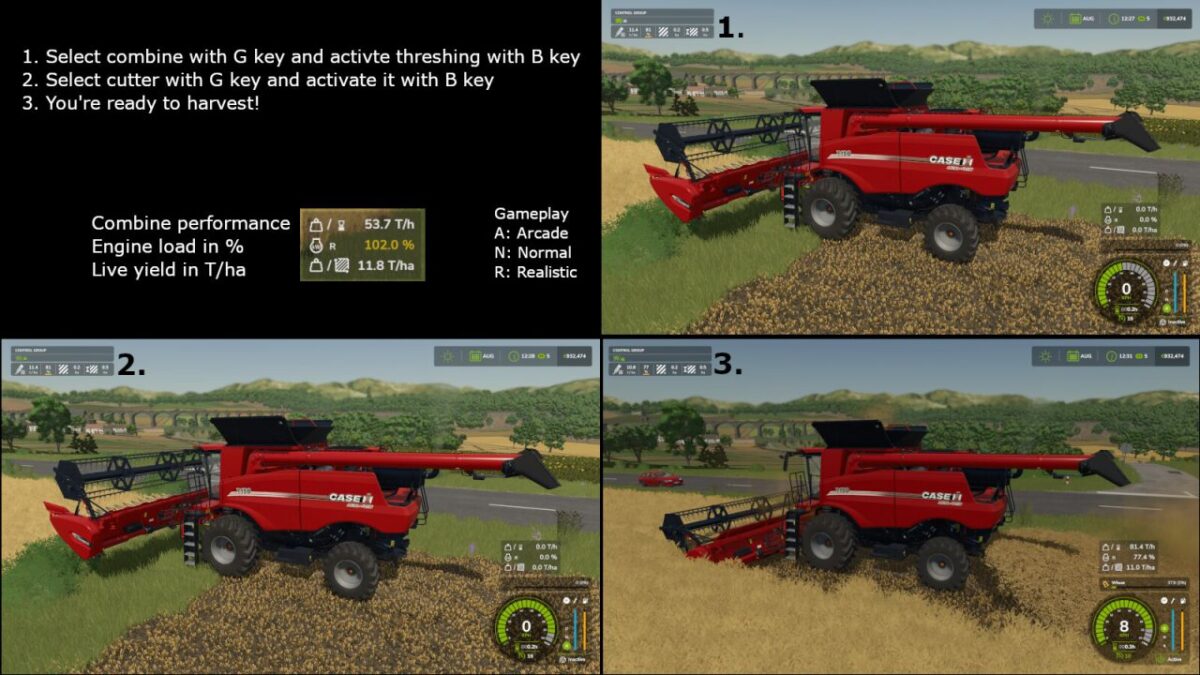
Capability to activate combine and cutter independently as IRL
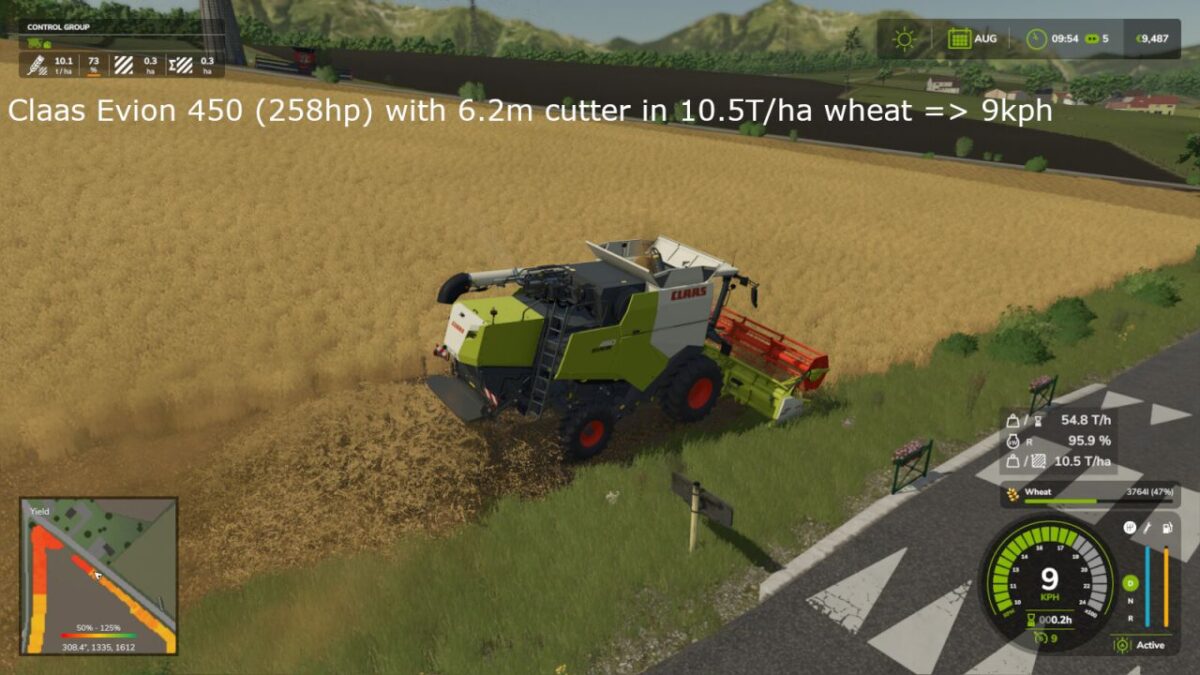
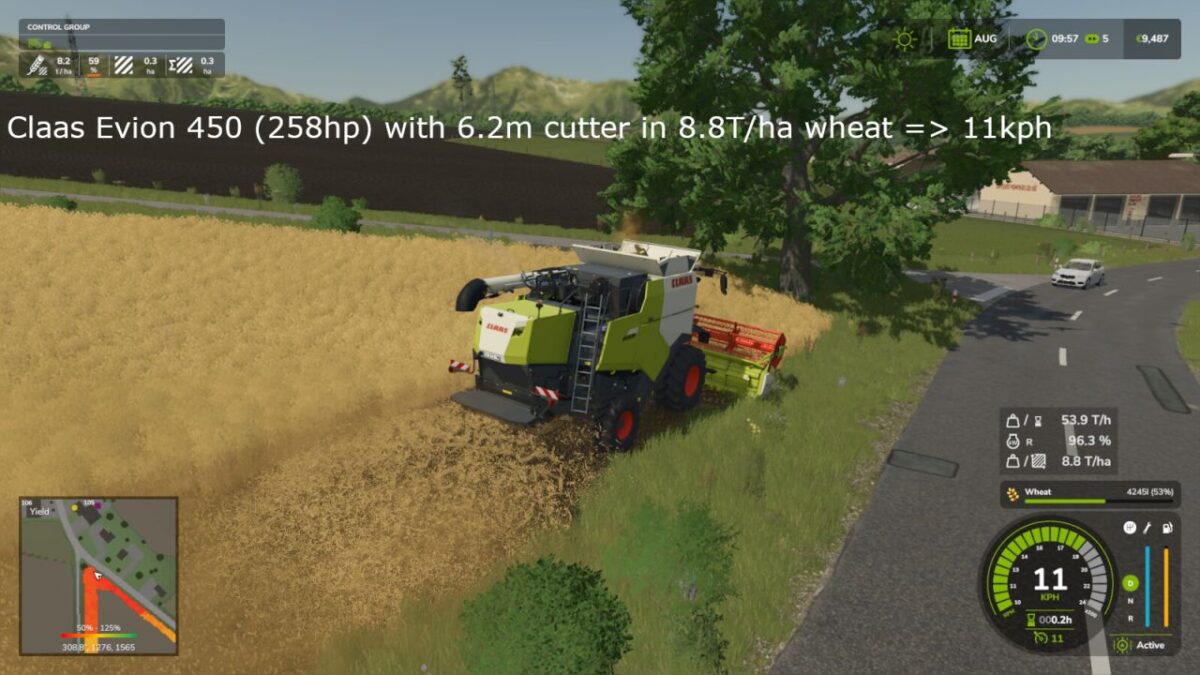
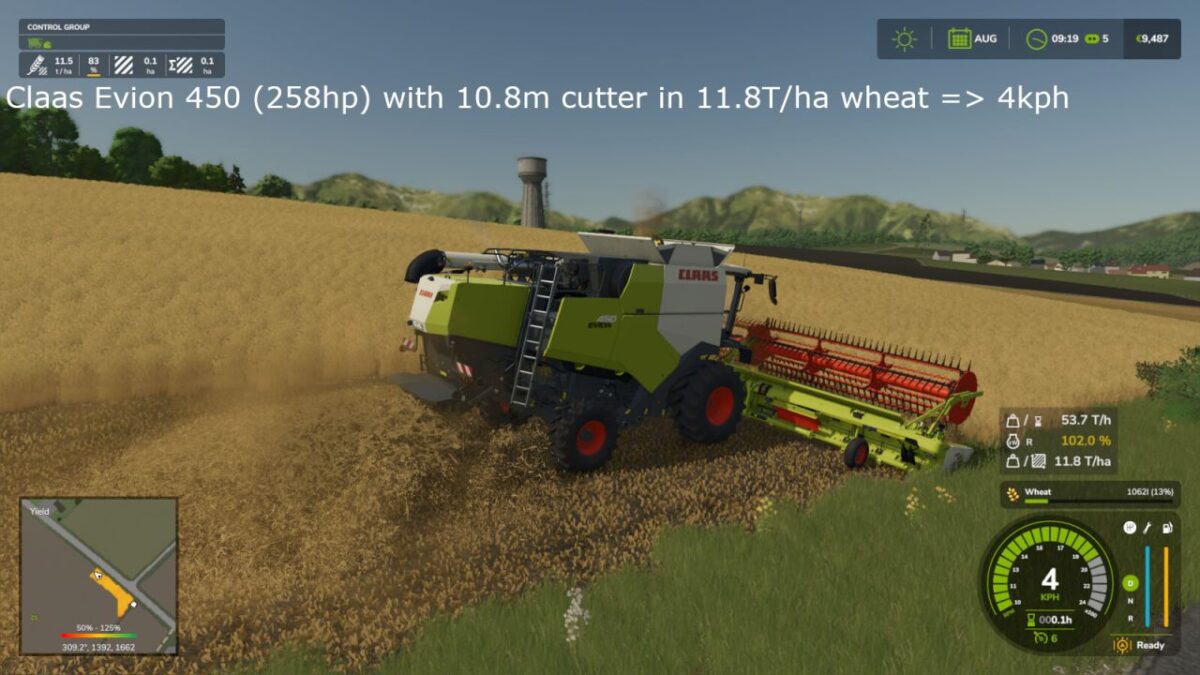
Harvesting speed limit based on material quantity gathered, crop type, combine performance (based on power) and crop moisture depending on time of the day
Display several data in HUD when harvesting: material capacity (T/h), combine load (%), instant yield (T/ha)
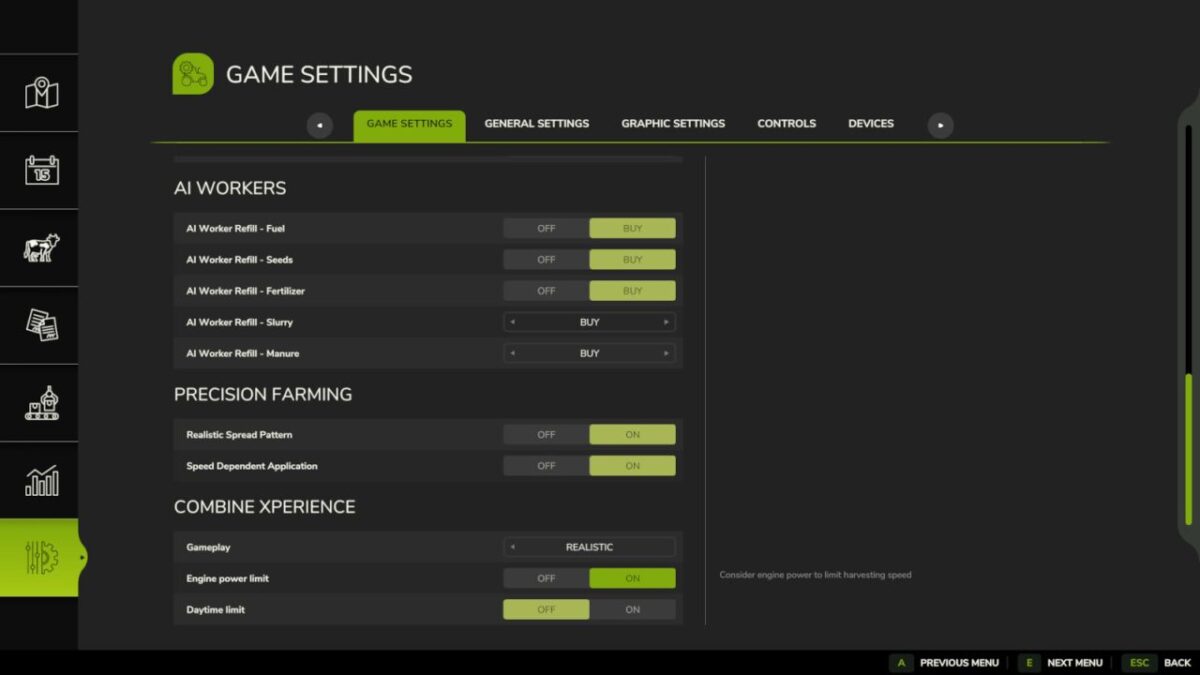
Dedicated settings are available in Game settings to enable/disable specific behavior for your own convenience and specifc parameters like HUD position can be adjusted in combineXP.xml file located in modSettings.
Version 1.0.2.0:
* Fix error with combine vehicle with no category (like in Etruria map) and update german translation
Credits:
yumi


