

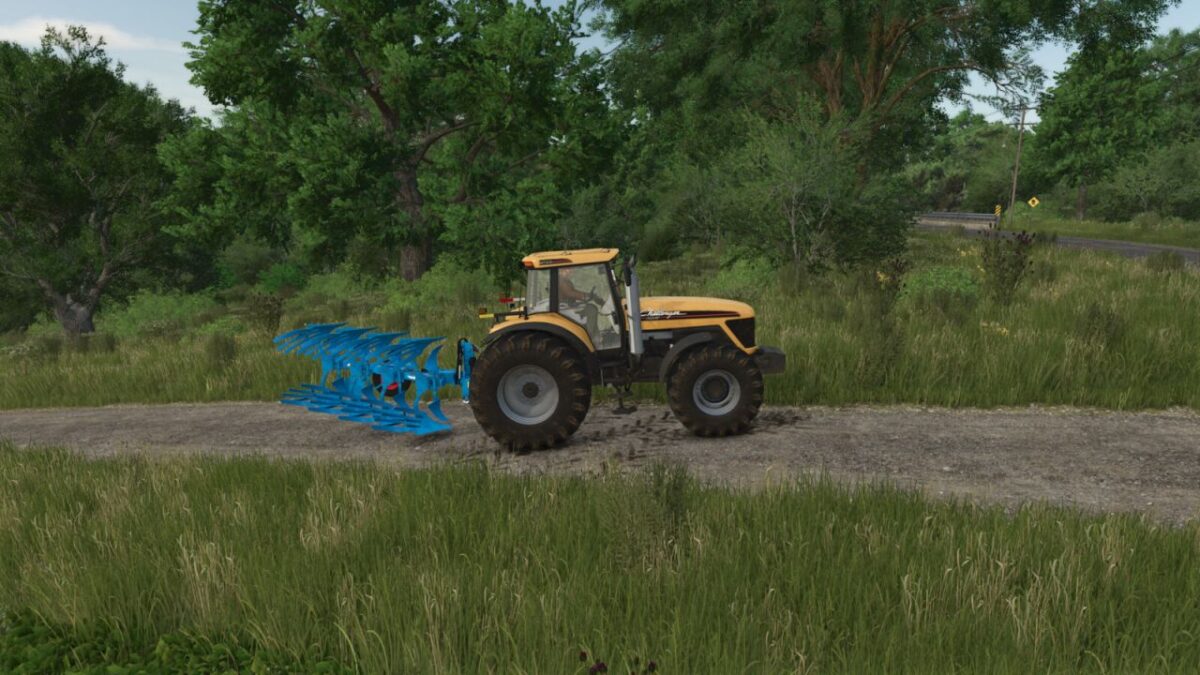
Manual Hydraulic Control v 1.0


Manual Hydraulic Control allows the player to manually raise and lower the hydraulic lifts—just like in real life—and hold them at any desired height.
This is particularly useful when dealing with low shed entrances, as it allows you to lower the implement slightly to clear the opening.
The mod also enables a more active style of operation; for instance, you can fully lower a plow to engage it in the soil.
The base-game “V” key function for raising and lowering remains available, allowing for a hybrid control style.
– Stepless height adjustment: Manual control at the push of a button (hold down = move, release = stop).
– Selection via the “G” button: The currently selected hydraulic system (front or rear) is always controlled.
– Automatic end positions: The system automatically sets the operating status at the end positions (e.g., for plowing or cultivating).
– Full compatibility: The original automatic lift/lower system remains fully functional.
– Realistic operation: The control system is active only when the engine is running.
Additionally, the automatic hydraulic lift function is disabled when attaching an implement. This function can be toggled on or off via a button;
however, the current setting remains active until all attached implements have been detached and reattached (meaning, for example, if you manually lift a rear-mounted cultivator after attaching it,
then reactivate automatic lifting and attach a front weight, that weight must also be lifted manually; the automatic lift function only engages again once all implements have been detached and reattached).
My recommendation is to change this setting only when no implements are attached to the tractor.
Default controls (customizable in the menu):
Numpad 8 = Raise
Numpad 2 = Lower
Numpad 5 = Toggle automatic lift on attach on/off
Credits:
KöllaKind


