

Skoda Kodiaq RS Plus v 1.0.0.4


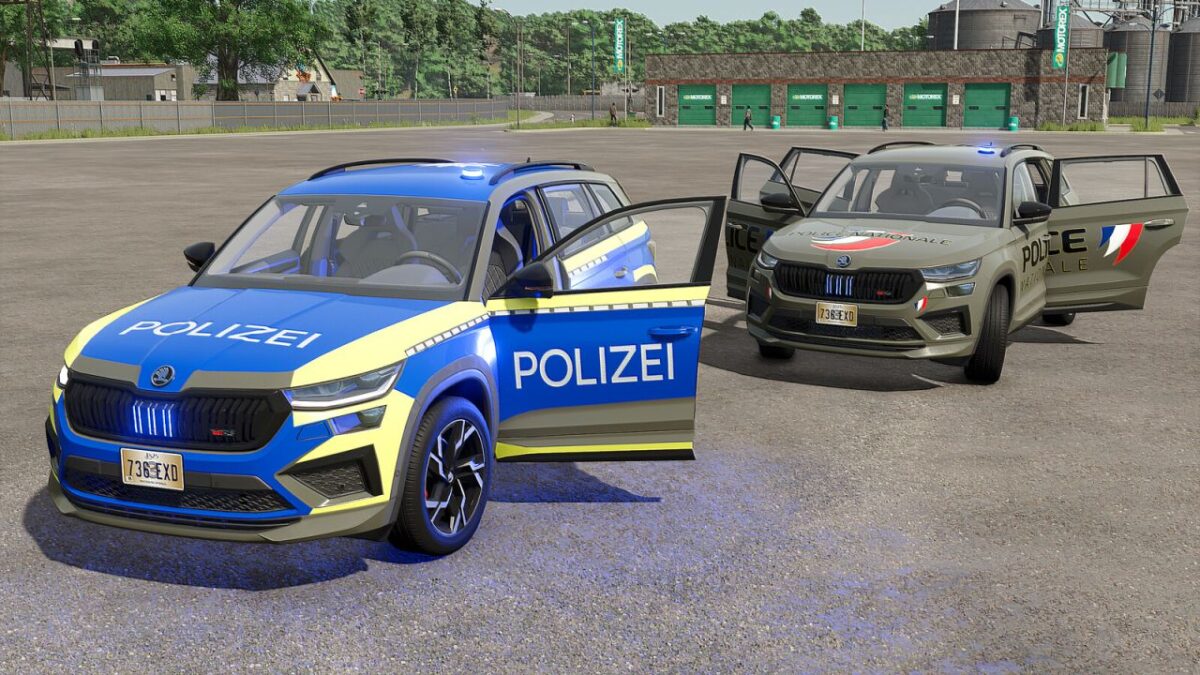
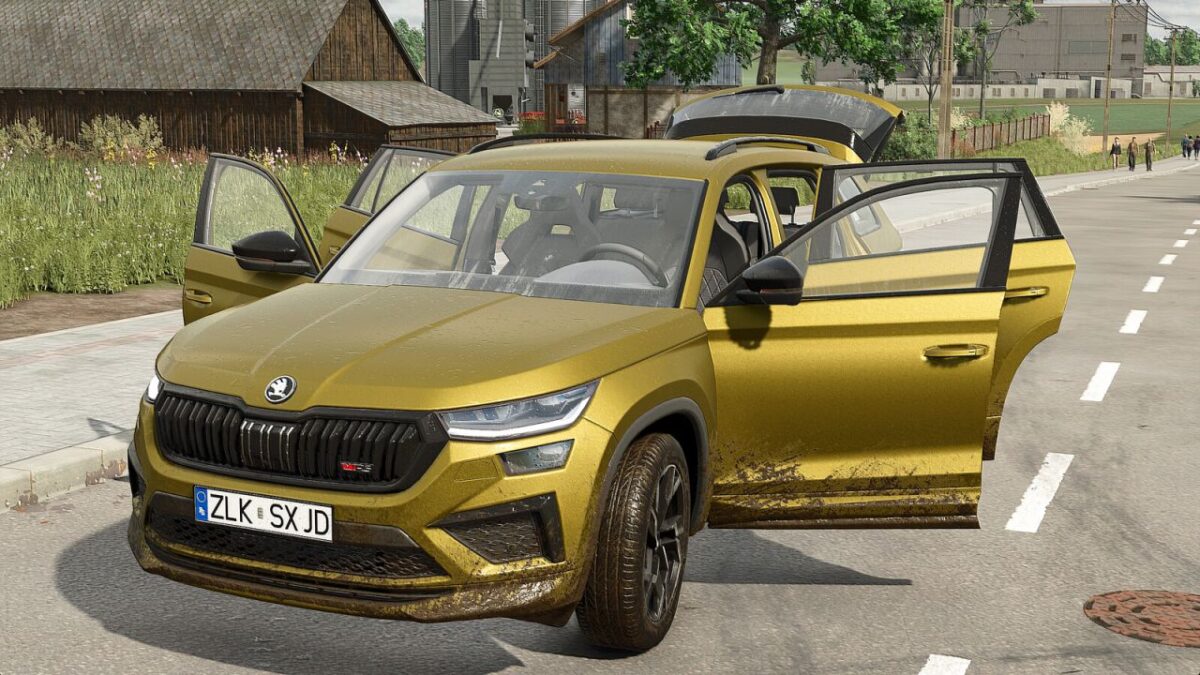
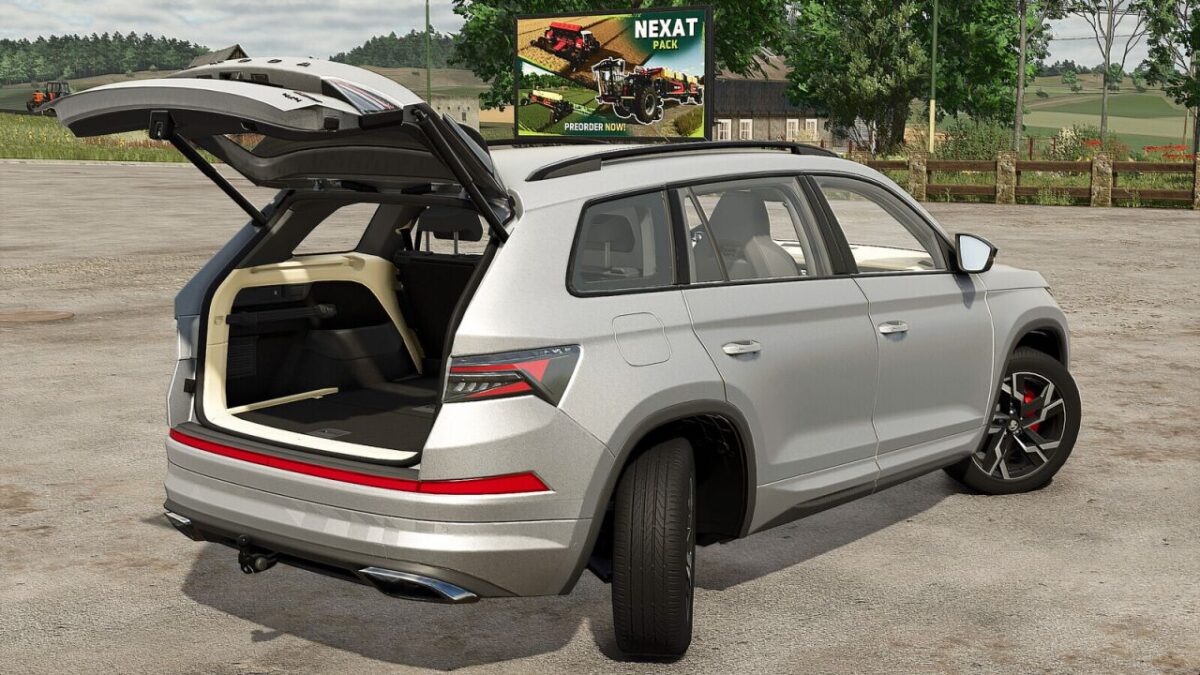
To make your gameplay more immersive, I present to you this Skoda Kodiaq RS, fully modified. This vehicle offers several configurations, including an openable tailgate, providing practical storage space equipped with reinforced fastening systems to securely hold your luggage.
Additionally, this car features numerous realistic animations, such as a functional light switch (activated when the headlights are on), door opening, and much more.
Configurations:
Wheels
Windows
Parcel shelf
Body color
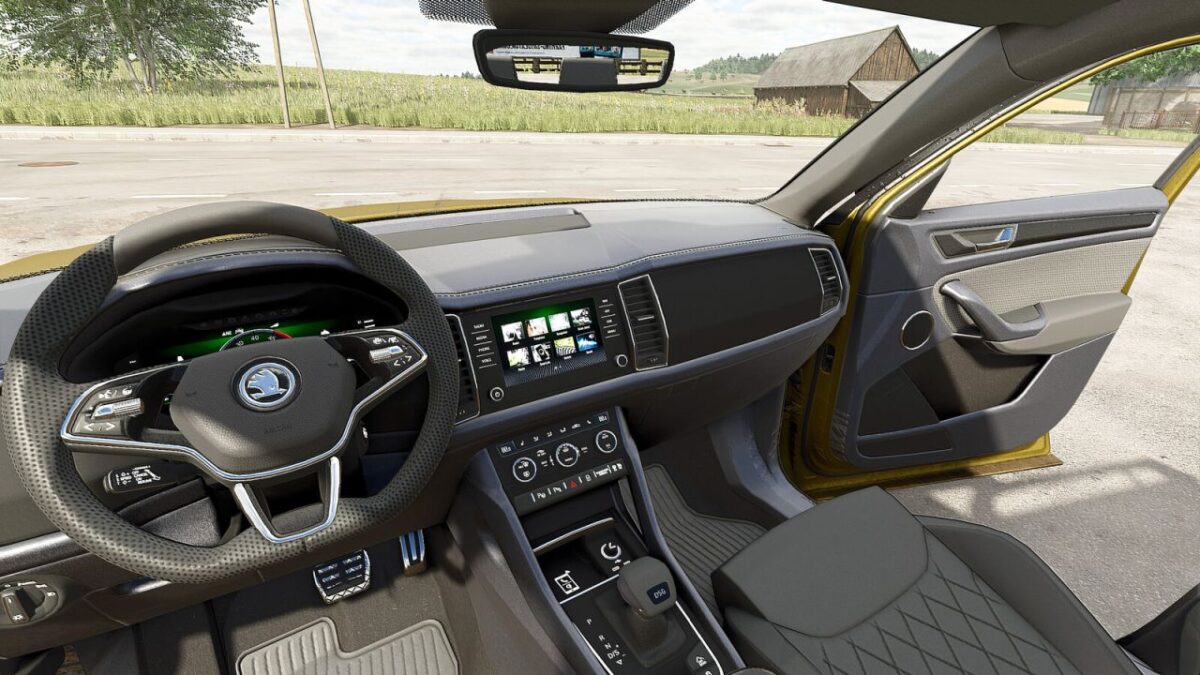
Interior color
Available animations (mouse-controlled):
Opening of all doors
Adjustment of the driver’s seat
Adjustment of the steering wheel
Opening of the tailgate
Shop category: Cars
Price: 39,000 $
Power: 190 hp
Maximum Speed: 180 kph
Version 1.0.0.4:
* The option to switch between 2-wheel steering and 4 wheel steering has been removed
* The vehicle now always uses 4-wheel steering, with a more realistic rear wheel steering angle
Credits:
Just Farming


