

Skoda Enyaq Coupe Plus v 1.0.0.2


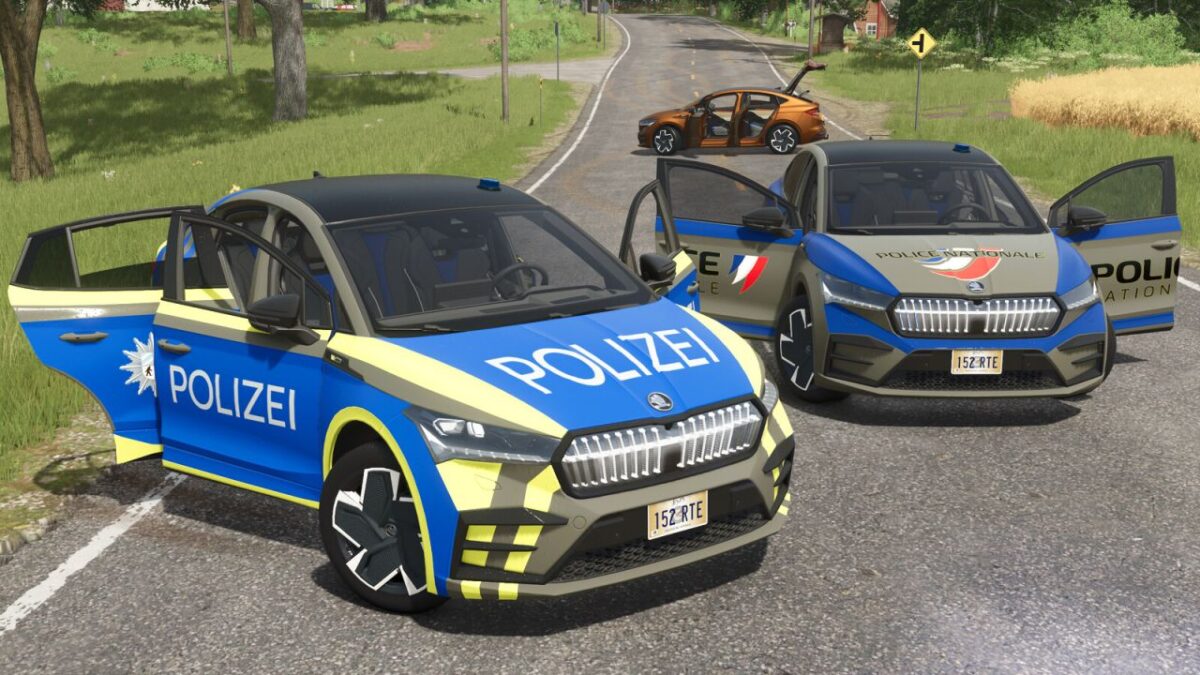
To make your gameplay more immersive and deliver unmatched realism, I present to you this modified version of the Skoda Enyaq Coupé, offering a wide range of configurations:
1. The vehicle is available in three versions:
Civilian
French National Police skin
German Police skin
2. Choice of ambient interior lighting color:
Blue
Red
Green
White
3. Choice of door panel materials:
Wood
Carbon
Piano Black
Chrome
4. Animation options: A- All animations enabled | B- Only a few animations
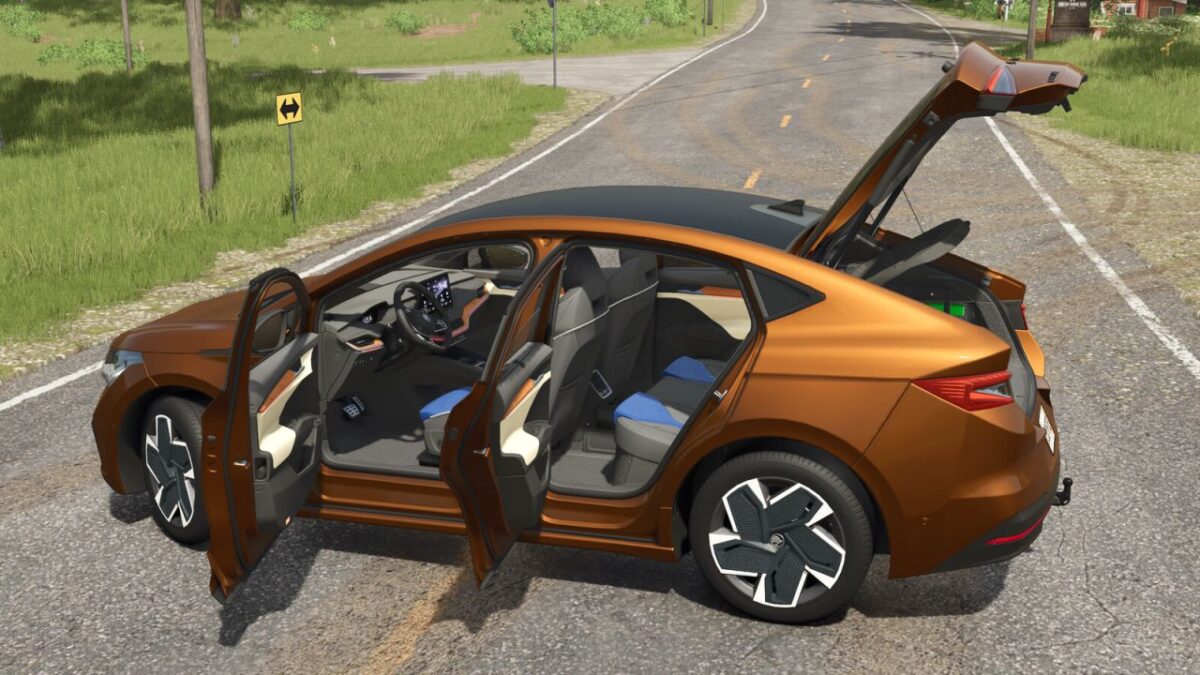
All animations are controllable via the mouse or using the Interactive Control mod, and include:
All four doors
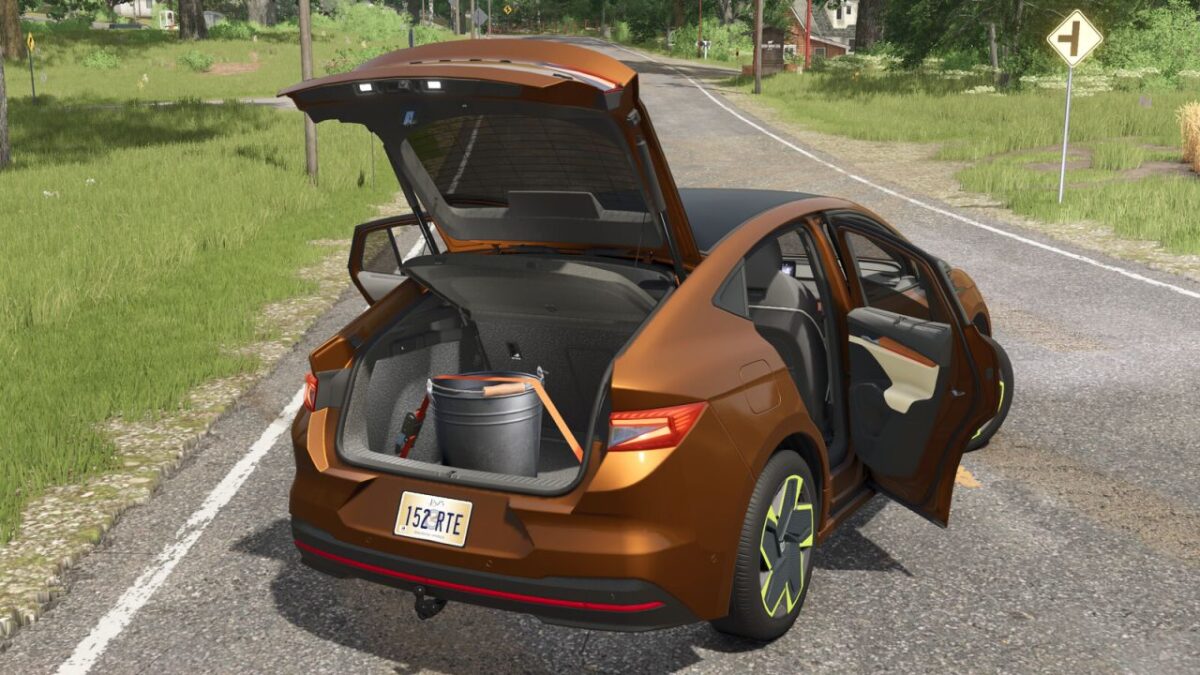
Rear hatch
Steering wheel
Interior mirror
Driver and passenger seats
Sun visors and armrests
5. The player character is animated during:
Opening/closing doors
Folding/unfolding sun visors and armrests
6. Pressing X opens the rear hatch
7. Pressing W lowers/raises all the windows
8. The rear trunk is usable and equipped with a tension belt system
Available configurations:
Vehicle type
Ambient lighting
Interior materials
Windows
Animations
Main color
Door panel color
Seat color
Rim color
Shop category: Car
Price: 52,500 $
Power: 299 hp
Maximum Speed: 180 kph
Version 1.0.0.2:
* The vehicle now features rear-wheel steering with a realistic steering angle
Credits:
Just Farming


