Herbicide Weed Cleanup v 0.9


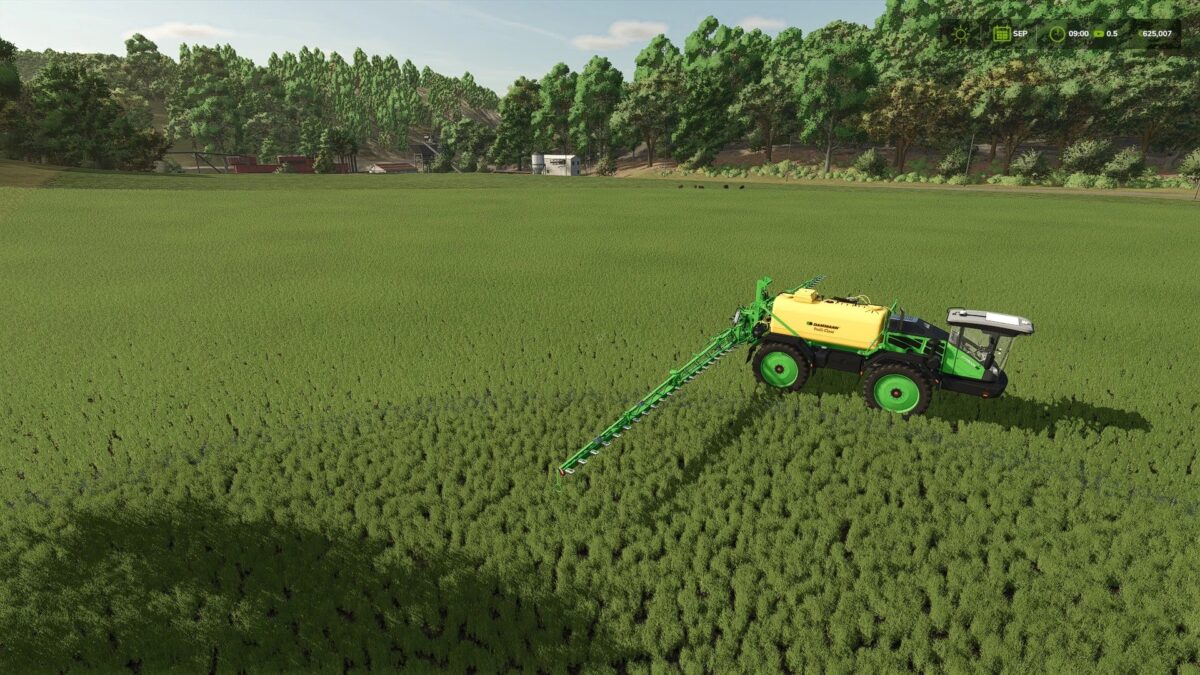
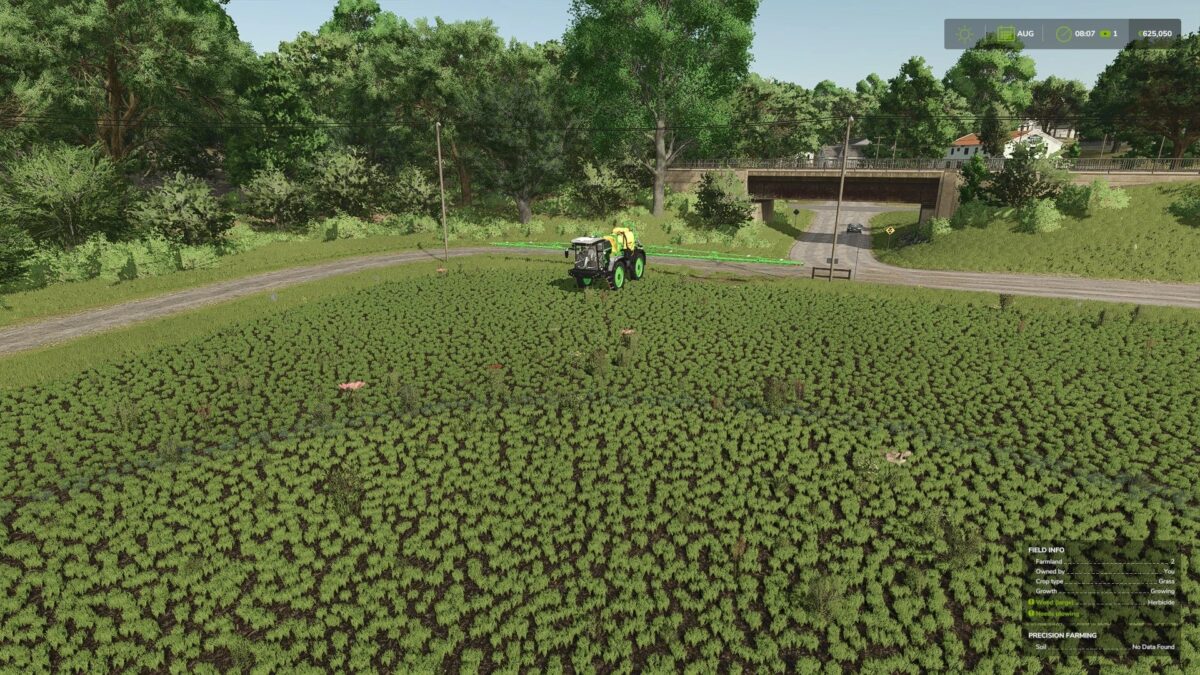
Weed Cleanup visually removes withered weeds from the background, making sprayed areas look clean again.
After applying herbicide, dead weeds usually remain as withered plants in the field until the soil is cultivated again.
This mod visually removes these withered weeds from the background, making sprayed areas look clean again.
A game setting (“Immediate” / “Delayed”) allows you to choose between cleanup within a few seconds or once a month.
The delayed option further reduces the already low resource load (only the sprayed area) and is useful on heavily used dedicated servers.
Otherwise, the herbicide effect works exactly the same as in the base game.
Spot spraying, precision farming, environmental score, etc., remain unchanged: only the remaining withered weed graphic is removed.
Fully compatible with dedicated servers and multiplayer.
Credits:
Nalathan