

MP Statistics v 1.0


MP Statistics adds a dedicated multiplayer statistics screen for Farming Simulator 25 servers. It keeps the server authoritative while giving players a clean, standalone place to review synced player and farm progress.
What it does:
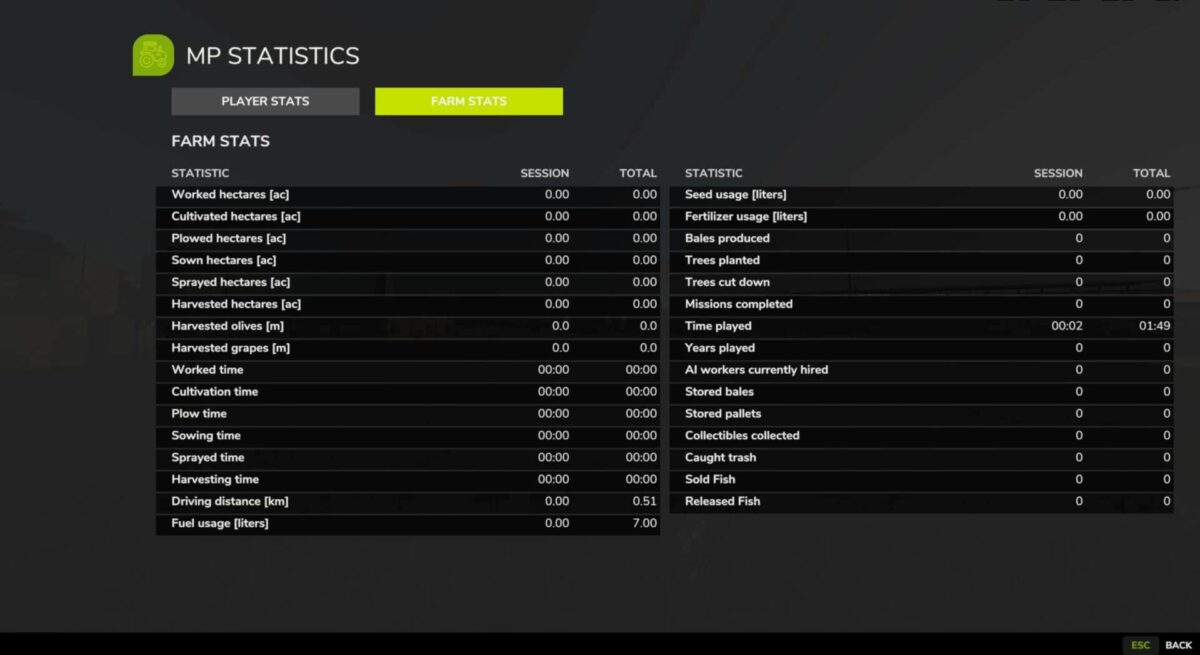
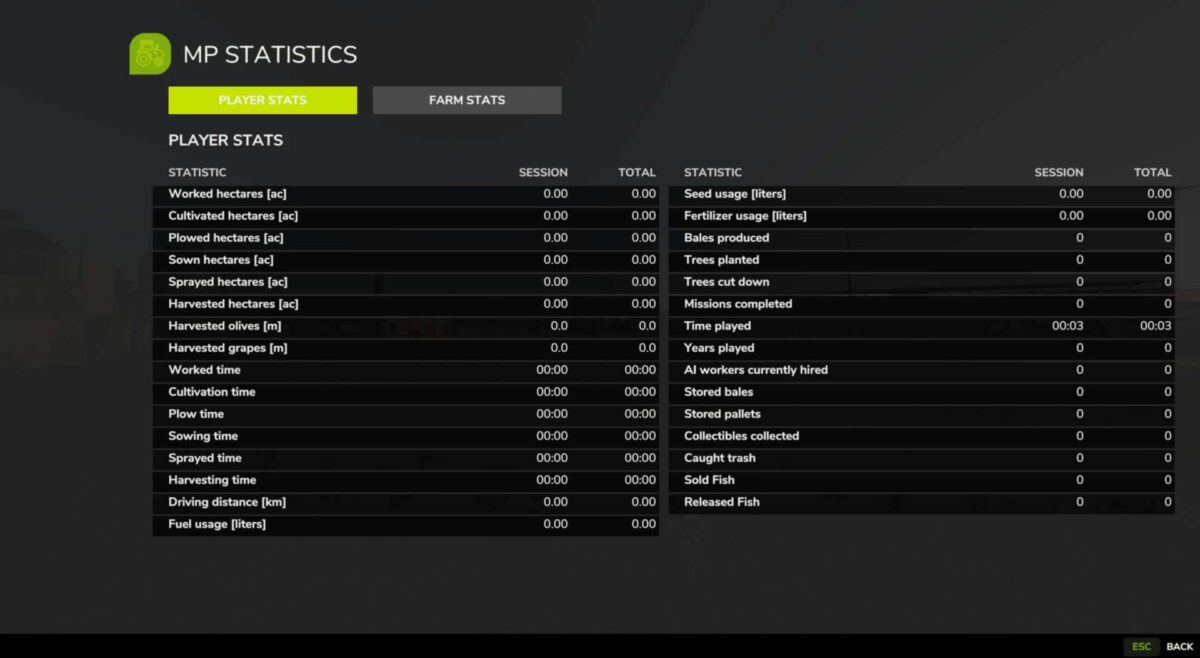
Shows separate Player Stats and Farm Stats pages with SP-style statistic rows, session values, and total values.
Mirrors farm statistics from the server save and records active player time plus same-farm activity deltas.
Syncs snapshots from the server to clients for MP-safe, deterministic display without client-authoritative stat changes.
How to use:
Open the stats screen in game with F9 or Right Ctrl + M.
Use the Player Stats and Farm Stats tabs to switch between views.
The screen can also be opened with the gsMPStatsOpen console command.
Use gsMPStatsInputStatus for input/action diagnostic information.
Credits:
Flage Modding


