

Object Storage Visuals v 1.0


For farms where storage should not only work, but also look like real work:
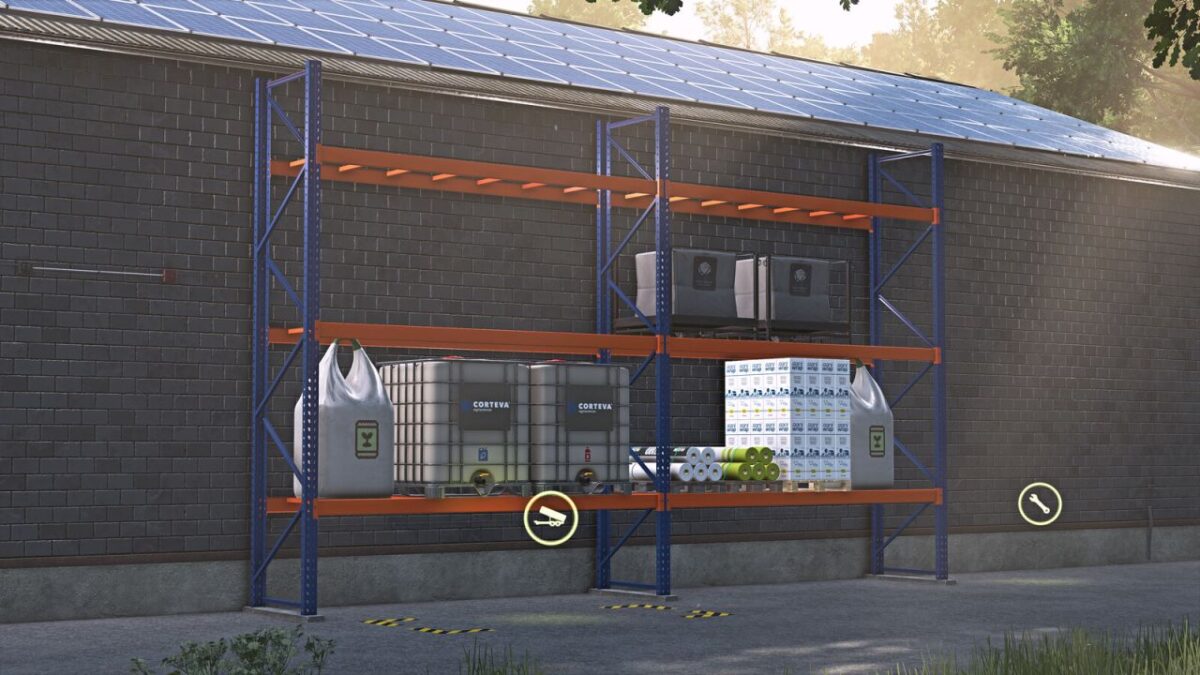
The GIANTS ObjectStorage stores pallets and bales performance-friendly, but there is still plenty of room above.
That ends now.
FS25_ObjectStorageVisuals brings life into ObjectStorage:
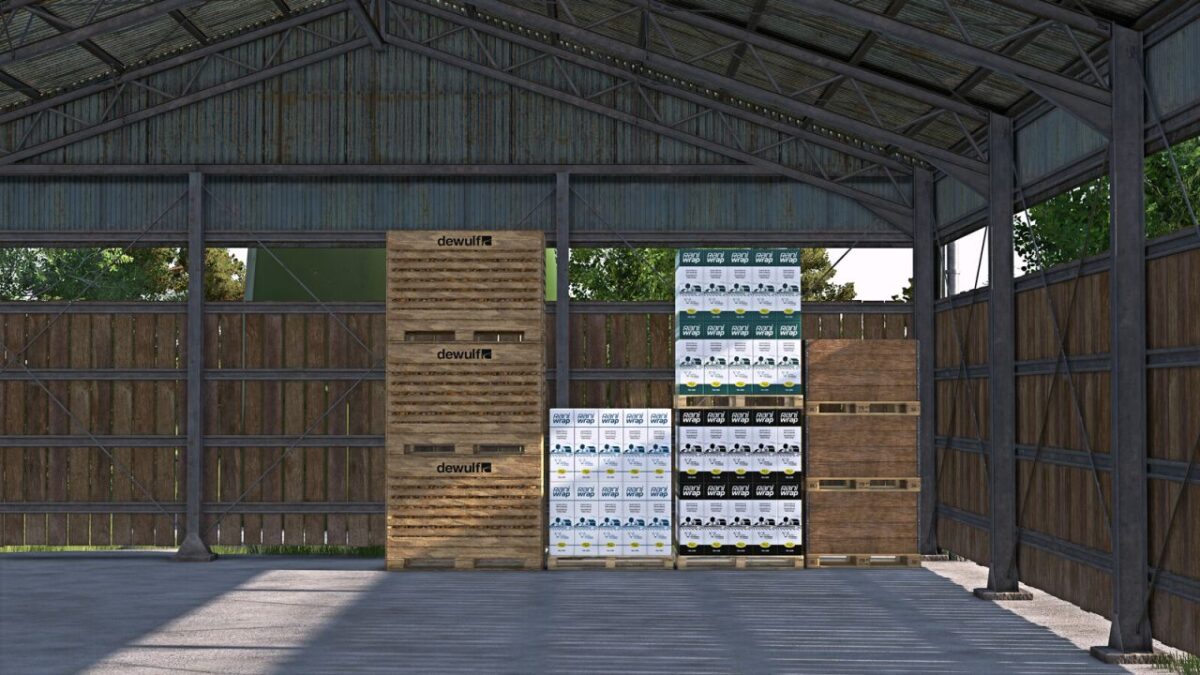
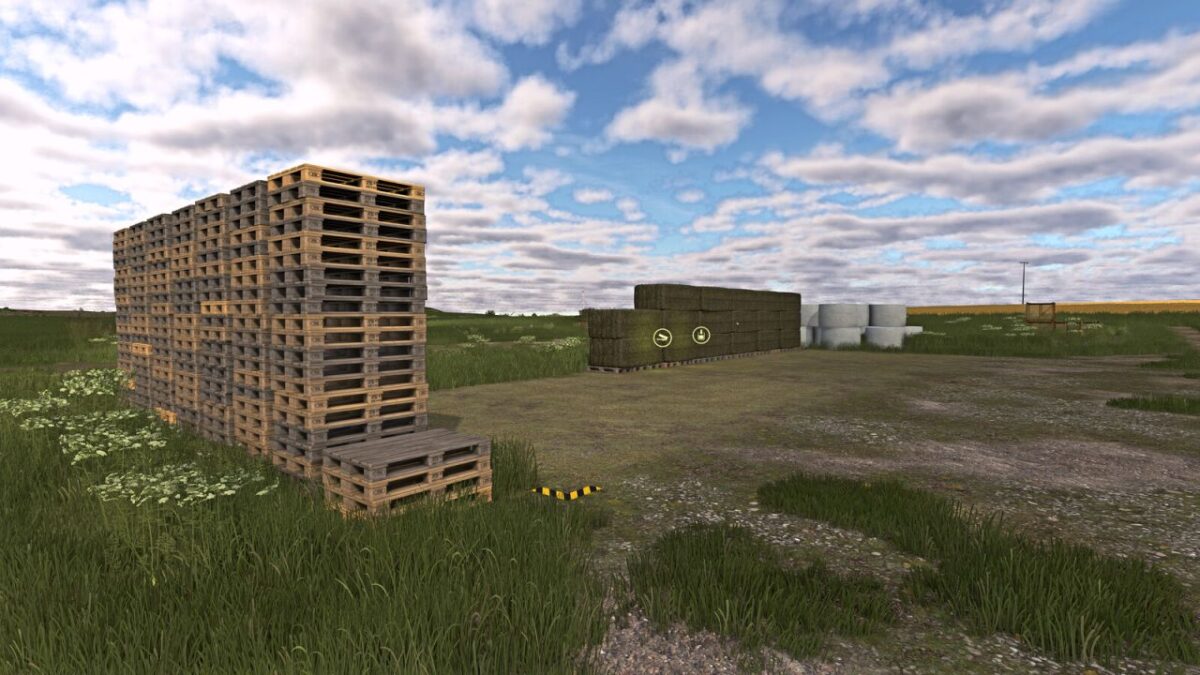
pallets now stack visibly on top of each other, bales stand tighter and more naturally in the storage area,
wrapped bales keep their color, and the ObjectStorage no longer looks as if somebody rented half the storage space to fresh air.
Instead of a flat floor parade, you get visibly used height.
Instead of floating bales, you get more compact stacks. Instead of empty consumable pallets, you finally get visible content in multiplayer.
Variants are easier to recognize as well: different bale twine brands, bale wrap colors or bale net variants are no longer visually merged into the same generic pallet.
More visible storage, more used height, less wasted space in ObjectStorage.
A PDF documentation for modders is included in the mod.
It explains how to prepare custom storages and pallets for the extended visual, SlotTrigger, pallet stacking and capacity functions.
FS25_moreWrapColors by [PfalzAgrar] is supported automatically.
FS25_RounderWrappedRoundbales bales by OlaHaldor are also displayed rounder in storage.
The storages from FS25_ObjectBaleStorage by Kastor [D-S-Agrarservice] serve as the reference mod for supported bale functions.
The pallets from FS25_compostProduction and FS25_emptyPalletFactory by [Weekend Farmers] serve as reference mods for stackable mod pallets.
Prepared storages keep their normal ObjectStorage functionality even without this script. Adding the optional XML blocks does not automatically remove crossplay compatibility from an otherwise crossplay-compatible storage. Scripts and assets of the respective storage remain decisive.
Credits:
[Weekend Farmers]


