
FS25 Misc

Magic Harvest – Harvest the Entire Field in 1s v 1.0

Magic Harvest – Harvest the Entire Field in 1s v 1.0

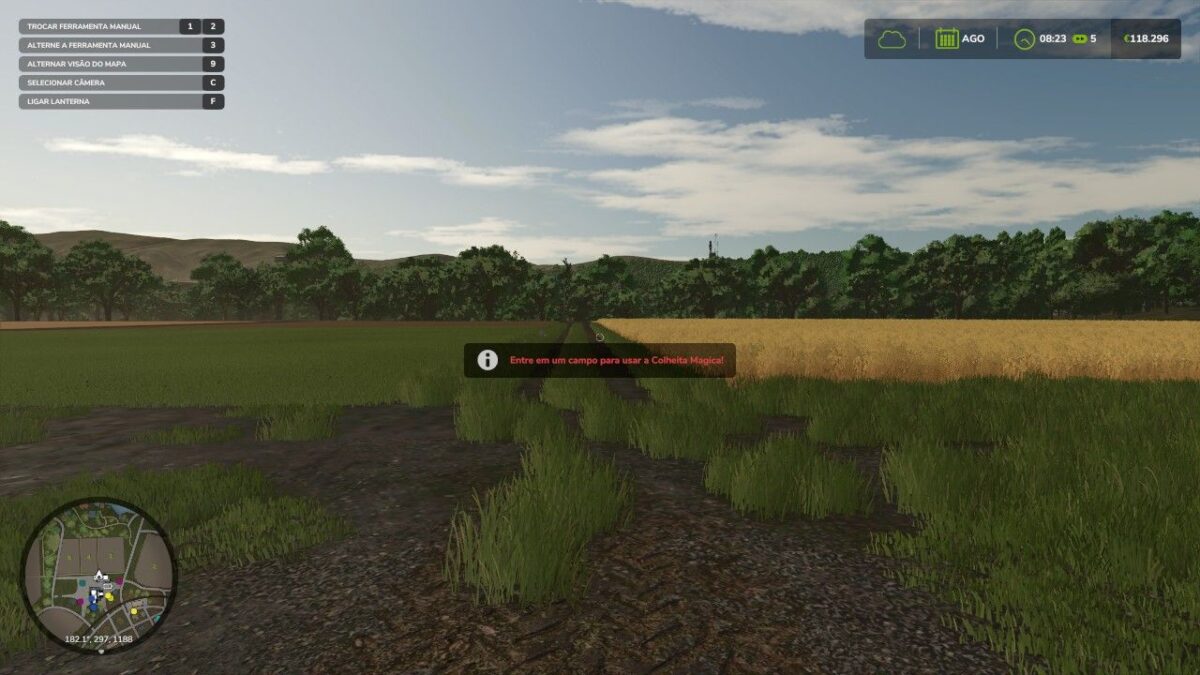
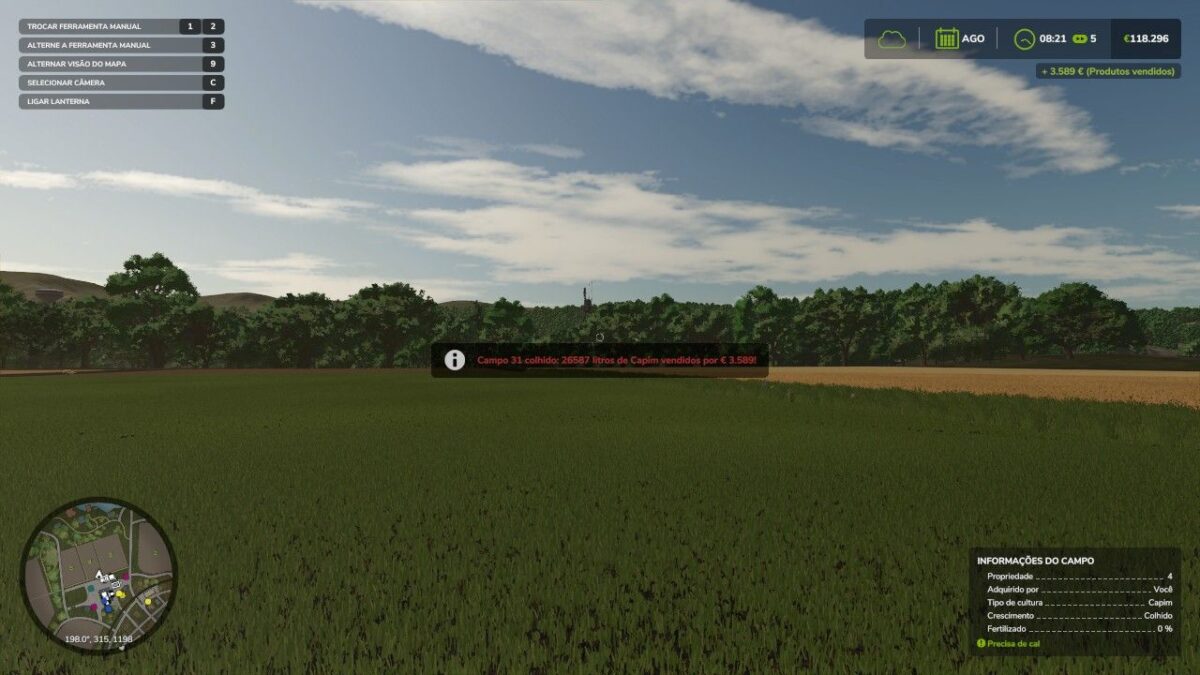
Harvest an entire field in one second. Stand in a field with mature crops and press LCtrl + LAlt + J: the entire field is harvested instantly and the money from the sale goes straight into your account, at the current market price. Works with any crop (wheat, barley, corn, soybeans, canola and more).
The mod automatically detects crop and ripeness and notifies you in Portuguese if the field is empty or green.
Perfect combo with the Campo Mage mod: one key plants, the other reaps.
Any map, singleplayer, safe to save, configurable shortcut.

Credits:

PXMODDING

How to install FS25 Misc?
Firstly find a mod which you like and want to download. Then download a mod to your PC. Mods are usually in .zip format file. But sometimes it can be in .rar. If a mod file is a .zip format no needed additional actions. If a file is in .rar, then you must unarchive mod with software like WinRar or Zip7. Windows 10 users no need to use software for archives, Win10 itself has a feature to unarchive files.
The next step is to find mods folder in your PC. Usually, it is in Documents/My Games/Farming Simulator 25/2025. Open the "mods" folder and put downloaded .zip archive or unarchived .rar file to this folder.
Last step. Enjoy of FS25 mods!

Leave a Reply

Your email address will not be published. Required fields are marked *