

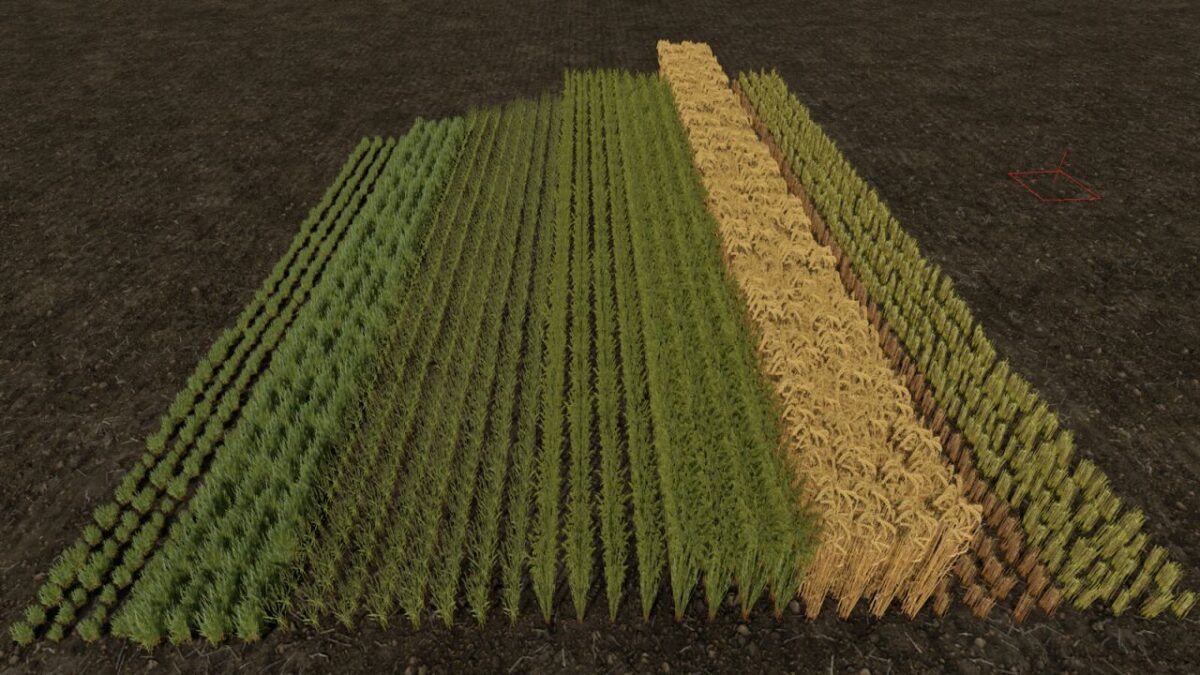
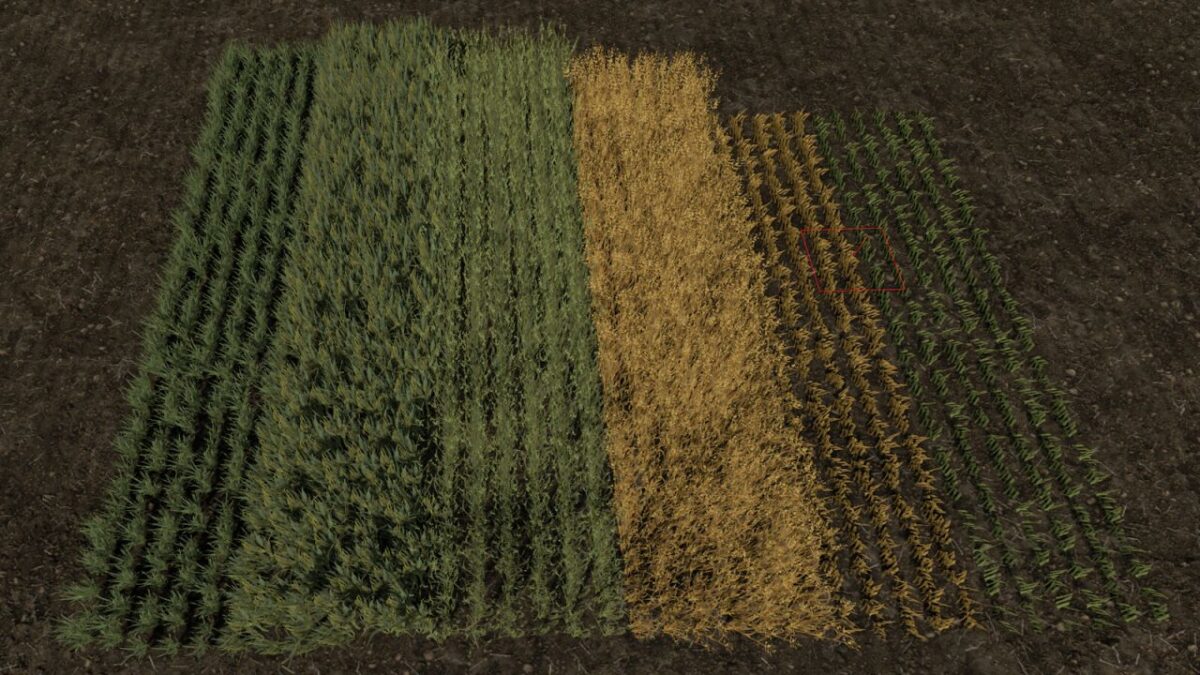
Row Seeding Barley, Oat, Wheat, Canola (Prefab) v 1.1


Row Seeding (Barley, Oat, Wheat & canola)
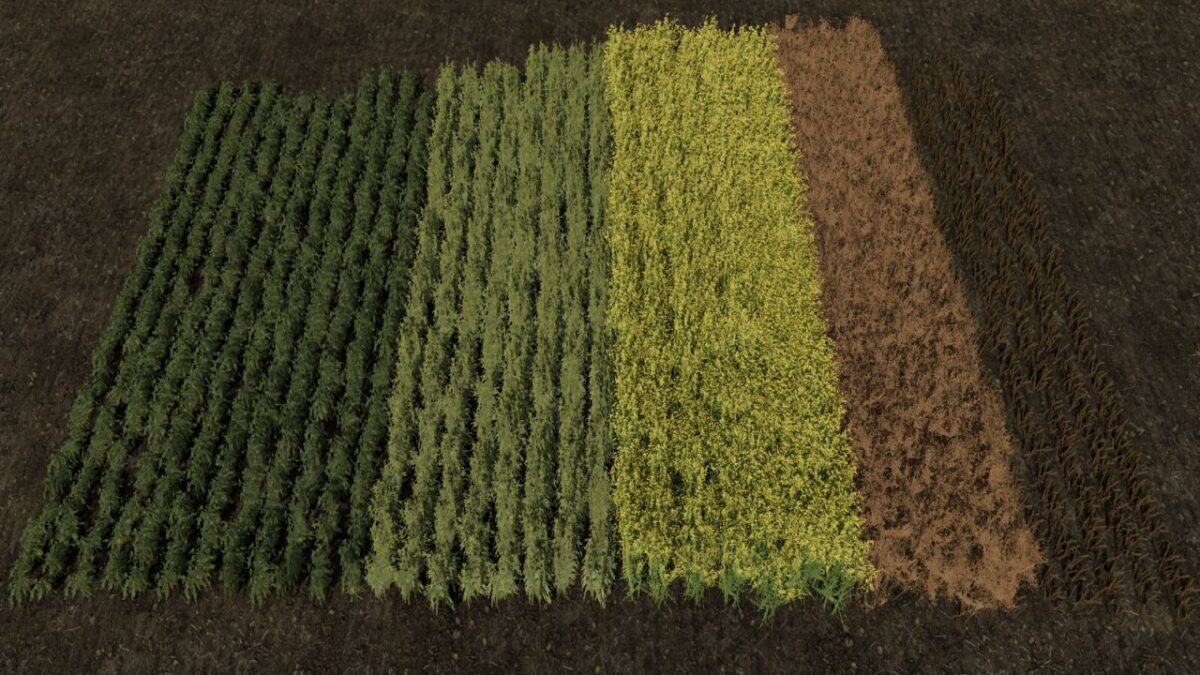
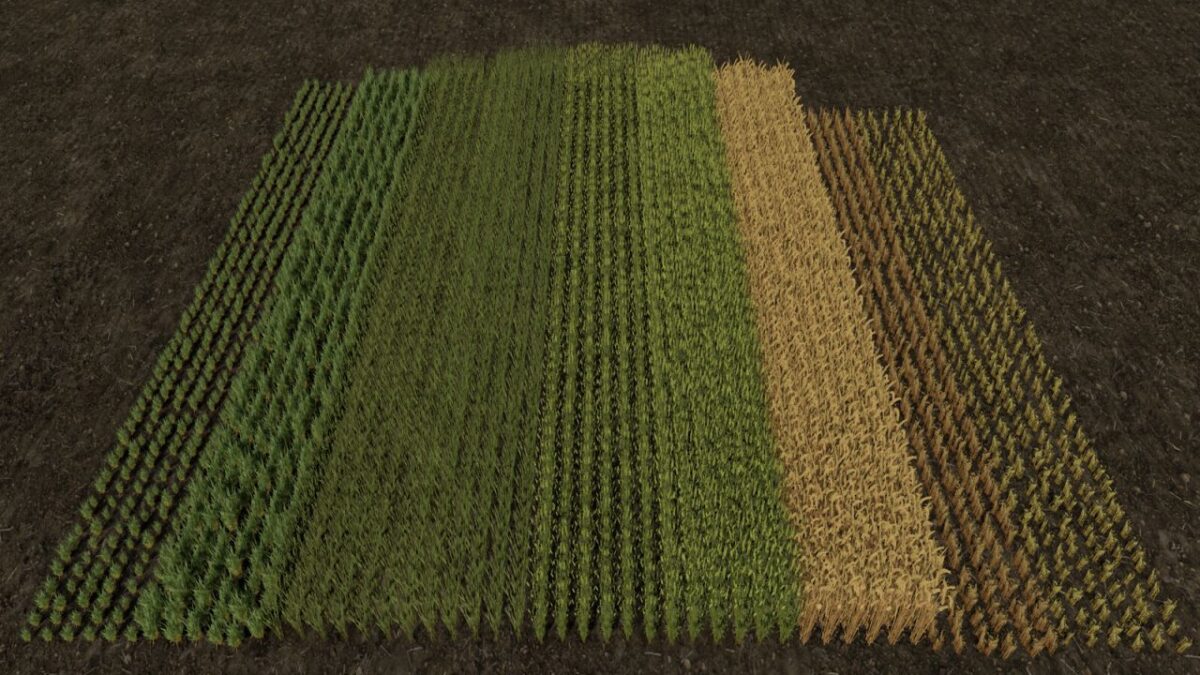
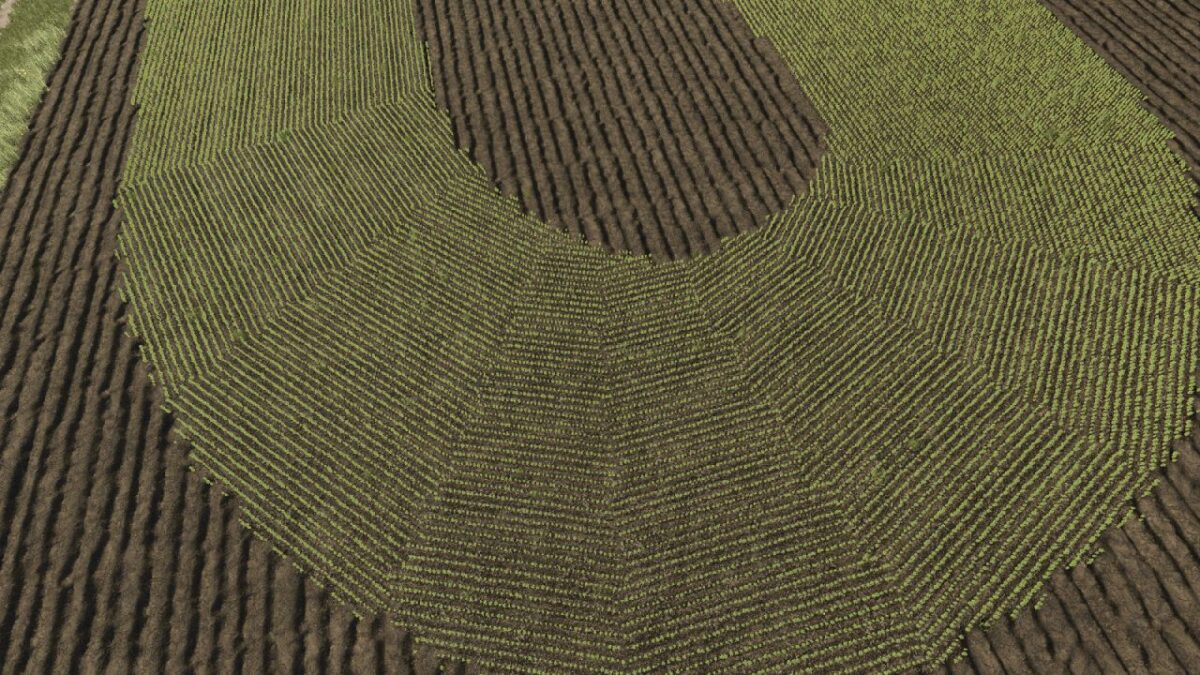
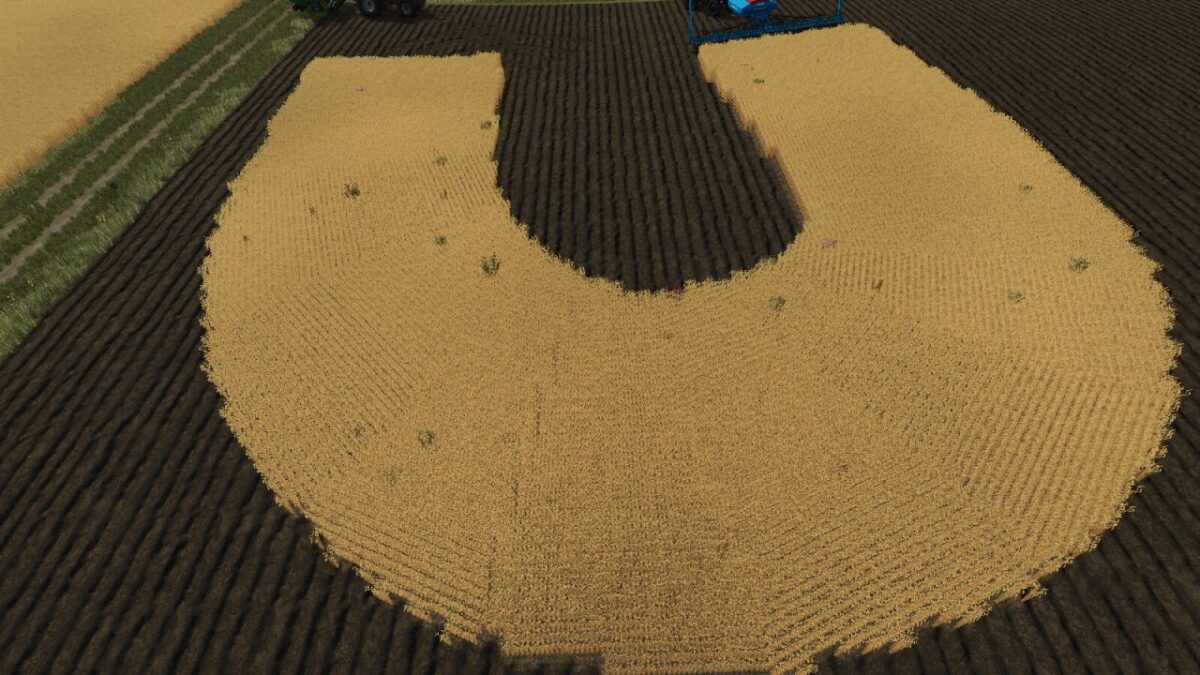
With these crops, the sowing of barley, Oat, wheat and canola is displayed as row seeding. The plants grow in clean rows and provide a more realistic field appearance, without additional scripts or performance losses.
Features:
Row seeding for barley
Row seeding for Oat
Row seeding for wheat
Row seeding for canola
Multiplayer compatible
Focus on visuals and realism
Notes
This prefab exclusively changes the visual representation of the mentioned crops. It has no influence on yield, growth, working speed or any other gameplay functions.
Installation: ATTENTION PLEASE MAKE A BACKUP FIRST!!
Important: If you are using custom textures for barley, oats, wheat, or canola in the base game’s foliage folder, you must switch back to the original textures, as we cannot guarantee compatibility with other textures!!
Locate the “foliage” folder in your map, replace the folders for the respective crops there, and make sure all files are overwritten.
Version 1.1:
* XML files have now been added for the multifruit maps, which distinguish between summer and winter grain
* There are 2 different versions of the summer and winter grain available, as depending on the map sometimes one version is installed and sometimes the other. This only concerns whether the header effects work correctly, so please test after installation whether the effects on the header work for the crops. If not, please use the second version
* Canola now also has green stubble when it is chopped
* Various adjustments to the XML files
* Row spacing for wheat, barley and oats adjusted from 25 to 15 cm
Credits:
Fabian, C_Fuzzy


