

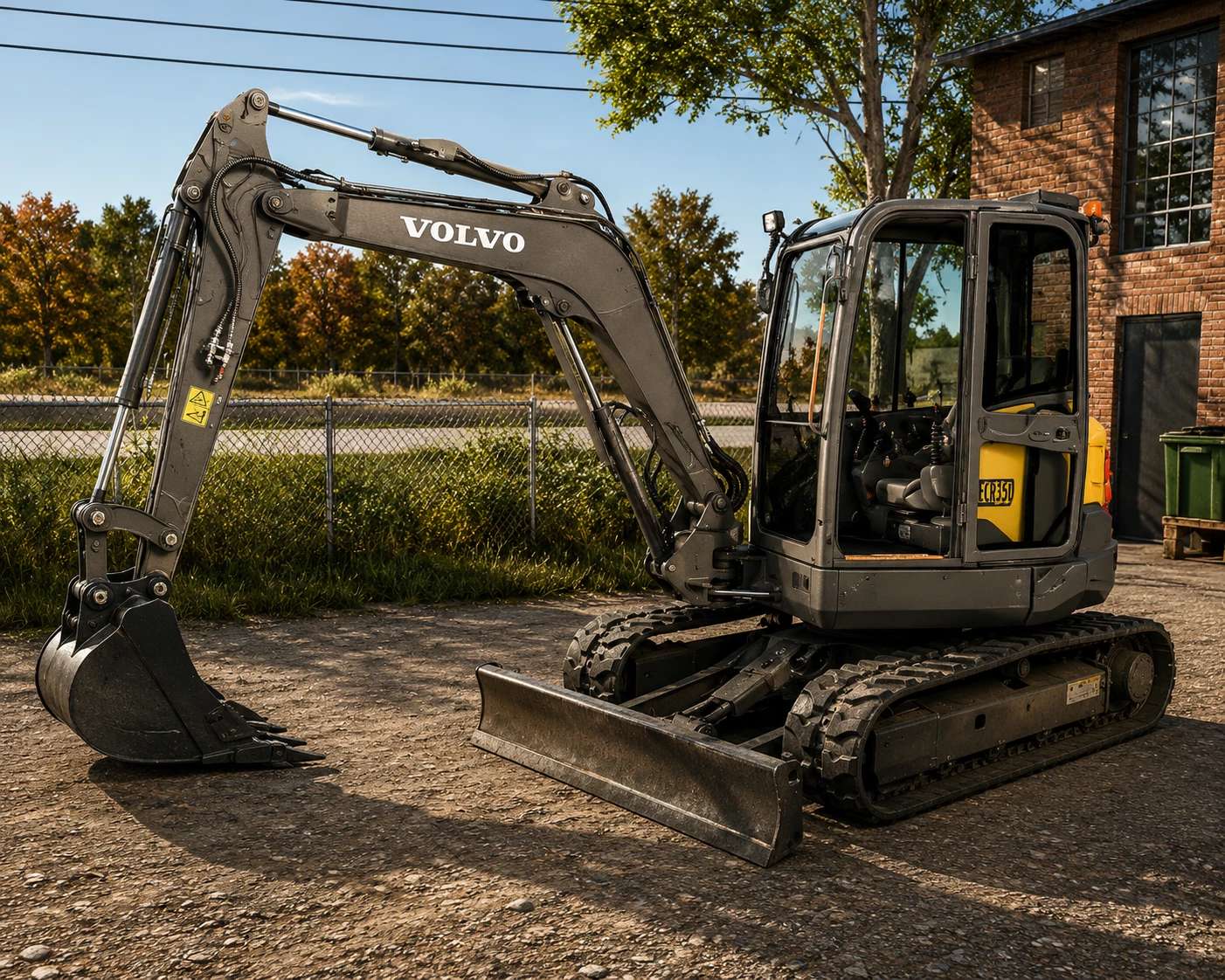
Volvo ECR58F Compact Excavators Pack v 1.0


Expand your construction fleet with the Volvo ECR58F Compact Excavator Pack for Farming Simulator 25.
Designed for precision work in confined spaces, this detailed excavator combines smooth operation with a selection of attachments, making it ideal for excavation, grading, and material handling.
Features:
Highly detailed Volvo ECR58F compact excavator
Compact zero-tail-swing design
Multiple bucket configurations included
Grading bucket for leveling and finishing work
Realistic hydraulic movement and animations
Authentic engine and track sounds
High-quality interior and exterior models
Perfect for construction, landscaping, and earthmoving operations
From digging trenches and foundations to grading terrain and moving bulk materials, the Volvo ECR58F is a versatile and reliable machine built to handle every job site with ease.
Credits:
Tri-State Crew


