
FS25 Misc

Dynamic Market v 1.0.3.0

Dynamic Market v 1.0.3.0

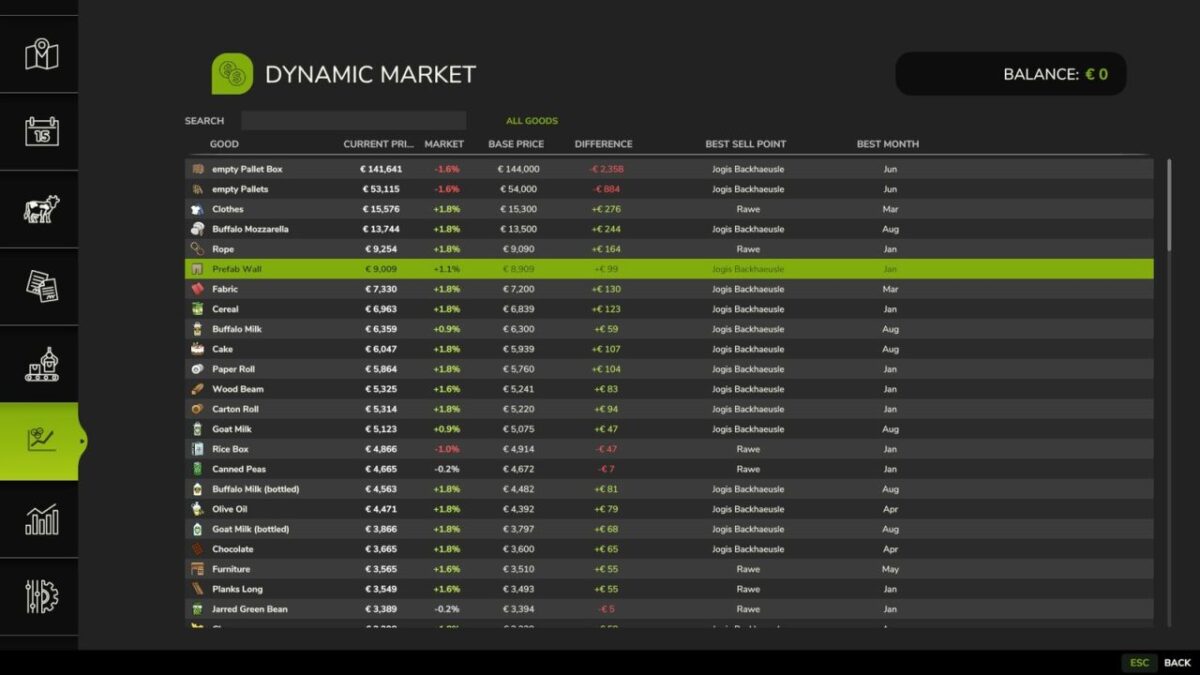
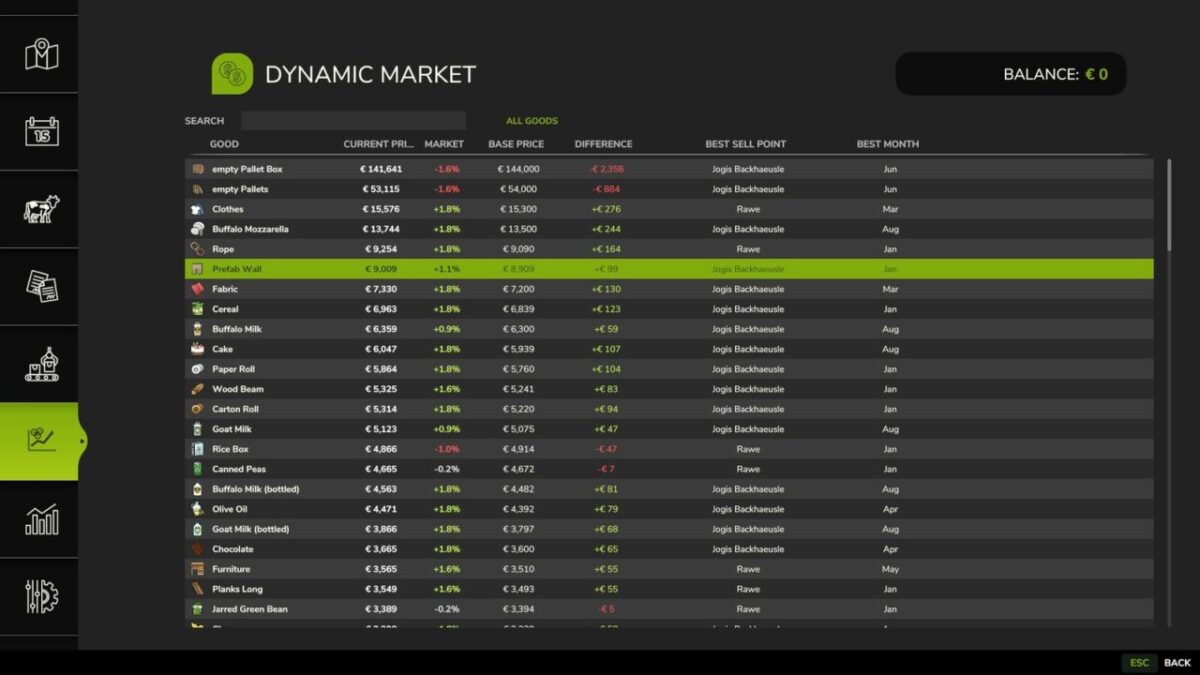
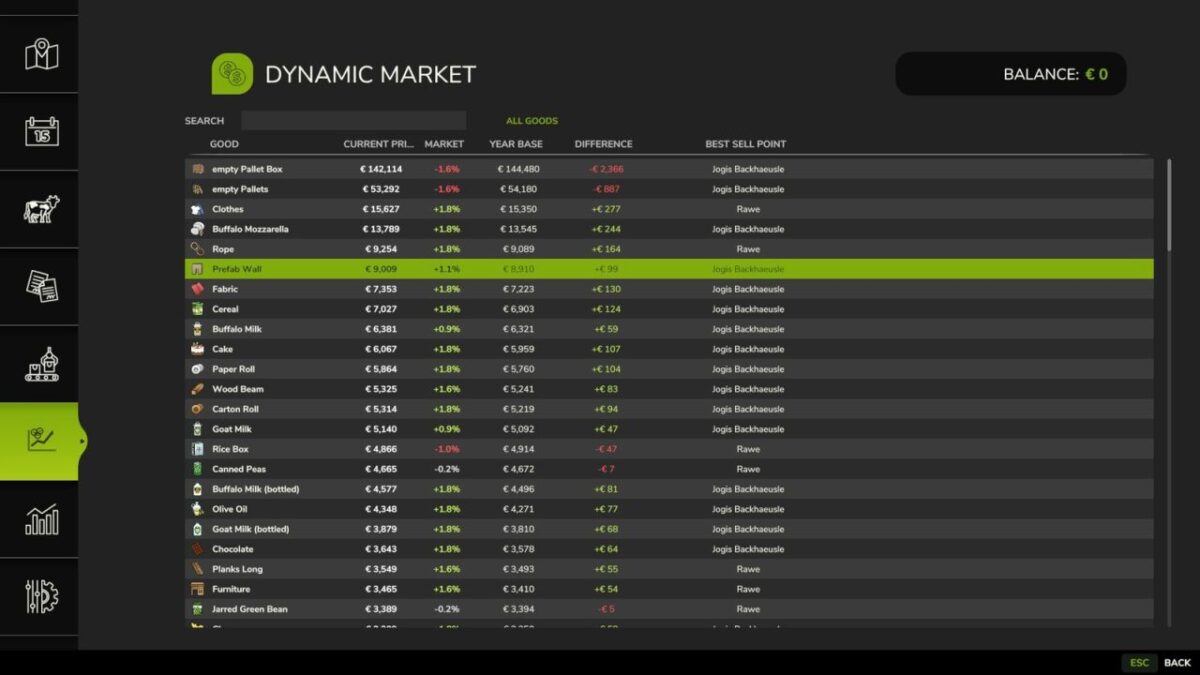
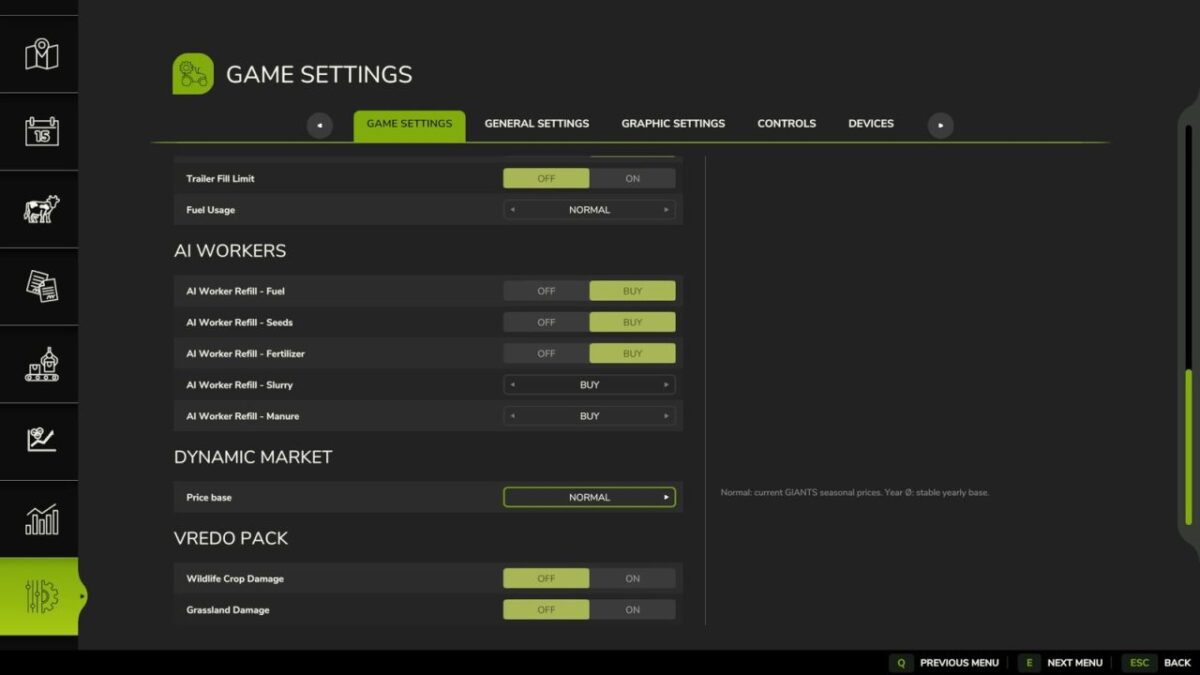
Dynamic Market is a Farming Simulator 25 mod that enhances the base game economy with a dynamic pricing system based on supply, demand and player interaction.

Features
Dynamic price calculation based on market activity
Prices react to selling behavior and supply levels
Server-side logic for multiplayer-safe economy handling
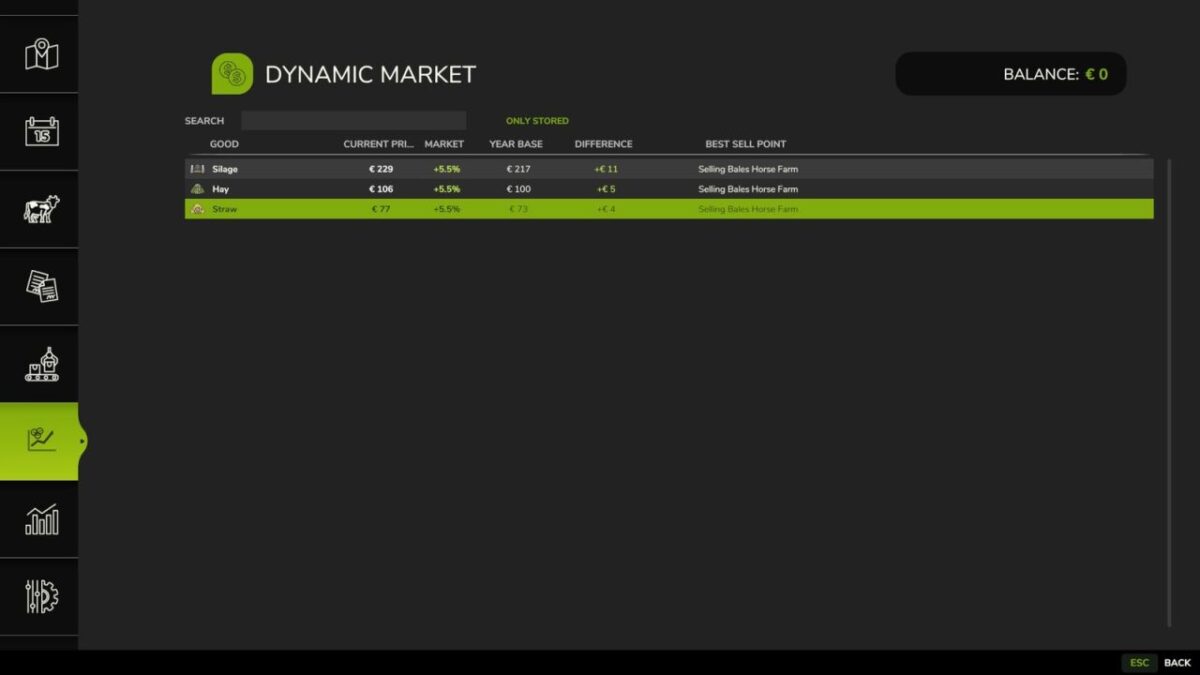
Transparent price development for better decision making
Compatible with base game systems and standard selling stations
Designed for balanced gameplay without breaking the base economy

Version 1.0.3.0:
* New option: daily market recalculation, for savegames with multiple days per month
* Product groups simplified from 14 to 6 more realistic categories, for more frequent market swings
* Market overview reworked: added group and stock columns, sortable column headers

Credits:

Nalathan

How to install FS25 Misc?
Firstly find a mod which you like and want to download. Then download a mod to your PC. Mods are usually in .zip format file. But sometimes it can be in .rar. If a mod file is a .zip format no needed additional actions. If a file is in .rar, then you must unarchive mod with software like WinRar or Zip7. Windows 10 users no need to use software for archives, Win10 itself has a feature to unarchive files.
The next step is to find mods folder in your PC. Usually, it is in Documents/My Games/Farming Simulator 25/2025. Open the "mods" folder and put downloaded .zip archive or unarchived .rar file to this folder.
Last step. Enjoy of FS25 mods!

Leave a Reply

Your email address will not be published. Required fields are marked *