

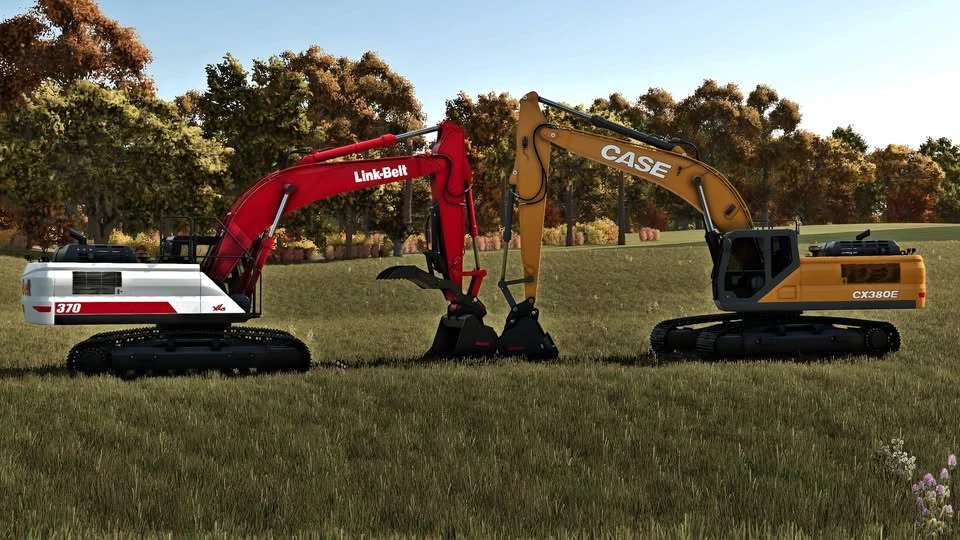
Case/Linkbelt 380 v 1.0


Take on the toughest excavation and earthmoving jobs with the Case/Link-Belt 380 for Farming Simulator 25.
Inspired by the powerful full size excavators used on real construction sites, this machine delivers the strength, reach, and precision needed for large scale digging, loading, demolition, forestry, and material handling.
Built for demanding projects, the Case/Link-Belt 380 combines impressive hydraulic performance with smooth controls, making it ideal for moving soil, rocks, logs, and other heavy materials.
Whether you’re expanding your farm, working on construction maps, or clearing land, this excavator is ready for the job.
Features:
Powerful heavy-duty excavator
Realistic Case/Link-Belt styling
Smooth and responsive hydraulic controls
Ideal for excavation, forestry, and construction work
Compatible with a wide range of excavator attachments
High quality model with detailed interior and exterior
Bring professional grade excavation power to your Farming Simulator 25 experience with the versatile and reliable Case/Link-Belt 380.
Credits:
Tri-State Crew


