

Farm Tablet v 2.5.3.0


FarmTablet – A Complete Farm Management Tablet for Farming Simulator 25
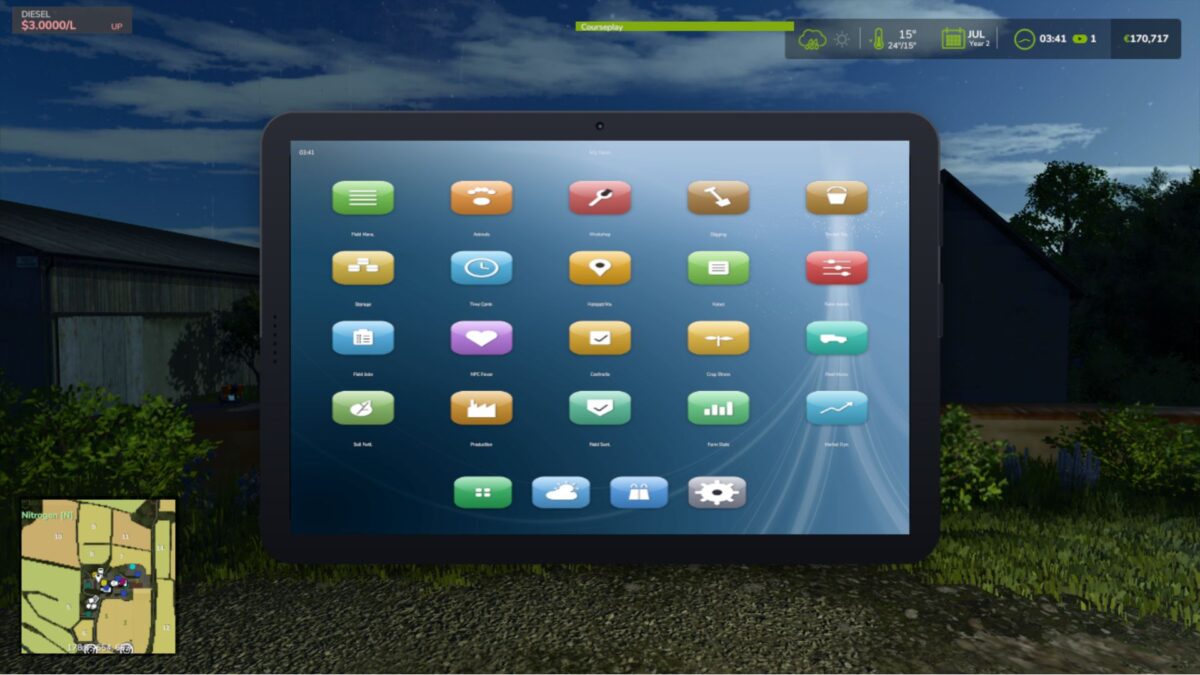
Open it with one key and your whole farm is right there. A phone-style tablet with a lock screen, a home screen full of glossy app icons, a dock for your favourites, and as many pages of apps as you need. Tap an app, check what you need, tap home, and get back in the cab. No pausing, no menus stacked four deep, no alt-tabbing to a spreadsheet.
Features
Phone-Style Tablet UI
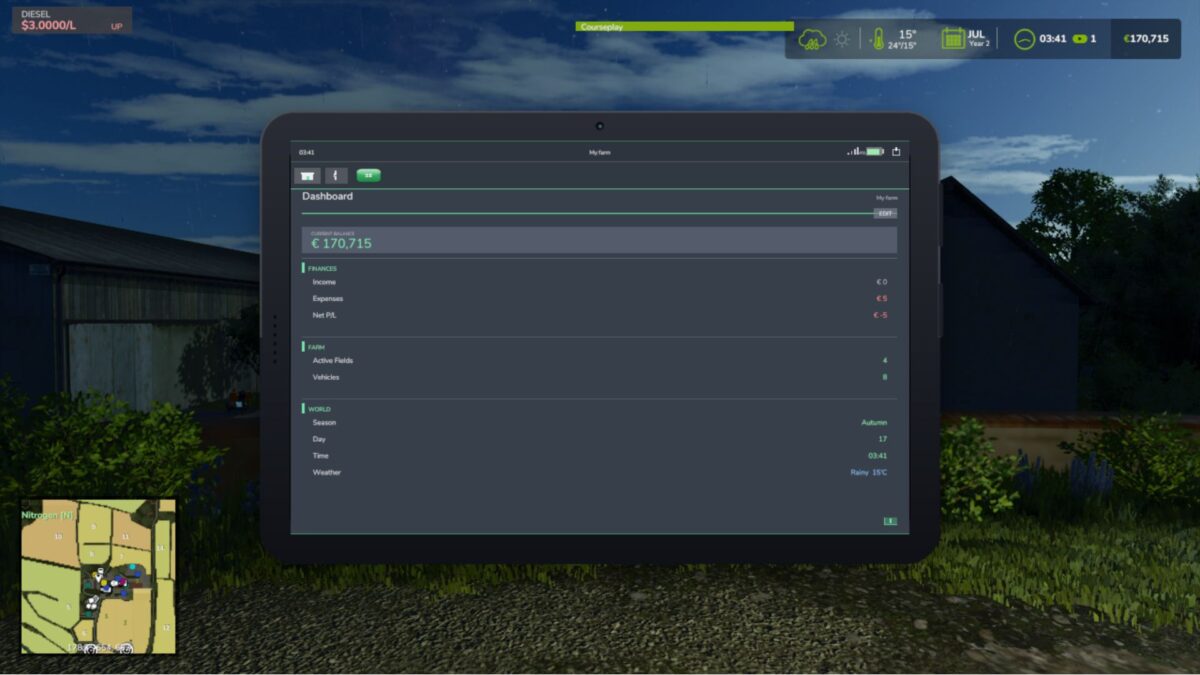
Farm Dashboard & Stats
Fields, Animals & Fleet
Workshop & Storage
Production & Contracts
Auto-Detecting Mod Apps
Fully Customizable
Multiplayer & 26 Languages
Controls
Open / close the tablet: T
Everything else is tap and click, just like a real tablet
Note that the tablet only reads your game data and never changes your save, and any supported mod’s app shows up on its own with no setup or load order to worry about!
Integrates automatically with: NPC Favor, Soil Fertilizer, Field Sentry, Seasonal Crop Stress, Income Mod, Tax Mod, Market Dynamics, Worker Costs, Personnel (Pro-Staff), Random World Events, UsedPlus, and Invoices (with RoleplayPhone).
Version 2.5.3.0:
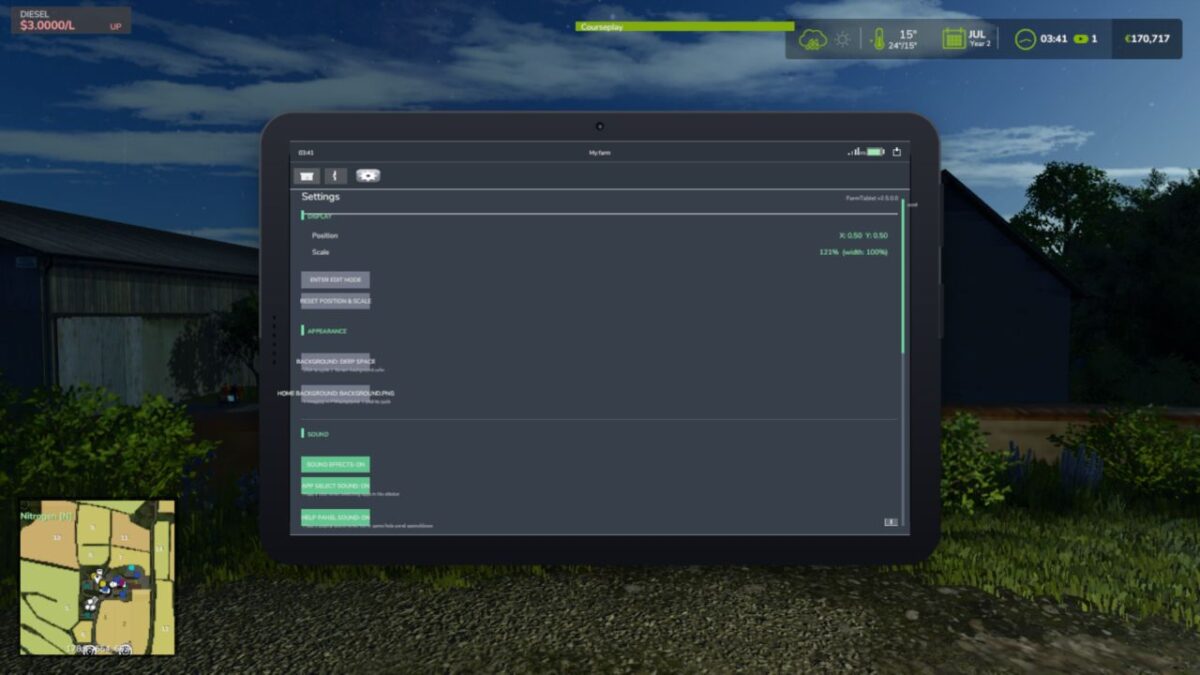
* System Settings app. Adjust the settings for every connected Realistic Farming mod from one place on the tablet, with a scrollable, collapsible layout so a big farm setup stays tidy
* Market Dynamics app. Check live market prices and dynamic events from the tablet
* Random World Events app. See the active world event and what it is affecting
* Tablet battery, mobile network and screen damage, built together with Akita83. The tablet now charges, has signal, and can crack, for a more real handheld feel
* Full 26 language localization. Battery, network and companion app text is now translated across all supported languages
* Clearer navigation and rendering across the springboard, lock screen and app chrome
* App focus could leak between the springboard and lock screen. Focus is now derived centrally so the right app always has control
* A listener leak on tablet reload is cleared on unload, so reopening a save stays clean
Credits:
tisonK, Akita83


