Market Dynamics v 1.2.0.9


FS25 Market Dynamics – Dynamic Crop Pricing
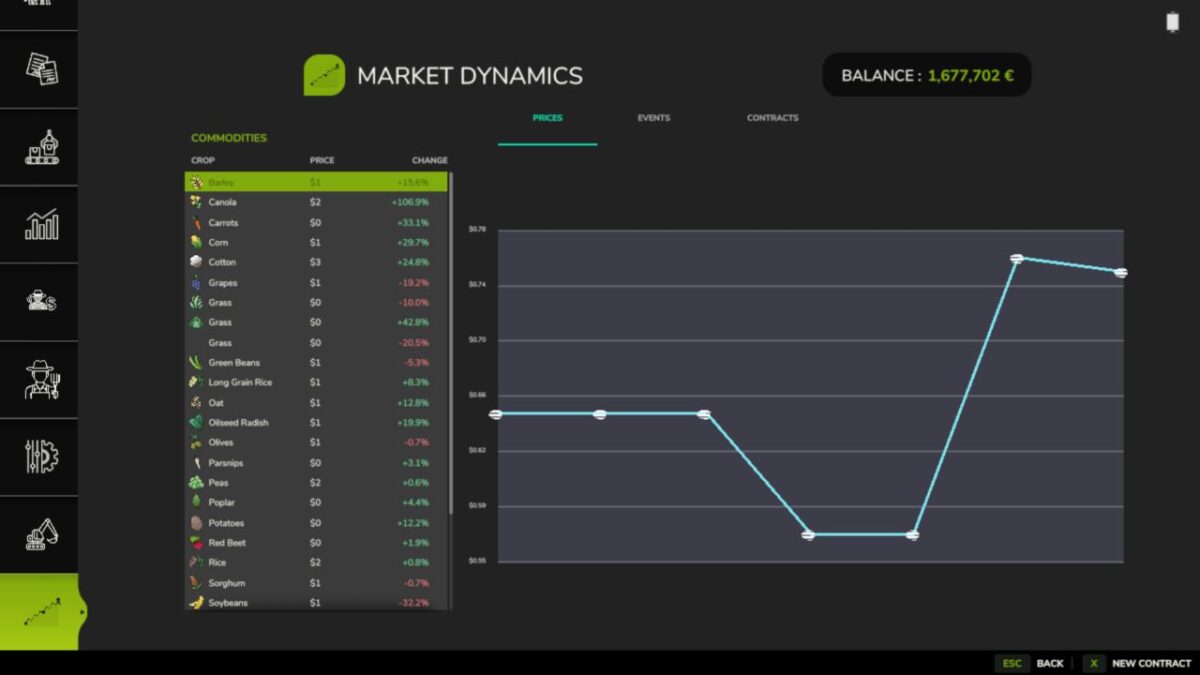
Real-world inspired crop pricing for Farming Simulator 25. Prices rise and fall daily and intraday on world events, supply, and demand, so no two playthroughs feel the same. Lock in futures contracts, ride out market shocks, and watch it all on a live market screen. Markets stay volatile but never absurd, clamped between 50% and 200% of base.
Features
Dynamic Pricing Engine
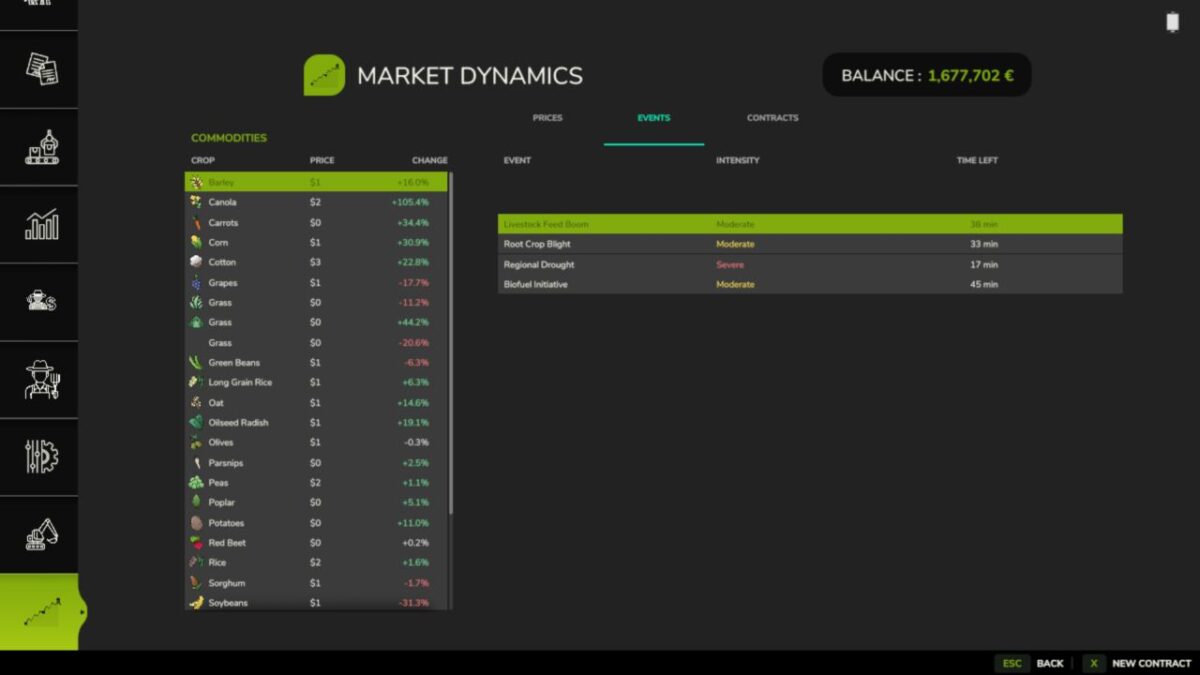
Ten World Events
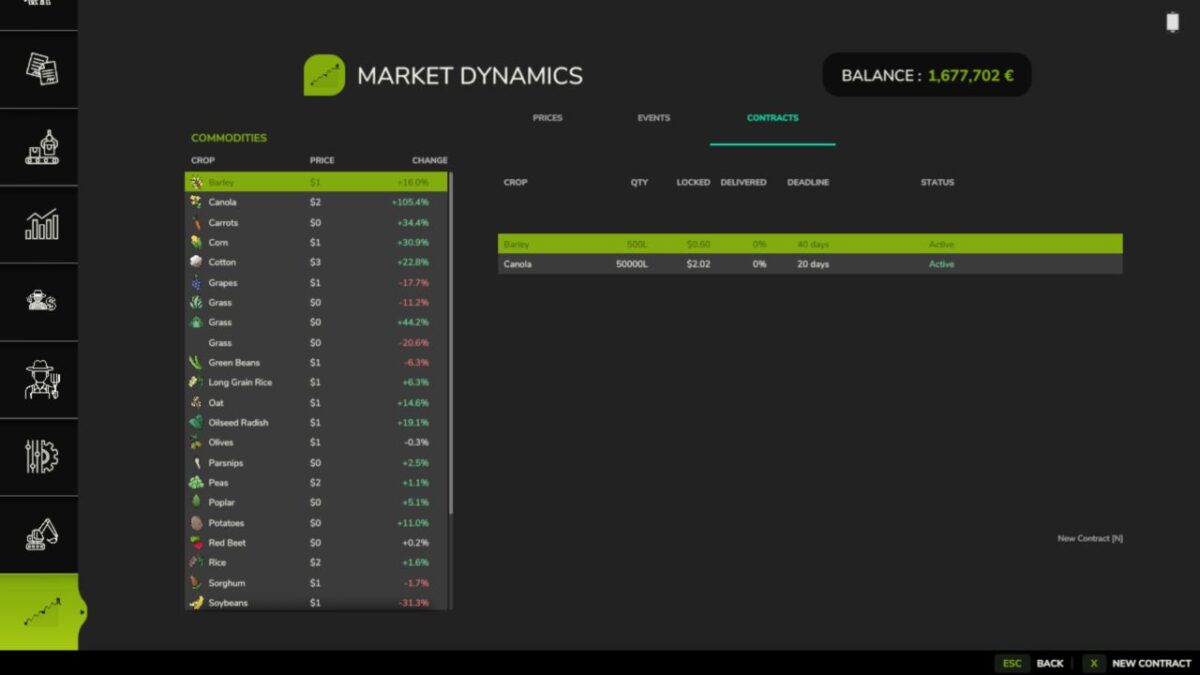
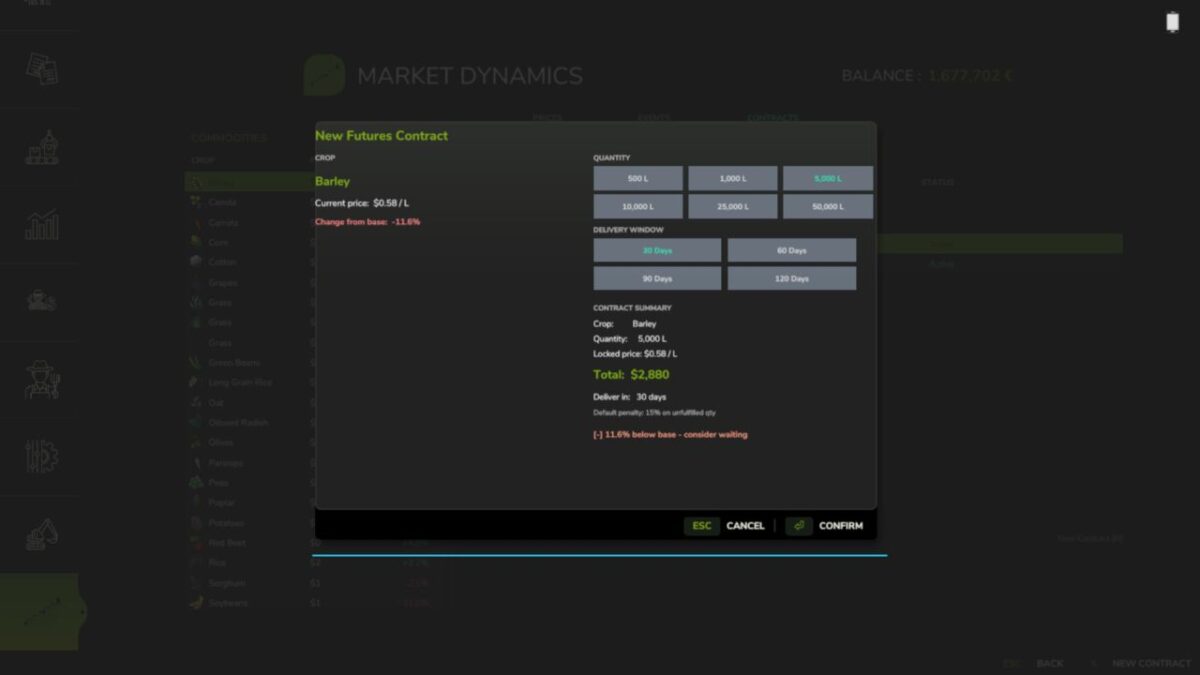
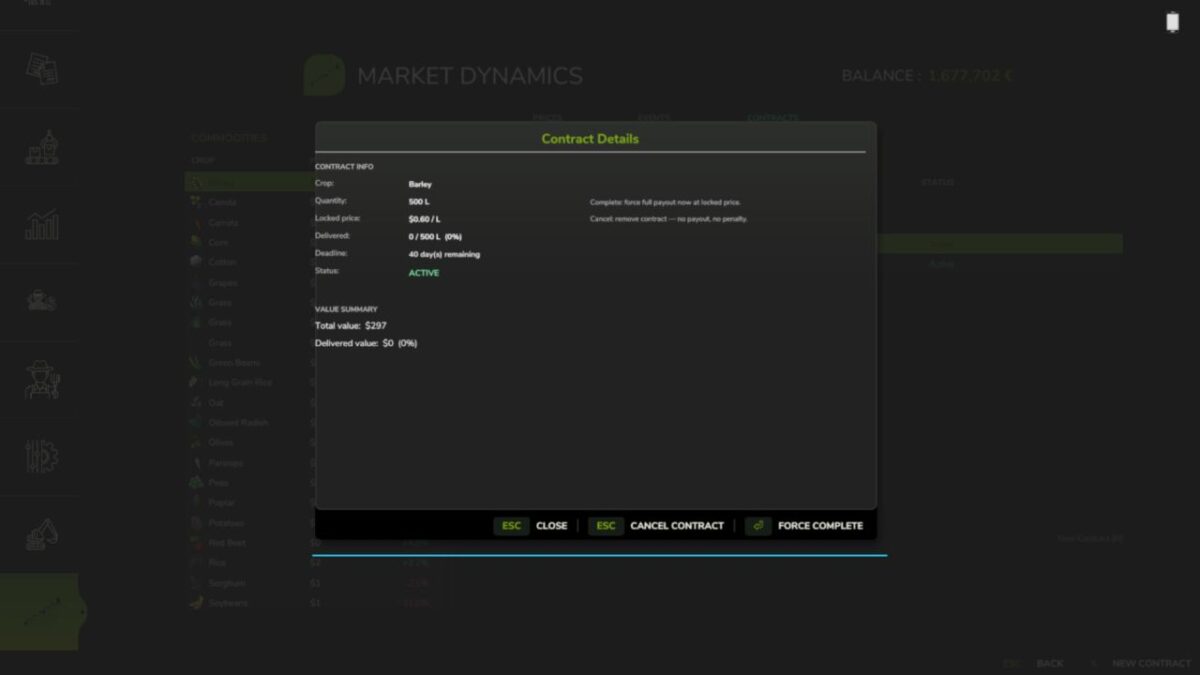
Futures Contracts
Live Market Screen
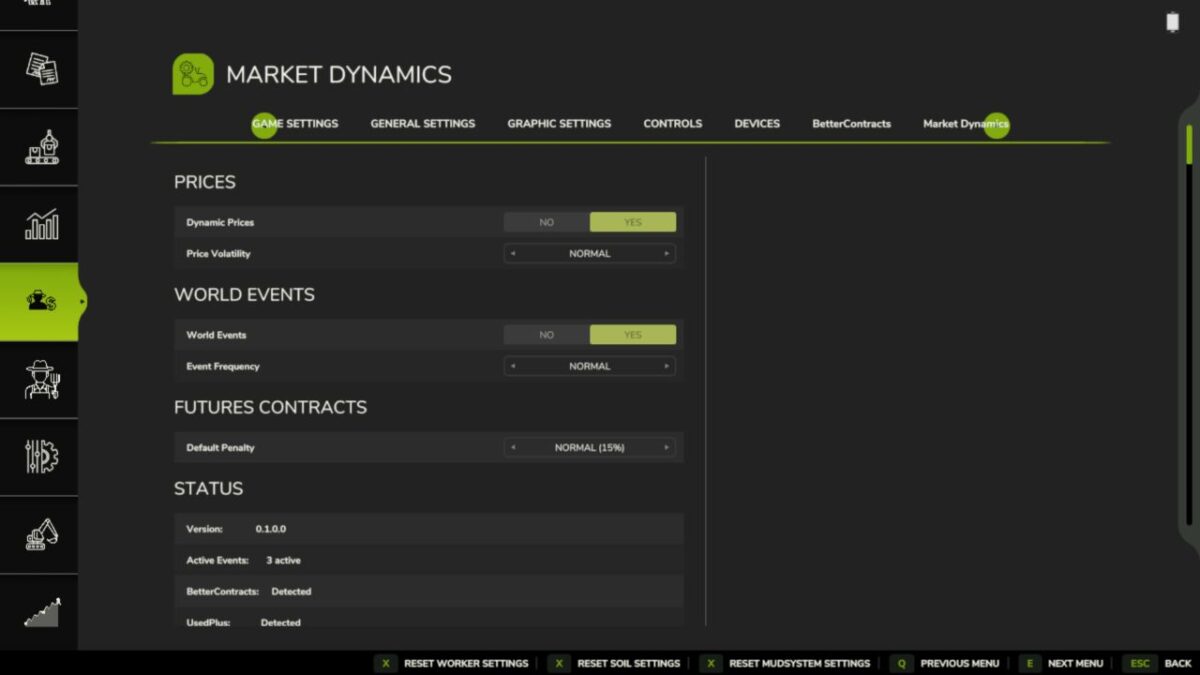
Configurable Events
Multiplayer Sync
Mod Integrations
26 Languages
Controls
Open New Contract dialog: N (or click “New Contract” on the Market screen)
Note that everything is server-authoritative in multiplayer, and you can safely remove the mod mid-save, it simply ignores its data on next load!
Works great with: FS25_FuturesMission and FS25_UsedPlus (integrations activate automatically when detected).
Version 1.2.0.9:
* Realistic Farming ecosystem integration. Market Dynamics now plugs into the shared ecosystem: your market and contract state is saved through the shared save system, kept in sync in multiplayer, shown on the unified on-screen display, and its settings appear in the Farm Tablet’s System Settings app
* World event timing now scales with your season length. Longer seasons space events out, shorter seasons bring them closer together, so the pace matches how you play.
* Contracts and market data now sync cleanly to every player in multiplayer, including on dedicated servers
* Added the missing French translations on the settings panel
Credits:
tisonK, LeGrizzly