

Theft, Security and Insurance v 1.0


This mod adds a new system of dangers for farm property in FS25. Now your equipment, pallets, fuel, warehouses, production, resources and other objects can become the target of night events, theft or damage.
Security zones
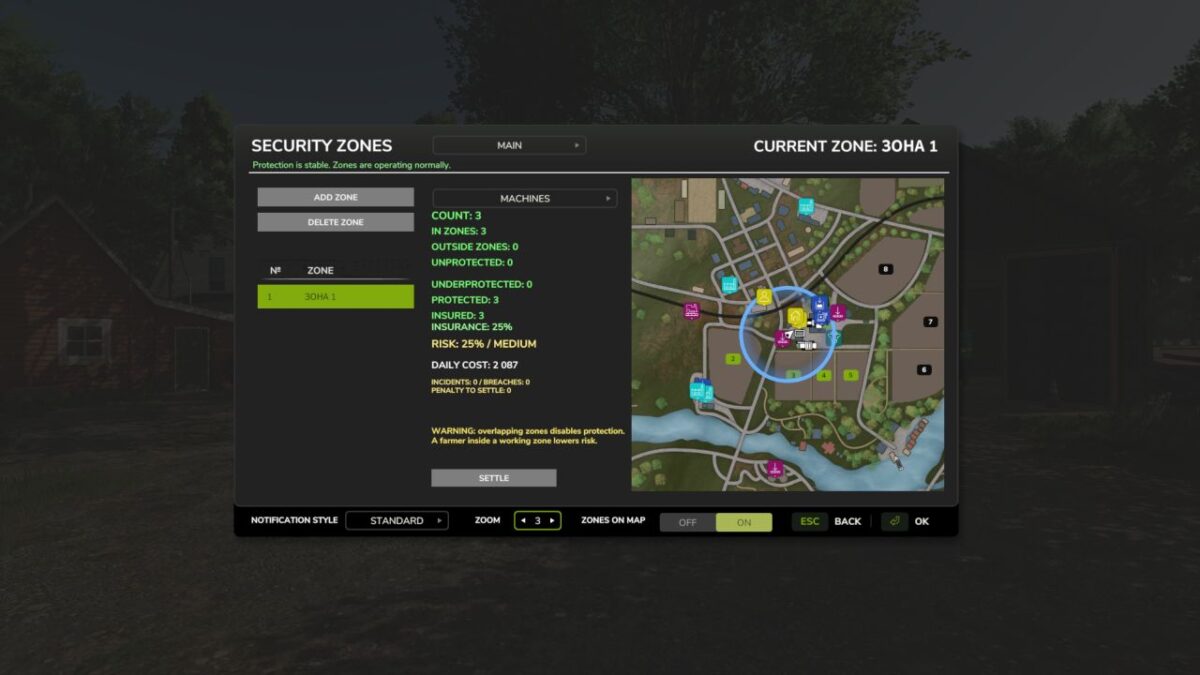
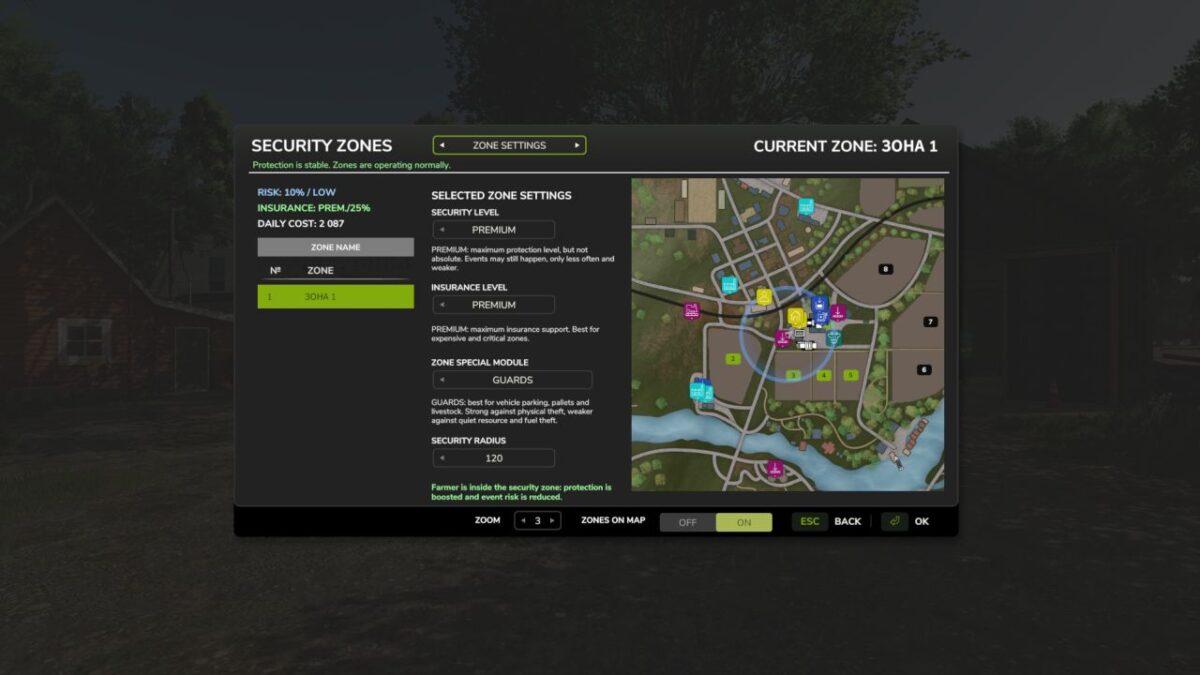
The player can create special security zones on the farm. Each zone has a name, size, risk level, insurance, daily payment and display on the map. If the property is inside the zone, the risk is reduced. If it is outside the security zone, the danger is much higher.
Night events
The main activity takes place at night.
Possible events:
theft of equipment
fuel drain
theft of pallets
theft of resources from warehouses
theft of products from productions
damage to equipment
events with animals
Farmer presence
If the farm owner is inside the security zone, protection is significantly increased. The zone becomes safer, and the risk of events is significantly reduced.
Insurance
Each zone can have its own level of insurance. It does not completely eliminate the risk, but helps compensate for losses if an event does occur. The higher the insurance, the better the financial protection, but also the higher the daily payment.
Risk system
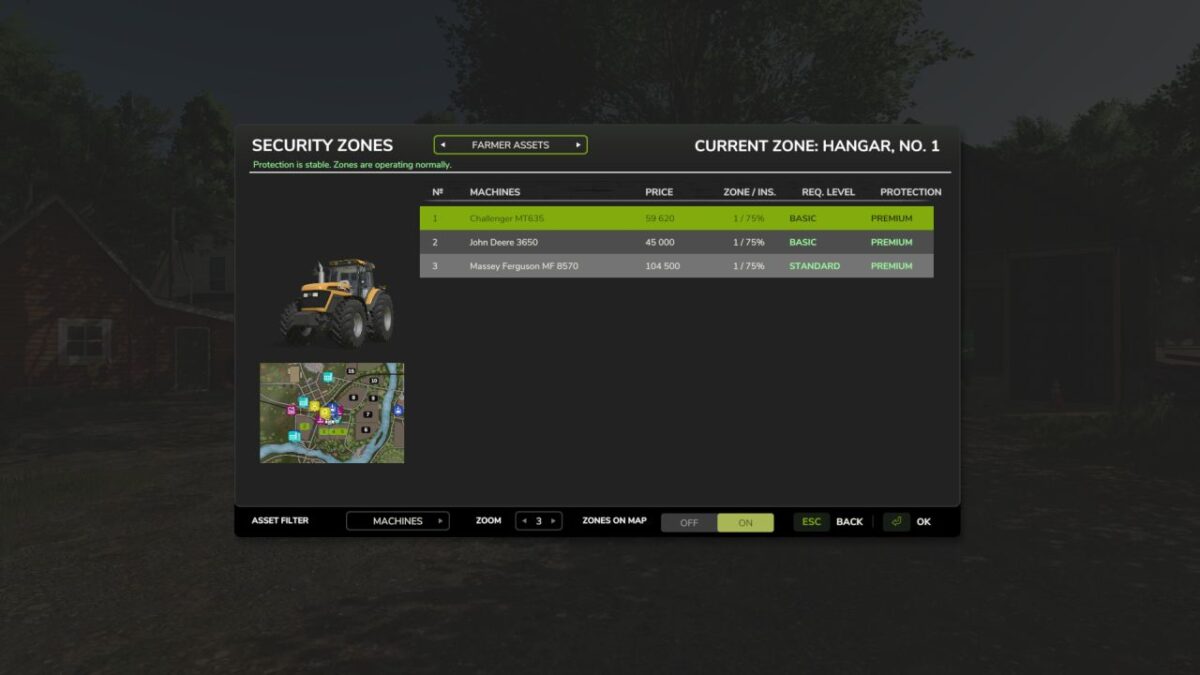
The risk depends on security, insurance, zone size, property inside, farmer presence, zone overlap, and property type. In the menu, you can see the general situation on the farm: what is protected, what is outside the zones, what is the risk, and how much security costs per day.
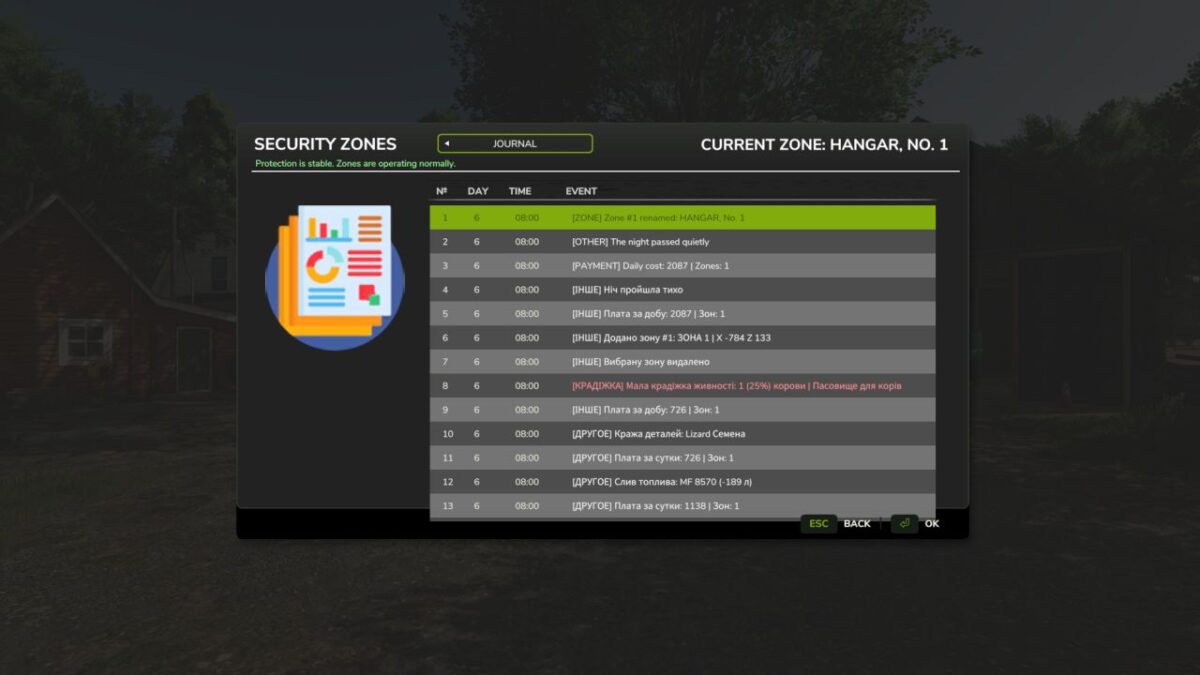
Event log
All important events are recorded in the log: what happened, when, which zone was involved, what property was damaged, and whether there was compensation.
Zone map
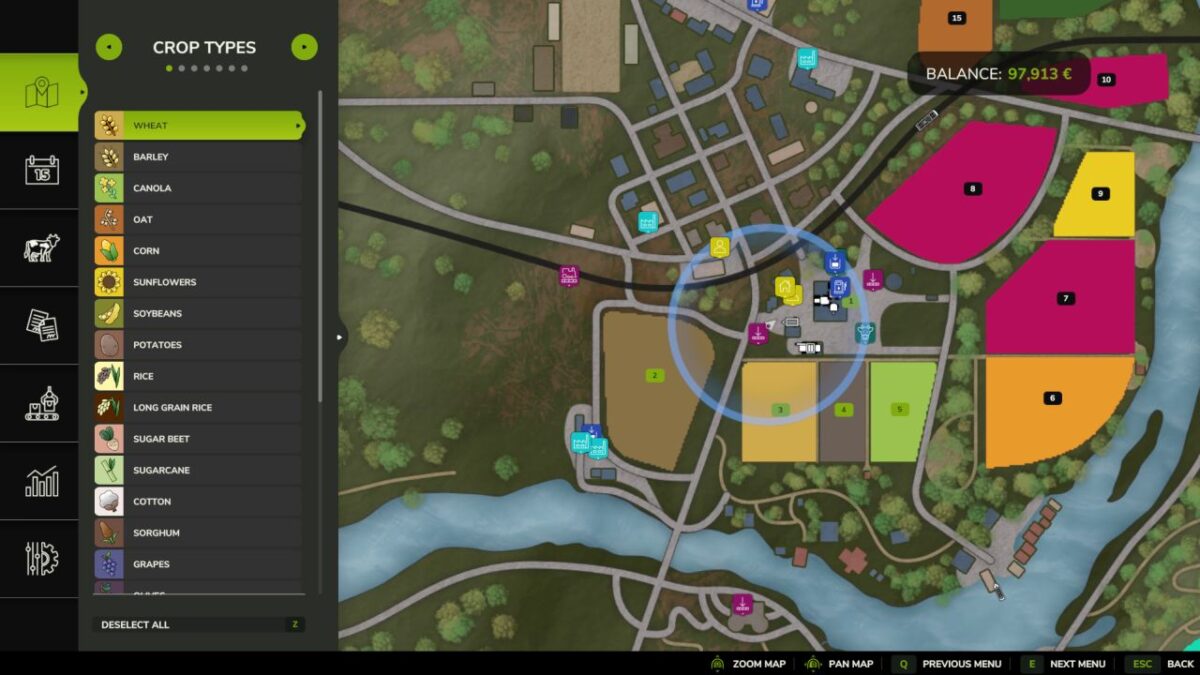
The menu has a map with security zones. You can change the scale, view zones, and control which areas of the farm are already protected.
Credits:
JokerUa


