Shop Sounds v 1.0


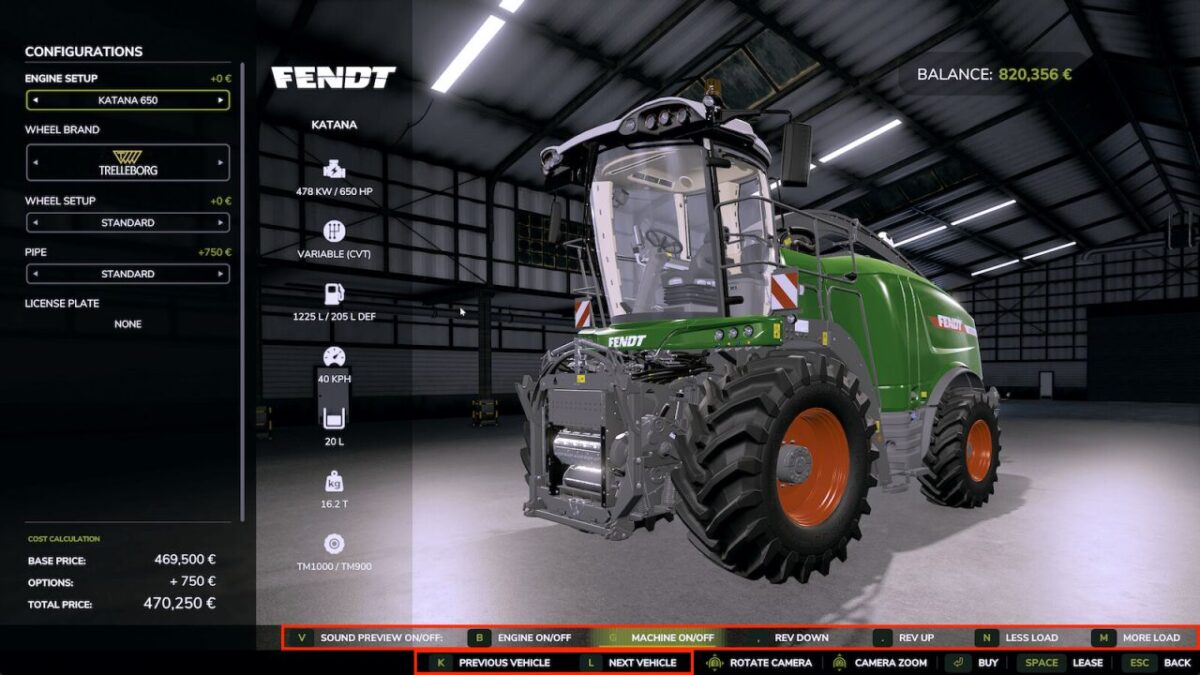
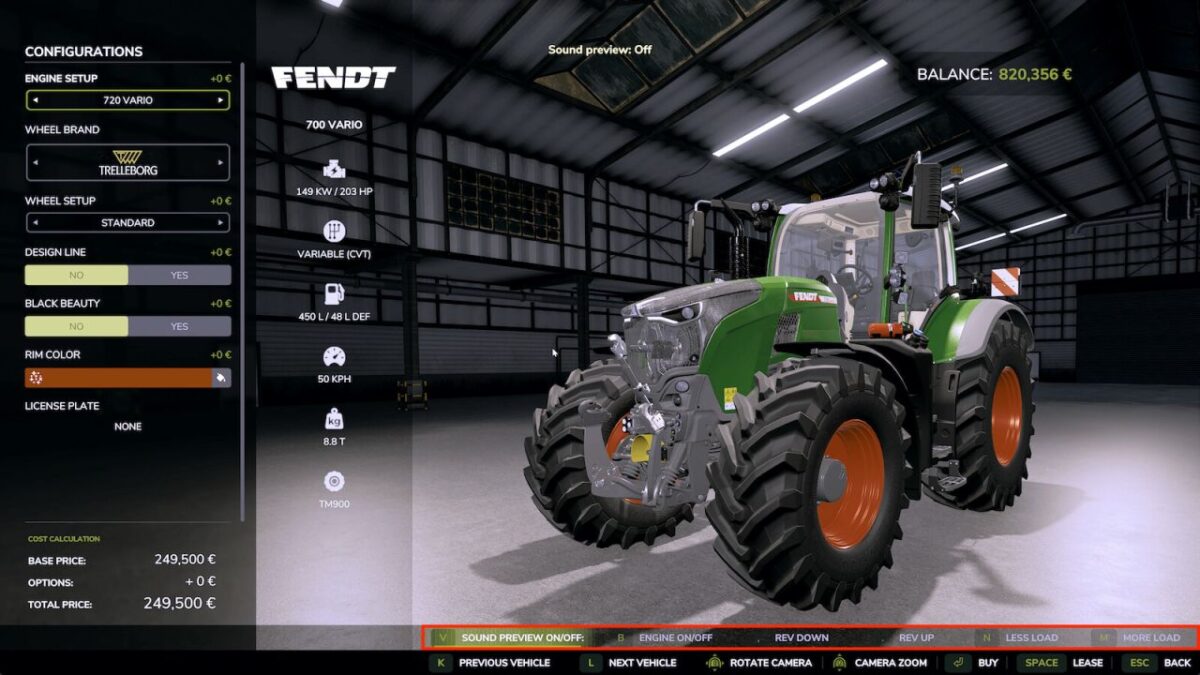
Hear a vehicle’s sound directly in the shop before you buy.
Browse through the vehicles without leaving the detail view, rev from idle to full throttle and control the engine load geared tractors even shift through the gears as you rev, like driving on the field.
Start the work sound on harvesters.
Optional: if “More Motor Sounds” is installed, preview its sound variants live in the shop – if the “Tire Sound” mod is installed, its tire sound is previewed too only a simplified example, as the real mod fine tunes the sound to the tire type (e.g. row crop or dual tires) while driving, which the shop cannot reproduce.
On the Fendt Katana you also get a little easter egg if the “DashboardLive” mod is installed.
The automatic preview can be switched off.
Works in single and multiplayer.
Keys:
[B] Engine on/off
[.] [,] Rev up/down
[N] [M] Less/more load
[G] Machine on/off
[T] Tire sound on/off
[K] [L] Previous/next vehicle
[V] Auto preview on/off
Credits:
Alehandro