

Kubota M5001 Series v 1.0.1.0


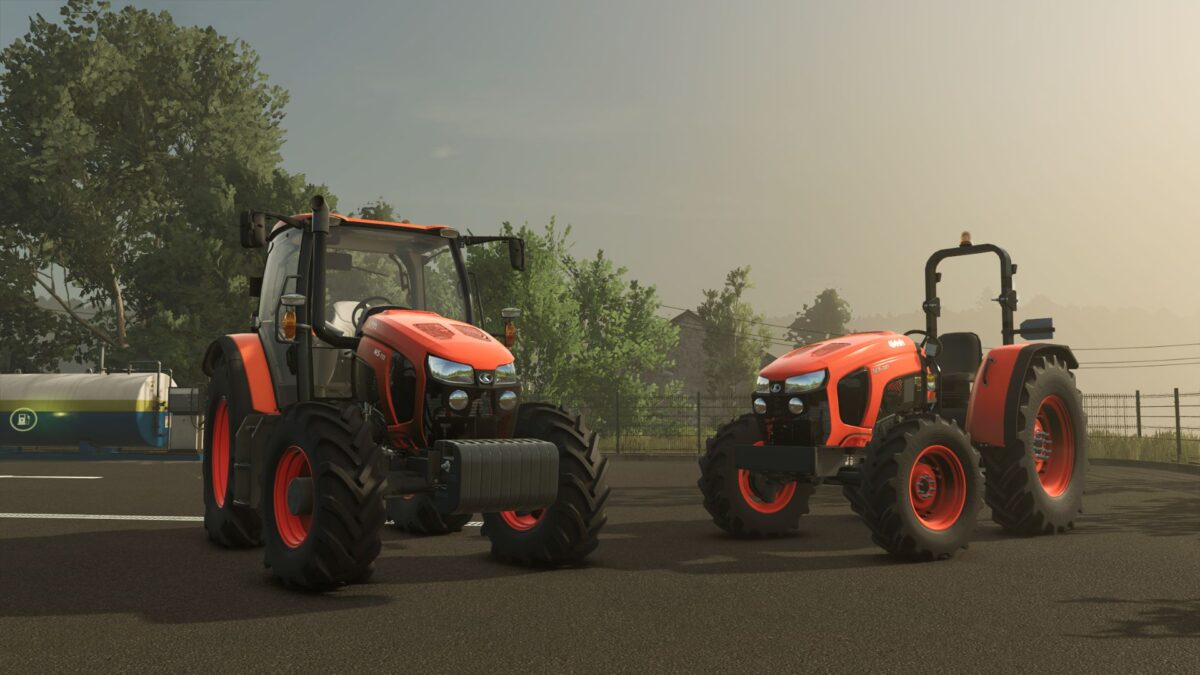
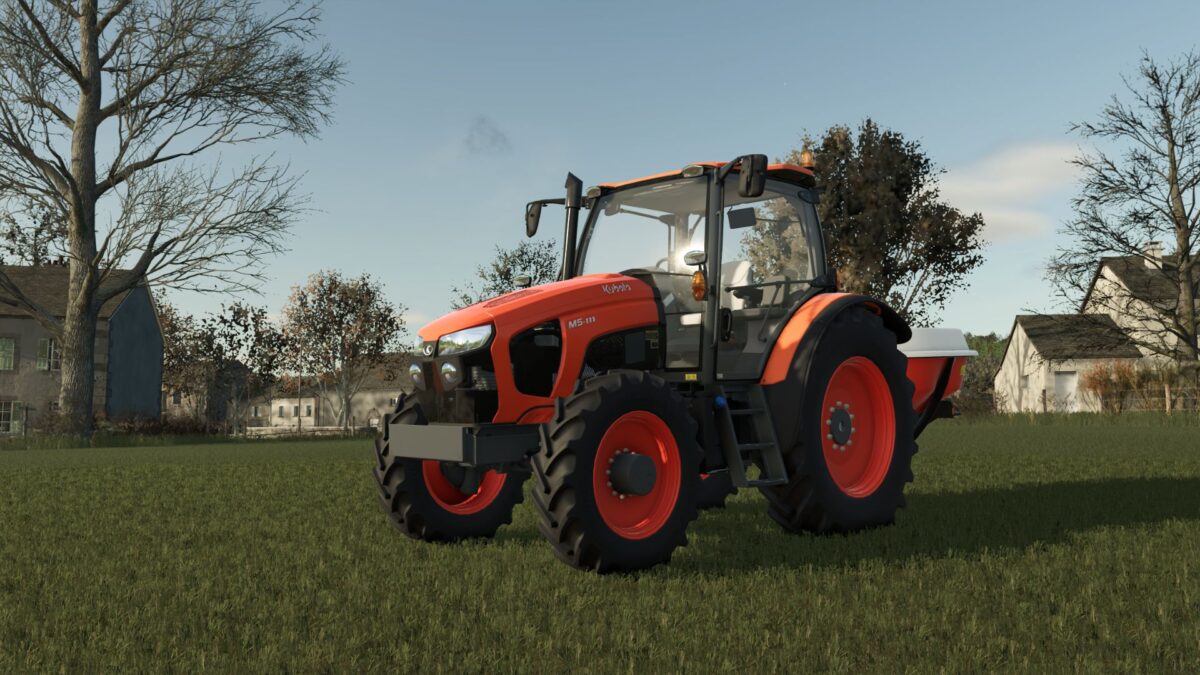
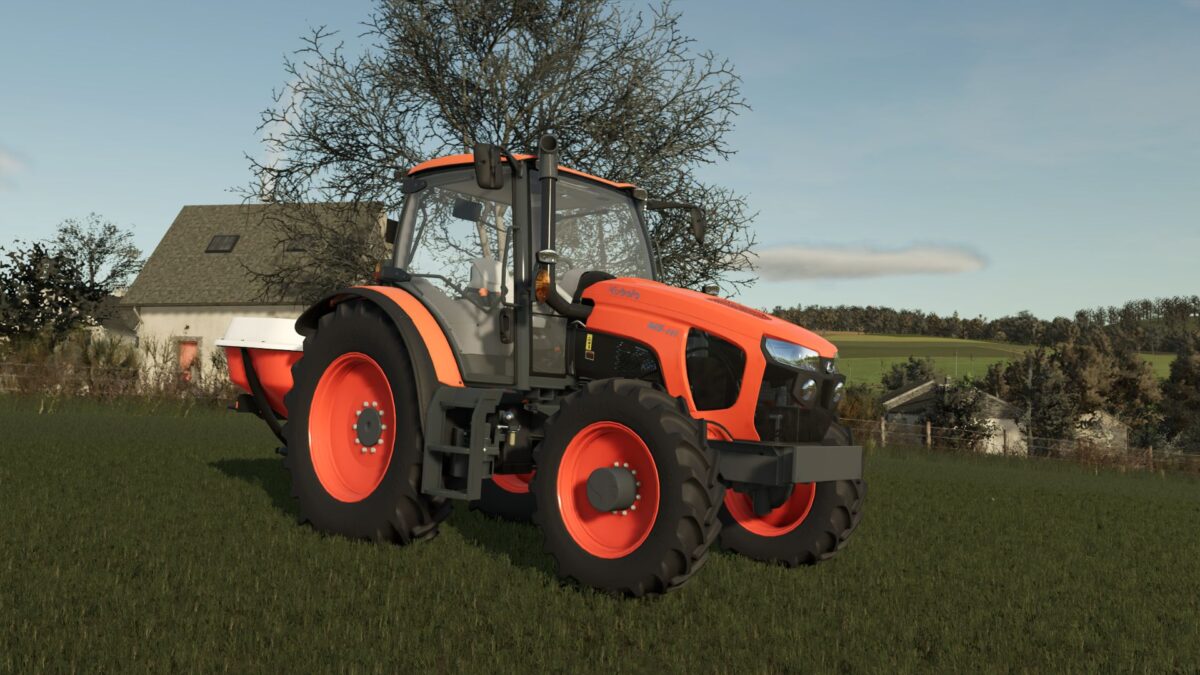
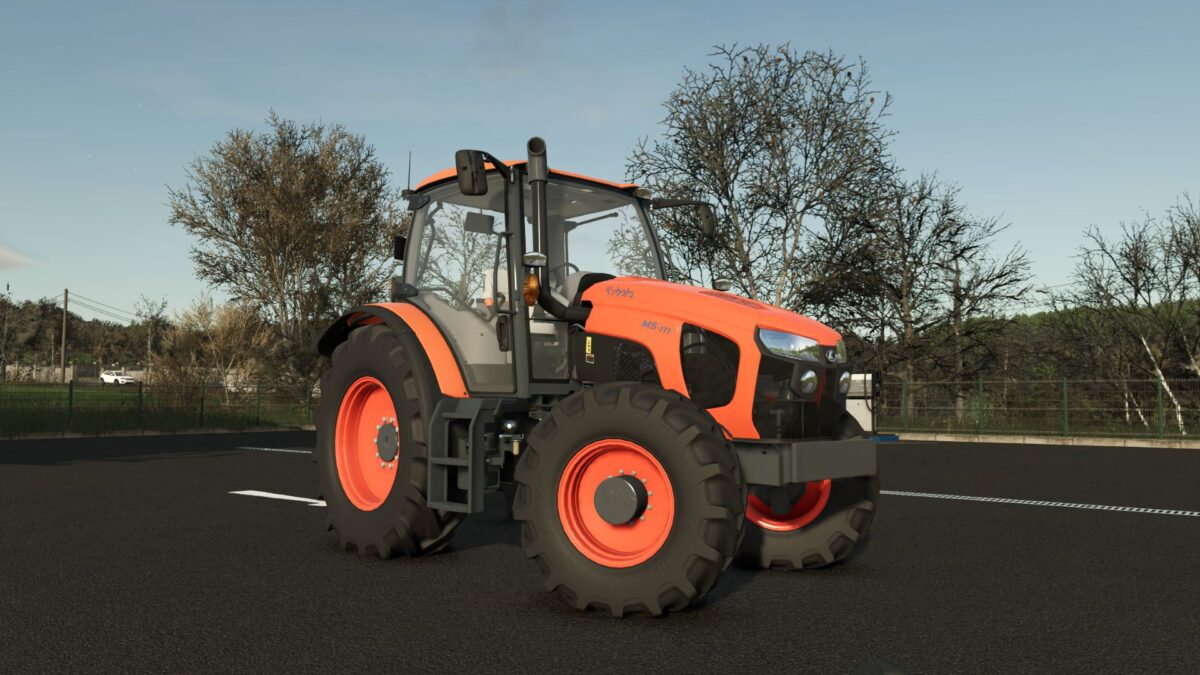
Discover the power and reliability of the legendary Kubota M5001 Series, now faithfully recreated for Farming Simulator 25.
This versatile utility tractor combines robust performance with modern comfort, making it the perfect all rounder for fieldwork, loader work, and daily farm tasks.
It features authentic Kubota design, multiple wheel configurations, frontloader compatibility, weight options, and a highly detailed cabin with a fully animated and realistic interior (steering wheel, pedals, levers and dashboard).
A solid, reliable and immersive tractor that will become a favorite on your farm in FS25.
Version 1.0.1.0:
* It has been fixed: the tractor used to move on its own when starting
* The hydraulic cylinders for the rear attachments have been repaired
* The camera on the cab version has been positioned for a better viewing angle
* Fixed log warnings and errors
Credits:
SeviModding, GonzaloGar20


