

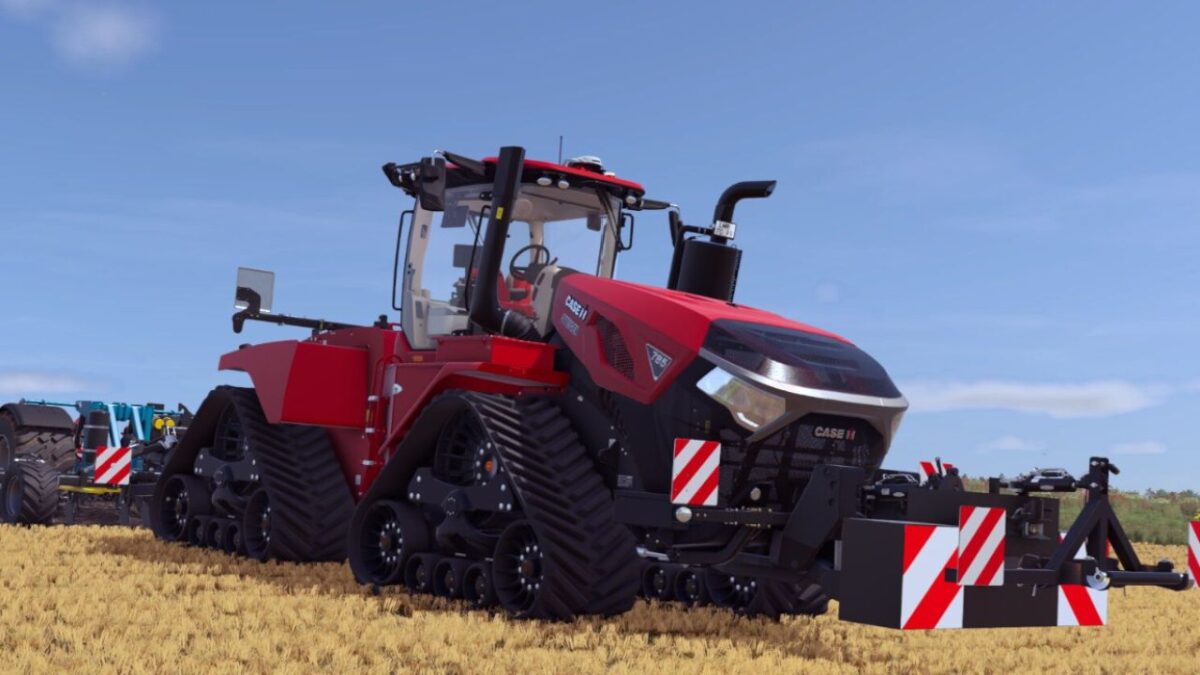
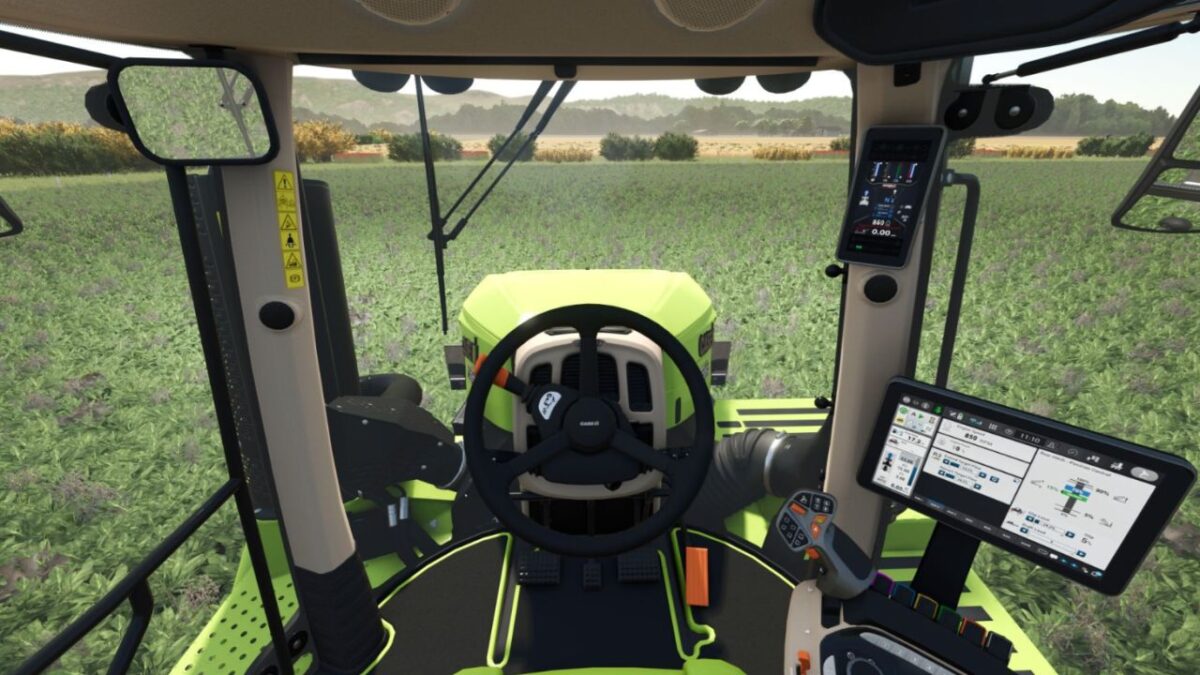
Case IH Steiger Quadtrac 715/785 v 1.2


Case IH Steiger Quadtrac 715/785 – Extreme Edition (20,000 HP)
This version of the Quadtrac has been completely redesigned and optimized for maximum performance.
Extreme features
20,000 hp engine power
Massively increased torque (adjusted torqueScale)
60,000 kg total weight for maximum grip
PowerDrive & CVX transmission
40 km/h & 50 km/h variants
Software versions with even more torque
Wide tracks & full color choice
EU/US lighting & animations
Improved brakes
Ideal for
Stones & heavy loads
Extreme gradients
Tractor Pulling
Large appliances & XXL trailers
Version 1.2:
* From now on only the Steiger 715 Quadtrac CVX 50 km/h Software 1, Steiger 785 Quadtrac CVX 50 km/h Software 1 and the Steiger 785 Quadtrac CVX 50 km/h Software 2 with 20,000 HP are available
* All other engine configurations are with the original horsepower number
Credits:
FF Modding, [LWM]_Gerhard_6175


