

Realistic Weather Lite v 1.1


This mod is inspired by the original mod created by Arrow.
The goal is to build upon those concepts and create this version.
HOW THE MOD WORKS (Features)
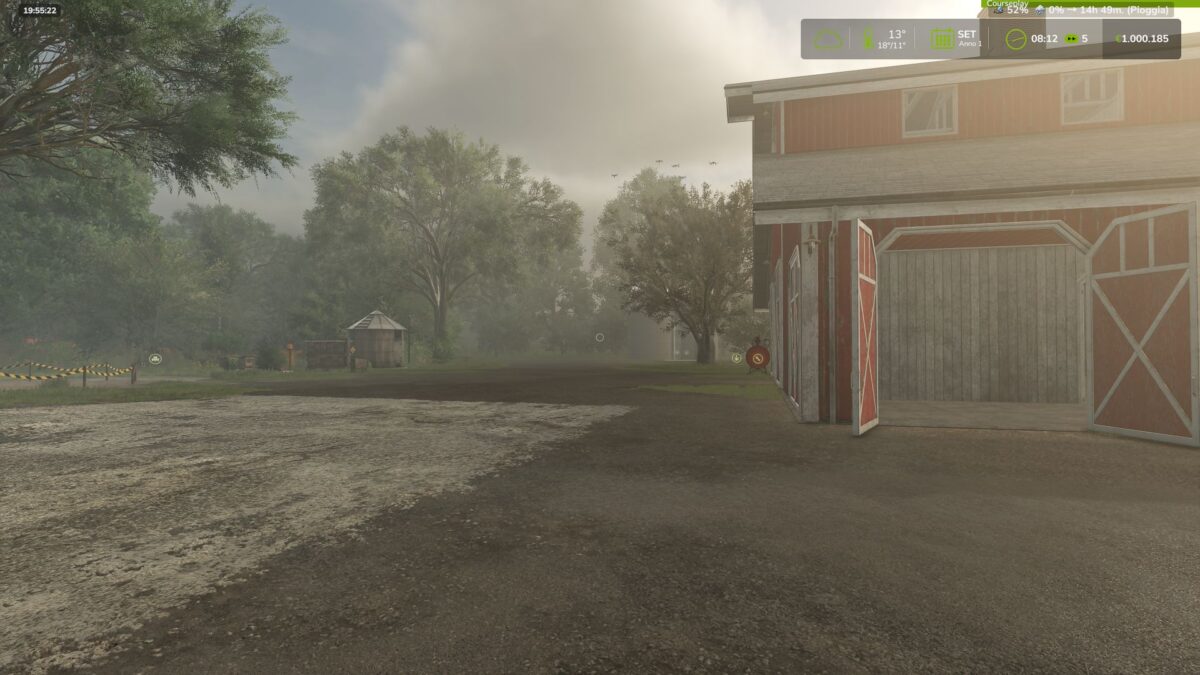
Dense & Dynamic Fog: Very thick fog both early in the morning and during heavy rain.
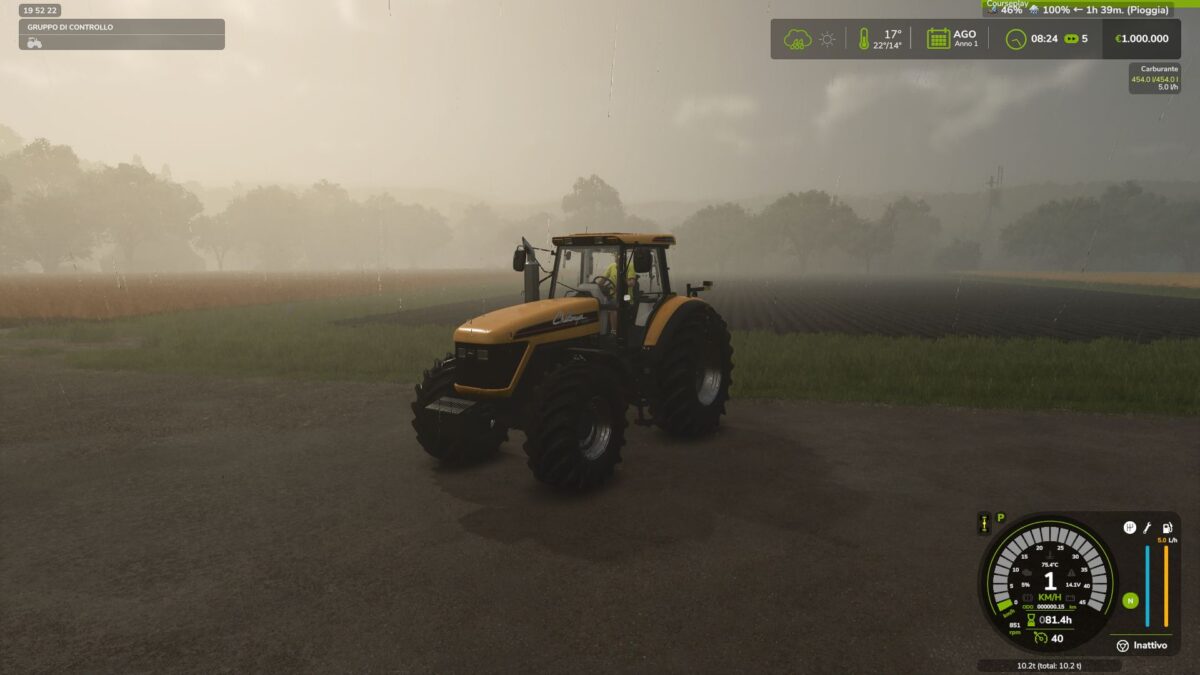
Rain & Atmospheric Effects: Atmospheric weather transitions for higher realism.
Extreme Snow Accumulation: Advanced snow depth management on the terrain.
Hail & Vehicle Damage: Hailstorms cause visual and physical damage/wear to active vehicles.
NOTE ABOUT IMAGES:
The images shown here are temporary placeholders for preview purposes only, meant to showcase how the mod is intended to work.
They will be replaced with actual ingame screenshots as soon as the mod is fully working and stable.
Version 1.1:
* New InGame Menu: Fixed the issue where mod settings didn’t show up in the general options menu. You can now toggle weather notifications and hail damage directly ingame.
* Full Multiplayer Support: Added dedicated network events for complete server/client synchronization. The mod now works perfectly on dedicated servers and multiplayer sessions
* Audio System Fix: Fixed the ambient sound system integration. Hail and blizzard sounds now trigger correctly based on FS25 native weather scales
* Dynamic Damage Balancing (Time Scale): Vehicle damage and wear calculations now automatically scale with the game’s time speed (from 1x up to 360x). This prevents vehicles from breaking too fast at real time speeds or escaping damage when speeding up time
Credits:
mattiaw112, Arrowkb


