

Easy Logging v 1.0.1.0


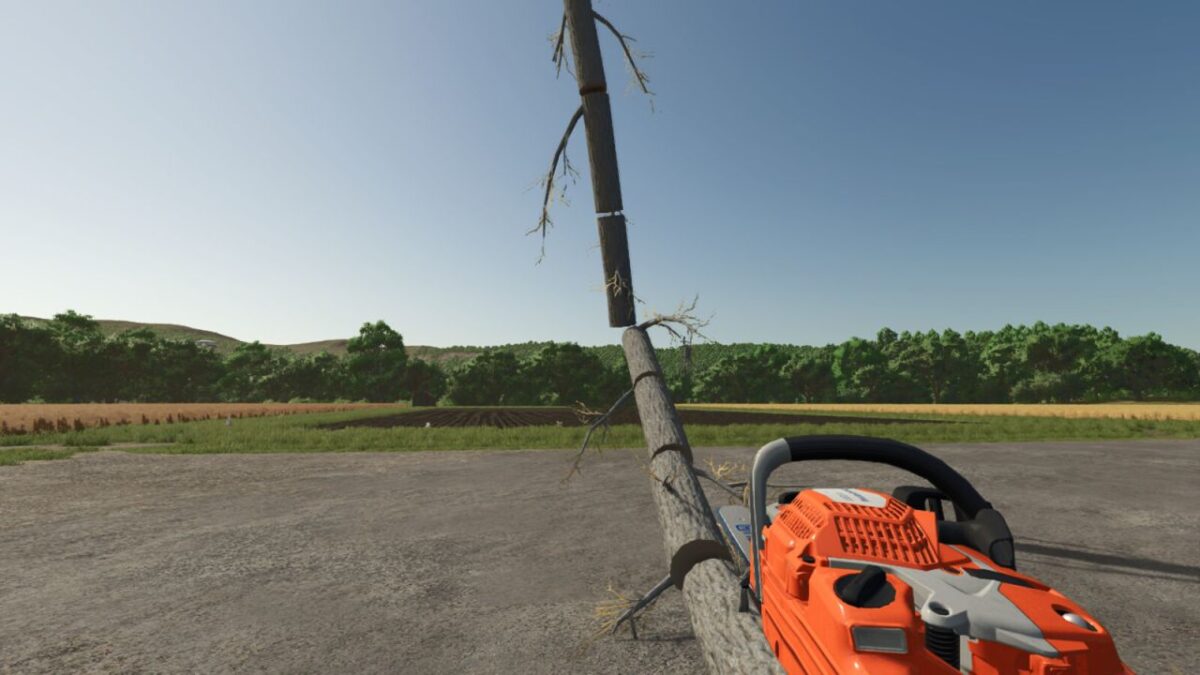
Easy Logging makes chainsaw forestry faster by automatically cutting felled trees and long logs into a selected length. Cut the tree once, let it fall, and the mod sections the fallen piece into real split-shape wood pieces. If the last part is not long enough for a full section, it stays as the shorter end piece.
Features:
Automatic chainsaw log sectioning
Improved handling for thicker branch-style tree sections
Adjustable target length presets
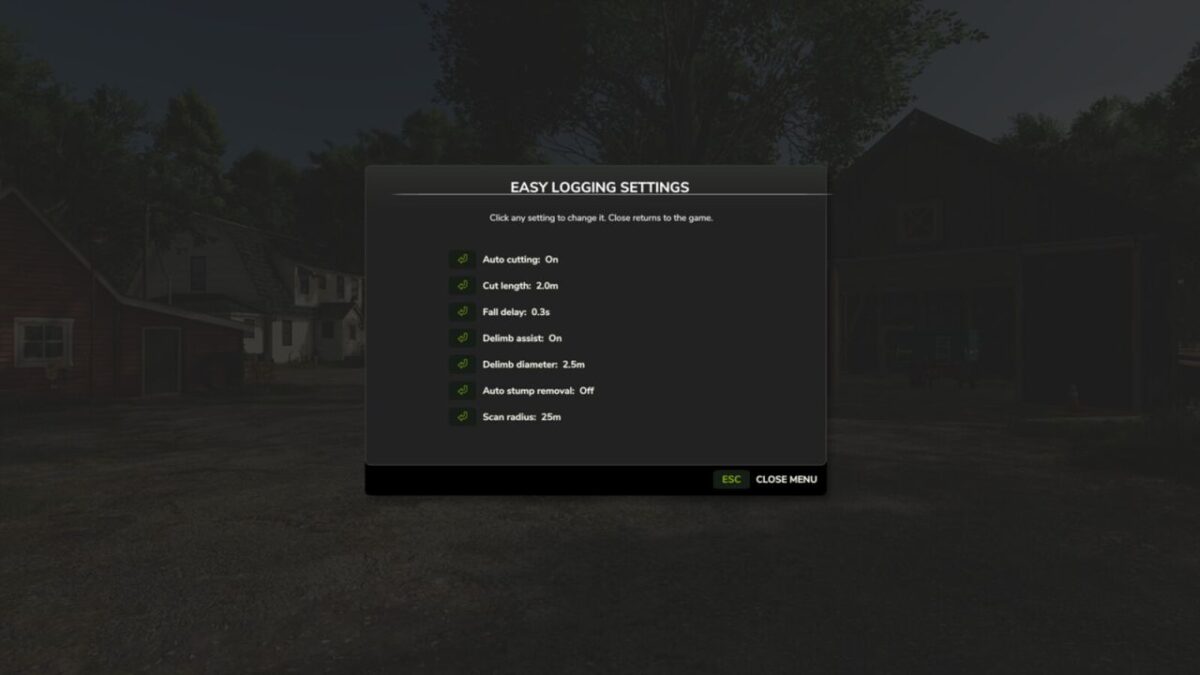
Clickable in-game settings menu
Configurable fall delay before auto cutting starts
Optional automatic stump removal after felling
Safe delimb assist for easier manual branch trimming
F1 help text shows the active length while holding a chainsaw
Uses real split-shape cuts so the wood remains normal game wood
Hotkeys:
Open settings menu: Left Alt + M
Cycle target length: Left Alt + L
Version 1.0.1.0:
* Added optional automatic stump removal after felling a tree
* Improved stump cleanup to remove remaining stump fragments
* Optimized tree and stump scanning to reduce lag when cutting trees
* Fixed the missing GUI profile warning in the settings menu
* Added additional language translations
Credits:
Plutogaming91


