

FS25 Buildings

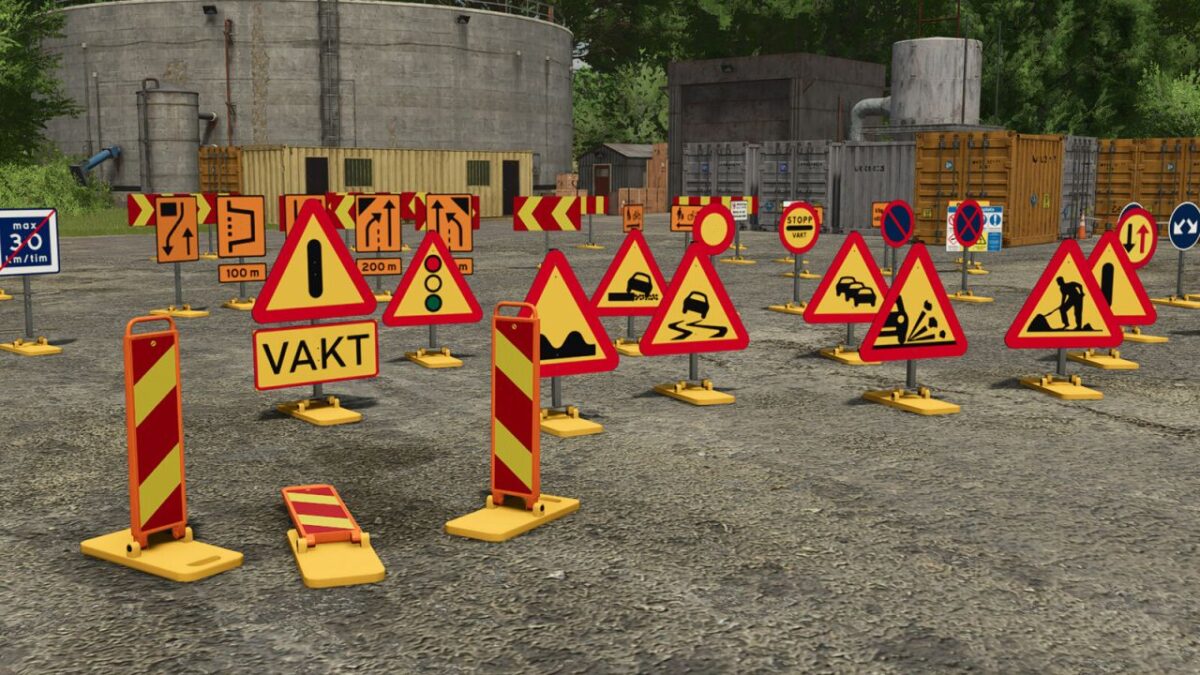
Swedish Construction Sign Pack Plus v 1.0

Swedish Construction Sign Pack Plus v 1.0

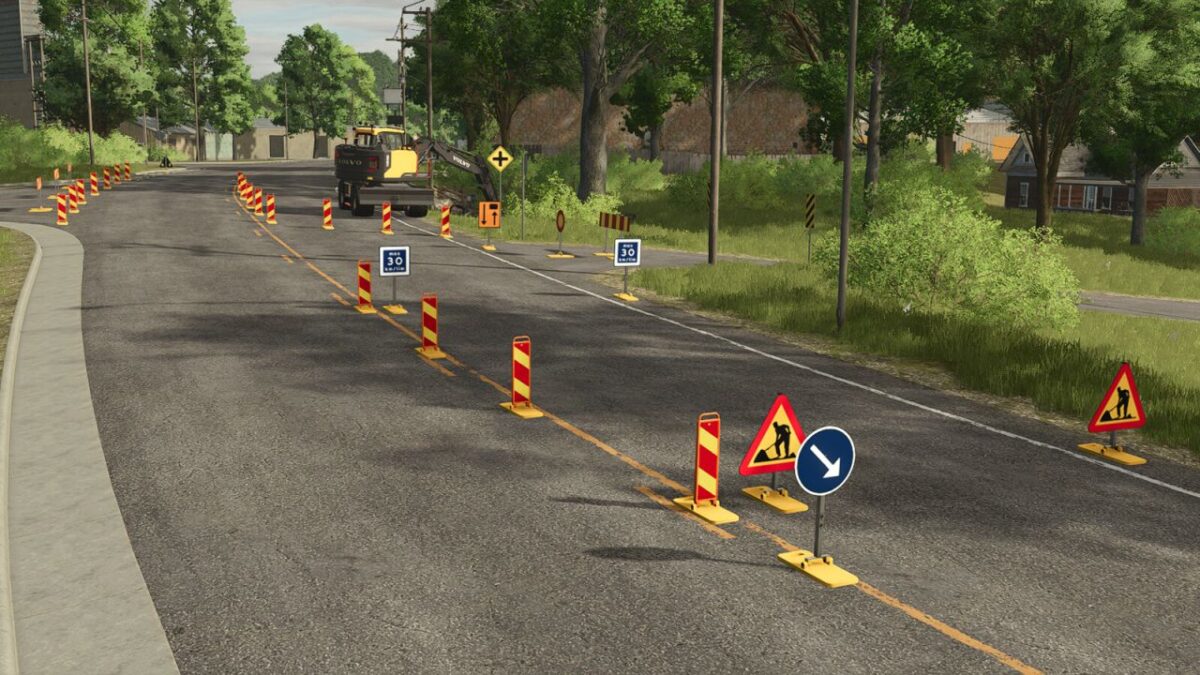
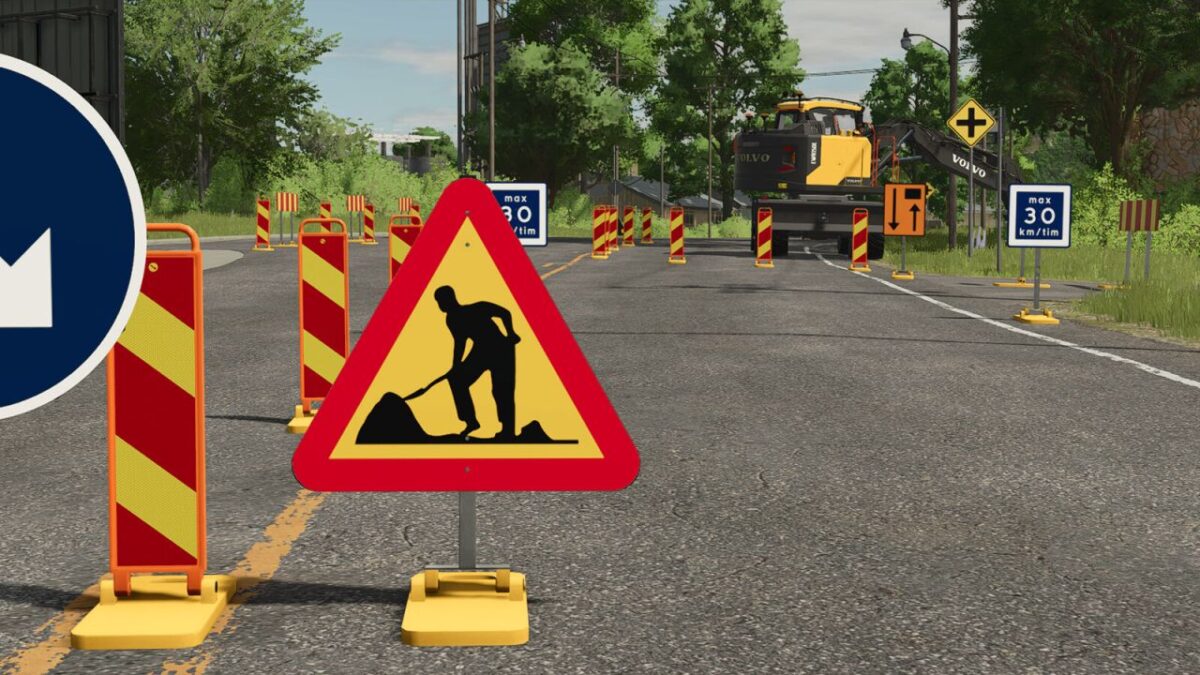
These signs are used for temporary traffic arrangements to ensure a safe and clearly organized traffic environment during roadworks, construction activities, and other work taking place in or near road areas.

The purpose of the signs is to inform, warn, and guide road users through or around a work zone. By correctly placing traffic signs and barriers, traffic can be directed safely while allowing work to be carried out without unnecessary risks.

The signs can be used to:
Warn about ongoing work
Display temporary speed limits
Guide traffic around obstacles or closed areas
Inform about restricted access or limited road space
Prevent unauthorized traffic within the work zone

Properly placed signs help create a clear traffic environment, reduce the risk of accidents, and improve safety for both road users and workers in the area.

Credits:

FippeM123

How to install FS25 Buildings?
Firstly find a mod which you like and want to download. Then download a mod to your PC. Mods are usually in .zip format file. But sometimes it can be in .rar. If a mod file is a .zip format no needed additional actions. If a file is in .rar, then you must unarchive mod with software like WinRar or Zip7. Windows 10 users no need to use software for archives, Win10 itself has a feature to unarchive files.
The next step is to find mods folder in your PC. Usually, it is in Documents/My Games/Farming Simulator 25/2025. Open the "mods" folder and put downloaded .zip archive or unarchived .rar file to this folder.
Last step. Enjoy of FS25 mods!

Leave a Reply

Your email address will not be published. Required fields are marked *