

New Holland T6 Series v 1.0


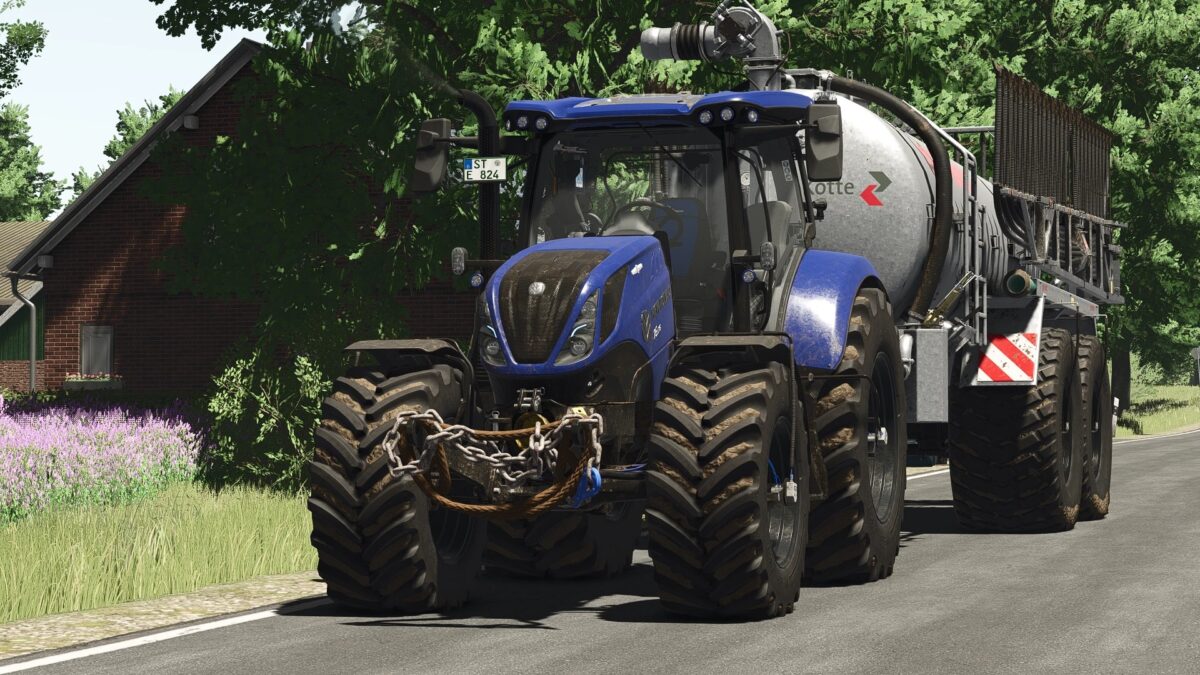
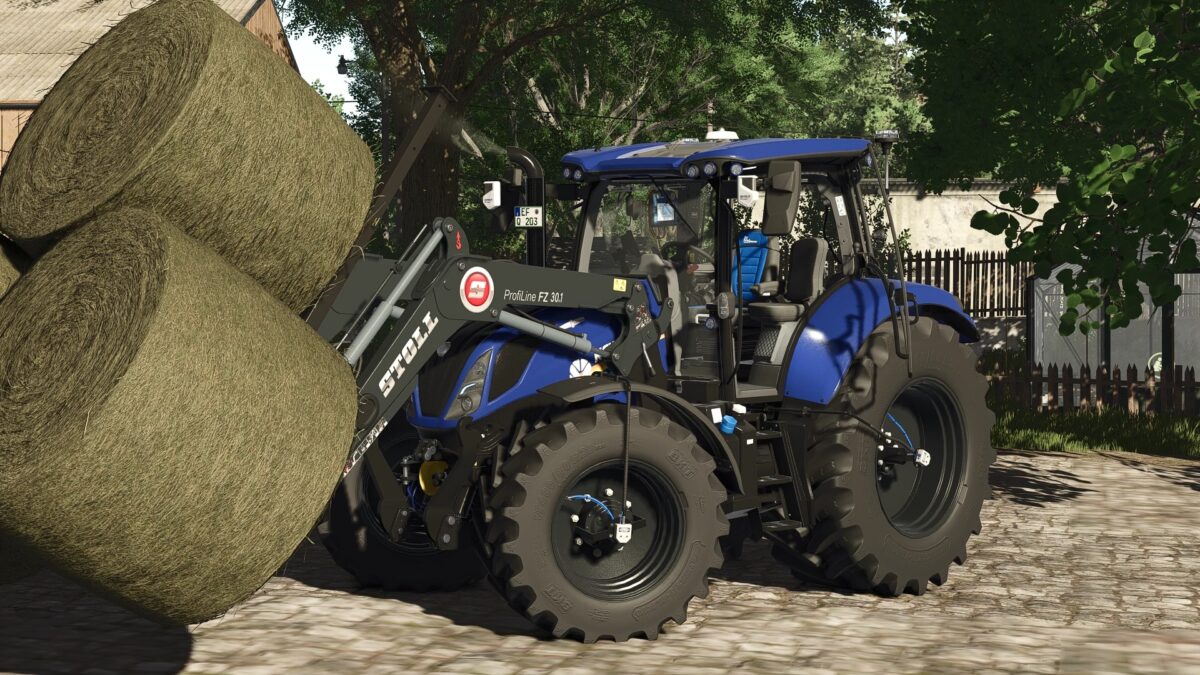
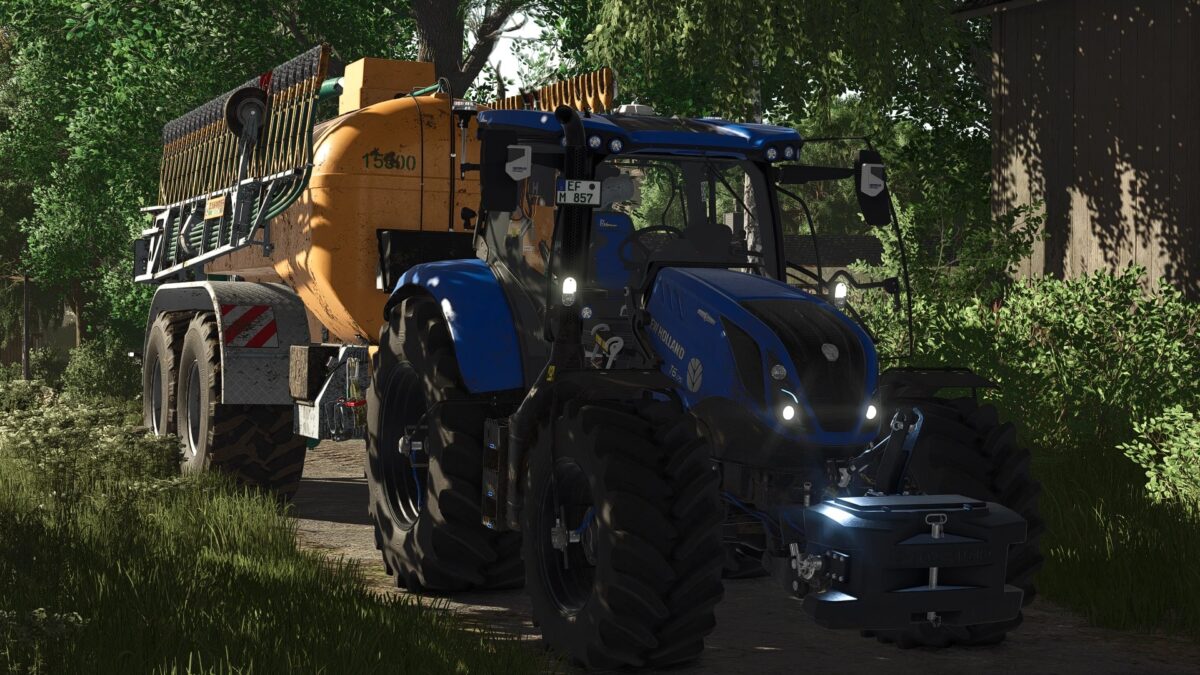
The New Holland T6 has been completely rebuilt from the ground up, delivering a highly detailed experience with plenty of features, animations, and customization options.
Features
Fully reworked 3D model in Blender
Numerous parts separated and fully animated
Advanced Interactive Control (IC) system with custom IC icons
Animated doors, rear window, and various interior functions
Fully animated interior including armrest, gear lever, front loader joystick, steering wheel, and many more details
PTG system with RDA script support
Realistic engine and transmission configurations
Extensive color and design customization options
Dashboard Live (DBL) support
CCI 200 terminal with DBL and IC functionality
Integrated camera system and minimap
Reworked and improved sound design
An incredible amount of work has gone into every detail here – from animations and technology to physics and sound.
The New Holland T6 has been completely rebuilt from the ground up and brought into the LS25 era.
The model originally came from LS22 and was completely rebuilt, reworked, and adapted for LS25 using Blender.
An incredible amount of work has gone into every detail here – from animations and technology to physics and sound.
Model completely reworked from LS22 to LS25 using Blender
Many parts cut out and rebuilt
Extensive animations added
Sounds reworked
Physics completely recalibrated for realistic driving behavior
Tires & Suspension
Many different tire configurations
Trelleborg standard tires without crop damage
Wide tires with PTG system
Rim color freely configurable
Engine & Performance
T6 125
T6 155
T6 175
Each motor variant is available in 40 km/h and 50 km/h versions.
All motors have been tuned with realistic performance and driving characteristics based on the original.
Configurations:
Carpet:
Standard
New Holland
Blue Power
Seats:
Standard
Blue Power
Decals:
Standard
Blue Power
Front Grille:
Black
White
Headlights:
Chrome
Black
Daytime Running Lights:
White
Blue
Rotating Beacons (Configurable)
Sidemarkers (Configurable)
Extensive Color Selection for Interior and Design
Front Loaders
The following front loaders are available:
Quicke
Hauer
Stoll
Technology & Displays
Integrated Live Dashboard
CCI 200 Terminal
Switchable via DBL
Freely movable
Controllable via IC
PTG Terminal
Fully animated
Numerous integrated functions
Integrated camera system
Numerous IC functions and extensive IC points
Interactive Control (IC)
Exterior
Left door
Right door
Rear window
Front and rear hydraulics fully controllable via IC
Interior
Extensive IC functions
Numerous customizable IC points
Displays and systems controllable via IC
Credits:
xGerExotic


