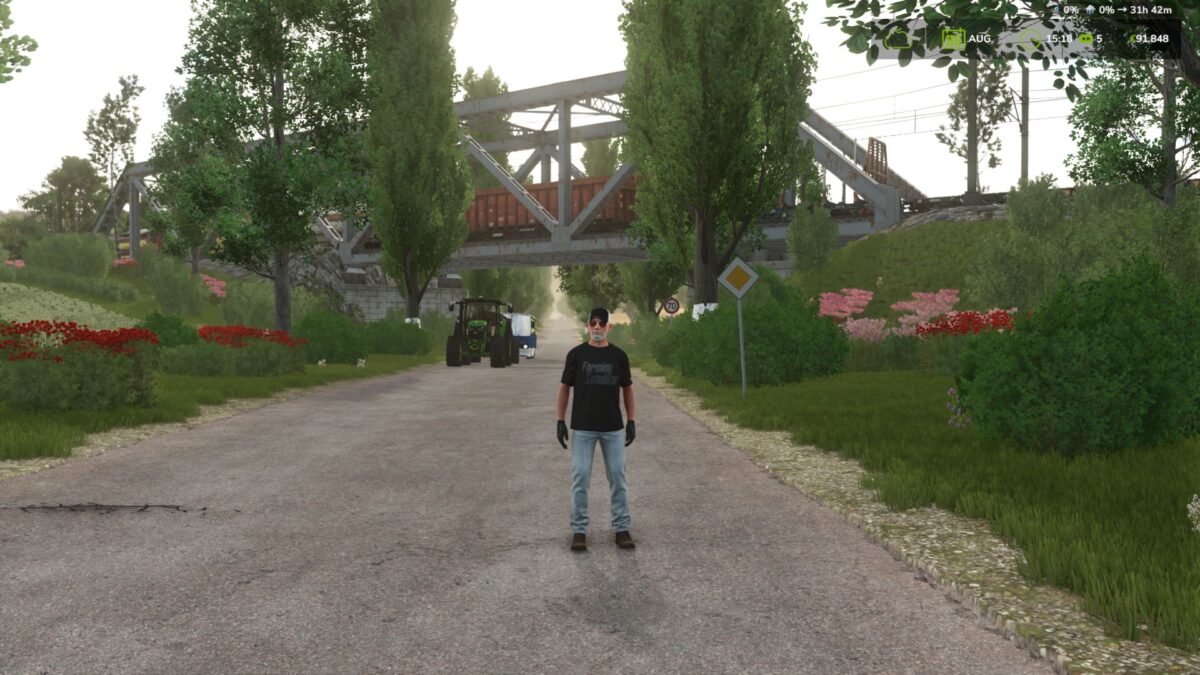
Sat Baraitaru Map v 1.1


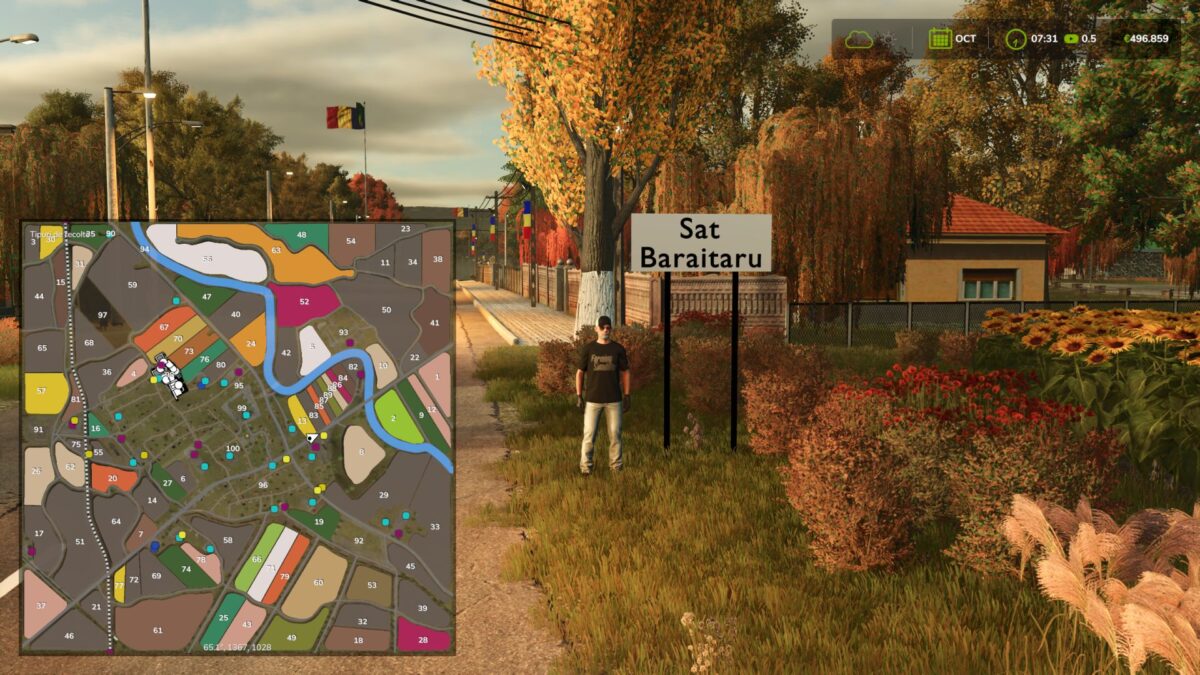
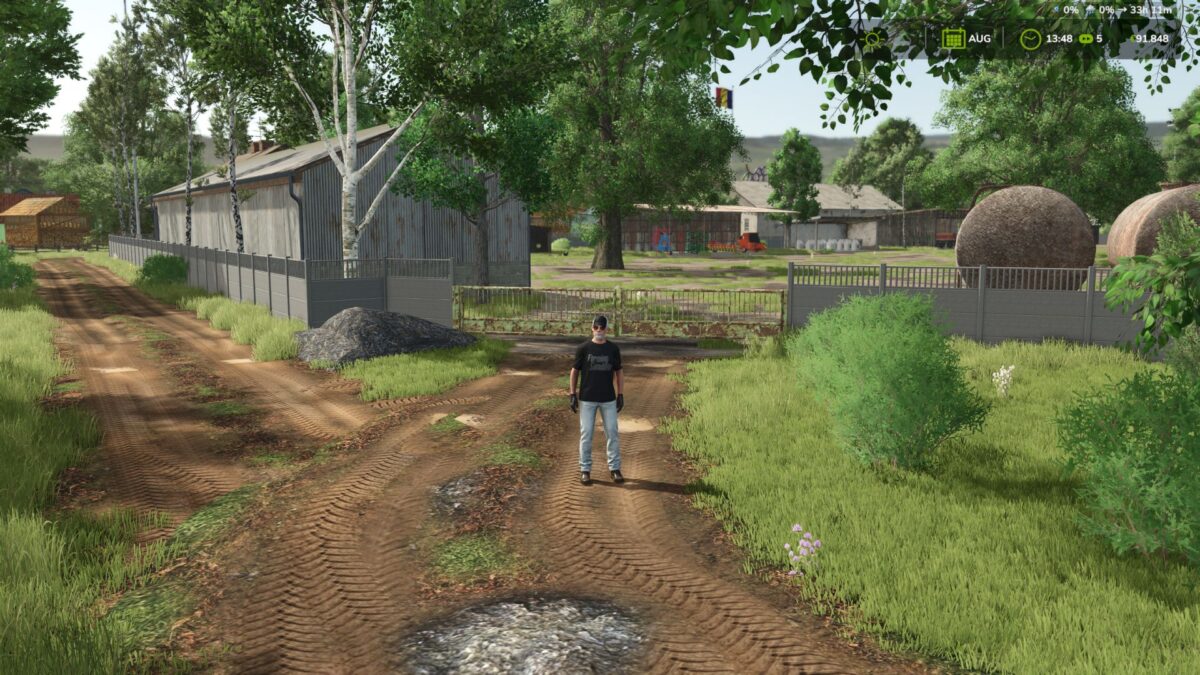
The map is based on a real location in Prahova County, being created to faithfully reproduce the atmosphere of the Romanian village: authentic landscapes, specific roads, vast fields, traditional farms and local details that bring the experience closer to reality.
Features:
– Two forests: one small and one large
– Fields and various crops
– Customized traffic
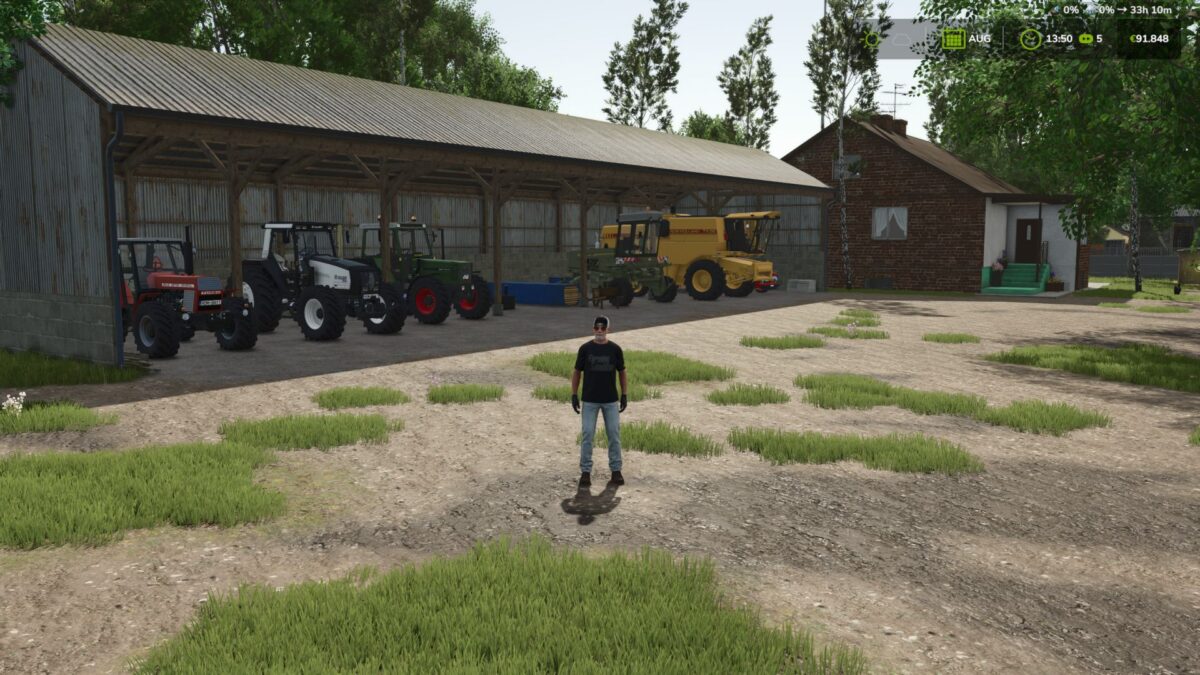
– Authentic farms and households
– Roads and scenery inspired by real Romania
– Natural landscapes and carefully crafted details
– An experience created with passion for the Farming Simulator community
– The map contains nine new crops
Version 1.1:
* The main forest has been optimized by thinning vegetation and trees for better performance
* New fences have been added in areas where necessary
* New ambient sounds have been implemented on the map
* New bridges have been added
* Some of the old bridges have been replaced for an improved visual appearance
* Automatic barriers have been installed in the necessary areas
* The vegetation in the village area has been optimized for better game fluidity
* New vehicles have been introduced in the custom traffic
* The custom traffic has been completely redone
* The AI traffic has been redone and optimized to circulate on the entire map without problems
* Numerous general optimizations and improvements have been made
* Invite you to discover the rest of the changes during the game.
Credits:
Barba Alba