

FS25 Trucks

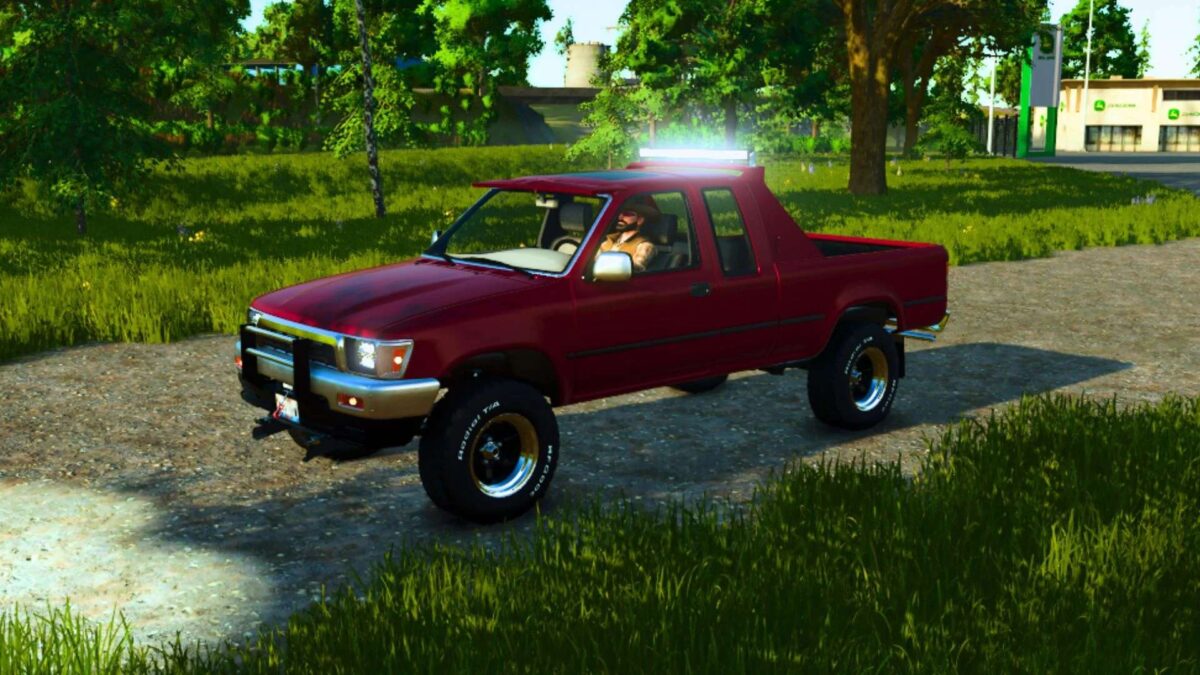
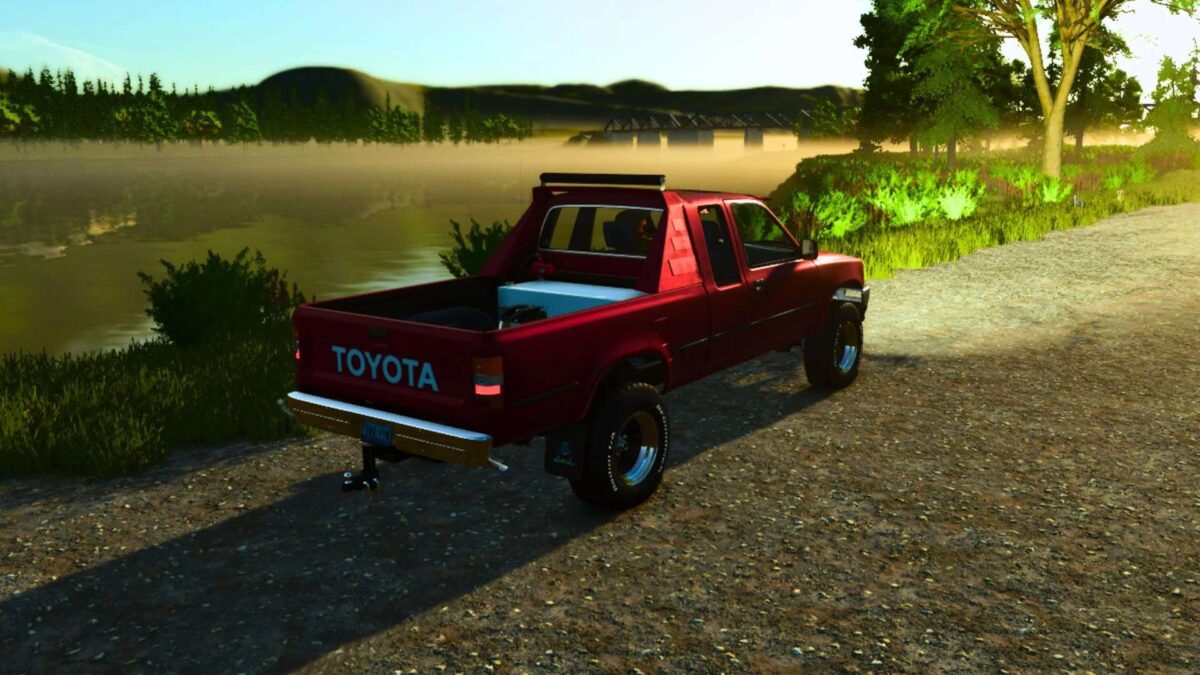
1994 Toyota Pickup v 1.0

1994 Toyota Pickup v 1.0

Specs
Engine Options: V8
Transmissions: 6-speed manual.
Drivetrain: Legendary 4WD configuration.
Cabin: The Extended Cab features two smaller fold-down jump seats behind the main row [Don’t actually fold down], perfect for small children or extra cargo space/Audio Equipment.

Features:
3 motor options
Front Bumper LED light bar
Chainsaw Storage
Nerf Bars
Mud Flaps
Plow Mount
Grill Guard
Front Bumper Novelty Plates
Windshield Sun Visor
Working Winch
Subwoofers
Interior Deco
Fuel Transfer ability
1 Non Adjustable Hitch/1 Adjustable Drop Hitch/5th Wheel/Gooseneck attachment Options

Credits:

FSMR

How to install FS25 Trucks?
Firstly find a mod which you like and want to download. Then download a mod to your PC. Mods are usually in .zip format file. But sometimes it can be in .rar. If a mod file is a .zip format no needed additional actions. If a file is in .rar, then you must unarchive mod with software like WinRar or Zip7. Windows 10 users no need to use software for archives, Win10 itself has a feature to unarchive files.
The next step is to find mods folder in your PC. Usually, it is in Documents/My Games/Farming Simulator 25/2025. Open the "mods" folder and put downloaded .zip archive or unarchived .rar file to this folder.
Last step. Enjoy of FS25 mods!

Leave a Reply

Your email address will not be published. Required fields are marked *