

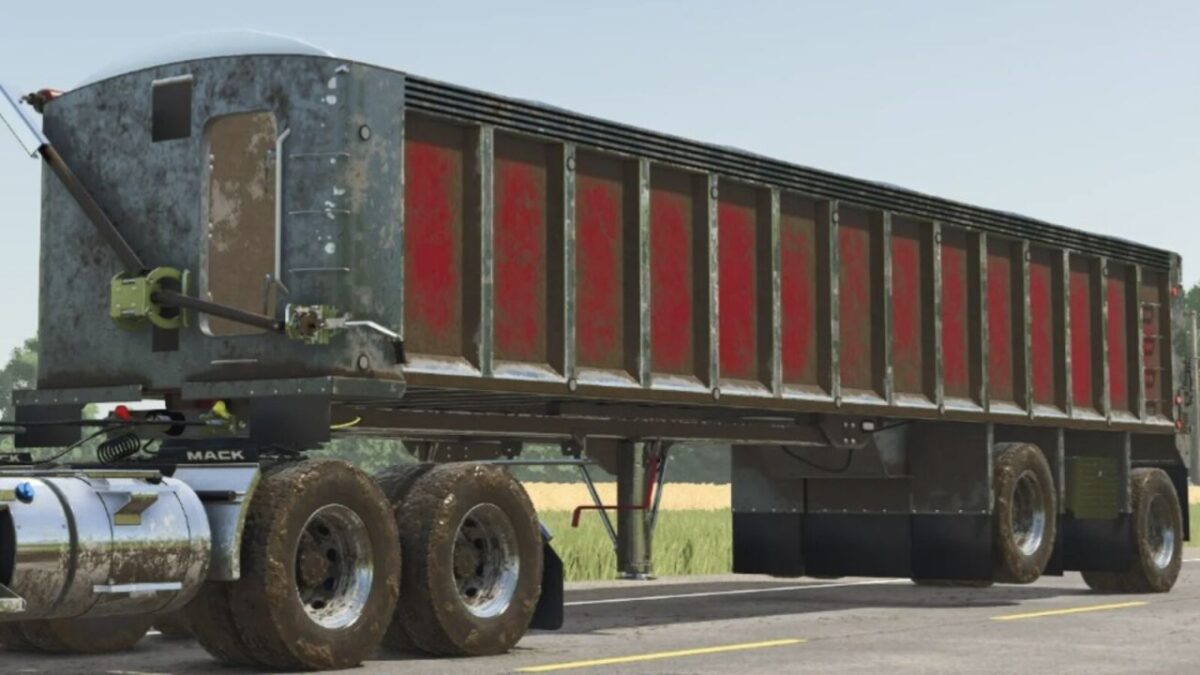
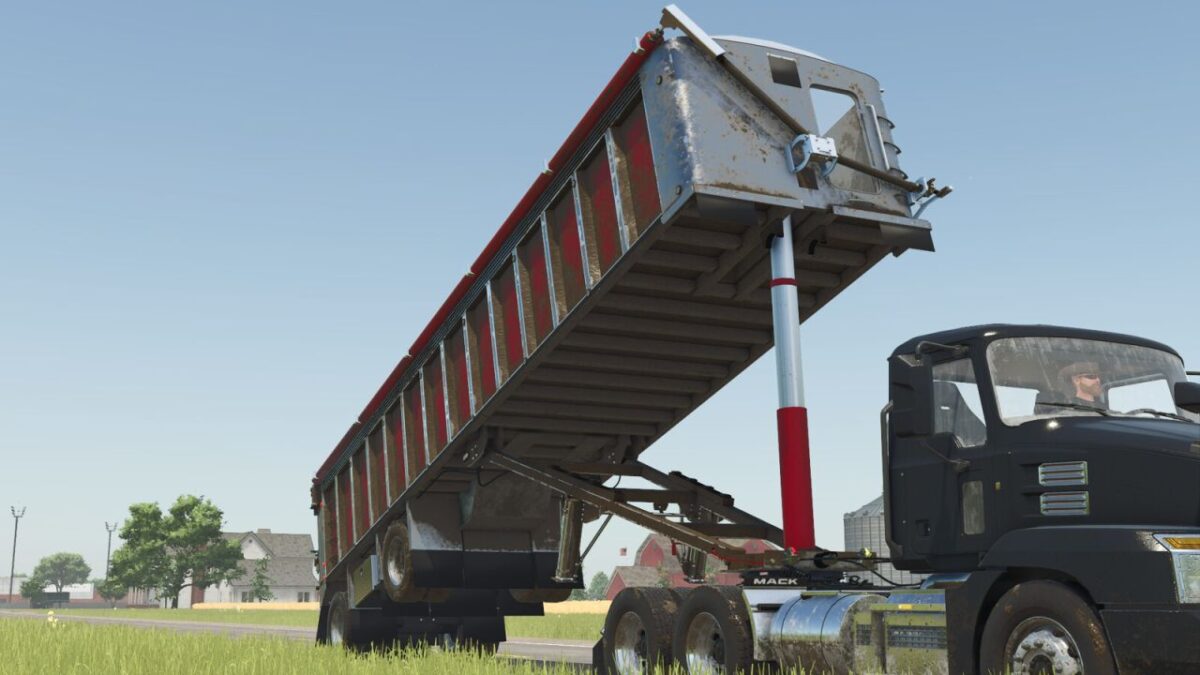
Lizard Trail Frameless End Dump Trailer v 1.0.0.2


The Lizard Trail Frameless End Dump is a highly detailed and fully customizable trailer designed for realism, functionality, and performance in Farming Simulator 25. This trailer includes multiple axle configurations, full animation systems, advanced dumping options, and extensive color customization.
Built with attention to detail, this trailer features realistic moving components, working lighting systems, and multiple capacity options to suit any hauling operation.
Features
Multiple wheel configurations:
Option for glass door and normal door
2 axle setup
3 axle setup with lift axle
option for glass door or normal door
Spread axle setup with toolbox and lift axle
Fully animated tarp system
Animated rear mudflaps
Animated front access door
Real-time working jack handle
Moving tag axle
Animated toolbox
Free-swinging tailgate (standard dump modes)
Grain door system for grain unloading
Dual revolution side lights
Dual revolution underglow lighting option
DOT tape option.
Customization
Side color
Cylinder color
Cylinder housing color
Dump bed color
Tarp color
Frame color
Jack handle color
Capacity Options
60,000L – 3,000,000L and 1000 Bushels To 10000 Bushels
Dump Options
Tip Normal
Tip Fast
Tip Grain Slow (auger unloading)
Tip Grain Fast
Tailgate swings freely during normal and fast dump modes. Grain modes use a grain door.
Version 1.0.0.2:
* Added BedLiner Option
* Added 4 New Dump Animations For Real Life Dumping Like in Real Time
* Added Realistic Compacity with Weight From 30000 Liters to 500000 Liters Along With 1000 Bushels To 10000 Bushels With Weight
* Added Another Tarp Option
* Added MudFlap Options
* Added Lights To The Wheel Options
* Added Sounds To The Gate Latches
* Added Another Configuration For No Tool Boxes For The Spread Option
* Added Animated Buttons For The Suspension And TailGate
* Fixed The Paint
* Added UnderBody Lights
* Fixed Couple Tires Being To Small
* Fixed The Wear And Dirt Showing Up To Quickly
* Fixed Some Of The Bolts
Credits:
PierceCustomGaming, KarlFarms


