
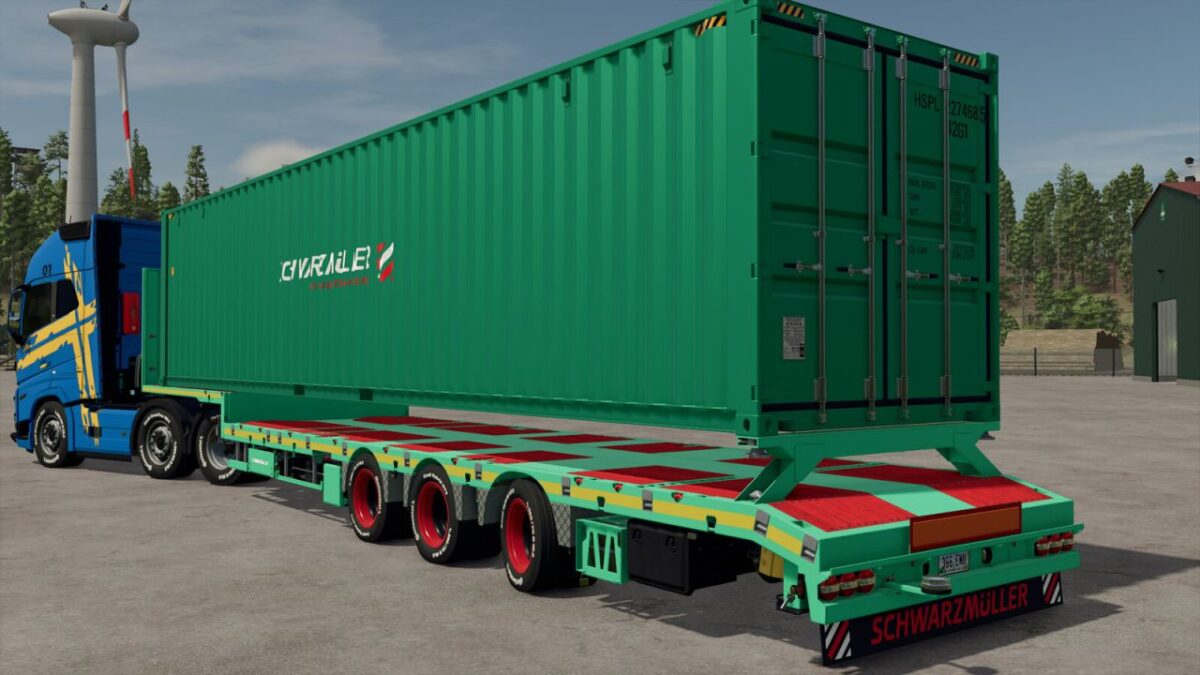
FS25 Low Loader Trailers

Schwarzmueller 3A Low Loader Trailer v 1.0.0.2

Schwarzmueller 3A Low Loader Trailer v 1.0.0.2

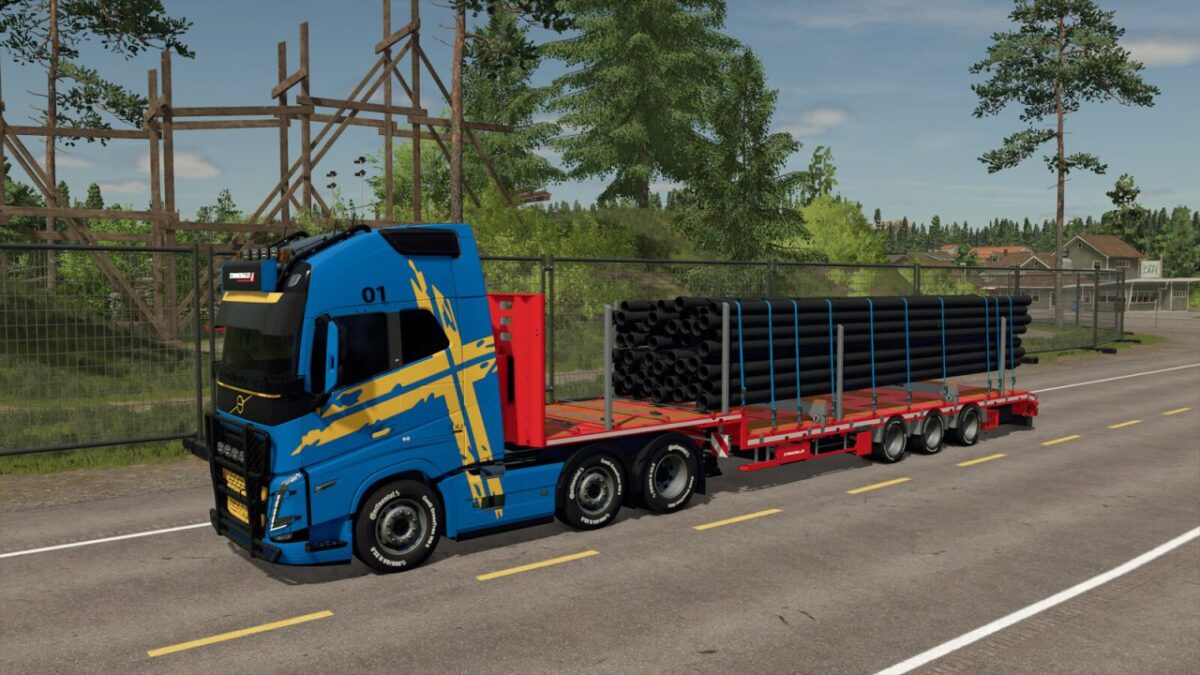
Schwarzmueller Semi Lowloader 3A
Category: Low Loaders
Price: $64,000

Schwarzmueller Transport Riser
Category: Miscellaneous
Price: $250

What has changed:
Lighting replaced
Our own Tensionbelts installed
Tires with and without lettering
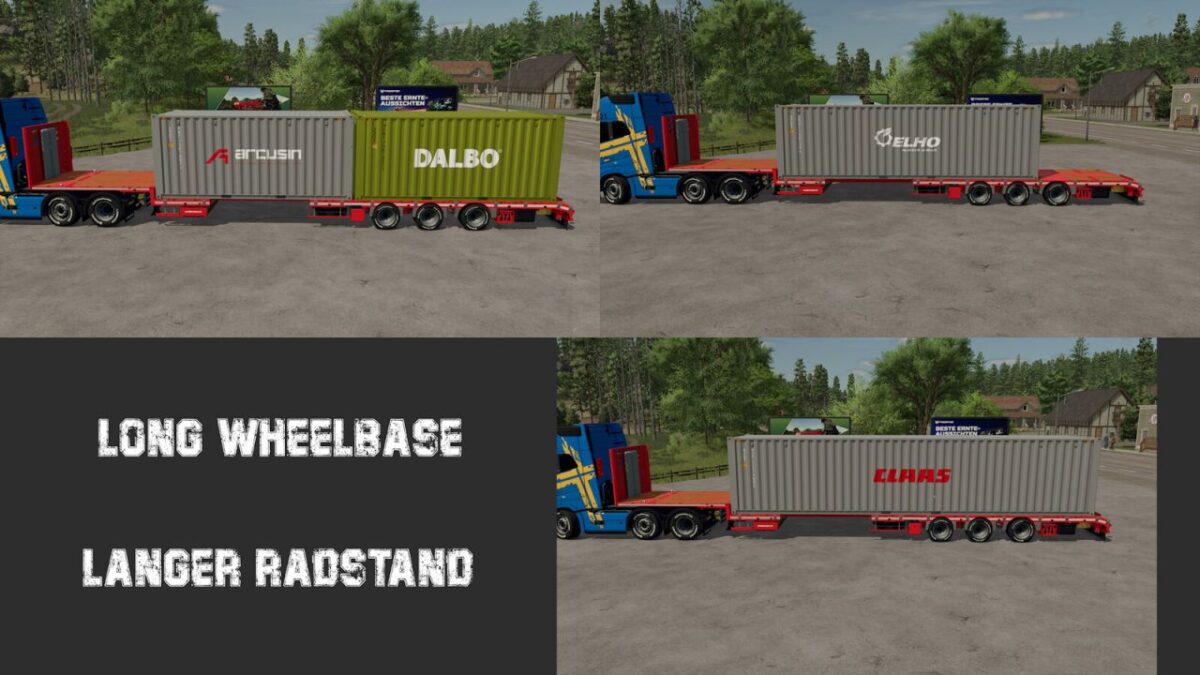
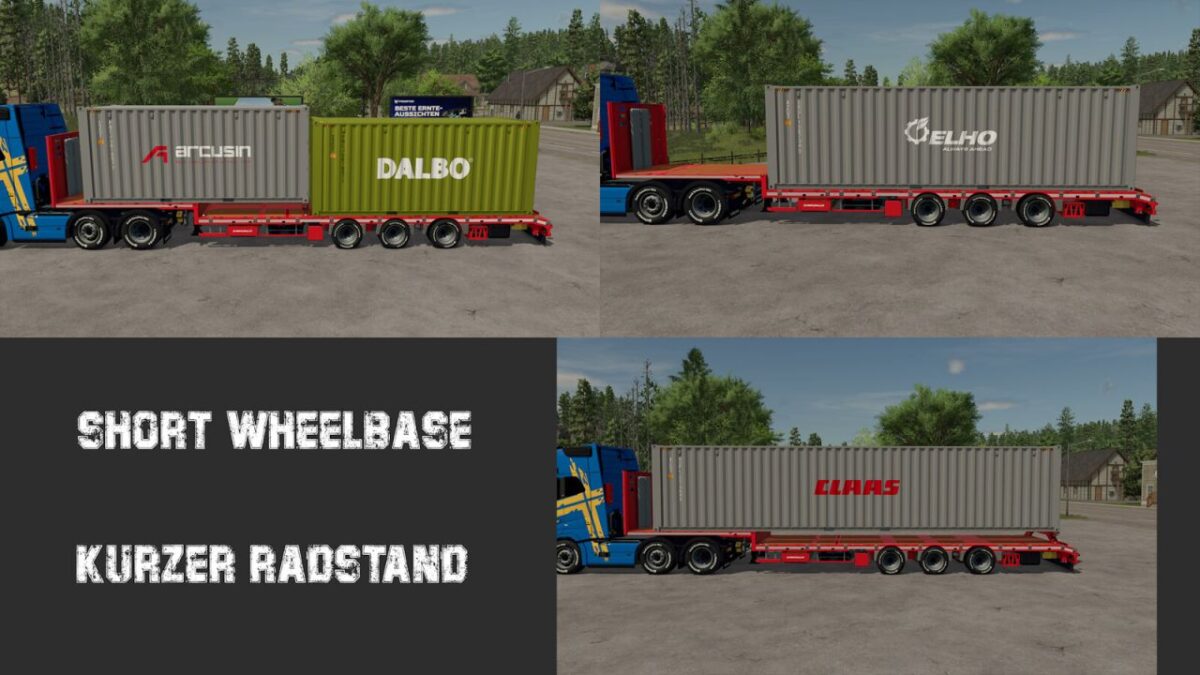
Made compatible with the containers from the Fliegl Container Pack
Container positions adjusted
Lowloader is now extendable
1st axle is liftable
3rd axle is steered
Beaconlight configuration
Various Color choices
Various corrections to the 3D model
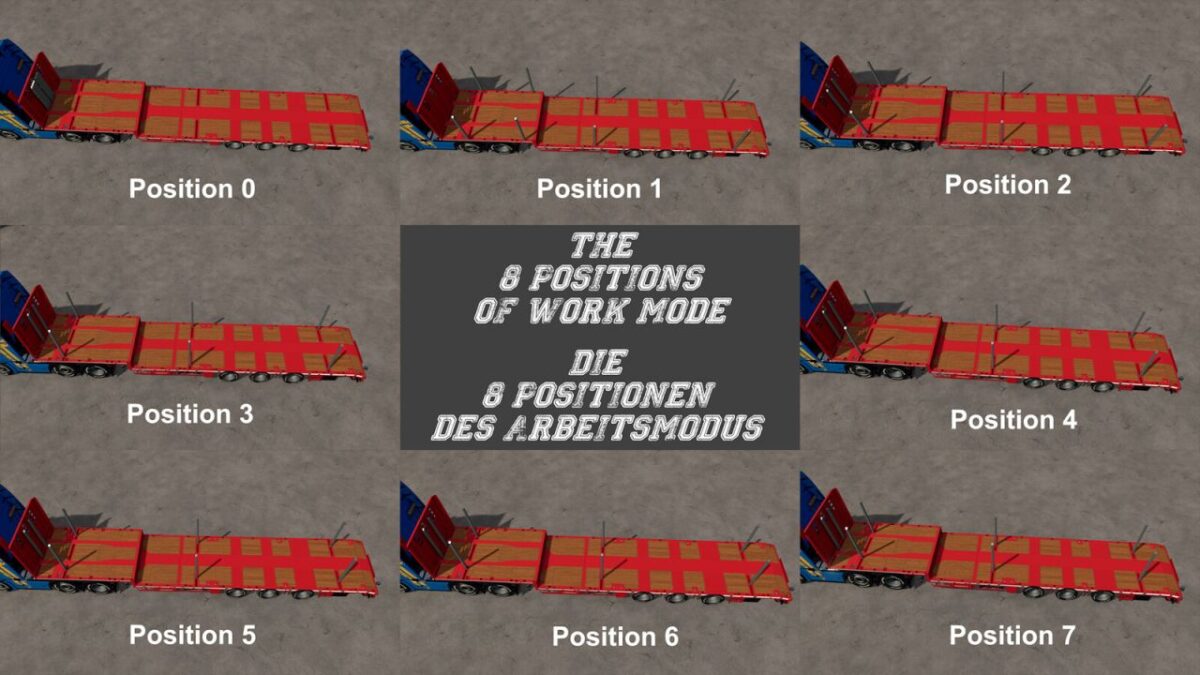
Added transport posts in working mode, 8 positions
The transport riser can be attached at 6 positions

Version 1.0.0.2:
* Wheel data adjusted for Patch 1.19: tires no longer clip into the ground

Credits:

HR Forst und Fahrzeugbau

How to install FS25 Low Loader Trailers?
Firstly find a mod which you like and want to download. Then download a mod to your PC. Mods are usually in .zip format file. But sometimes it can be in .rar. If a mod file is a .zip format no needed additional actions. If a file is in .rar, then you must unarchive mod with software like WinRar or Zip7. Windows 10 users no need to use software for archives, Win10 itself has a feature to unarchive files.
The next step is to find mods folder in your PC. Usually, it is in Documents/My Games/Farming Simulator 25/2025. Open the "mods" folder and put downloaded .zip archive or unarchived .rar file to this folder.
Last step. Enjoy of FS25 mods!

Leave a Reply

Your email address will not be published. Required fields are marked *