

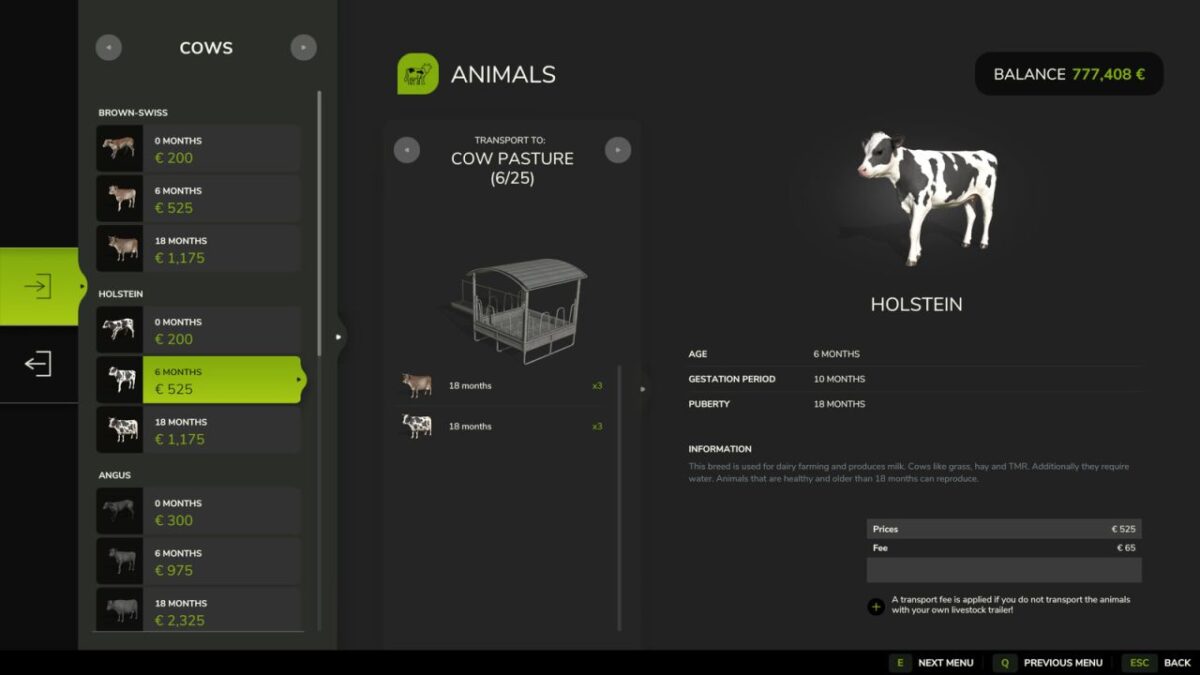
Animals: Trailer only v 1.1


Forces realistic animal transport. No more direct
dealer-to-barn buying — animals only travel by livestock trailer.
How it works:
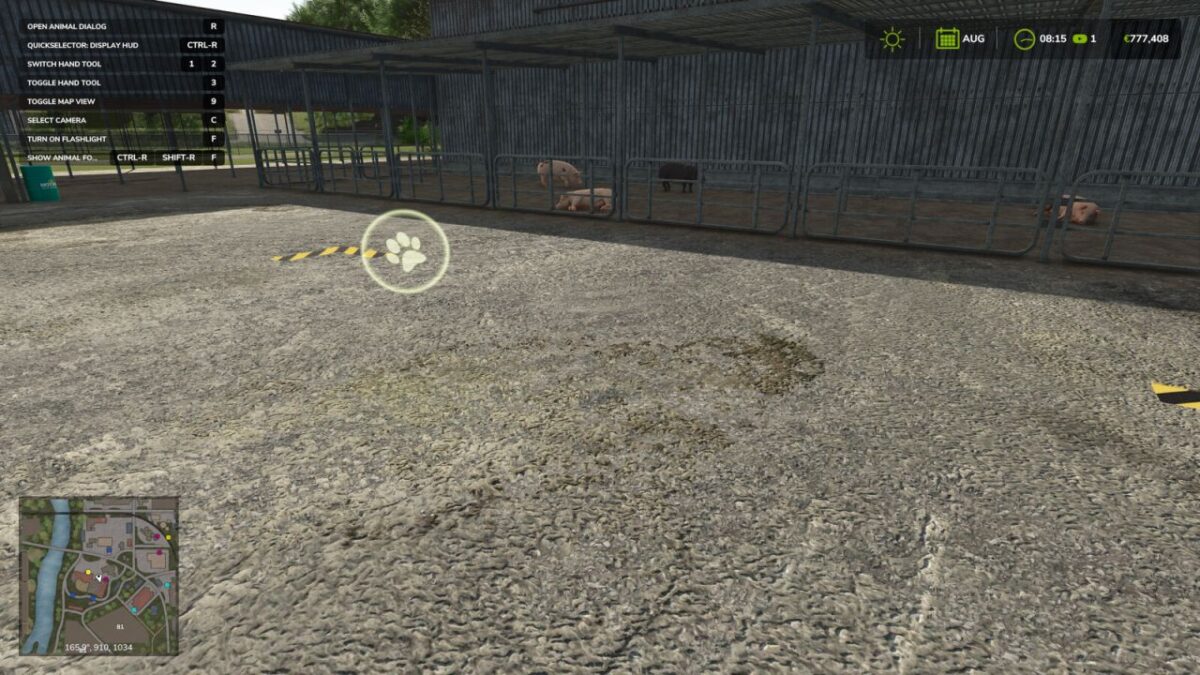
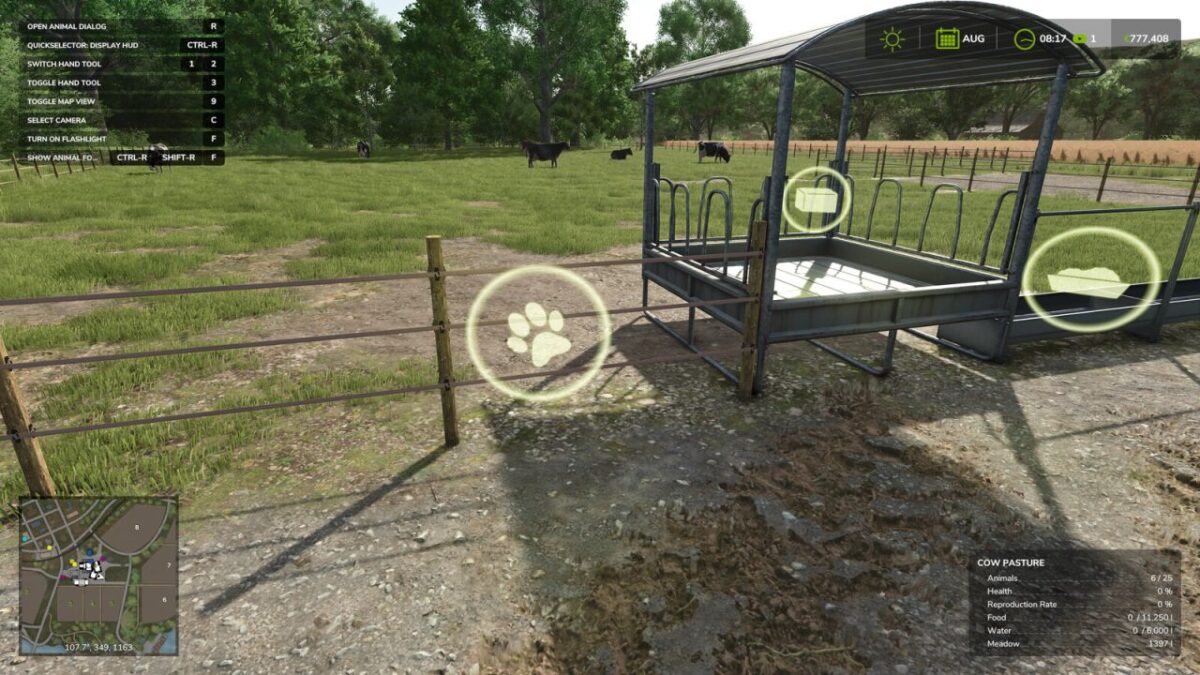
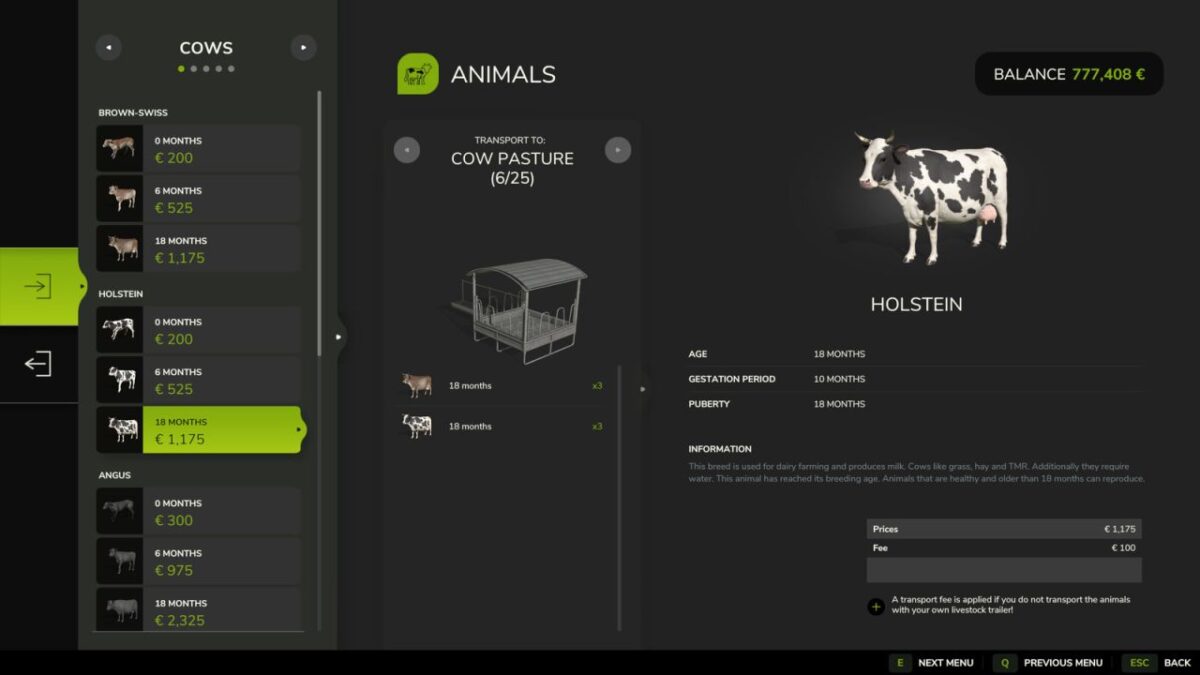
Without a trailer: the buy UI is hidden at the dealer and at your own barn. Viewing and selling still work.
With a trailer: vanilla behaviour. Animals go into the trailer and you drive them home yourself.
Multiplayer-safe: the server enforces the rule via AnimalBuyEvent, so a modified client cannot bypass the hidden UI.
Whitelist: chickens (and rabbits) are exempt by default, since the base game has no transport trailer for them. Editable in scripts/animalsTrailerOnly.lua.
Version 1.1:
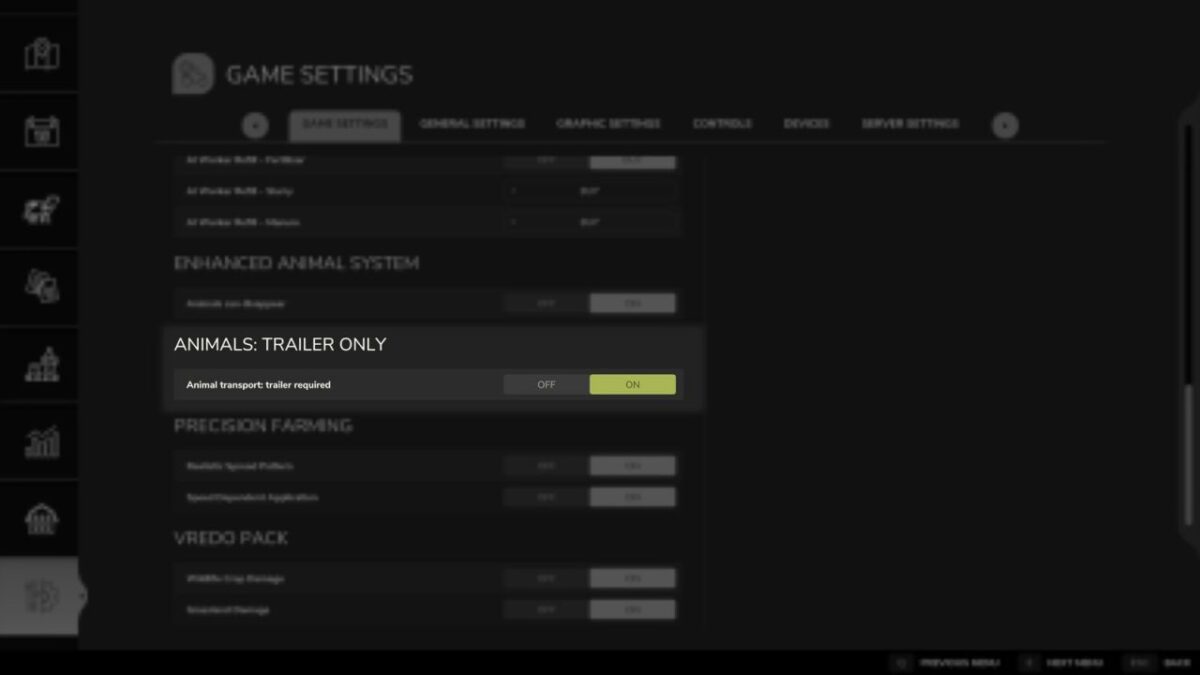
* Added: in-game settings option to enable/disable the trailer restriction. Only the server admin can change it; the value is synced to all clients and stored in modSettings. The loaner-trailer fix stays always on.
* Added: console command “atoToggleRestriction” (admin only)
* Fixed: contractors (Lohner) using a borrowed/shared trailer can now buy at the dealer. The buyer’s joined farm is charged, as intended (vanilla wrongly checked the trailer owner’s farm, blocking the purchase with “must own a barn”)
Credits:
[FD]Aekzl|Sash


