

Real Physics Blinding Lights v 1.0


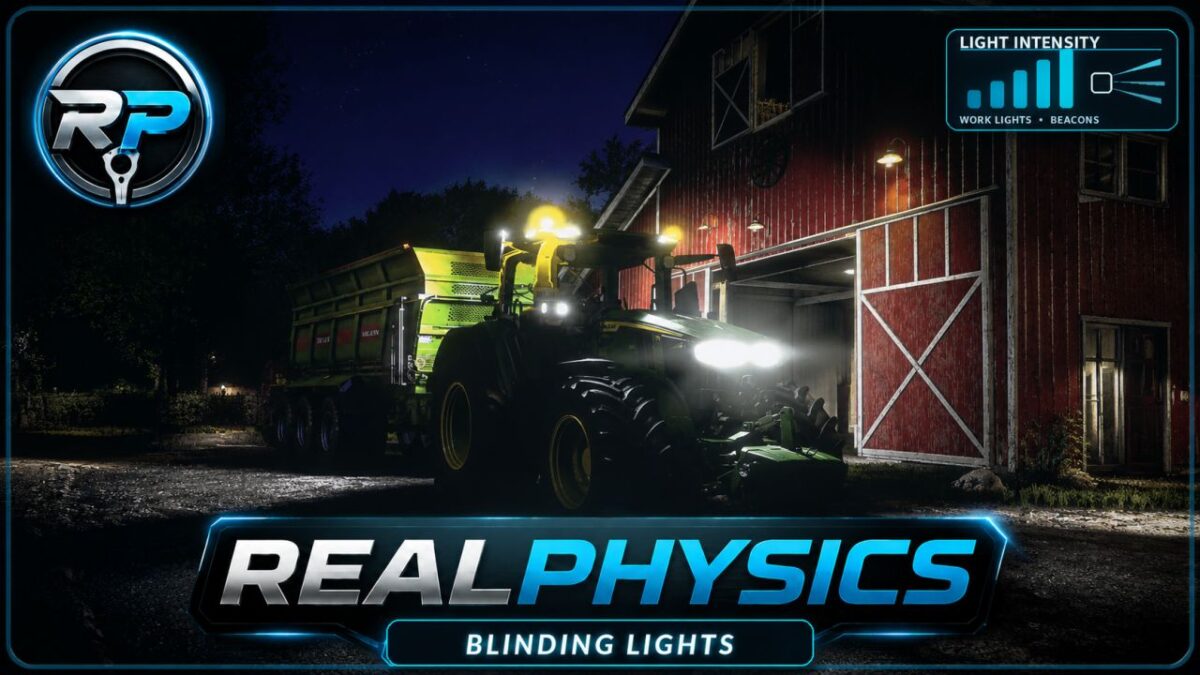
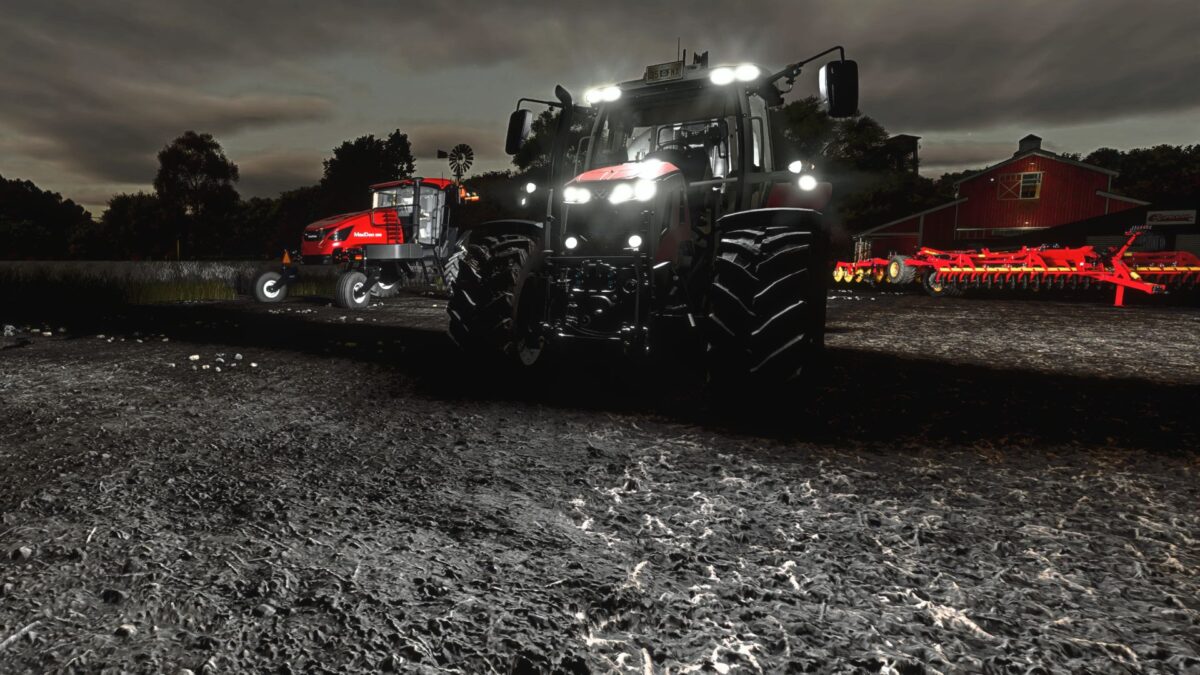
RealPhysics Blinding Lights completely overhauls vehicle light intensity values to deliver a more immersive, powerful, and consistent lighting experience.
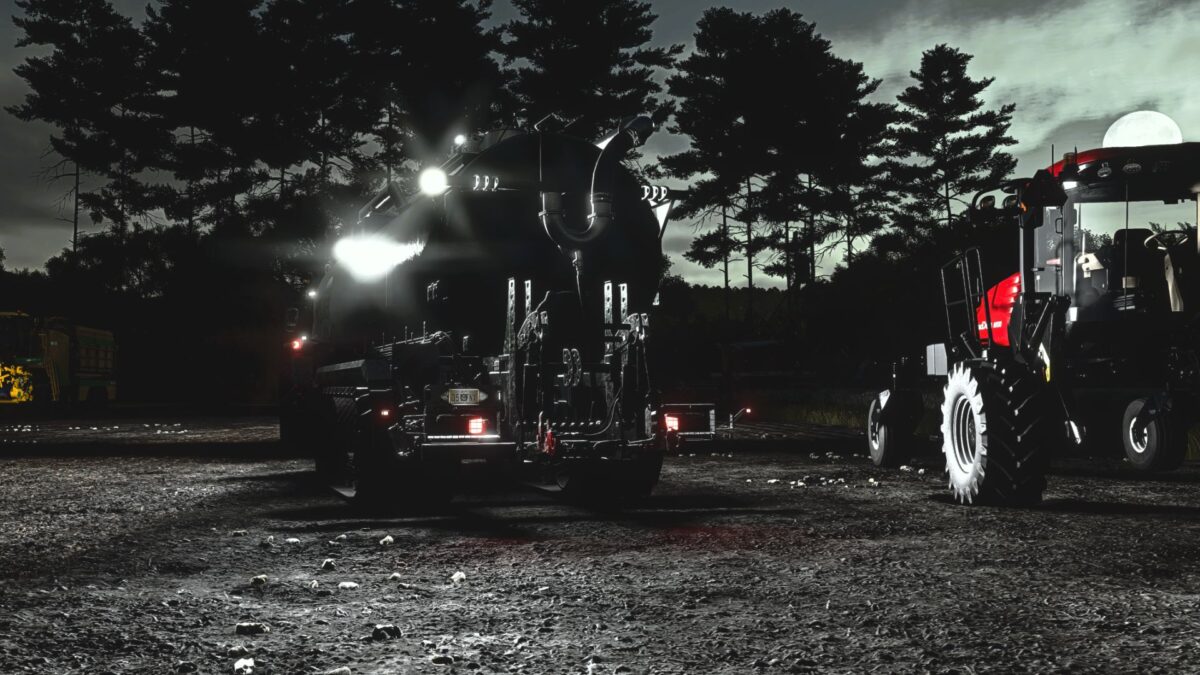
It works with every type of vehicle light, including low beams, high beams, work lights, beacons, rear lights, brake lights, reverse lights, and turn signals. Each light type is carefully balanced to preserve its own distinct character while making night driving feel stronger, clearer, and more realistic.
Features:
Works with all base-game vehicles and mods
Automatically replaces inconsistent light intensity values
Provides stable and balanced lighting across both vanilla and modded vehicles
Enhances every light source with a brighter, stronger, and more realistic feel
Improves visibility and atmosphere during night-time driving
Prepare to light up the night.
Credits:
Tubez47


