
FS25 Maps

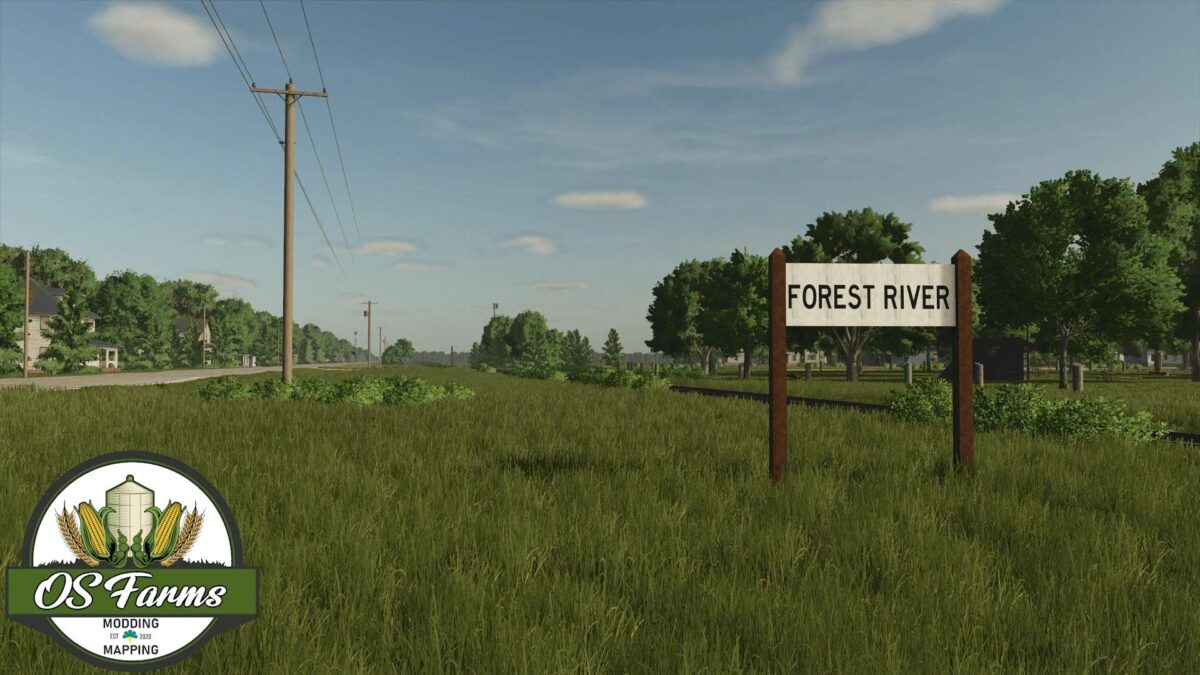
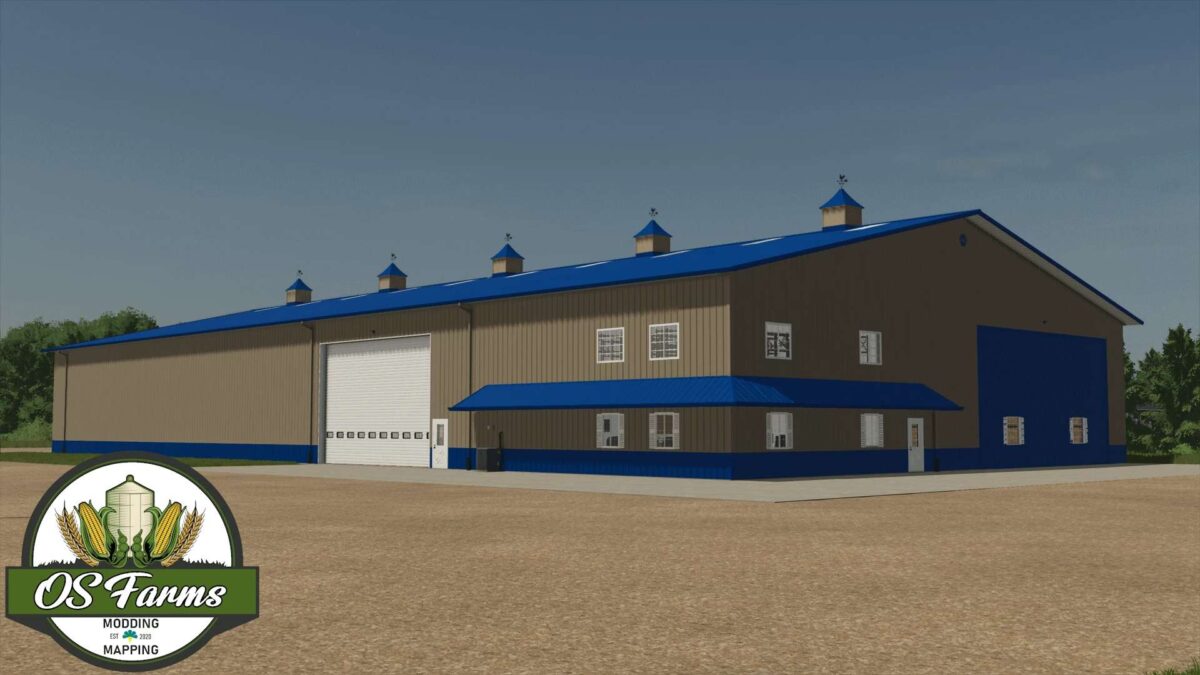
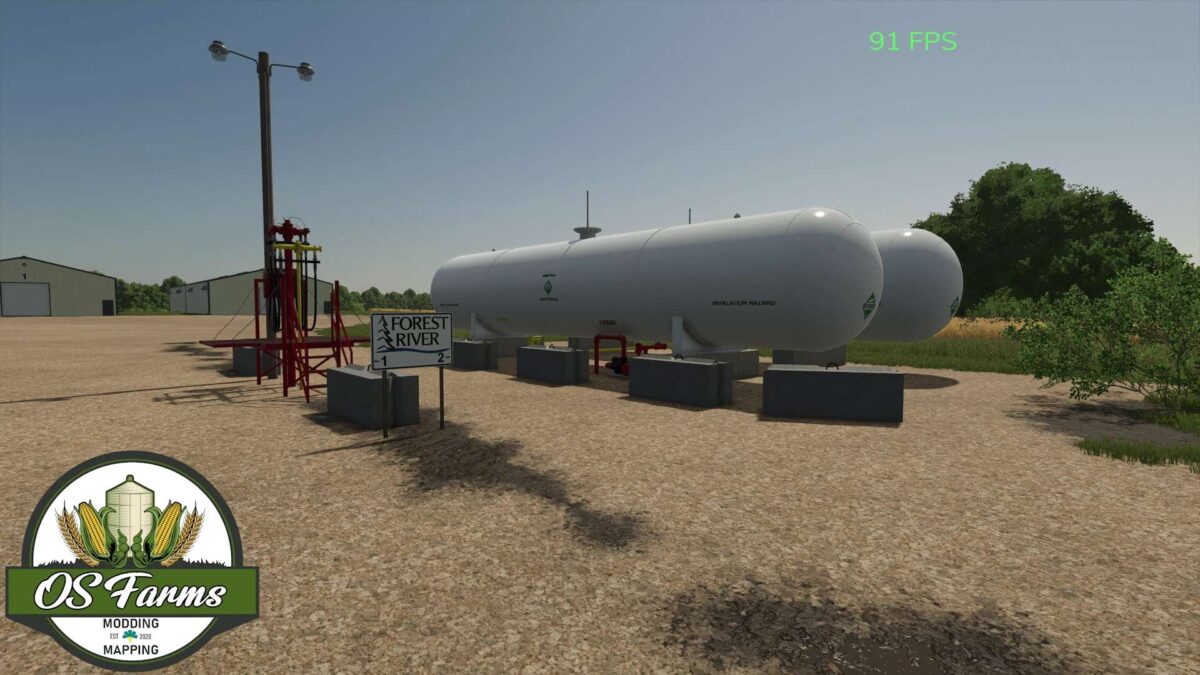
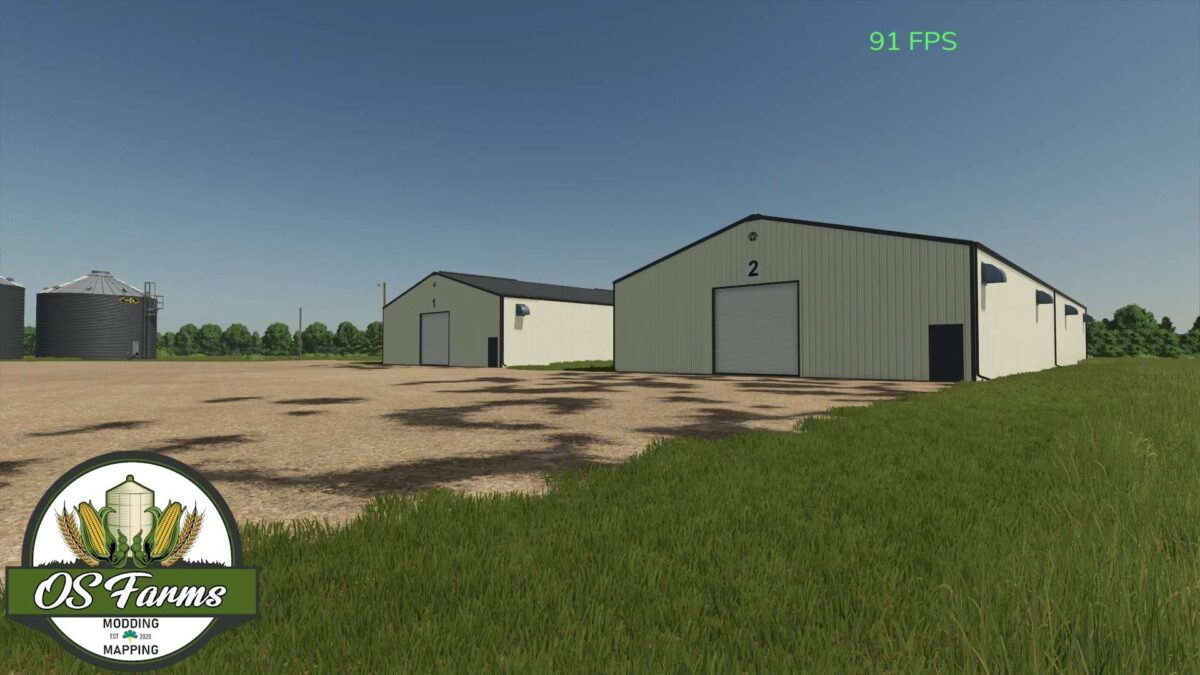
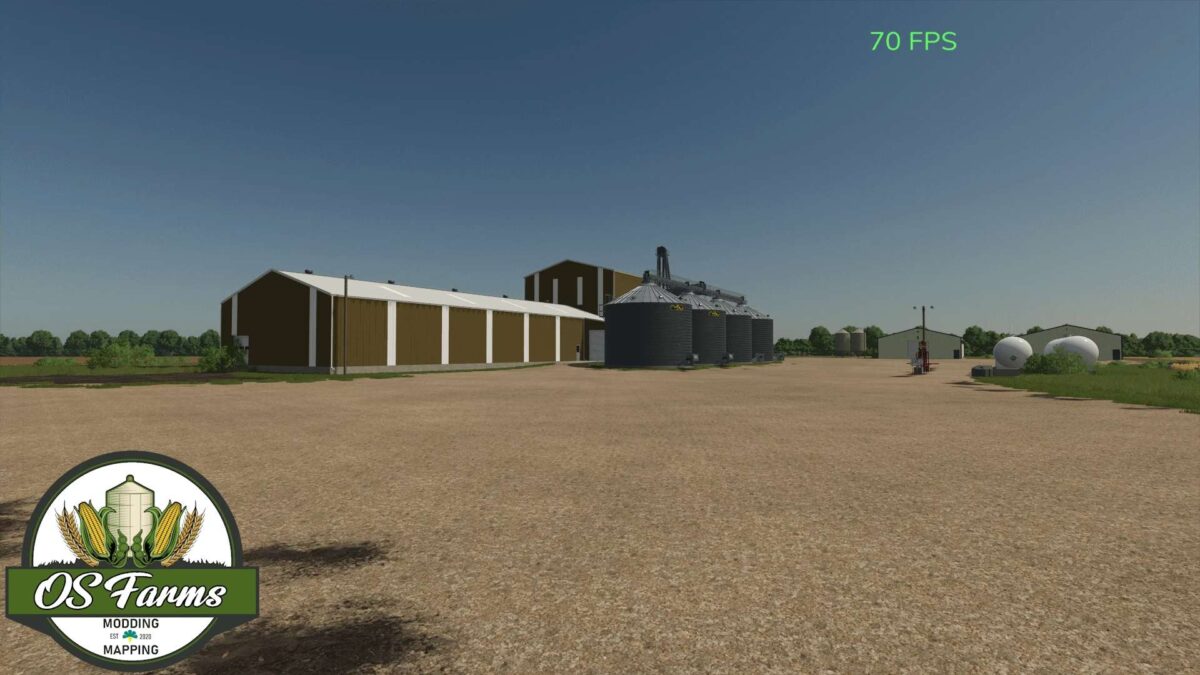
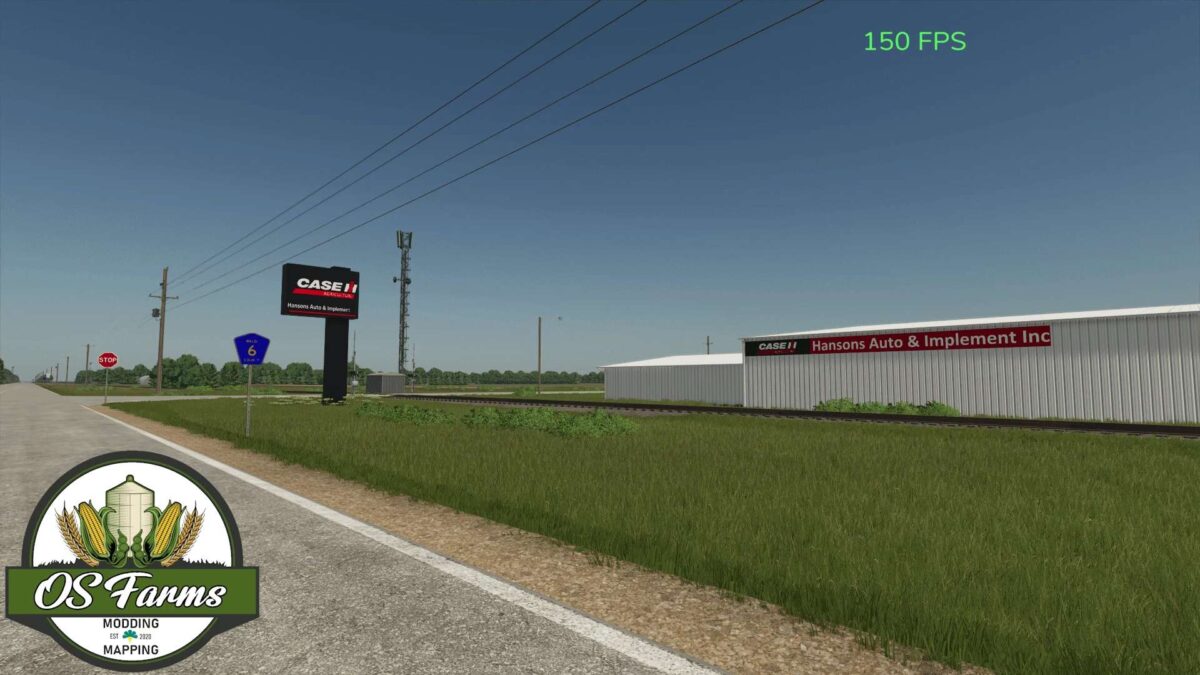
Forest River North Dakota 4x Map v 1.0

Forest River North Dakota 4x Map v 1.0

This map was originally started back in August of 2023, and finished in March of 2024 and later converted to FS25 in January of 2025.
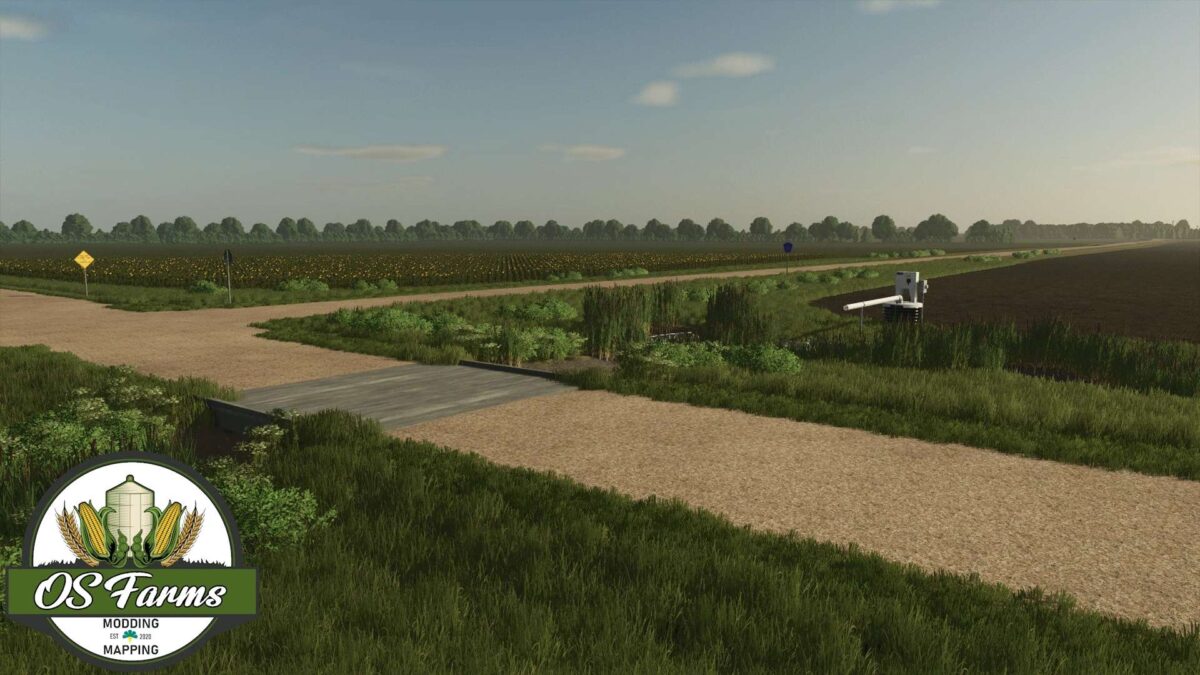
It is a 4X map based in the northern Red River valley region of North Dakota.
The Red River valley provides a perfect place for crop diversity, which makes it one of my favorite regions in the US midwest.
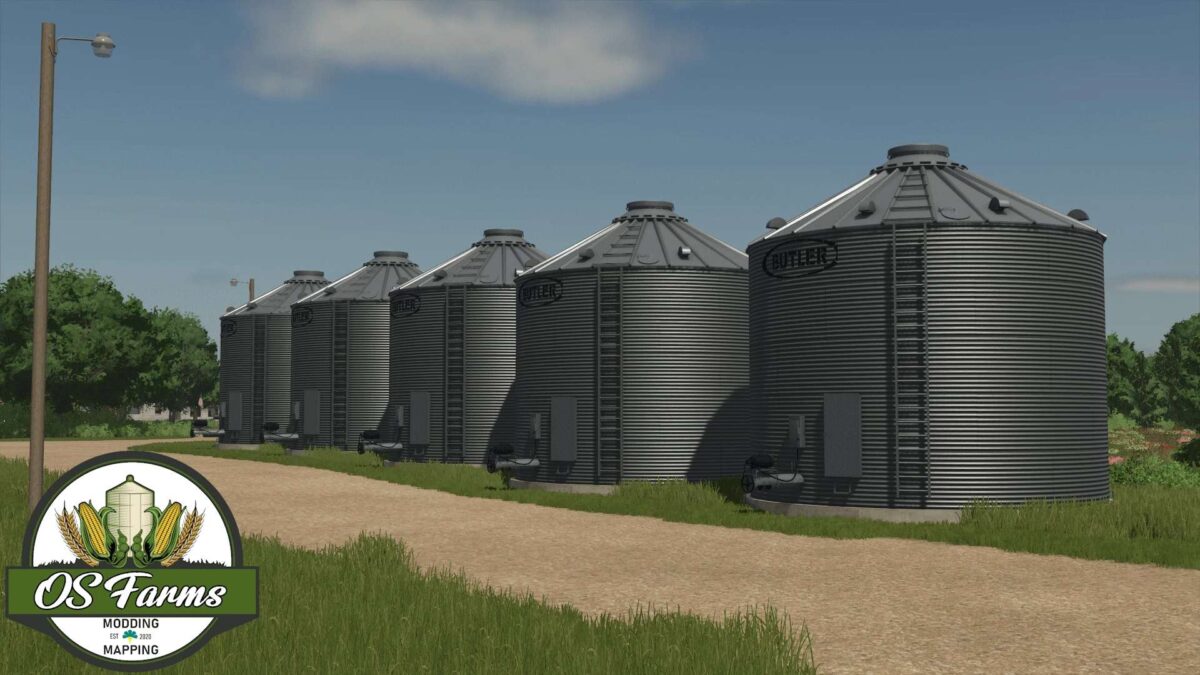
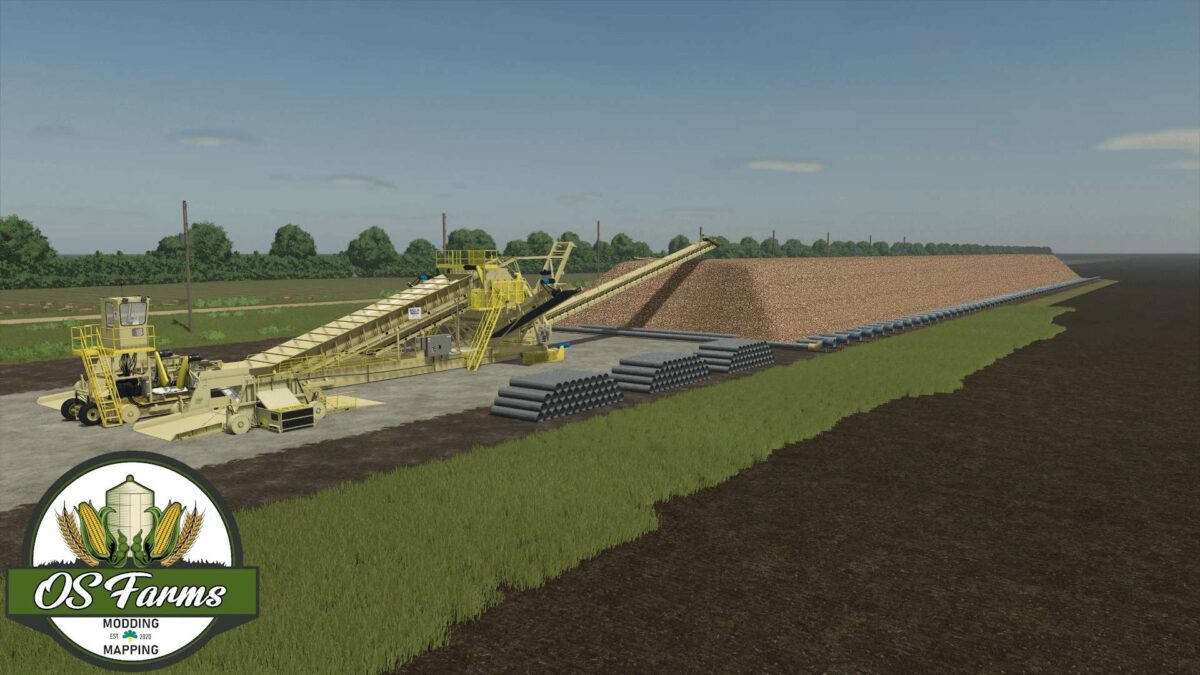
Here you will see Corn, Soybeans, Pinto beans (added to map), Navy beans, Kidney beans, Wheat, barley, oats, alfalfa, sunflowers, potatoes and most importantly Sugar Beets. The map is located 40 minutes south of Drayton North dakota, where the Crystal Sugar Company factory processes the sugar beets that are grown here.
This provides a variety of crops to choose from to enhance the harvesting experience (because who wants to grow just corn and soybeans anyway).

Credits:

OS Farms

How to install FS25 Maps?
Firstly find a mod which you like and want to download. Then download a mod to your PC. Mods are usually in .zip format file. But sometimes it can be in .rar. If a mod file is a .zip format no needed additional actions. If a file is in .rar, then you must unarchive mod with software like WinRar or Zip7. Windows 10 users no need to use software for archives, Win10 itself has a feature to unarchive files.
The next step is to find mods folder in your PC. Usually, it is in Documents/My Games/Farming Simulator 25/2025. Open the "mods" folder and put downloaded .zip archive or unarchived .rar file to this folder.
Last step. Enjoy of FS25 mods!

Leave a Reply

Your email address will not be published. Required fields are marked *