Antonov AN-2 Romanian Edition v 1.0


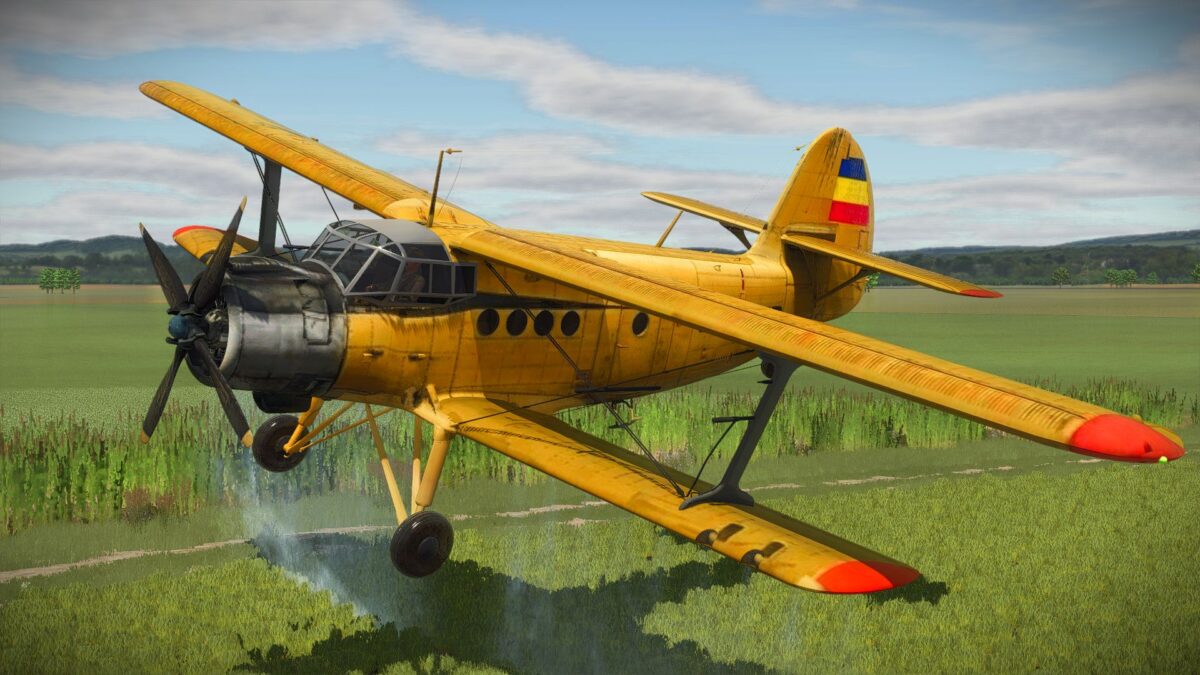
Antonov AN-2 Romanian Edition (YR-DNR). Custom edit based on the original mod by Honved4, featuring a Romanian agricultural livery and authentic markings. All credits for the model, scripts, and animations belong to Honved4. Thanks for the permission to release this version!
This aircraft is capable of takeoff at 80 km/h, staying true to the AN-2’s well-known short takeoff performance. The wings, tail, and all control surfaces are fully animated, reacting naturally to player input and flight conditions.
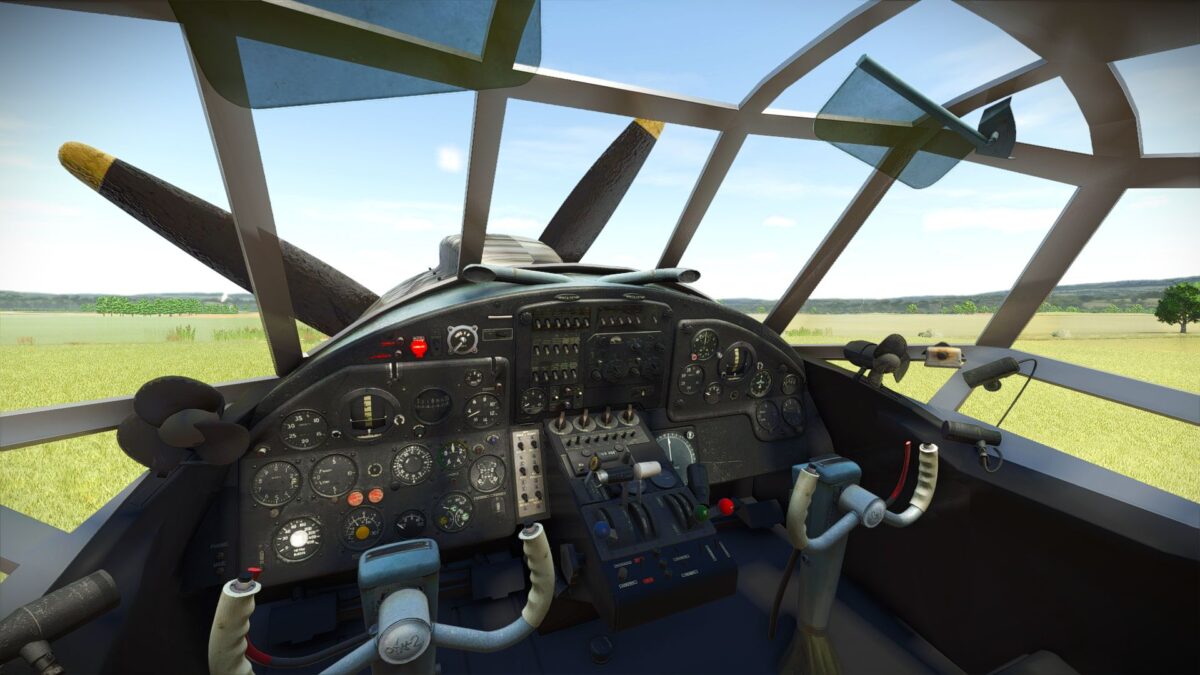
A newly written script ensures smooth, realistic flight behavior, improved responsiveness, and believable animation timing, offering an immersive flying experience tailored specifically for FS25.
Controls:
A – Turn left
D – Turn right
W – Increase throttle / accelerate
S – Decrease throttle / slow down
Left Mouse Button – Ascend
Right Mouse Button – Descend
Crop Spraying:
Supports Liquid Fertilizer and Herbicide
Spraying is enabled only between 2 m and 15 m altitude
Designed for accurate and realistic aerial spraying
Width: 30M
Working speed: 100+ KMH
The Antonov AN-2 is the perfect choice for players who enjoy classic aircraft, authentic flight physics, and realistic aerial farming operations. The mode also works on a dedicated server, and there are synchronized animations there too.
Credits:
Andrey1, honved4