

Seasonal Wool Production v 1.0.0.1


Replaces the vanilla continuous wool system with a realistic twice-yearly shearing model.
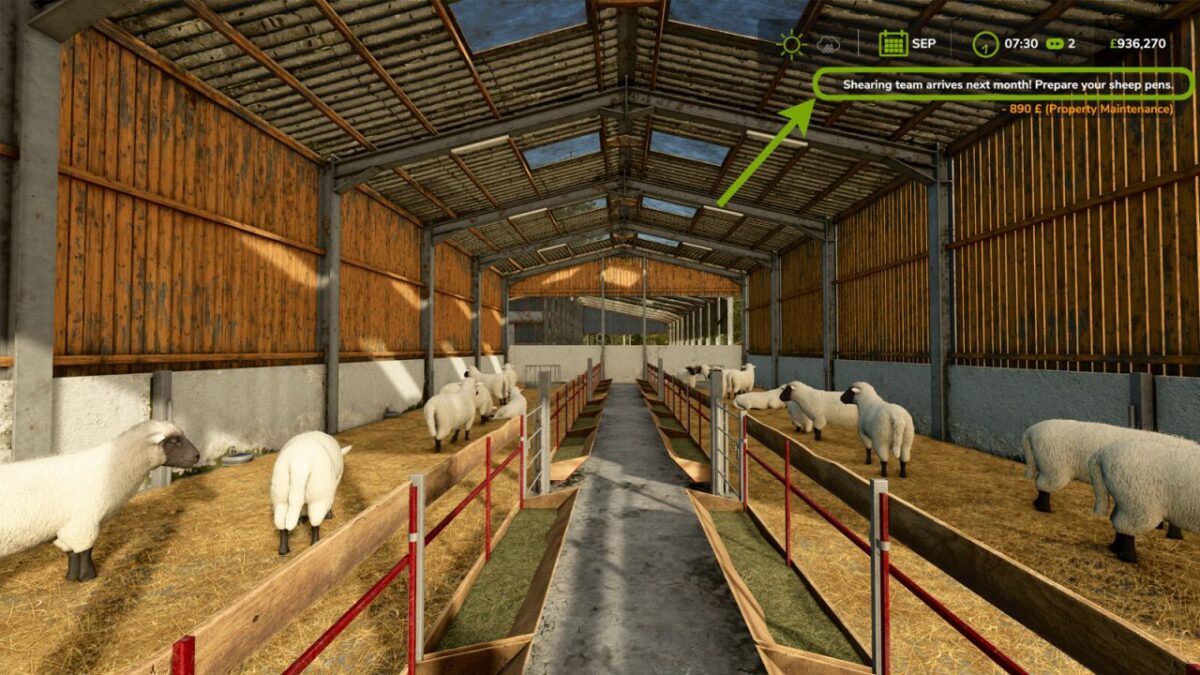
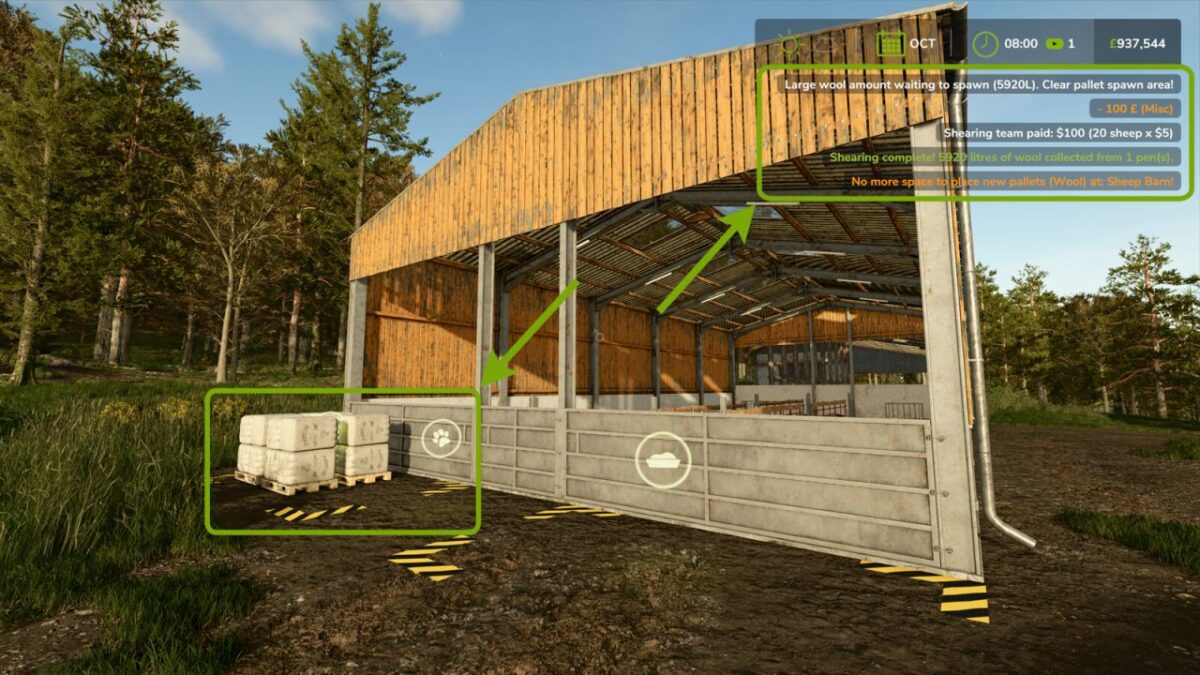
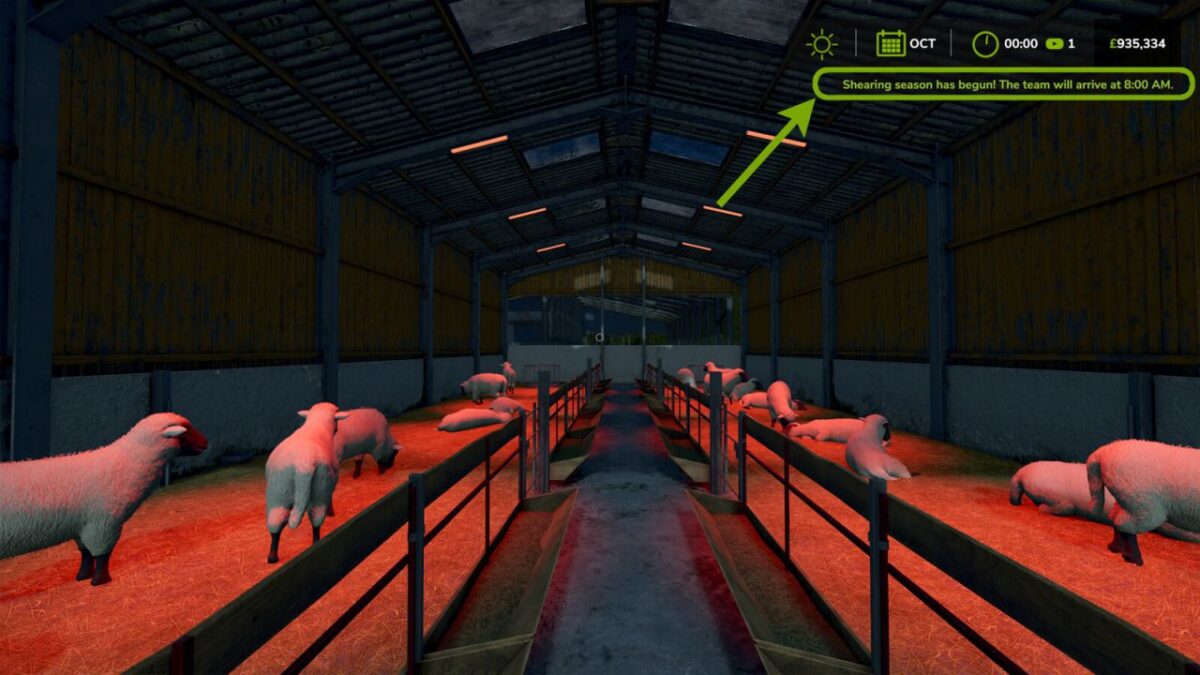
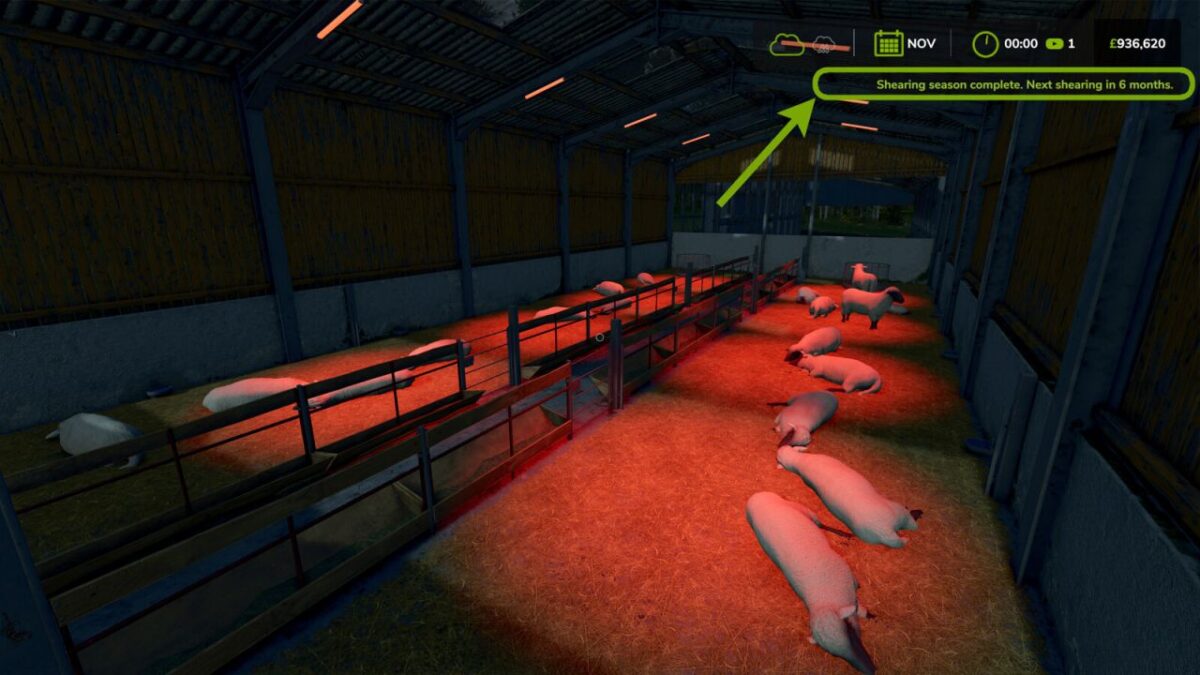
Sheep are sheared in April and October. Wool accumulates over the full 6-month period between shearings. Animal health is tracked monthly — unhealthy sheep produce proportionally less wool.
Features:
Twice-yearly shearing (April and October)
Health-averaged wool calculation across the full accumulation period
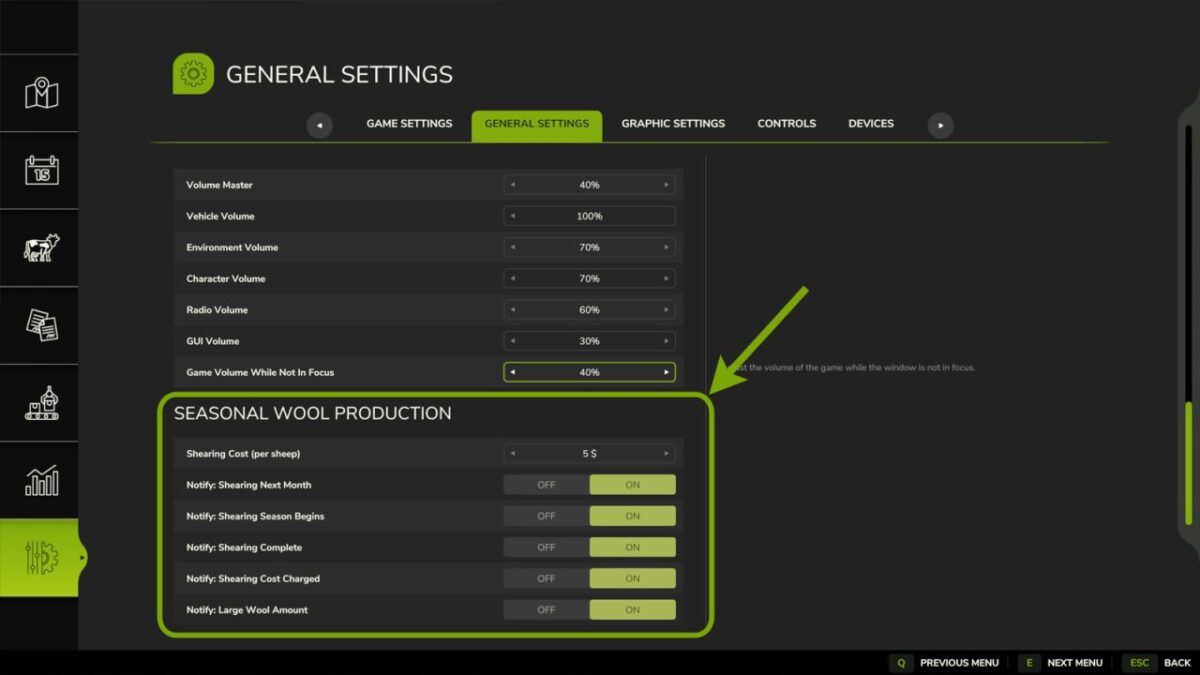
Configurable shearing cost per sheep (default $5)
All notifications individually toggleable in the Settings menu
Settings are found in the in-game Settings menu under “Seasonal Wool Production”.
Version 1.0.0.1:
* Added support for Realistic Livestock by Ritter
* Fixed issue where unspawned wool was lost if save game was exited before wool cleared from spawn points
* Fixed issue which caused Goat Milk to only spawn at shearing season
* General code changes and revisions to tidy up processes
Credits:
Argsy Gaming


