
FS25 Misc

Manual Refueling v 1.0

Manual Refueling v 1.0

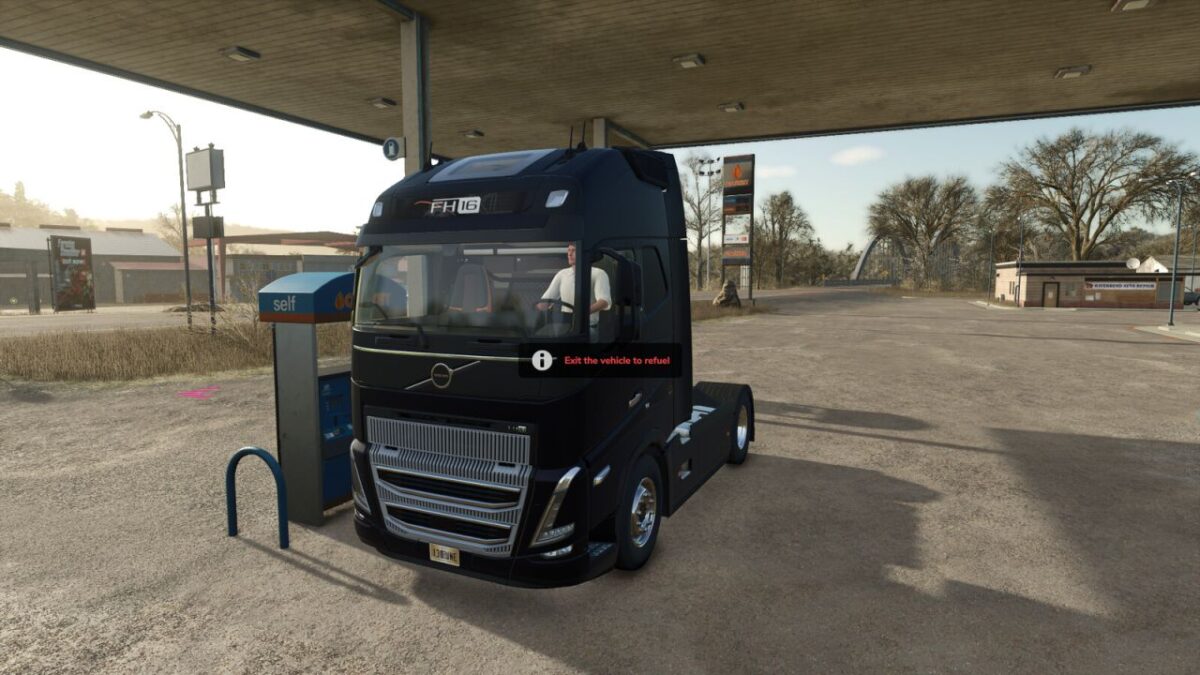
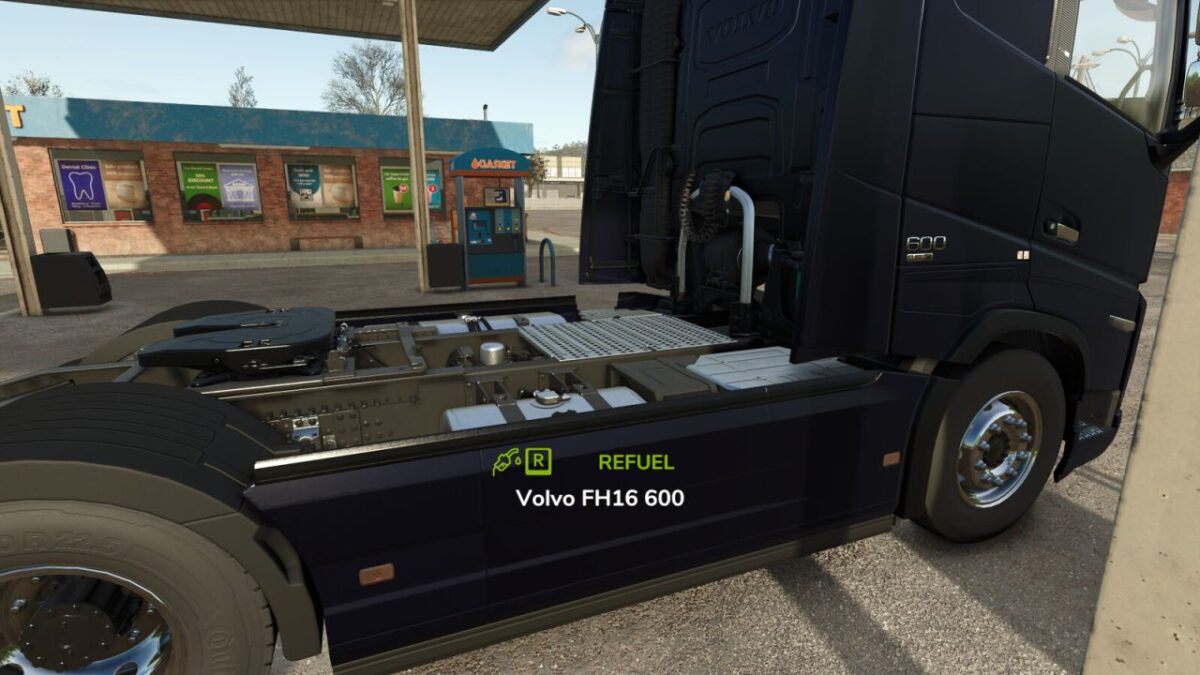
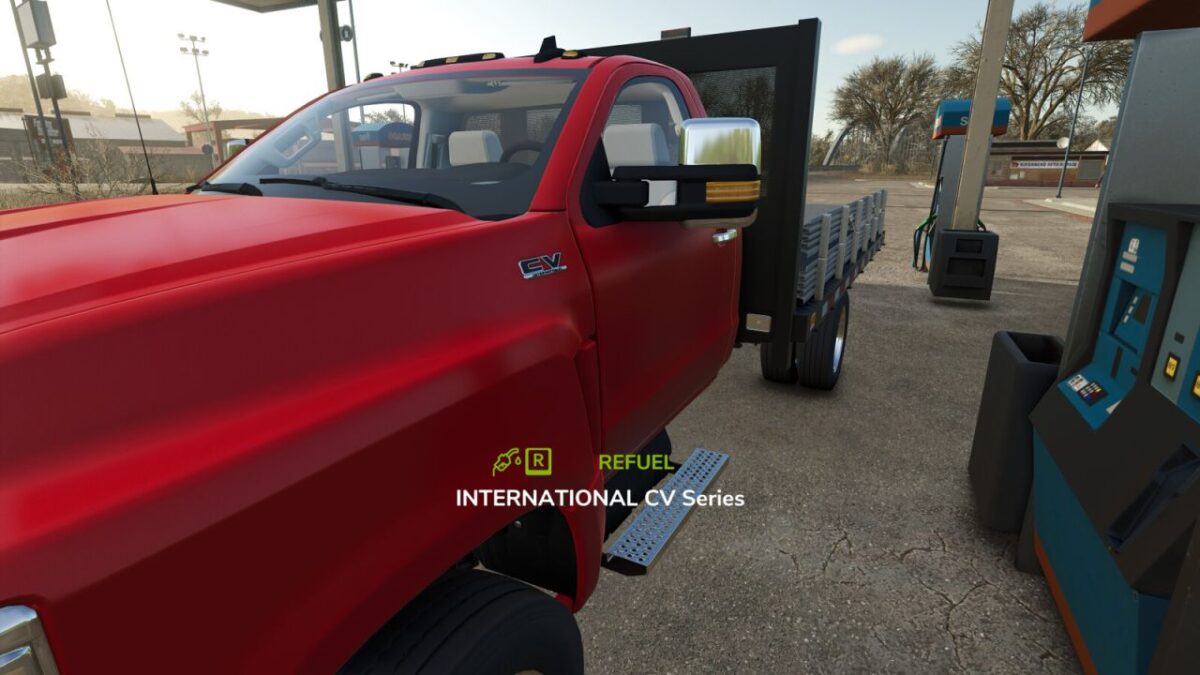
Manual Refueling FS25 adds a manual refueling system to Farming Simulator 25.
Vehicles can no longer be refueled from inside the cab. To refuel, the player must leave the vehicle and interact with it while standing nearby.

Features:
Manual refueling outside the vehicle.
Supports map fuel stations.
Supports diesel storage tanks and placeables.
Supports fuel trailers.
Custom refueling HUD.
Automatic fuel cost calculation based on the map economy.
Multiplayer support.

This mod improves realism by requiring the player to leave the vehicle before refueling.

Credits:

JKAzevedoMods

How to install FS25 Misc?
Firstly find a mod which you like and want to download. Then download a mod to your PC. Mods are usually in .zip format file. But sometimes it can be in .rar. If a mod file is a .zip format no needed additional actions. If a file is in .rar, then you must unarchive mod with software like WinRar or Zip7. Windows 10 users no need to use software for archives, Win10 itself has a feature to unarchive files.
The next step is to find mods folder in your PC. Usually, it is in Documents/My Games/Farming Simulator 25/2025. Open the "mods" folder and put downloaded .zip archive or unarchived .rar file to this folder.
Last step. Enjoy of FS25 mods!

Leave a Reply

Your email address will not be published. Required fields are marked *