Farm Operations Dashboard v 1.0


Adds a multiplayer compatible in-game menu page with native sub tabs for day-to-day farm management.
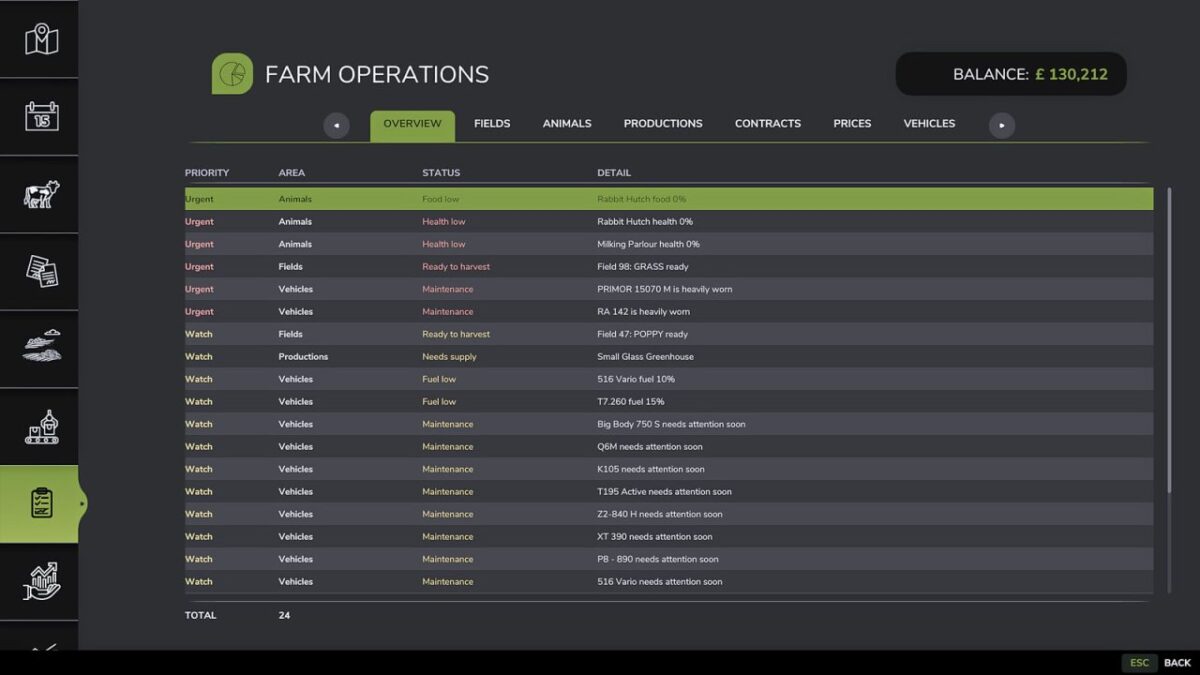
The overview tab highlights current work across finance, owned fields, animal pens, production points, contracts, price opportunities and vehicles.
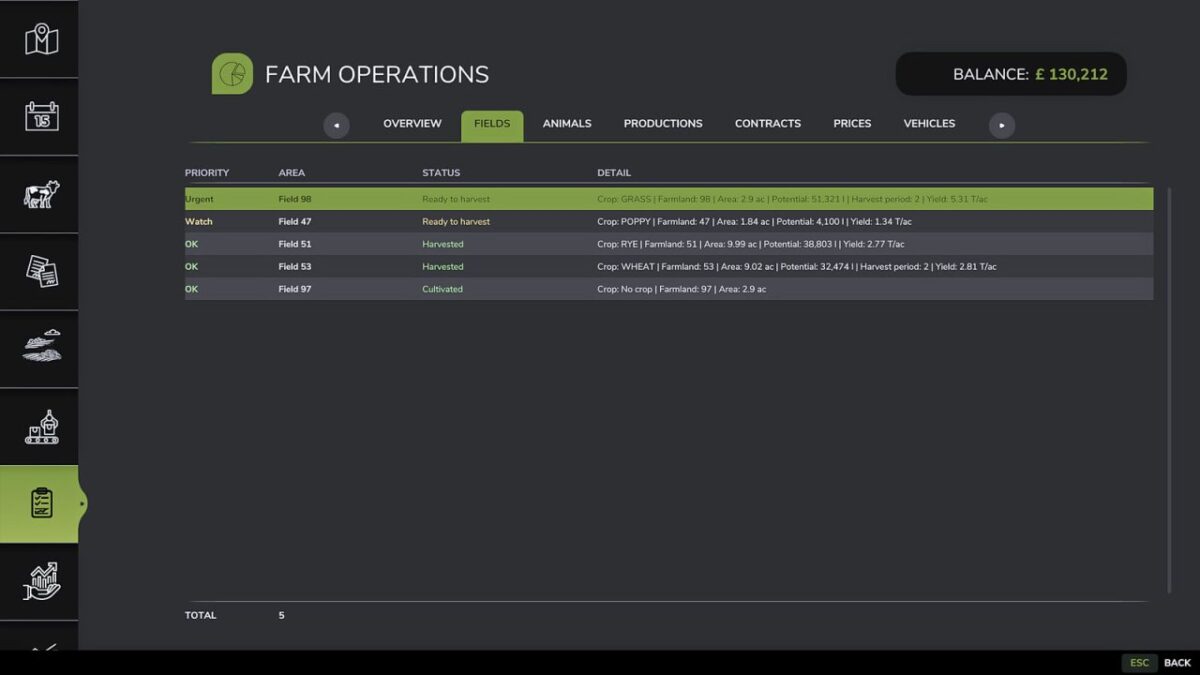
Dedicated tabs provide full views for fields, animals, productions, contracts, prices and all owned vehicles.
Fields use live game field state data where possible, including harvest ready periods, withered, harvested, plowed and growing states.
First harvest ready calendar period is shown as Watch, second or later harvest ready period as Urgent, while harvested and withered fields remain informational.
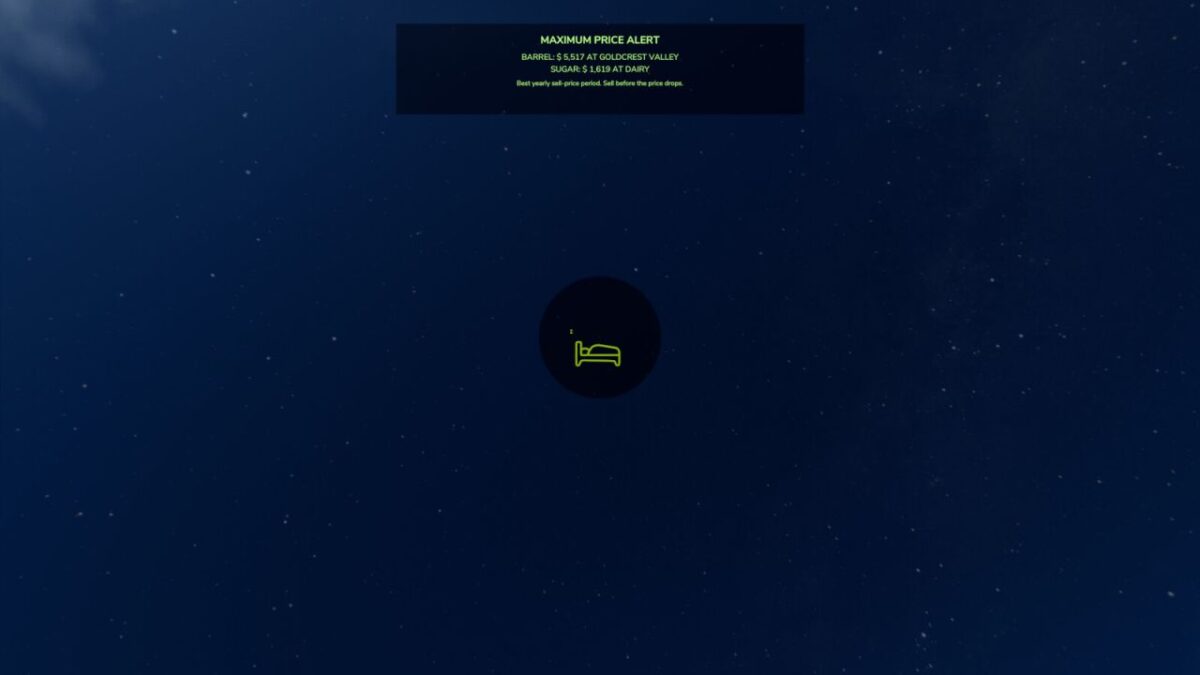
Animal pens show overall food and health levels, productions focus on output storage and input supply, prices use the bundled max-price alert support, and vehicles show fuel, wear, hours and current use state.
Credits:
VeteranModding