MB DLC Work Cameras for all Vehicles v 1.0


Mercedes Benz DLC Work Cameras for all Vehicles
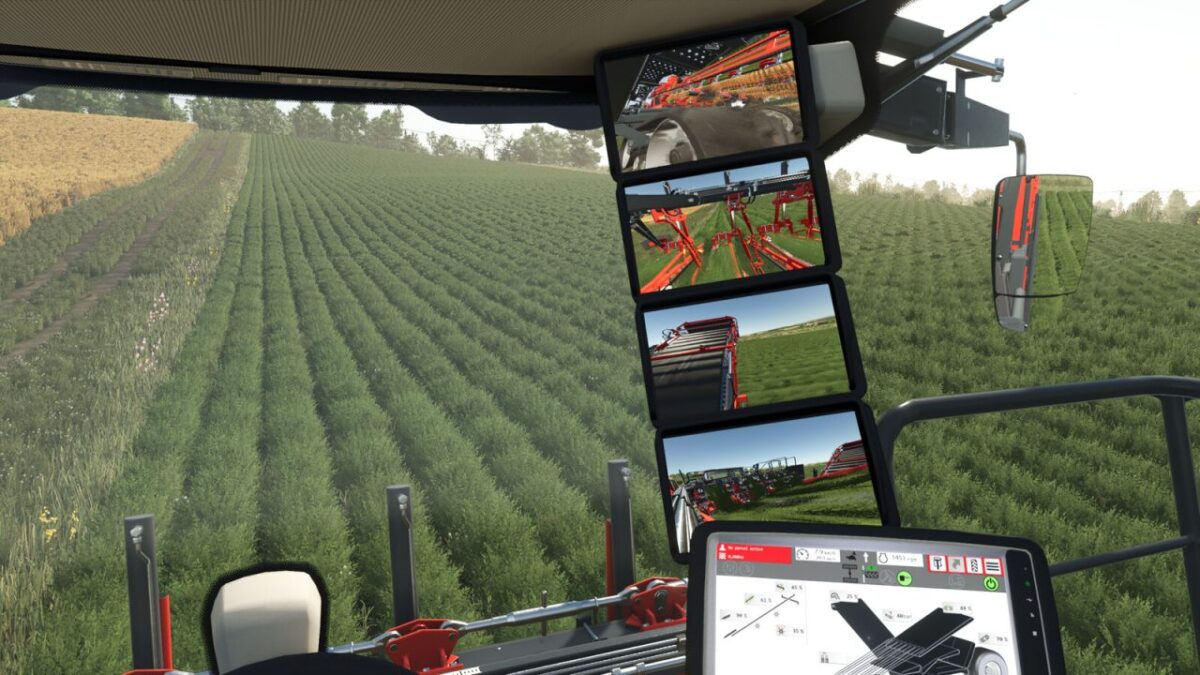
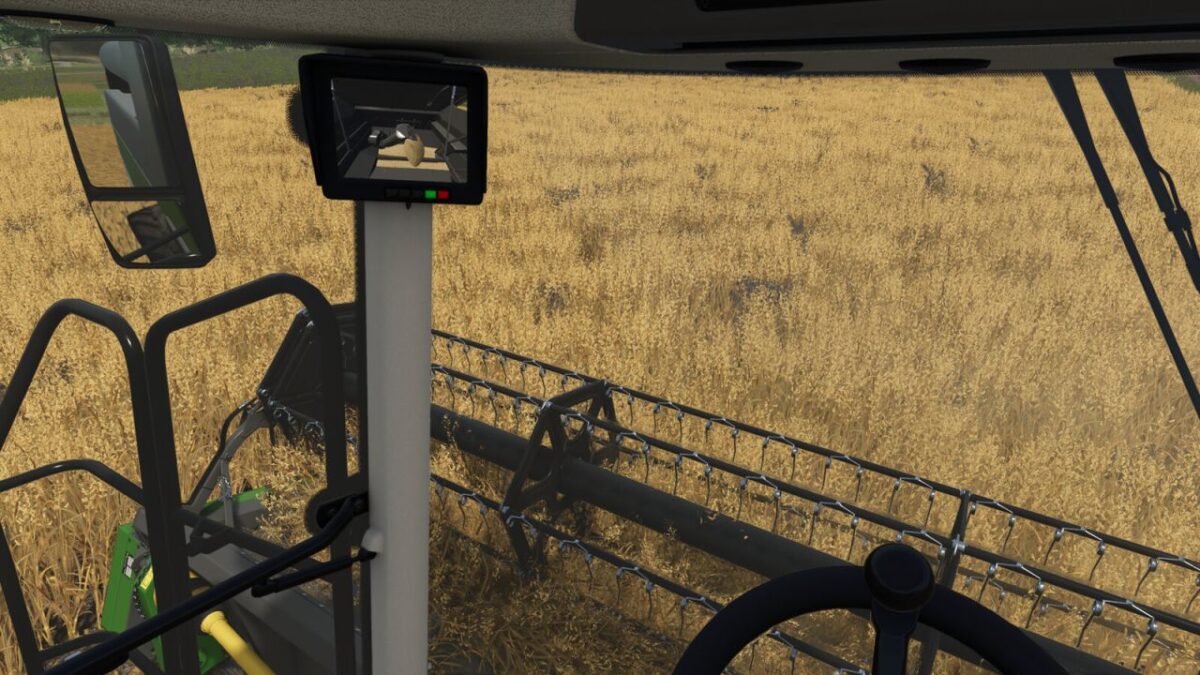
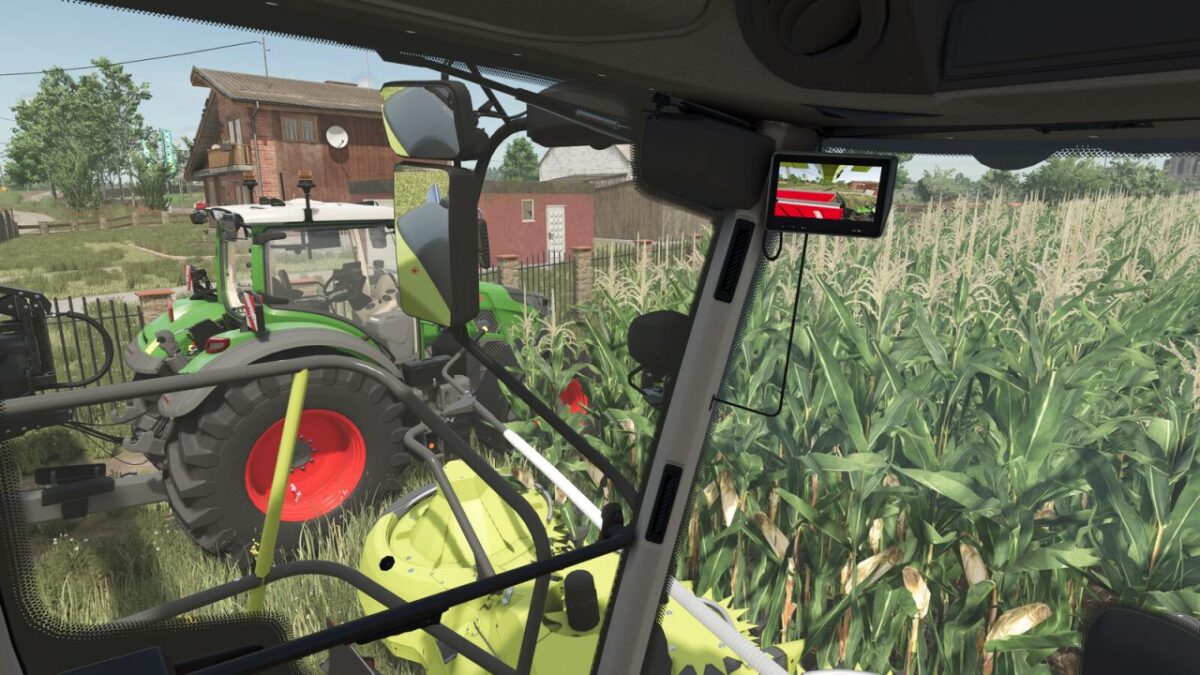
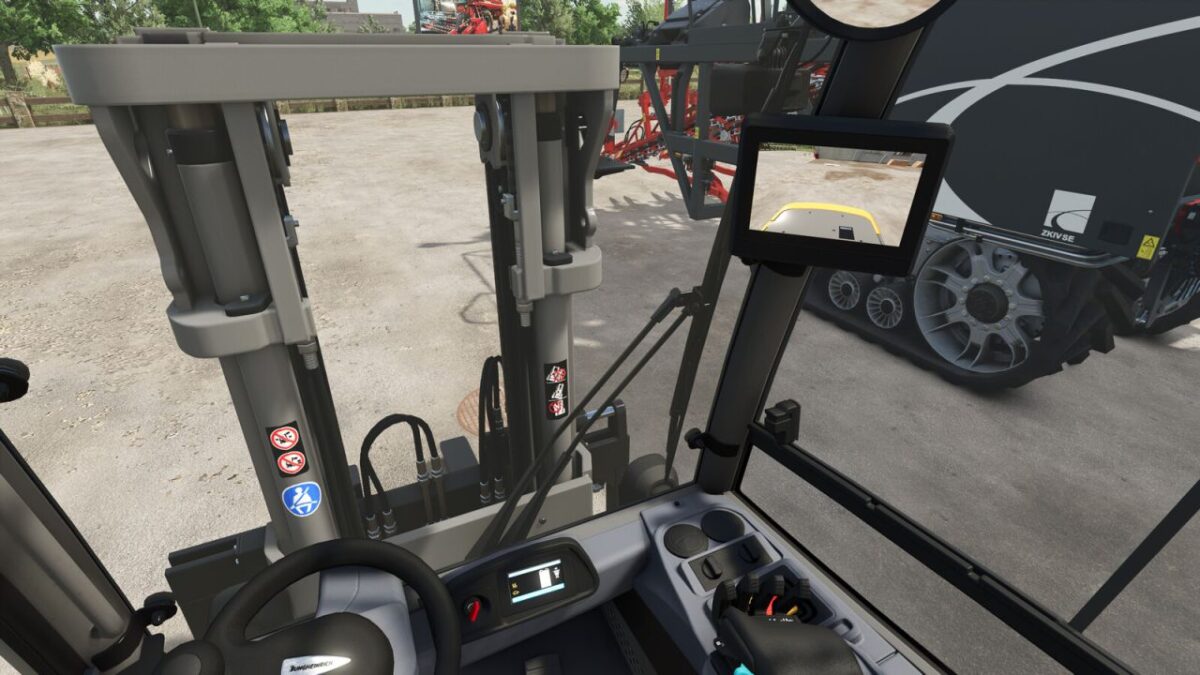
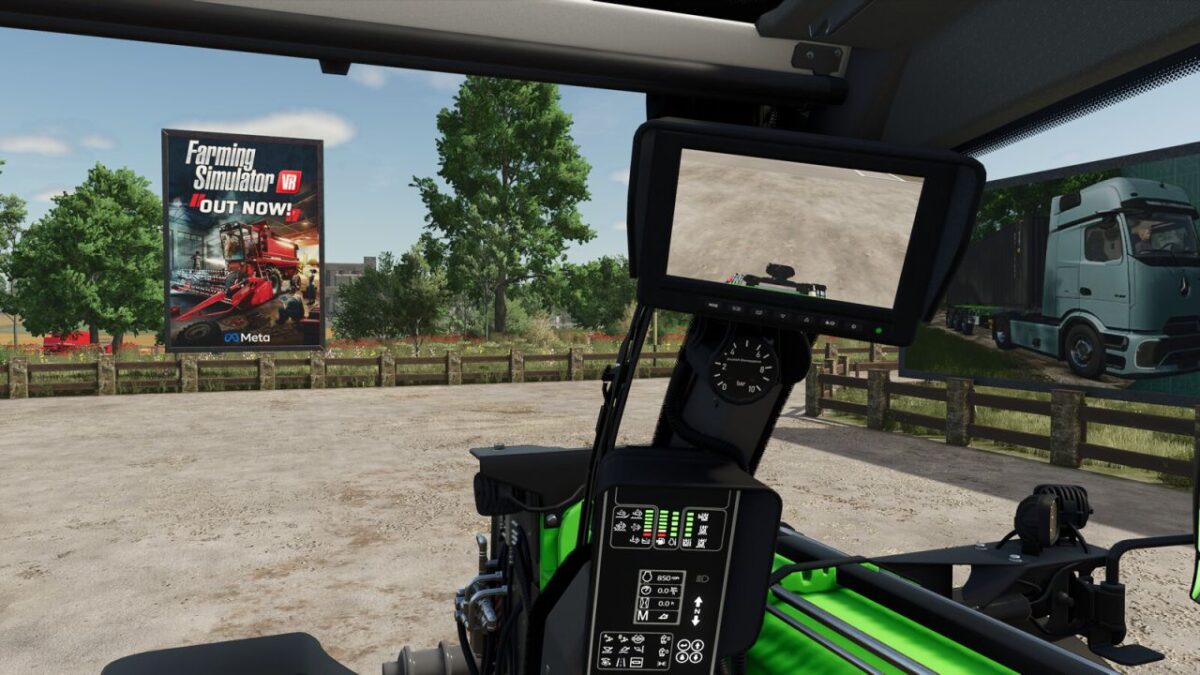
This mod enables the functional cameras of the Mercedes Benz DLC vehicles to be used in all vehicles. The Mercedes Benz Trucks Pack is required for this.
The cameras in the vehicles can be split into different groups, in which the cameras can be switched through. In addition, an automatic switching of the cameras can be activated, which selects the appropriate camera depending on the driving direction and/or status of the unloading pipe.
The mod adds the cameras to existing vehicles from the base game, so you can start using them right away with the available vehicles.
For some implements and trailers, cameras are available as well. These will be displayed in suitable pulling vehicles as soon as the implement is attached.
Mod vehicles that are properly prepared can also use Work Cameras. A guide for integration can be found in the mod directory.
The control of the camera functions is done via the following key bindings:
– Switch camera group: Right Ctrl key + Quote key
– Activate/deactivate camera group: Right Alt key + Semicolon key + Numpad / key
– Select next camera: Right Alt key + Semicolon key + Numpad + key
– Select previous camera: Right Alt key + Semicolon key + Numpad – key
– Toggle automatic mode: Right Alt key + Semicolon key + Numpad * key
With the upcoming version 2.1.0.0 of Dashboard Live, the cameras will also be usable in a large number of standard vehicles with DBL displays. The cameras are integrated into the displays there.
Credits:
BayernGamers