

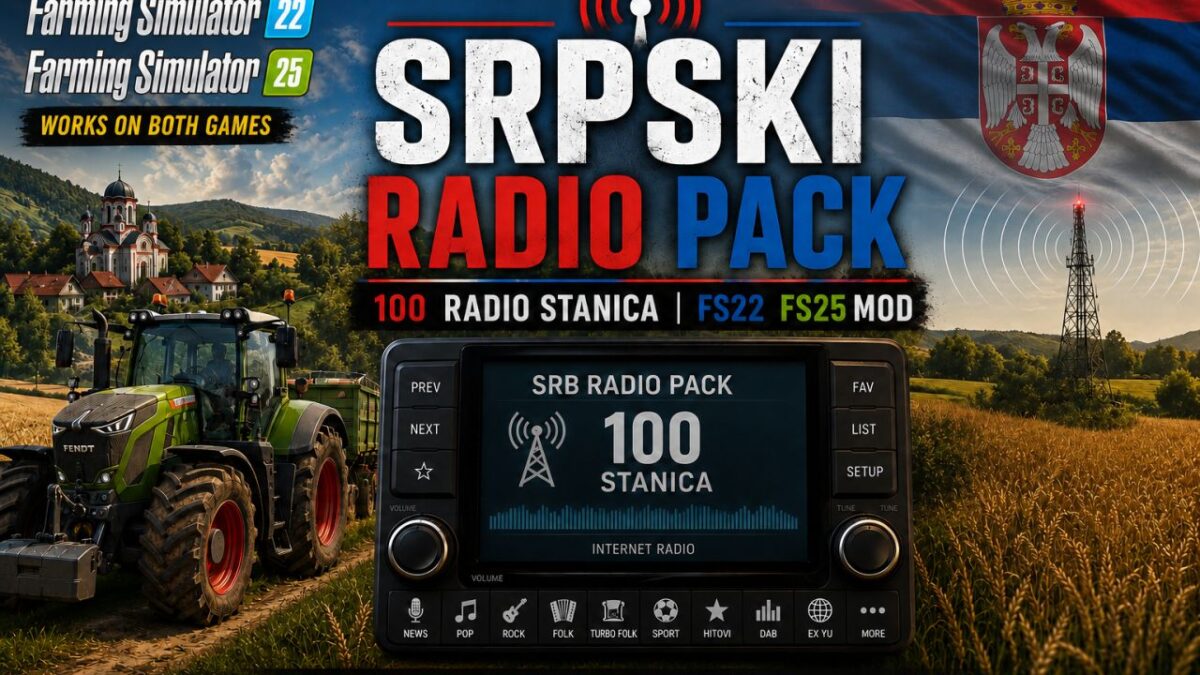
Serbia Radio Pack v 1.0


Bring Serbian music and radio atmosphere into Farming Simulator 22 and Farming Simulator 25.
Features:
– 100 Serbian radio stations
– Works with the Farming Simulator 22/25 in-game radio
– Easy installation
Installation:
1. Close the game.
2. Go to:
Documents/My Games/FarmingSimulator2025/music
3. Back up your existing streamingInternetRadios.xml file if you already have one.
4. Copy the included streamingInternetRadios.xml file into the music folder.
5. Start the game and enjoy Serbian radio stations.
Important:
Radio stations occasionally change their streaming URLs, which means that some stations may stop working over time. As of June 4, 2026 (the creation date of this mod), all 100 radio stations have been tested and verified to be working correctly.
This radio pack has been tested and confirmed to work with Farming Simulator 22 and Farming Simulator 25. It may also work with older Farming Simulator versions that support internet radio stations through the streamingInternetRadios.xml file, but compatibility with older versions has not been tested.
Credits:
Dracarys


