

Animal Pests v 1.0.2.0


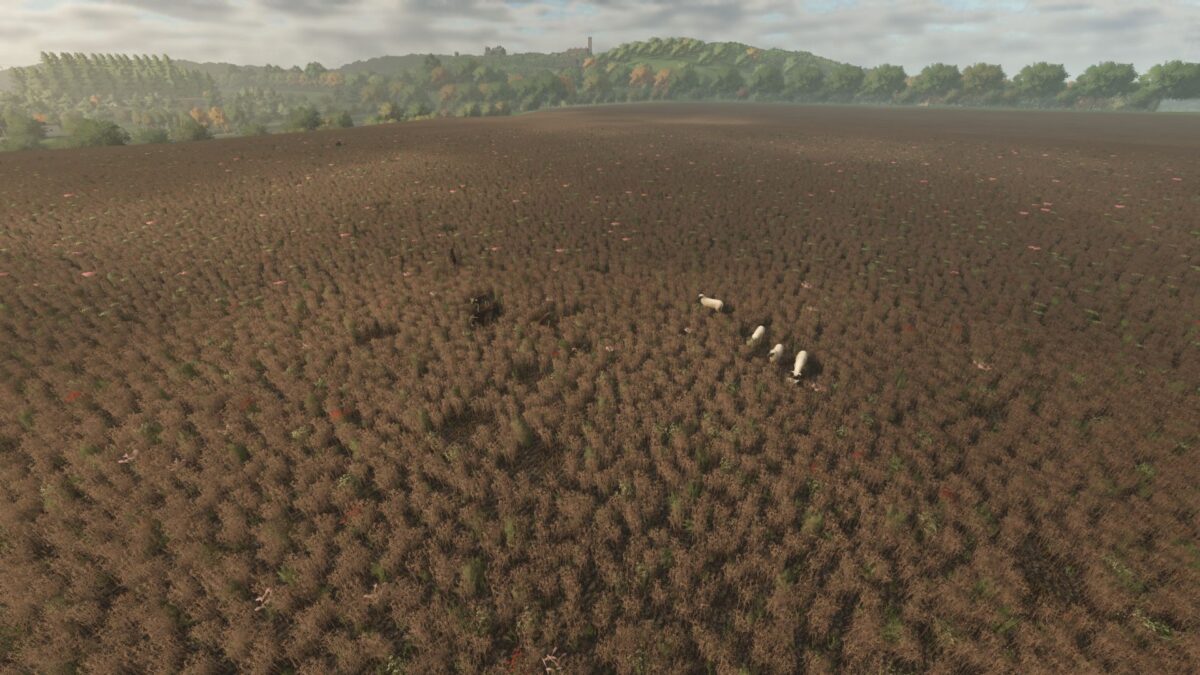
Adds a new type of field pest to the game:
Cows, sheep, goats – They can all eat or trample your crops.
Now you’ll have to watch your crops more closely!
The composition and number of herds on the map can be customized to suit your playing style.
To protect yourself from Animal Pests you have:
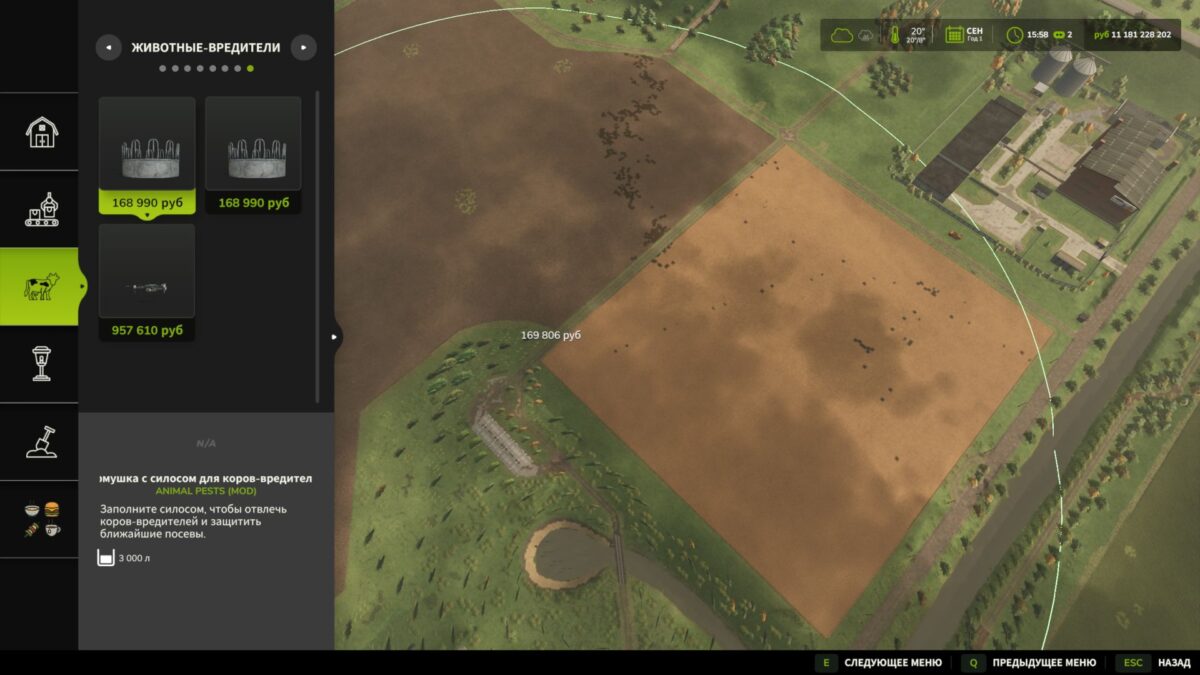
– Feeders that attract animals to them. (feeders have their own range of action)
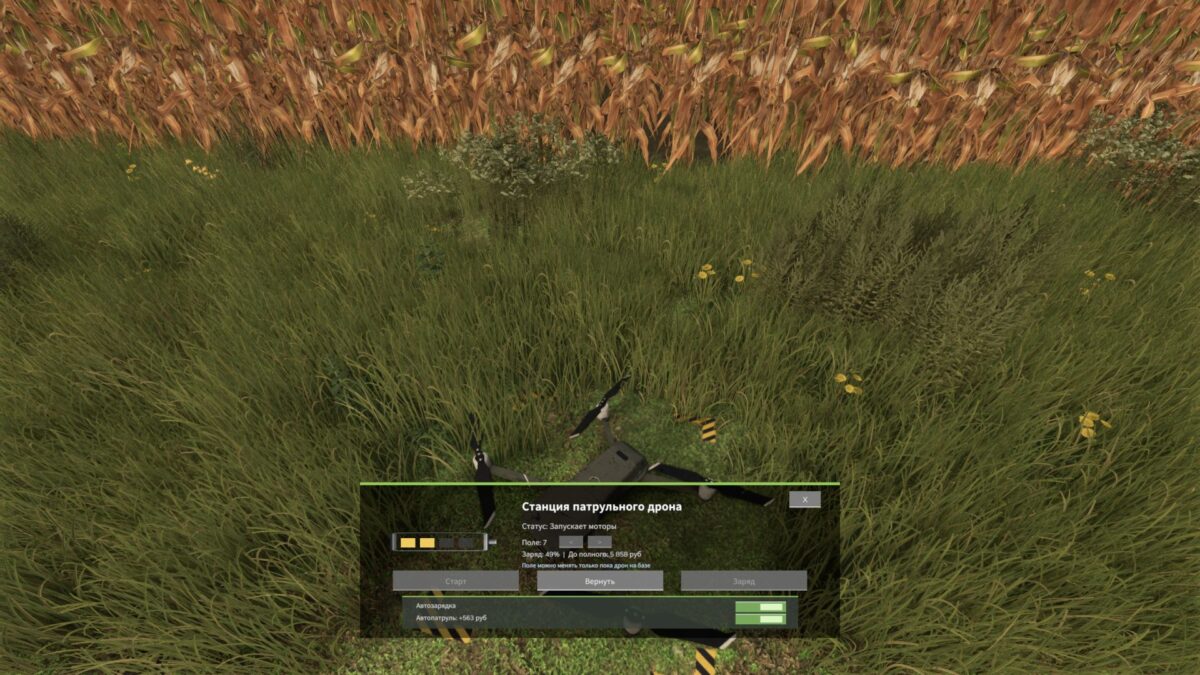
– Patrol Drone that will patrol the field of your choice and drive away animals from the field!
Version 1.0.2.0:
* Added its own category for mod buildings, located in the animals tab, then the Pest Animals subtab
* Spawning of animal pests has been completely redesigned to the following scheme
if the field is < 3 ha: maximum 1 herd per field, only approximately 35% of the number of animals from the settings;
if the field is from 3-10 hectares: maximum 2-3 herds per field, depends on the player’s settings, approximately 65% of the number of animals from the settings;
if the field is > 10 ha: maximum as in the settings.
* Added a drone for patrolling fields against animal pests
* The capacity of the feeders has been reduced
* Added visual display of filling feeders
* Added display of the range of the feeder during installation
* Calculation of food waste in feeders has been transferred to game time
Credits:
BMProd


