FS25 Forklifts

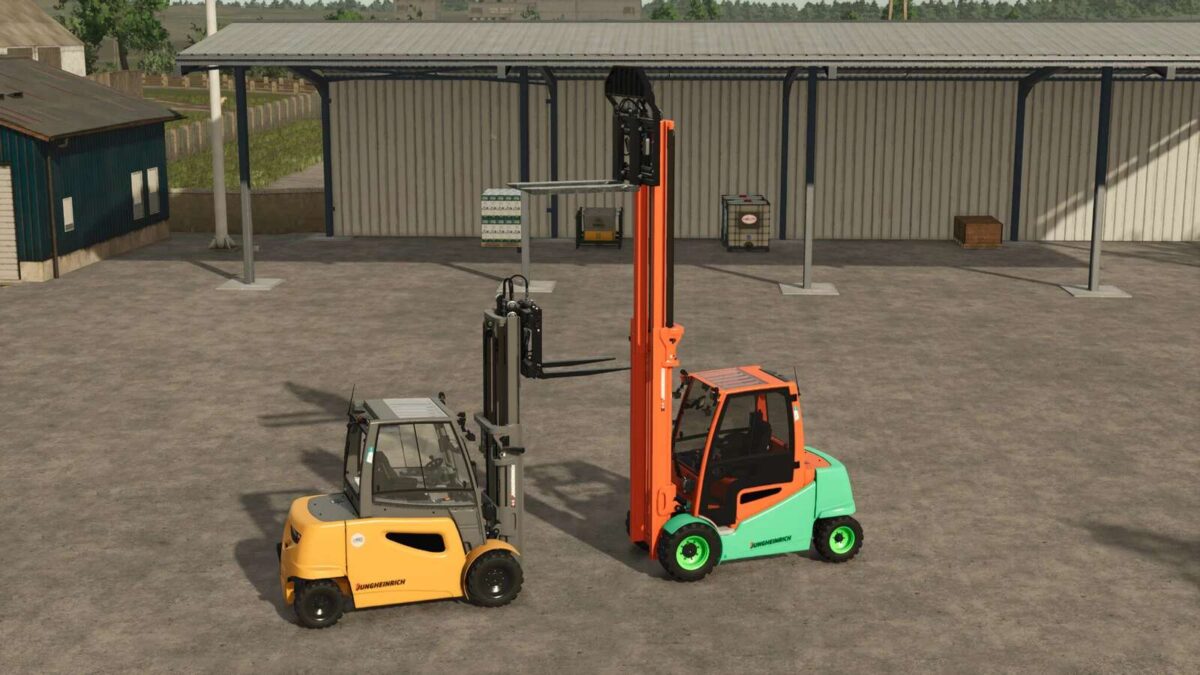
Jungheinrich EFG S50 Pack v 1.0.0.1

Jungheinrich EFG S50 Pack v 1.0.0.1

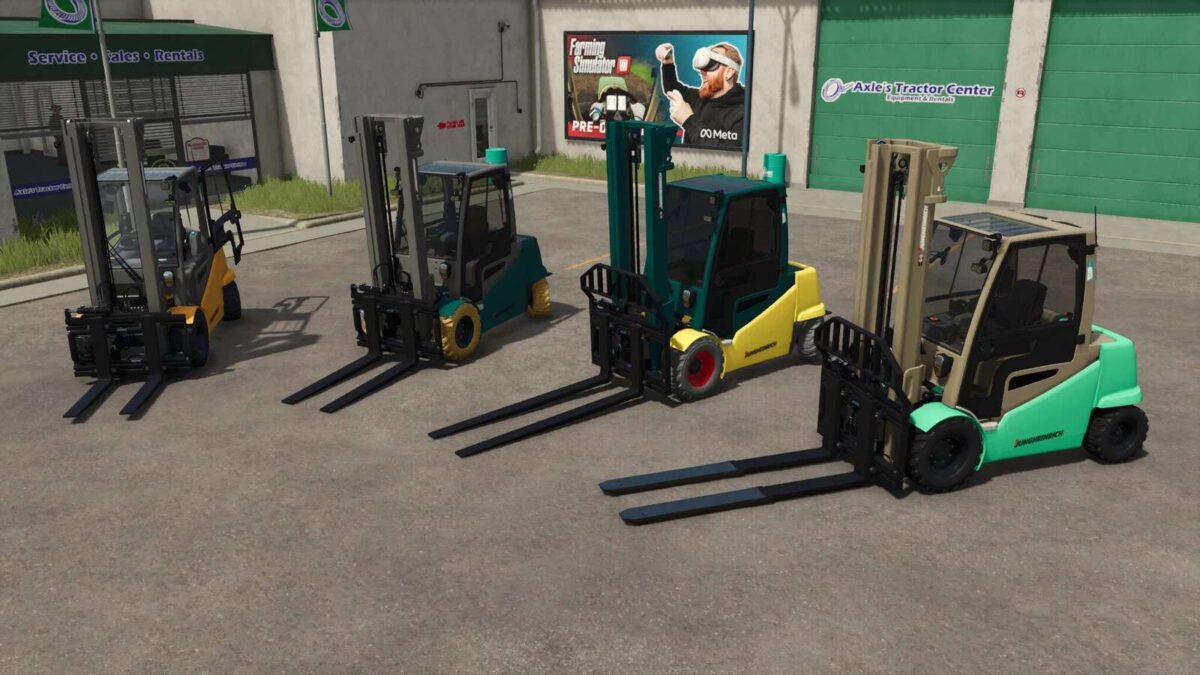
EFG S50 Shortfork
Preis: 45,000 $
Power: 42kw

EFG S50 Middlelongfork
Preis: 46,000 $
Power: 42kw

EFG S50 Longfork
Preis: 47,000 $
Power: 42kw

EFG S50 Telefork
Preis: 55,000 $
Power: 42kw

Additional data:
– 5908mm lifting mast with a maximum lifting height of 4885mm.
– Lift mast in basic position at the push of a button
– Tires in the correct size.
– Door to open.
– Rear wheel guard removable.
– Various color choices.
– Various Beaconloghts and Reversedriving Warning Device (Blue- and Redspot).
– Window tint selectable.
– Safety Frame selectable.
– Pallet/bale detection can be switched off, making pallet handling easier.

Version 1.0.0.1:
* Tire Color changed so that it works with “Use Up Your Tyres”
* Rear view camera installed, Mercedes Benz DLC required

Credits:

HR Forst und Fahrzeugbau

How to install FS25 Forklifts?
Firstly find a mod which you like and want to download. Then download a mod to your PC. Mods are usually in .zip format file. But sometimes it can be in .rar. If a mod file is a .zip format no needed additional actions. If a file is in .rar, then you must unarchive mod with software like WinRar or Zip7. Windows 10 users no need to use software for archives, Win10 itself has a feature to unarchive files.
The next step is to find mods folder in your PC. Usually, it is in Documents/My Games/Farming Simulator 25/2025. Open the "mods" folder and put downloaded .zip archive or unarchived .rar file to this folder.
Last step. Enjoy of FS25 mods!

Leave a Reply

Your email address will not be published. Required fields are marked *