

Variable Tip Height v 1.0


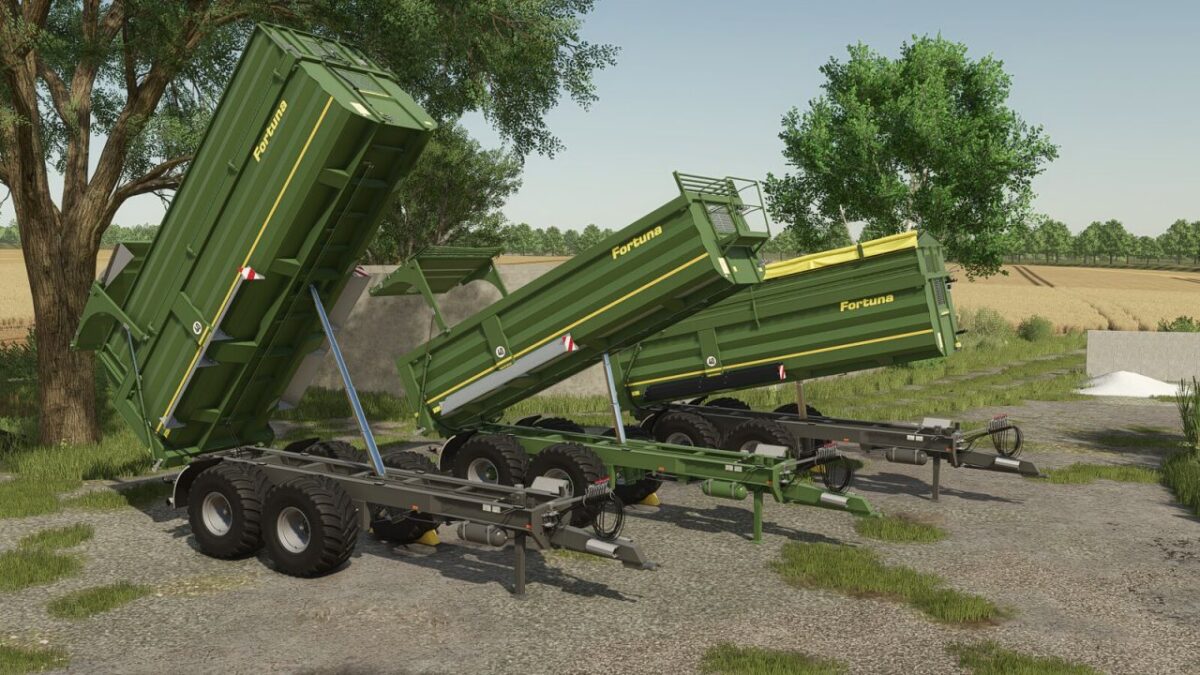
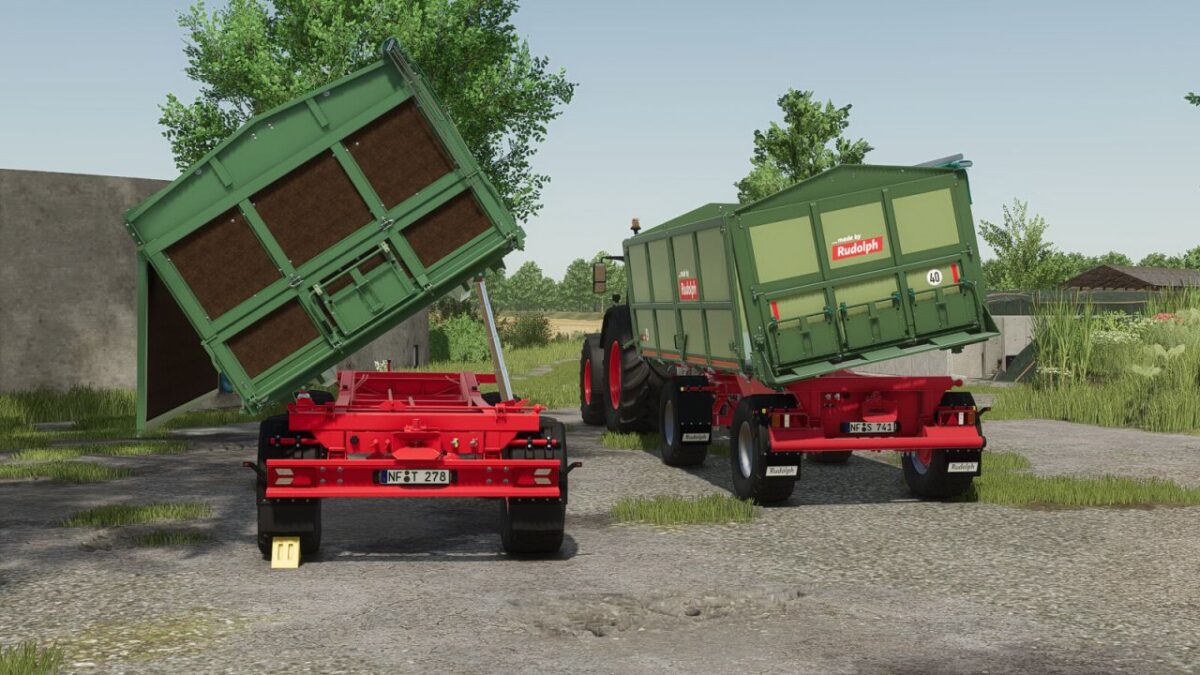
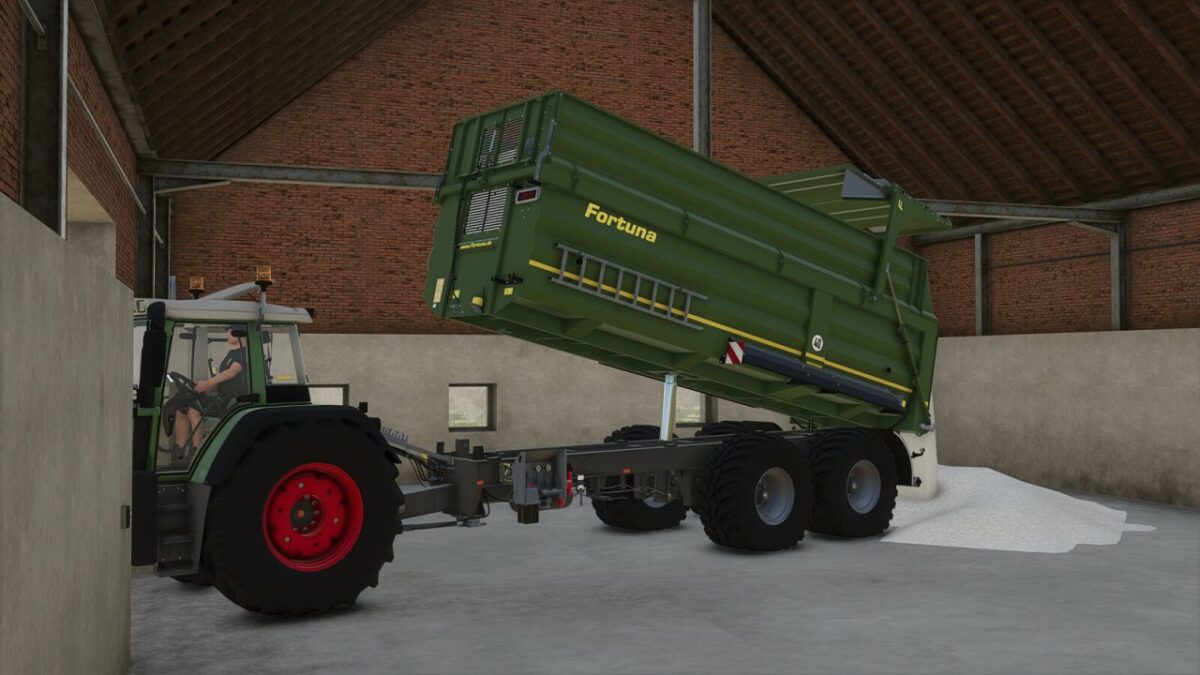
With this script mod, you can limit the maximum tipping angle of trailers in fixed steps. This allows bulk material to be controlled more precisely, for example in low sheds, under pipes, or inside narrow bunkers.
Features:
Global specialization for all trailers (vehicleType=”trailer”)
Configurable tipping levels via vehicle XML (e.g. 25 / 50 / 75 / 100 % or 10 / 25 / 50 / 75 / 100 %, etc.)
Cycle through tipping levels (V)
Instantly switch to maximum level (Shift + V)
Tipping angle limitation directly affects the tipping animation
HUD display with percentage value and progress bar
HUD automatically fades in (while tipping or after changing the level) and fades out again with a smooth effect
Can optionally be disabled per vehicle or repositioned via XML (README file included in the ZIP)
Short UI sounds:
Change level (V)
Maximum angle (Shift + V)
Error sound (e.g. when changing during tipping is not allowed)
Multiplayer compatible
Default Controls:
V : Cycle through tipping levels (e.g. 25 → 50 → 75 → 100 → 25 %)
Shift + V : Instantly switch to the maximum tipping level
The key bindings can be changed ingame under “Settings → Input Controls” as usual.
An installation guide is included.
Credits:
Elch97Design


