

FS25 Misc

Yield control v 1.0
Yield control v 1.0
Yield control v 1.0

Yield control v 1.0

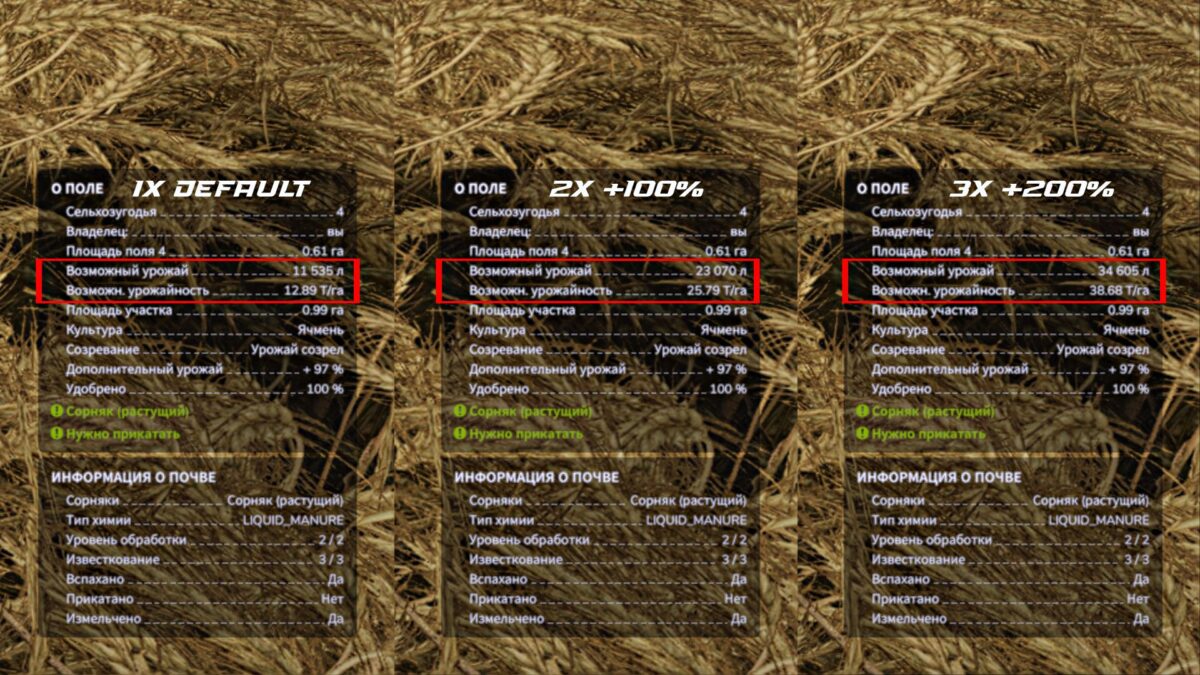
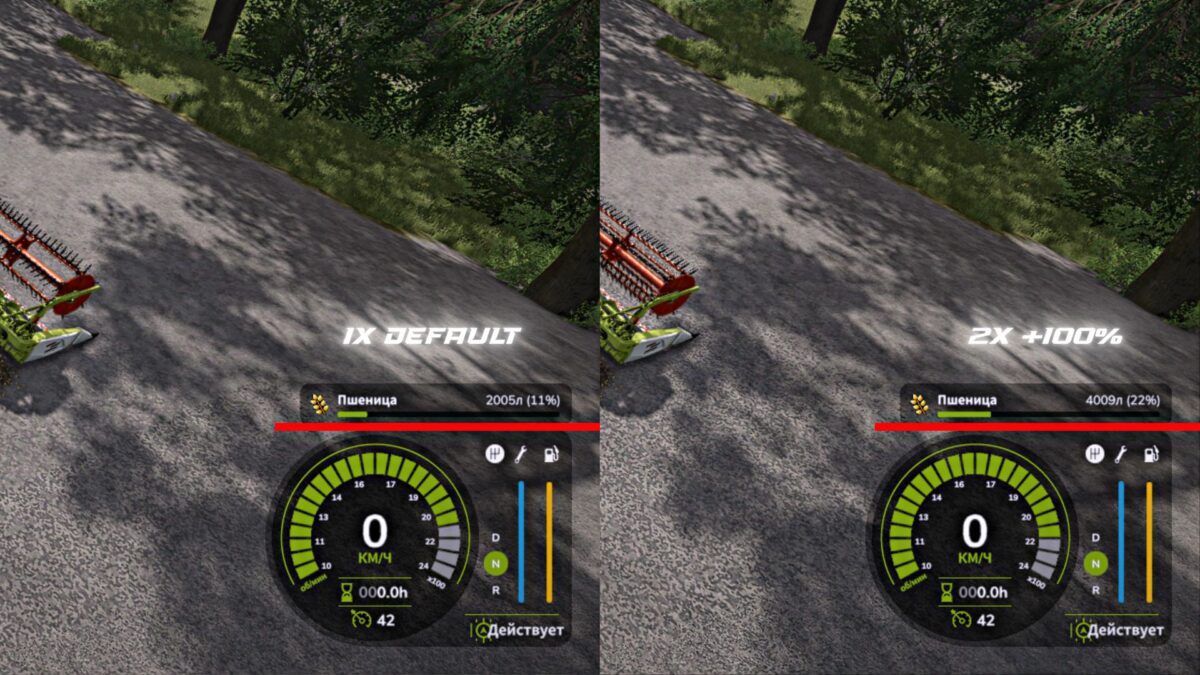
This mod allows you to change the base yield multiplier for ALL harvested crops directly through the game settings.

Key Features:
Works with all crops and additions, including grains, roots (sugar beets, carrots, parsnips, etc.), grass and also poplar.
Change the multiplier from 1.0x (standard) to 5.0x in the game settings, without restarting the game or reloading the save.
The infotext of the fields is updated immediately after changing the settings, allowing you to accurately plan your yield.

Important information about straw:
The mod increases the volume of the main product (grain, vegetables). This does not apply to collecting straw from a multiplied harvest.

Ideal for players who want to customize the economic difficulty or maximize the efficiency of large farms.

Credits:

B1zaro

How to install FS25 Misc?
Firstly find a mod which you like and want to download. Then download a mod to your PC. Mods are usually in .zip format file. But sometimes it can be in .rar. If a mod file is a .zip format no needed additional actions. If a file is in .rar, then you must unarchive mod with software like WinRar or Zip7. Windows 10 users no need to use software for archives, Win10 itself has a feature to unarchive files.
The next step is to find mods folder in your PC. Usually, it is in Documents/My Games/Farming Simulator 25/2025. Open the "mods" folder and put downloaded .zip archive or unarchived .rar file to this folder.
Last step. Enjoy of FS25 mods!

Leave a Reply

Your email address will not be published. Required fields are marked *