

Realistic Vehicle Service v 1.0


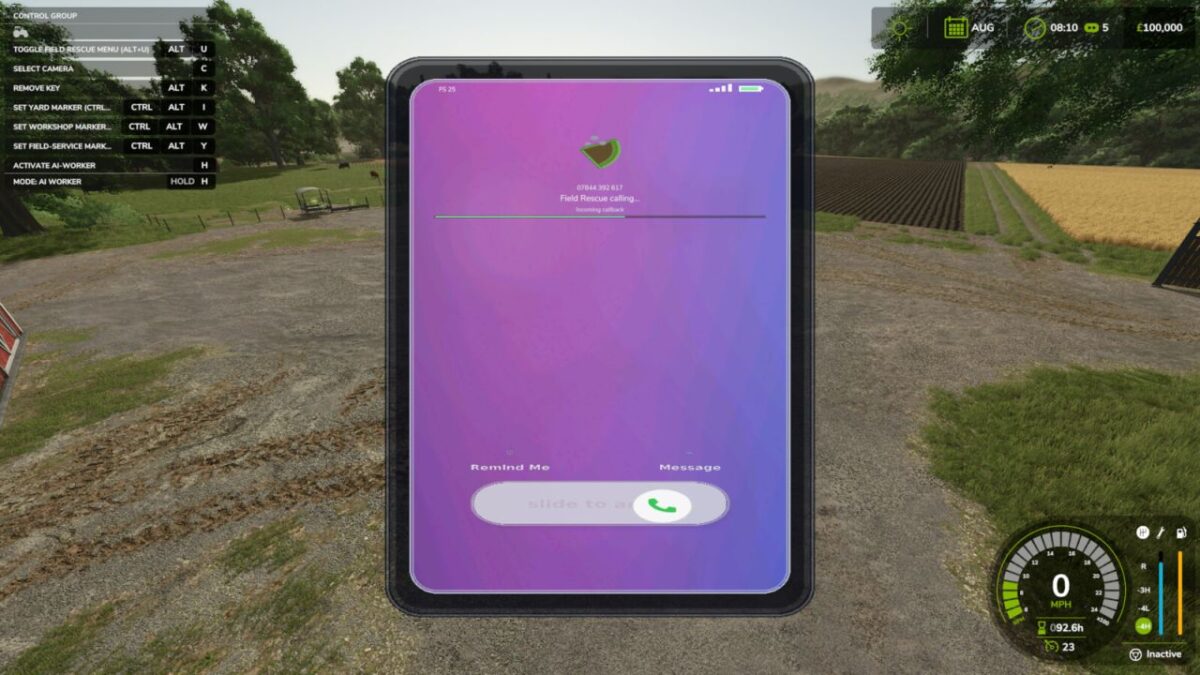
Realistic Vehicle Service adds manual engine starting, removable keys, warm-up behaviour, breakdown logic, a custom dashboard HUD, and a Field Rescue workflow.
Features:
– Manual key-based starting and removable ignition keys.
– Warm-up behaviour before heavy work.
– Breakdown and maintenance logic influenced by condition, storage exposure, cold weather and neglect.
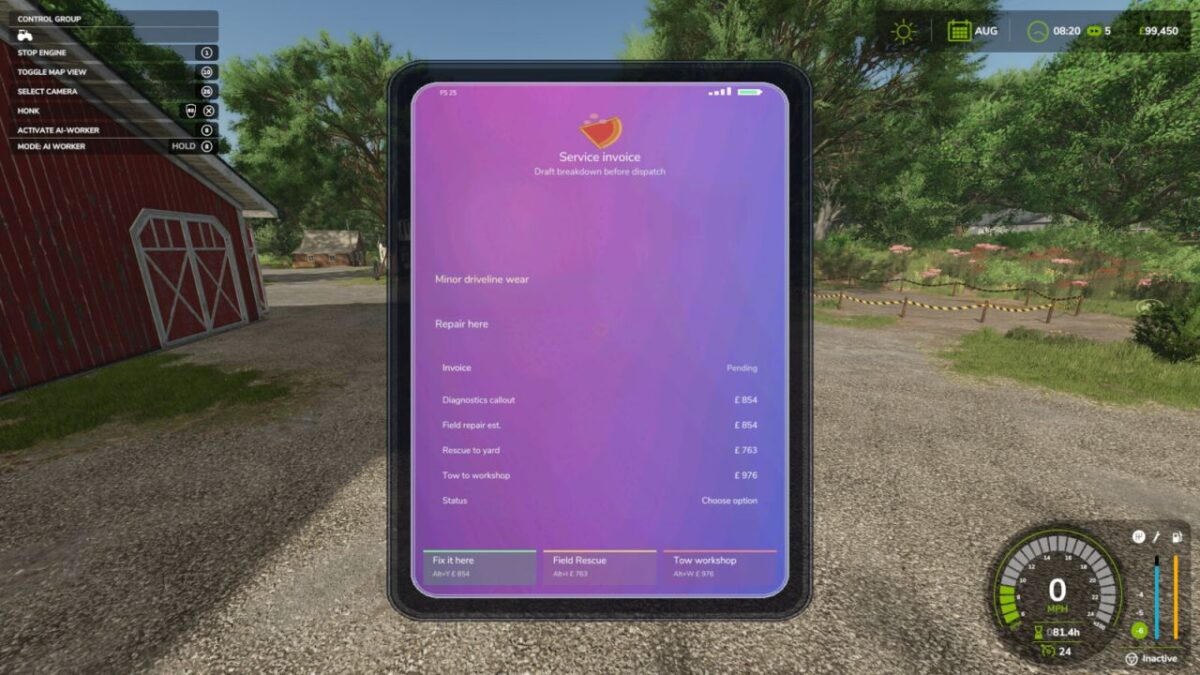
– Recovery markers for yard, field service, and workshop destinations.
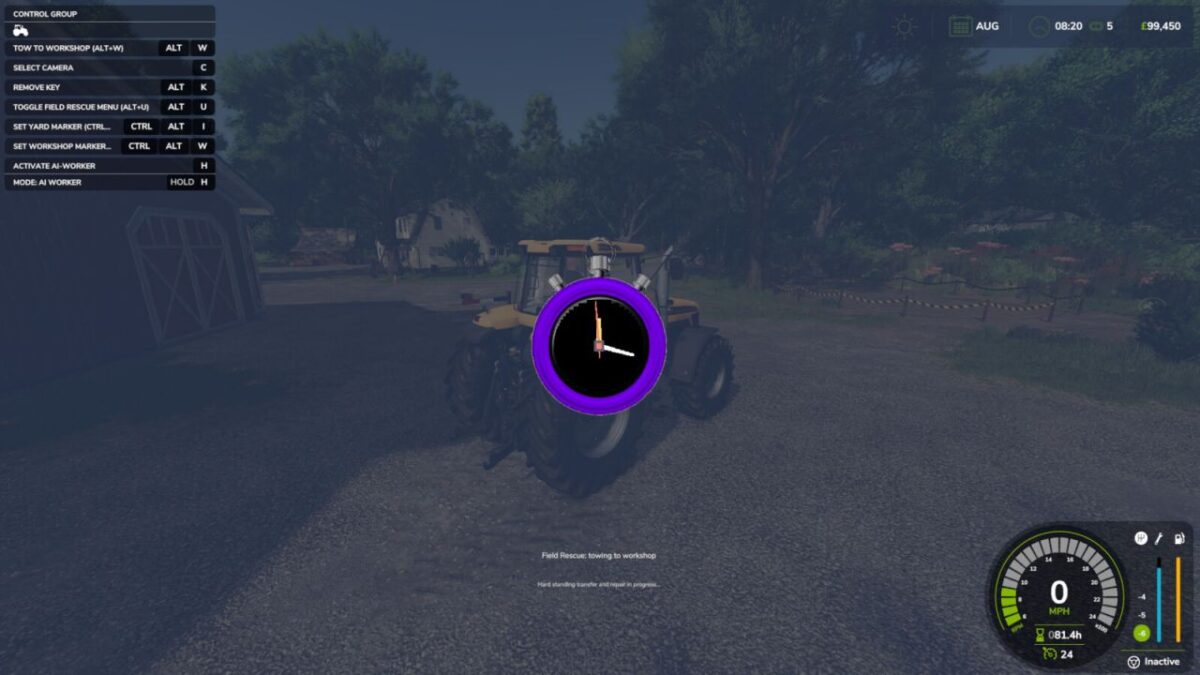
– Recovery services now use short animated transition scenes before the selected repair or towing action is completed.
Recovery workflow:
– Ctrl+Alt+I saves the yard/home recovery drop point.
– Ctrl+Alt+W saves the workshop repair drop point.
– Ctrl+Alt+Y saves the field-service point.
– Alt+U toggles the Field Rescue menu.
– Alt+Y runs field repair, Alt+J runs workshop repair when you are inside the workshop zone, Alt+I recovers the vehicle to the saved yard marker, and Alt+W tows it to the saved workshop marker.
This mod focuses on breakdown realism, maintenance, recovery choice, and vehicle ownership rather than instant base-game resets.
Credits:
FarPie


