

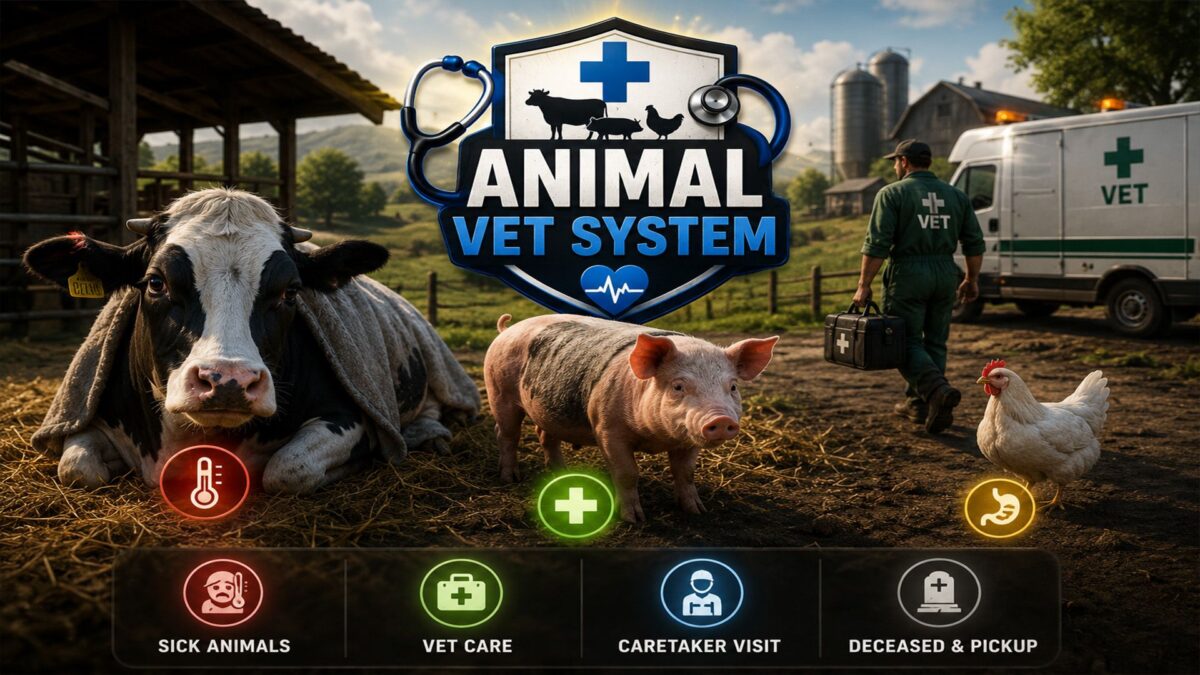
Animal Vet System v 1.1


Animals can get sick, heal themselves, receive veterinary care, or, in the worst case, die.
Various causes of illness, such as infections, fever, or stomach problems, add depth and realism to animal husbandry.
The system was specifically developed for dedicated servers and reliably synchronizes illnesses, treatments, and collections in multiplayer.
The mod also supports many custom animals and maps, such as Hof Bergmann with chicks, ducks, and other animal species.
The modern info HUD clearly displays all important information:
active illnesses, veterinarian status, animal caretaker visits, and deceased animals, including realistic collection times.
Thanks to extensive in-game settings, each player can customize the system – from treatment costs to collection times for deceased animals.
AnimalVetSystem expands animal husbandry with a new gameplay layer, providing significantly more atmosphere, management, and realism on every farm.
IMPORTANT: PICKUP TAKES LONGER. AFTER THE TIME EXPIRES, IT WILL BE DISPLAYED IN THE HUD: PICKUP IS IN PROGRESS. PLEASE BE PATIENT.
THE ANIMAL(S) WILL BE PICKED UP. THE MESSAGE APPEARS IS NOT DUE TO THE MOD, BUT DUE TO THE DEDICATED SYNC!!!!
Credits:
Akita83, FrankGTB, Fritz78


