Toggle Fertilizer On/Off v 1.0


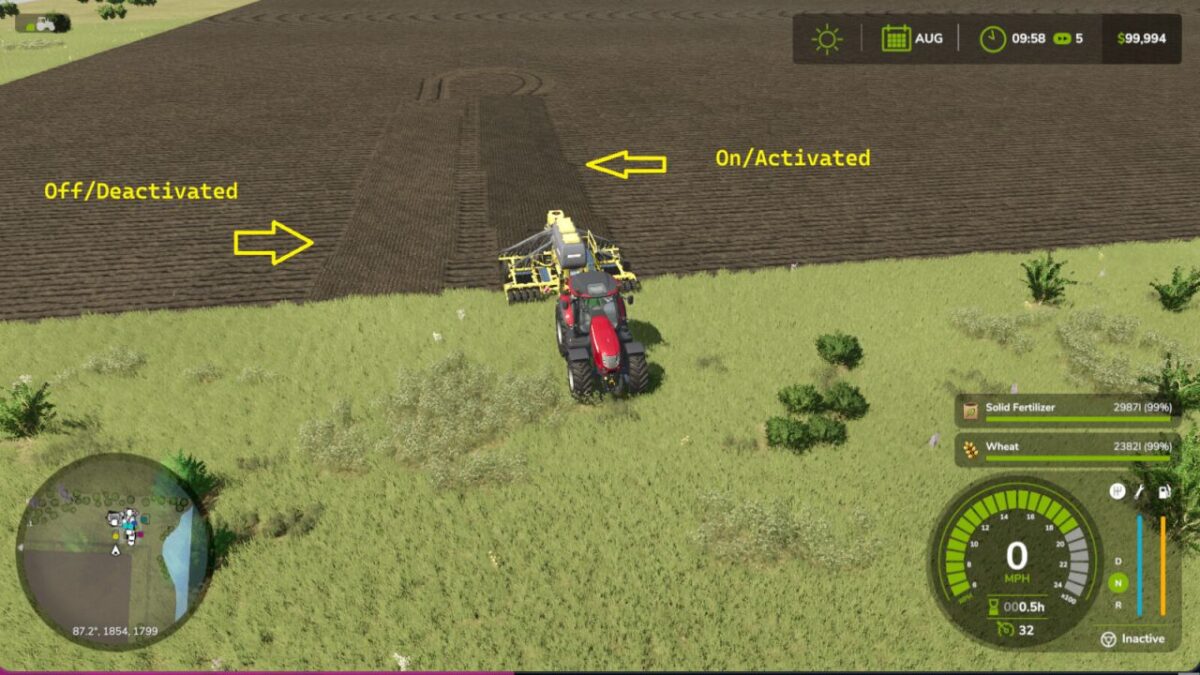
The default key bind is F3. You can change this to any key bind of your liking.
The base game AI worker will not complete a sowing task of any kind if your implement has an empty fertilizer capacity.
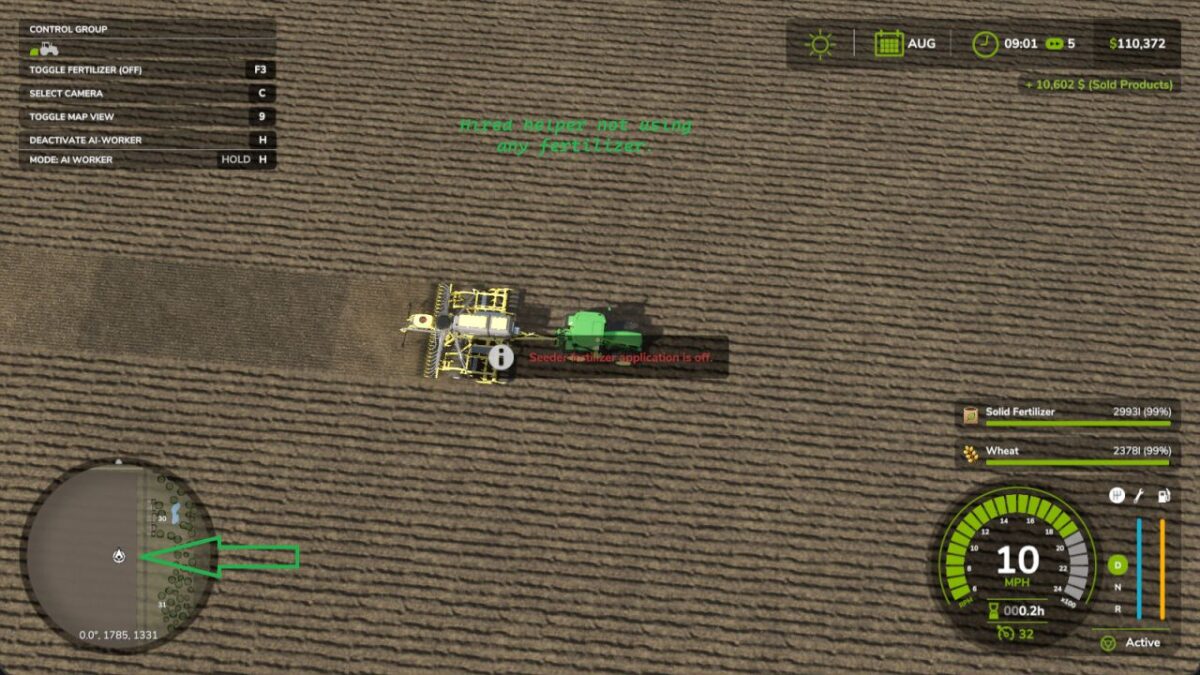
With this mod the tank can be empty and they will complete the sowing task or mission as long as Toggle Fertilizer is turned off.
You will see it in the F1 Help Menu.
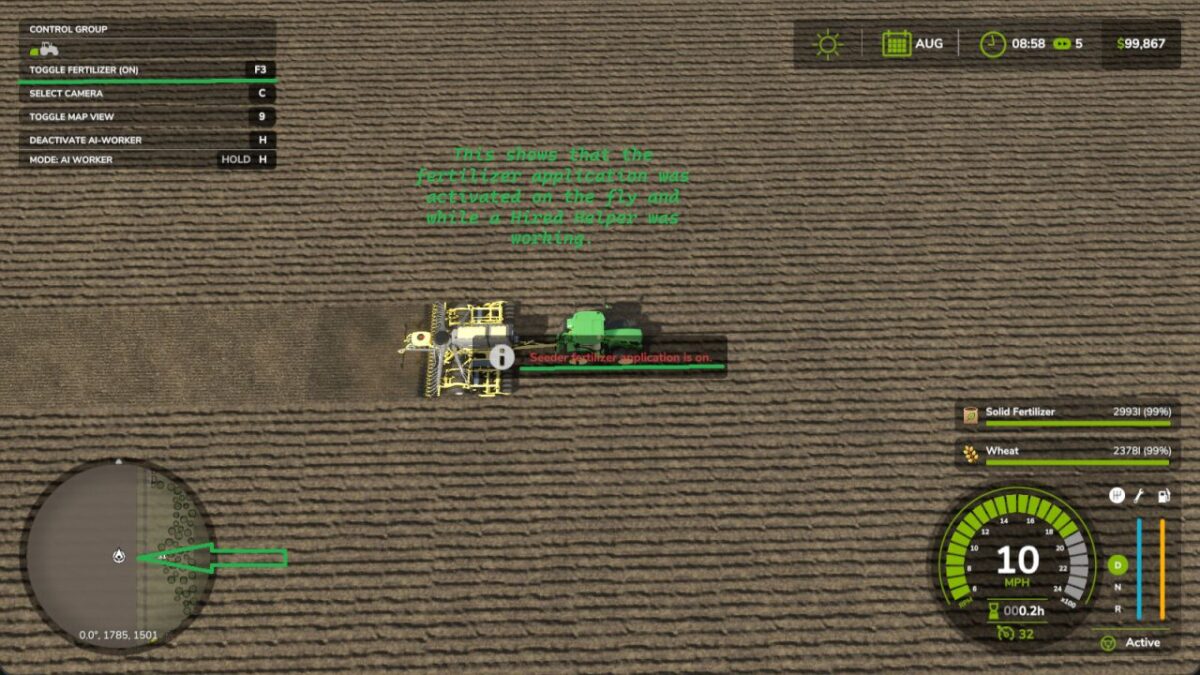
If you start an AI helper and you realize that you didn’t want to have fertilizer applied, you can turn it off while the helper is hired.
No need to fire the helper and rehire them.
This can be done at any time whether the implement is in operation or not. No need to empty your fertilizer from your sowing implement anymore when you don’t want it applied. This eliminates wasted fertilizer when it is not needed.
This mod has been tested in both single player and multiplayer settings.
Credits:
Hammaneggs Modding