

Tip Side HUD v 1.0


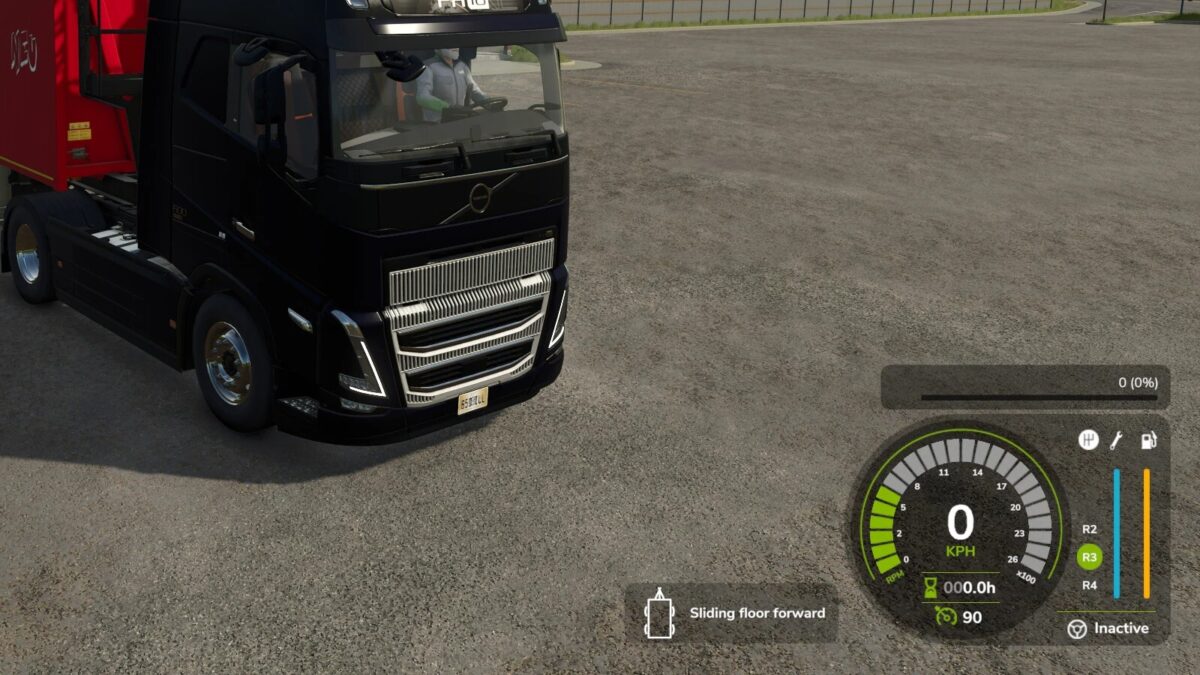
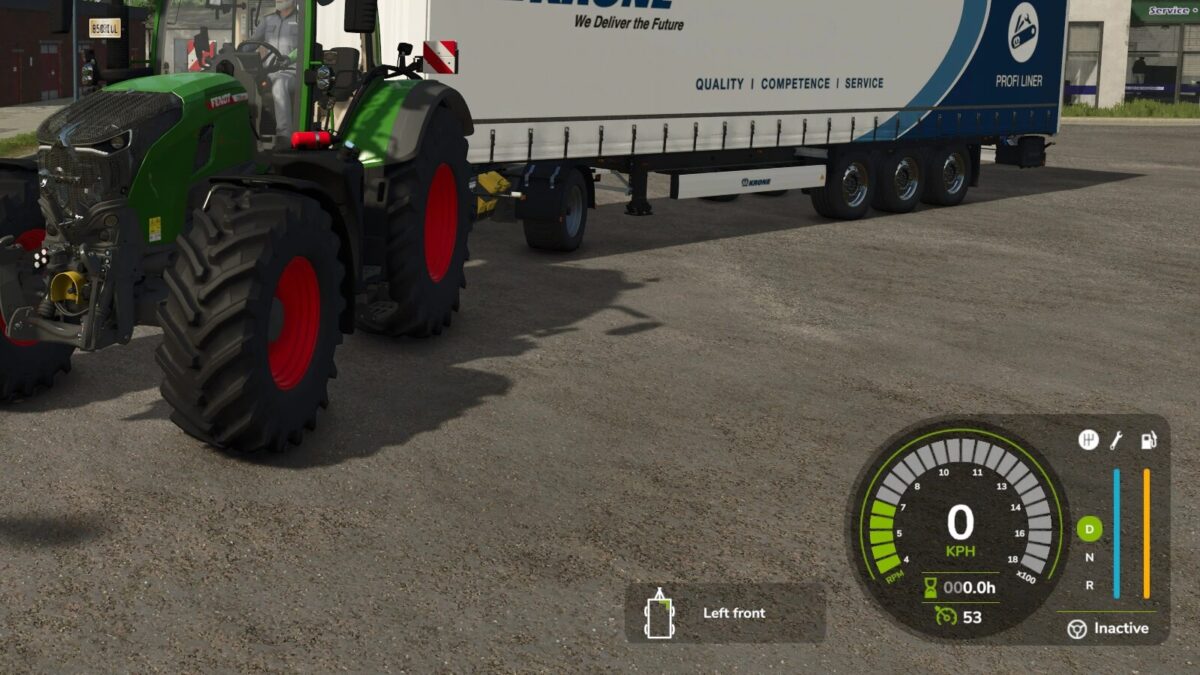
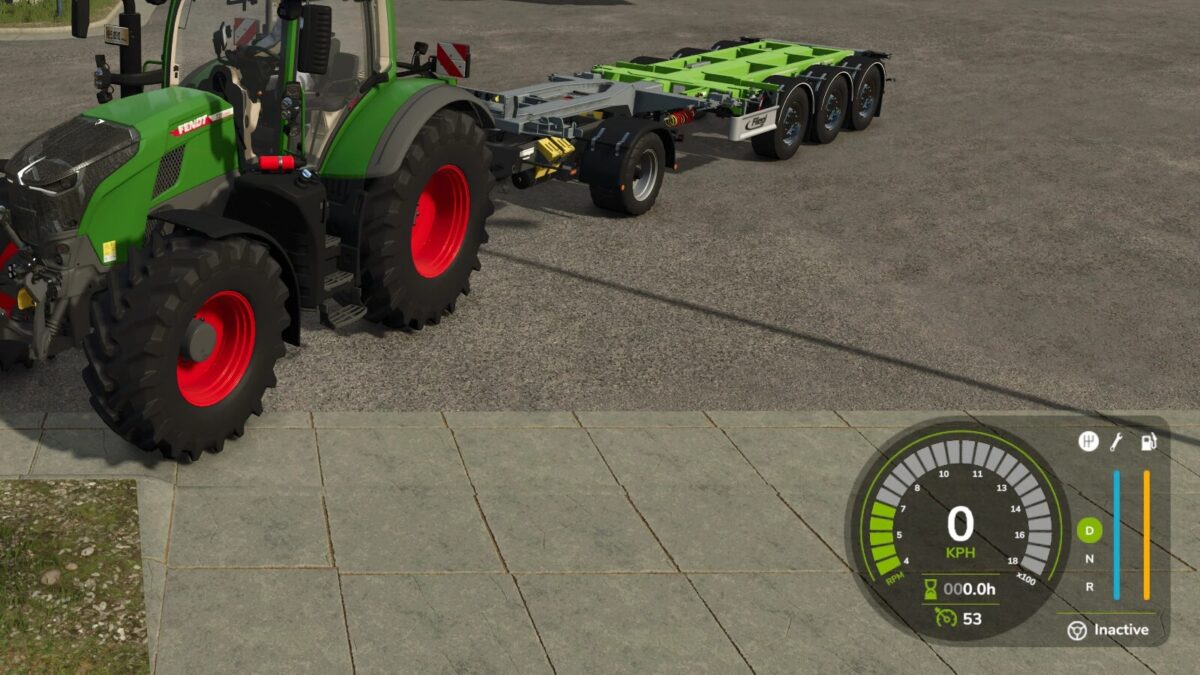
This mod adds a new HUD that displays the currently selected tip or discharge side of the currently relevant vehicle or implement. This makes it possible to keep track of the active unloading side at all times without having to leave the help menu open.
The current vehicle, attached implements and body configurations are supported. The selected implement is also taken into account so that the display matches the vehicle or tool currently in use as closely as possible.
Depending on the vehicle or body type, the HUD shows the detected tip side as text together with a matching icon, for example:
Front / Rear
Left / Right
Left front / Right rear
Grain slider
Push floor
Ramp
In addition, the HUD position can be adjusted easily through the settings menu:
X offset of display
Y offset of display
Additional features:
Support for German and English
HUD scaling is taken into account
matching accent color is automatically taken from the game HUD
works with vehicles, trailers and attached implements
Credits:
EWW_Bobo


