Market Dynamics v 1.1.3


Real-world inspired dynamic crop pricing for Farming Simulator 25. Prices fluctuate daily and intraday based on world events, supply, demand, and seasonal drift. This is the first public release covering all core systems.
What’s included:
Dynamic pricing engine — every tracked crop has a live price built from a base price, a volatility factor, and an event modifier stack.
Prices drift intraday every in-game minute and shift daily with mean-reversion toward the base. They clamp between 50% and 200% of base so things stay volatile but never absurd.
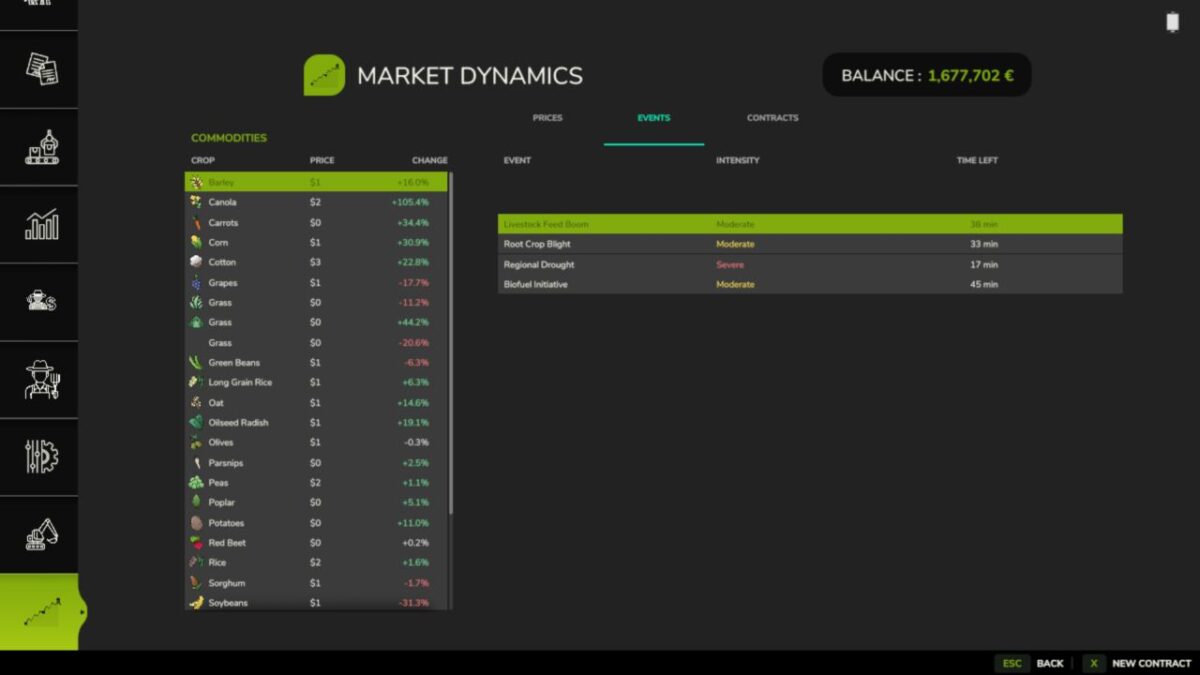
Seven world events — Regional Drought, Bumper Harvest, Trade Disruption, Geopolitical Crisis, Biofuel Initiative, Livestock Feed Boom, and Root Crop Blight. Each fires probabilistically with per-type cooldowns and randomised intensity so markets feel alive without becoming noise.
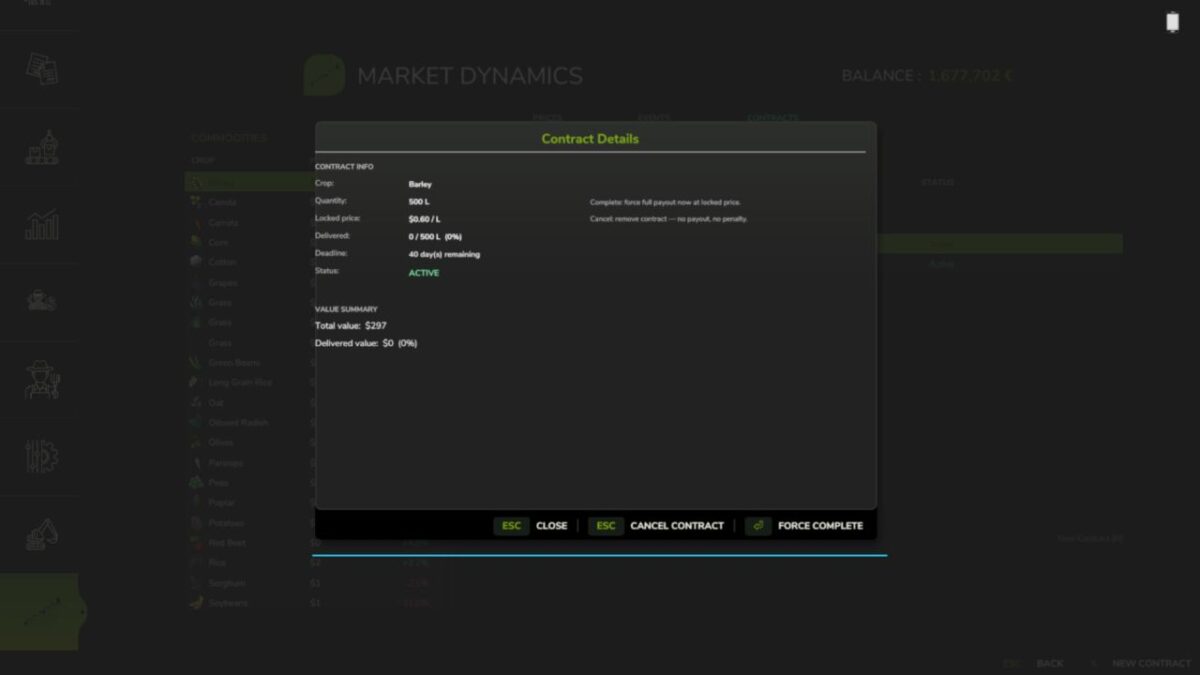
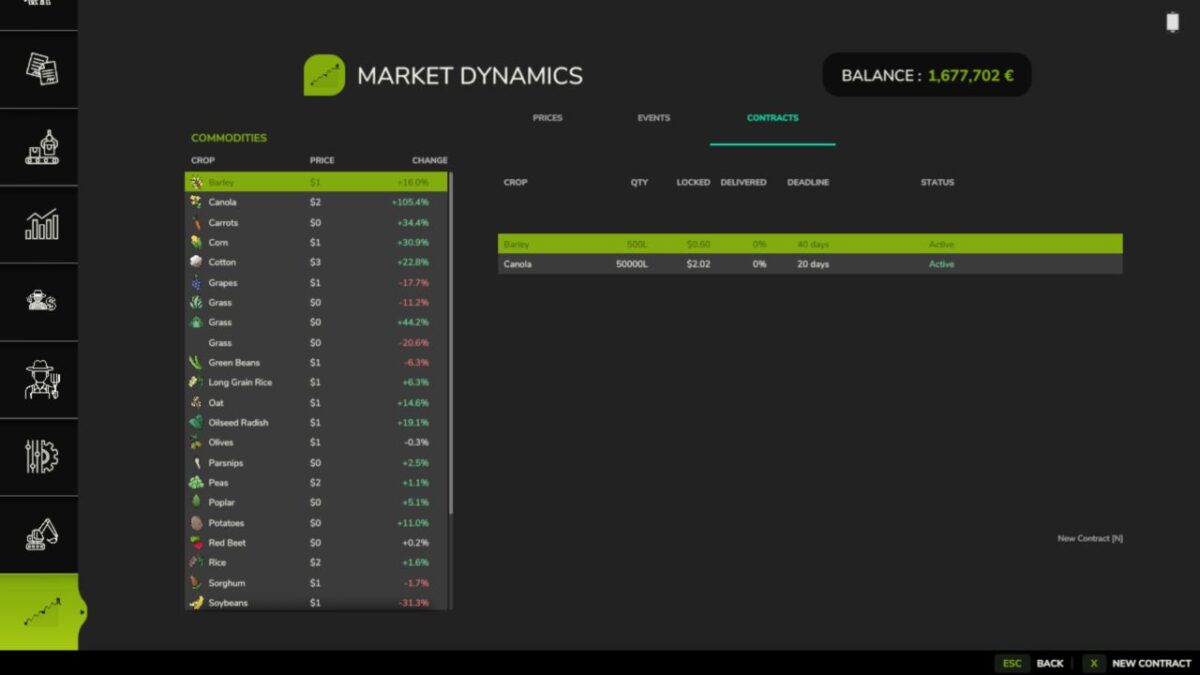
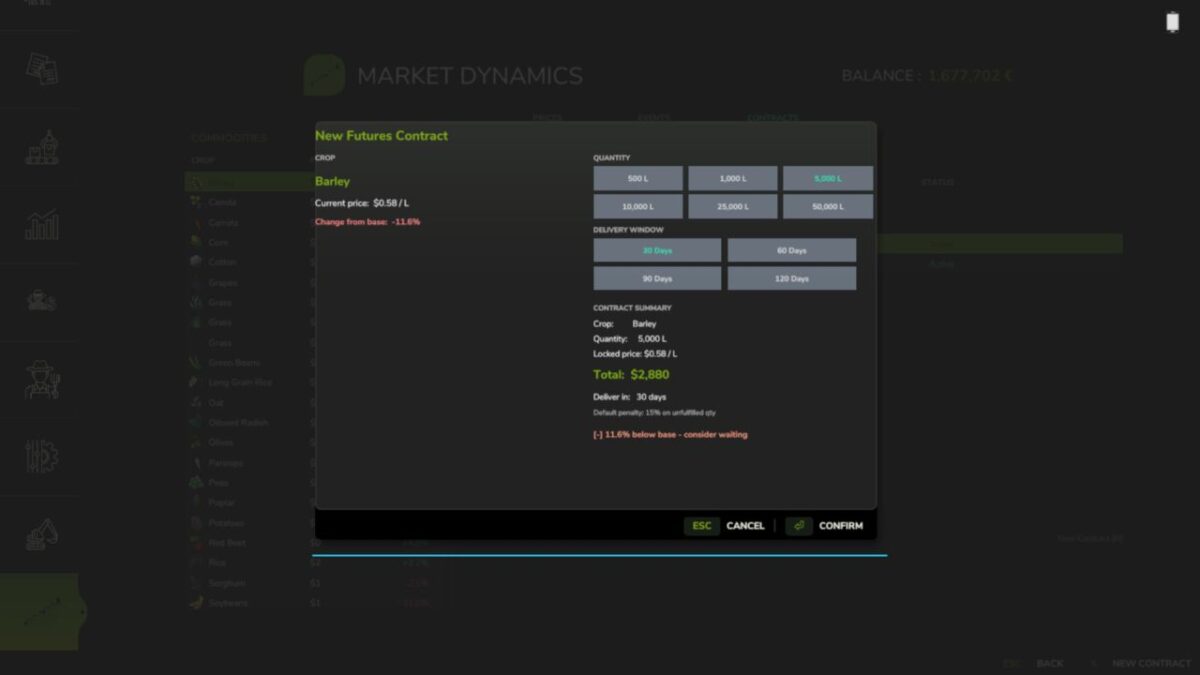
Futures contracts — lock in a sell price today for delivery up to 120 in-game days from now. Fulfill on time for the full locked-price payout; miss the deadline and you take a 15% penalty on the unfulfilled portion. If you have FS25_UsedPlus installed your credit score scales that penalty between 10% and 20%.
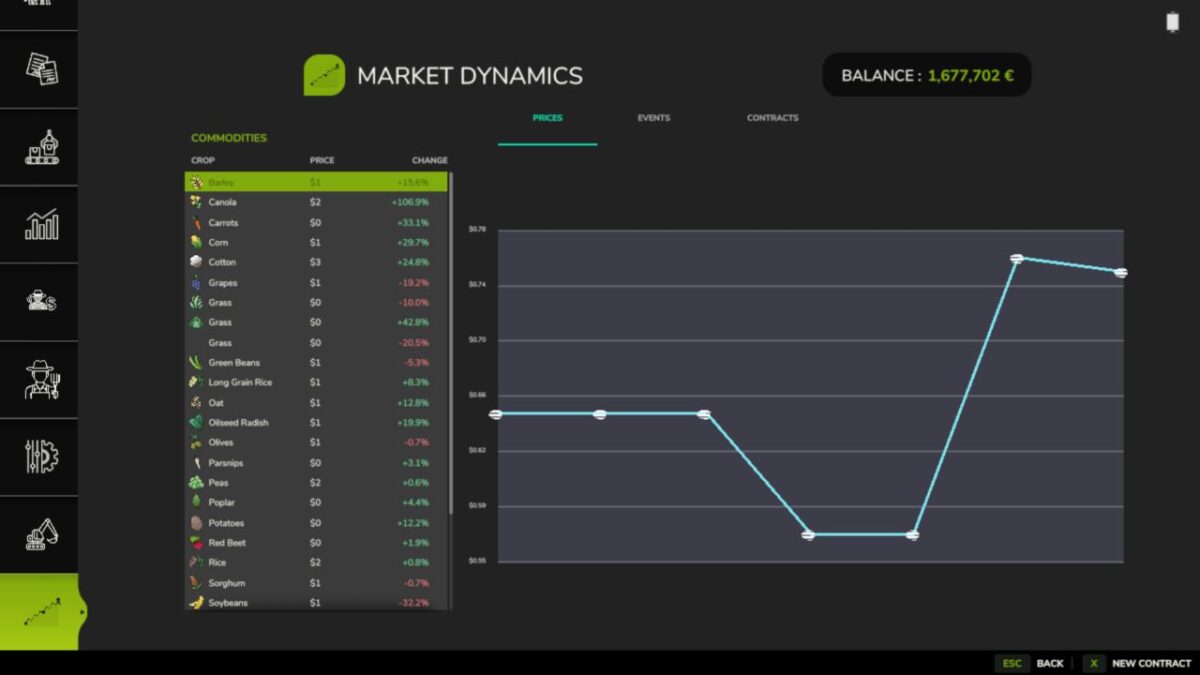
Market screen (F10) — a full InGameMenu page with three tabs: live prices with % change and a session trend chart, active world events with intensity and time remaining, and your contract history. Press N or click New Contract to open the contract dialog from anywhere on the screen.
Mod integrations — FS25_BetterContracts: completing a harvest contract applies a short-lived supply-spike to that crop. FS25_UsedPlus: contract outcomes feed your credit score and your score scales the default penalty. Both integrations activate automatically on detection.
Translations — all 25 Farming Simulator 25 languages included.
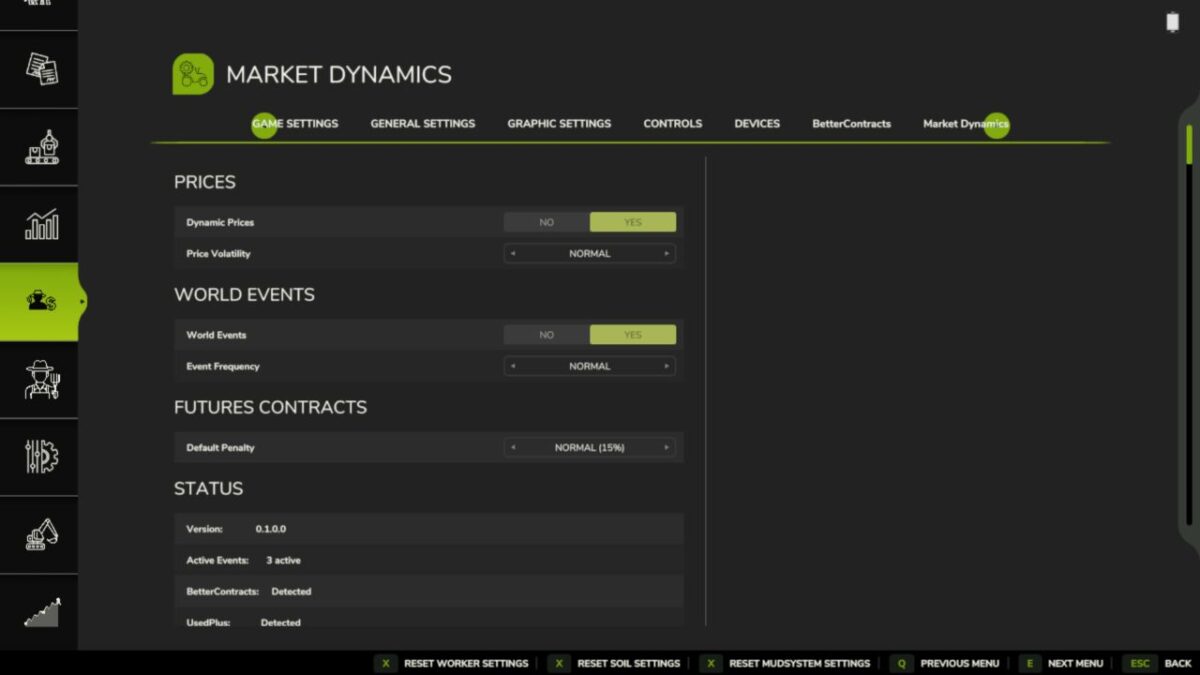
Settings — enable/disable dynamic prices, enable/disable events, event frequency, volatility scale, and debug logging, all accessible in-game under ESC > Settings > Market Dynamics.
Known limitations
Multiplayer is singleplayer only in this release. Price state, events, and contracts are not synced across clients. Dedicated server hosting works but only the server player sees live MDM prices. Multiplayer sync is planned for a future release.
Save data is stored in savegame/modSettings/FS25_MarketDynamics.xml. Removing the mod mid-save is safe — the file is simply ignored on next load.
Version 1.1.3:
* 3 new events added
* ColdSnapEvent.lua mixed-direction frost event; grain/oilseeds up, forage down; full save/load persistence via getExtraData/onLoad
* FinancialPanicEvent.lua black-swan macro shock; suppresses all crops simultaneously; rare, high intensity floor
* ProteinPremiumEvent.lua demand-pull protein trend; boosts soybean/canola and milling wheat/barley at different rates
* Translation keys mdm_event_cold_snap, mdm_event_financial_panic, mdm_event_protein_premium added to all 26 language files
Credits:
tisonK, LeGrizzly