

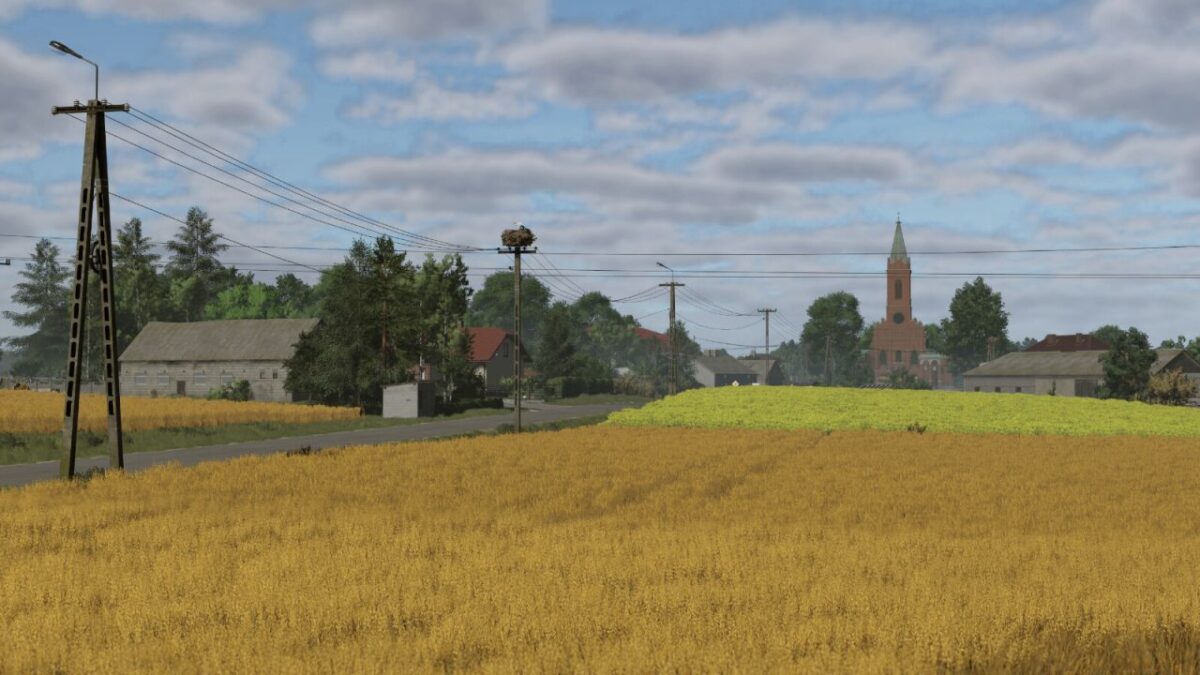
Solek Map v 1.0


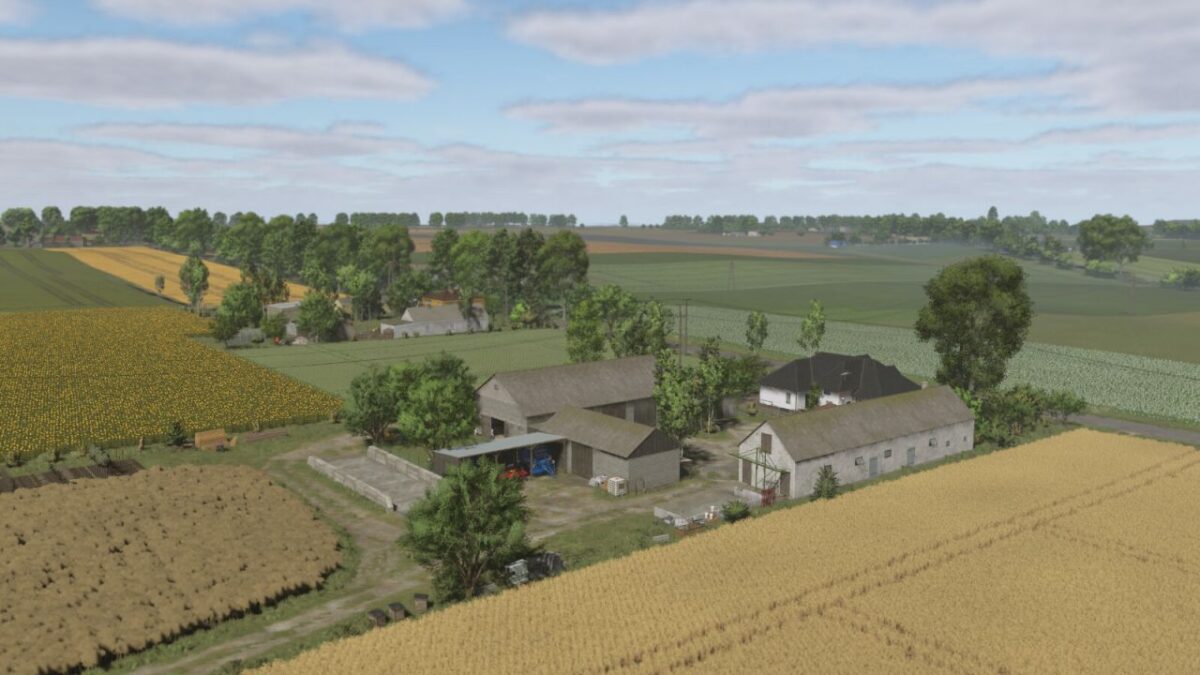
– 3 farms: Small (farmland 68), Small/Medium (farmland 158), Large (farmland 123)
– 188 areas for purchase, including 162 fields and meadows with a total area of 280 ha (from 0.14 ha to 9.7 ha)
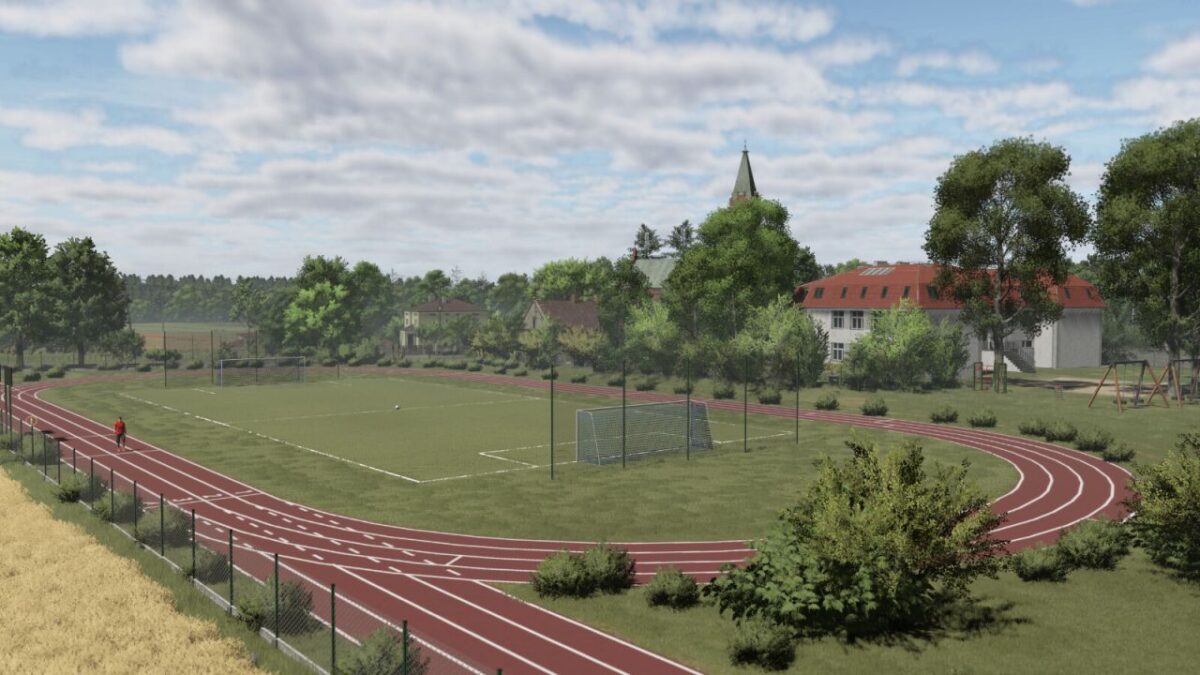
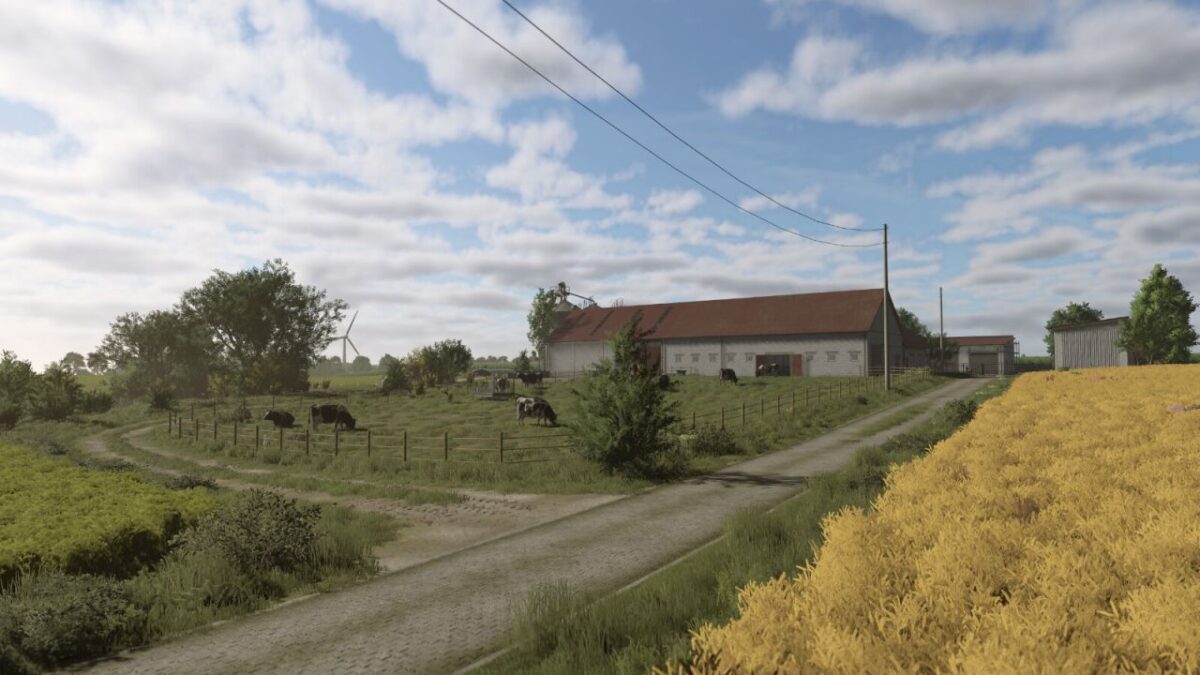
– Realistic terrain
– BGA
– Grain collection points
– Bale collection points
– Warehouse for purchasing pallets
– Forests
– Liming station
– Production: small carpenter, large carpenter, sawmill, mill and dairy (compatible with new crops)
– Manure and slurry collection points across the map
– Mission to transport wood, cut down dead trees and destroy rocks
– House to build (farmland 121)
New features that make the map stand out:
– New finds
– New crops: rye, triticale, alfalfa, clover, beans, millet, rye for green fodder, corn for silage, buckwheat and onions (DLC)
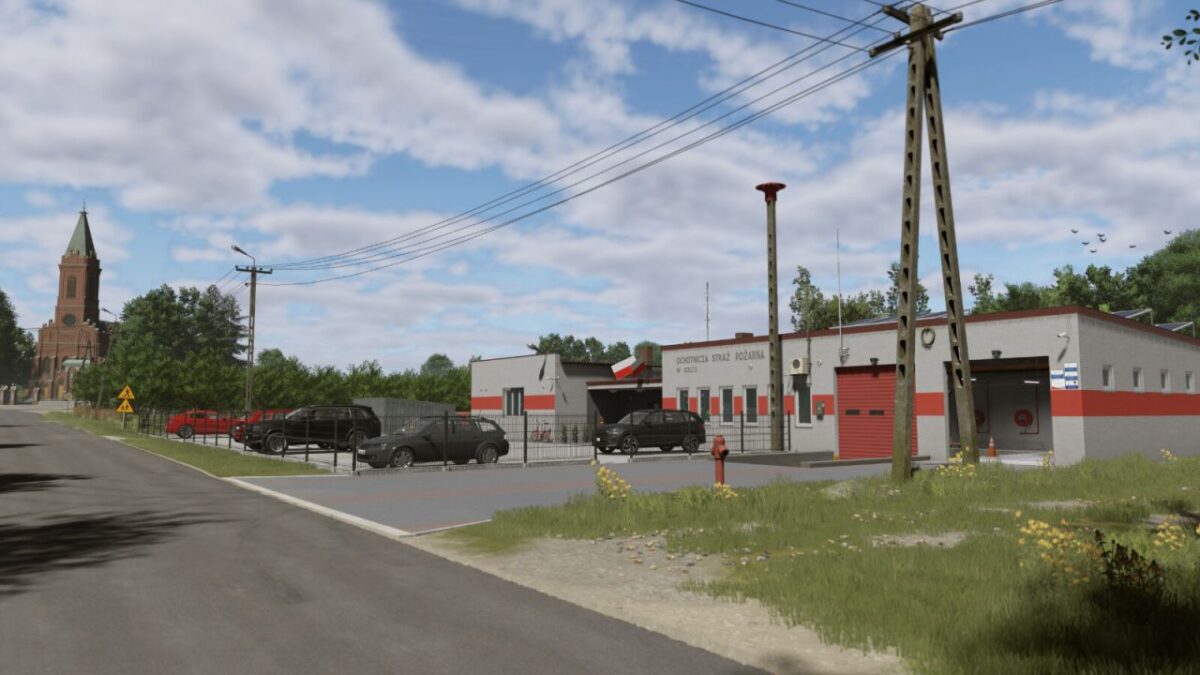
– Functional volunteer fire station
– Ploughed stubble
– Larger straw and grass swaths
– Multiterrain (32)
– New crop textures
– New textures for ploughing, lime, manure and slurry
– New shades of grass, shrubs and trees
– New sounds
– More paint jobs in build mode
– Seasonal decorations (leaves, snowmen, wet roads during rain, Christmas lights on houses, smoke from chimneys)
– Neighbours’ gates can be opened (for roleplay)
– Contracts on the map are limited to crops that grow in the region
– Polish names for neighbours
– Carrefour Market – A functional selling point for all products in the game
Additionally:
– Map prepared for Precision Farming
– Map prepared for Highlands Fishing DLC
Credits:
RajotGPLAY


