

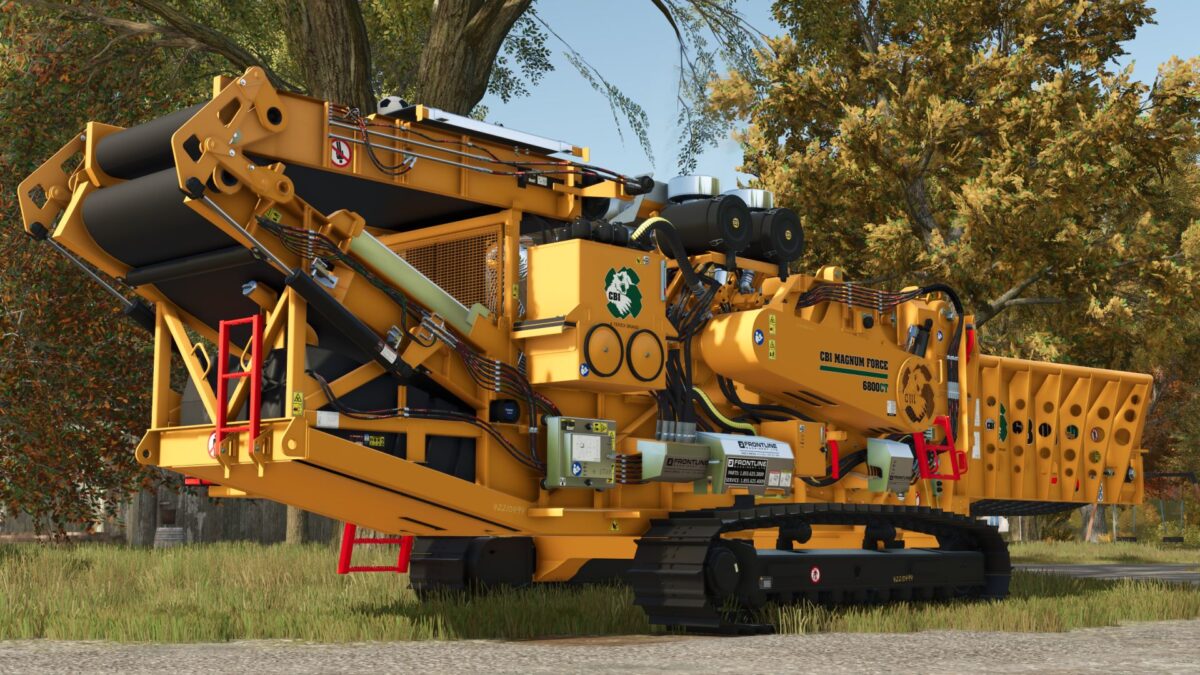
CBI 6800CT v 1.0


CBI 6800CT is a powerful industrial horizontal grinder built by Continental Biomass Industries for processing wood, logs, stumps, construction debris, and biomass. The machine is designed for high productivity, featuring a heavy-duty tracked undercarriage and the ability to operate in demanding forestry and land-clearing environments.
At the heart of the CBI 6800CT is a powerful engine from Caterpillar (CAT), delivering exceptional torque, reliable performance under heavy loads, and excellent fuel efficiency. This allows the grinder to handle large logs, stumps, and tough materials with ease while maintaining consistent productivity.
The tracked chassis provides excellent mobility across rough terrain, while the advanced rotor and feed system ensure smooth material processing and reduced stress on machine components. The CBI 6800CT is widely used in forestry operations, land clearing, waste recycling, mulch production, and biomass fuel preparation.
The CBI 6800CT combines power, durability, and efficiency, making it a dependable solution for continuous operation in the toughest working conditions.
Credits:
Canada FS, Diesel


